can't insert images in post or pages

Hello,
I can no longer insert images in my posts or in my pages
I have disabled all my extensions except brizy and brizy pro but the problem remains the same. My extensions are up to date with the latest version.
My configuration: WordPress 6.6.2 with the OceanWP theme.
My site: https://talentsetfoi.org/2024
how can you help me?
Thanks in advance
-

Hi Bruno,
Thank you for reaching out to us.
To address this issue, please ask your hosting provider to update the following settings on your server:
max_execution_time: 300
max_input_vars: 300
memory_limit: 512M (or higher)
post_max_size: 128M
upload_max_filesize: 32MYou can also make these changes yourself if you have access to cPanel. Go to 'Select PHP Version' and then to 'Options.' There, you will find these settings and can modify them. After making the changes, please go back to your page and see if you can still replicate the issue.
Please try this and let me know how it goes.
Best regards,
Ariel H.0 -
Hi Ariel
Thank's for your quick answer.
I'll check this and let you know
Bruno
0 -
Here are the values, provider OVH
max_execution_time: 165
max_input_vars: 16000
memory_limit: 512M
post_max_size: 130M
upload_max_filesize: 128Mdoes it help ?
Bruno
0 -
Hi Bruno,
Thank you for the update.
Please provide us temporary access to your WP Admin page so we can inspect your site. Kindly add us as an Admin user to your WordPress Dashboard and send the following details to: communitysupport@brizy.io.
Community Post link: https://support.brizy.io/hc/en-us/community/posts/21311200958738
WordPress Admin URL:
Username:
Password:Please make a full backup of your site as a precaution.
Best regards,
Ariel H.0 -
Hi,
Done
Best regards
Bruno
0 -
Hi Bruno,
Thank you for your cooperation.
I have inspected your site, but I am unable to replicate the issue as described. I tested this by creating a new page and using one of your existing images in the media library, as well as uploading a new one. You can see this in the test page I have created on your site.
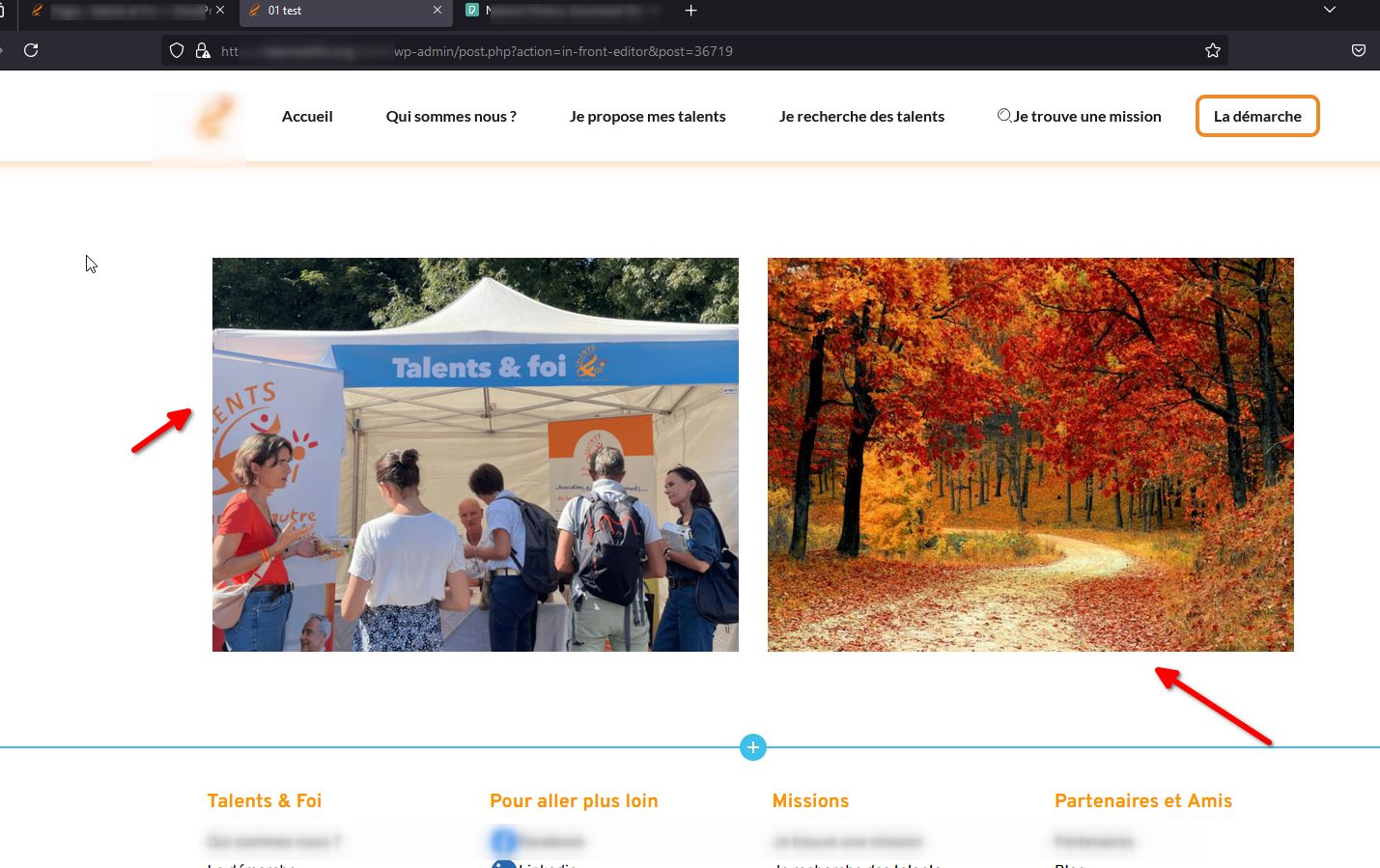
Could you please try clearing your browser cache or using another browser to see if this makes any difference?
Best regards,
Ariel H.0 -
Hi Ariel
yes I can see, I'm also suprised because its works perfectly on my side too.
it didn't work for 3 days and now it's OK!
Indeed maybe a cache problem?
Thanks for everything and sorry for the inconvenienceBest regards
Bruno
0 -
Hi Bruno,
I'm glad this is now sorted out. Please feel free to reach out if you have any further issues.
Best regards,
Ariel H.0
Please sign in to leave a comment.
Comments
8 comments