Global block error

Hi, for some reason, the global footer's global block disappeared in the front, but it's in the backend. When I edit it Brizy shows this error and I can't do anything
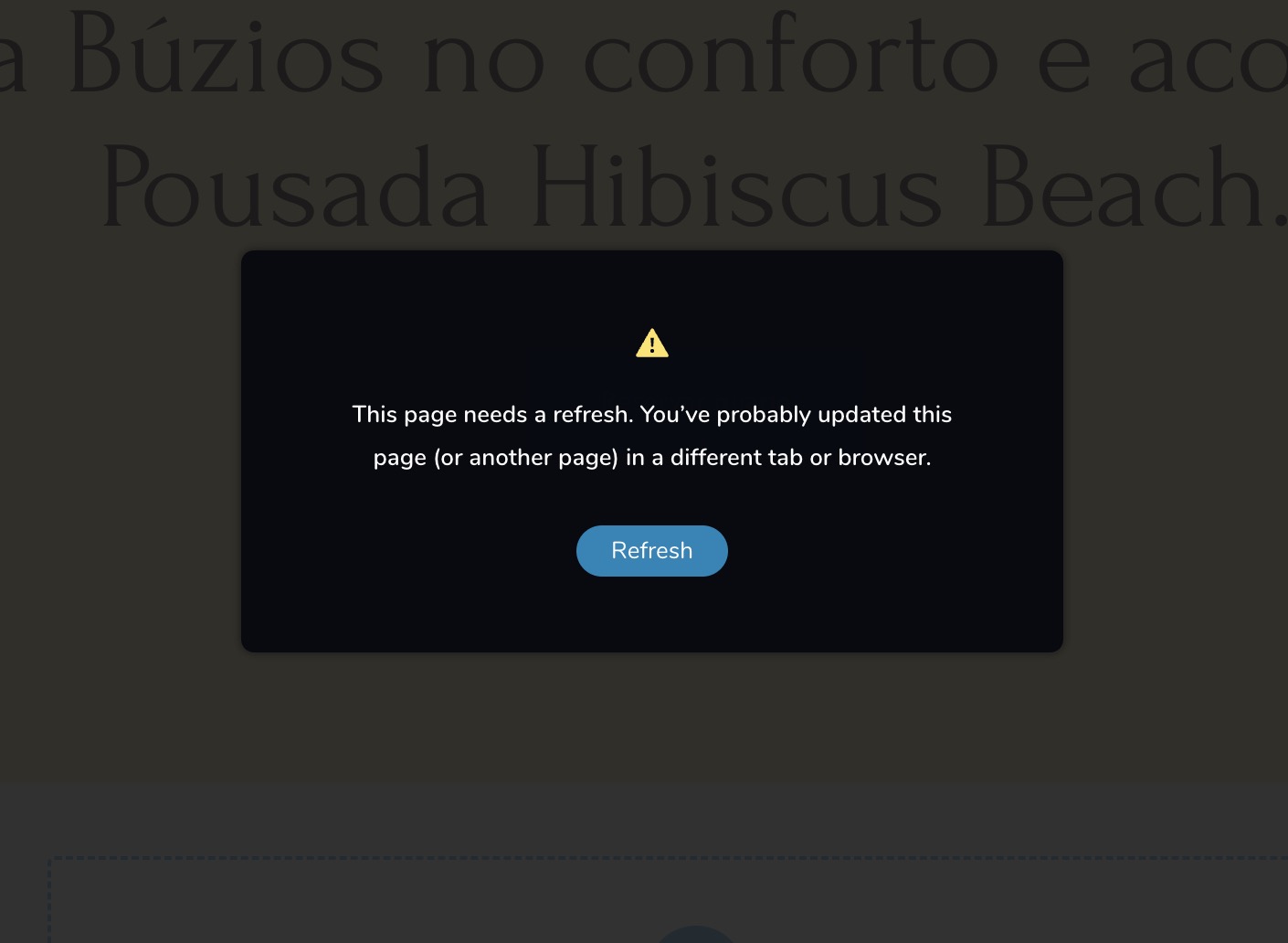 Can you help me please?
-

Hi Gera,
Brizy 2.5.x versions are incompatible with Apache Web Servers. To enable editing, I rolled back to Brizy 2.4.X versions. Kindly use the below Brizy versions until we release a fix for this issue.
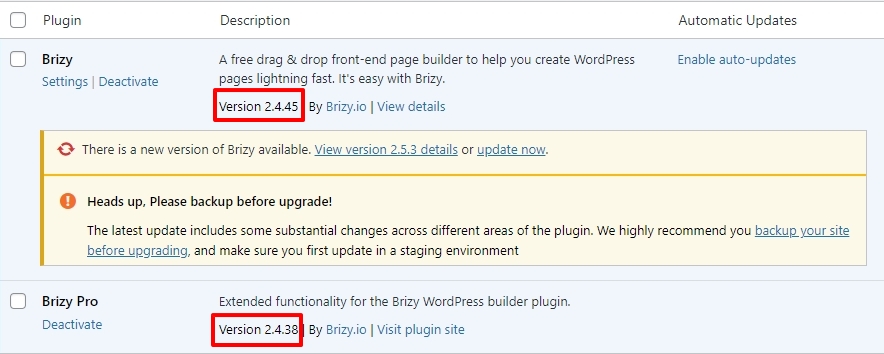
Please check if you can save your page edits, as well as whether the global blocks appear on the website's frontend.
0 -
Hi K C sorry, I thought everything was updated. Thank you!
0 -

where can we get Brizy Pro v2.4.38?
0 -
Hi Eric,
Kindly rollback to these Brizy versions to edit and save your changes on an Apache web server.
- Brizy 2.4.45 https://jmp.sh/6w60BmCr
- Brizy Pro 2.4.38 https://jmp.sh/eEwWoJGK
Follow the below procedure to roll back.
- Deactivate and delete Brizy Pro
- Deactivate and delete Brizy
- Download Brizy 2.4.45 and in your WordPress Dashboard under Plugins - Add New - Upload Plugin, upload Brizy
- Download Brizy Pro 2.4.38 and under Plugins - Add New - Upload Plugin, upload Brizy Pro
0 -
Hi KC,
I made what you said. rollback that versions it worked in the majority of the websites I made but in this case it doesn't work, I think you have to check it, please
0 -

Hi Gera,
Thank you for your patience.
All appears to be working as well on this website after we installed the recent update.
Please try it at your end to confirm.
Best regards,
Ariel H.0 -
Hi Ariel, Yes it is. Thank you very much!
0
Please sign in to leave a comment.
Comments
7 comments