Add ability to manage global blocks settings from single stand-alone page with all setings about global blocks together.

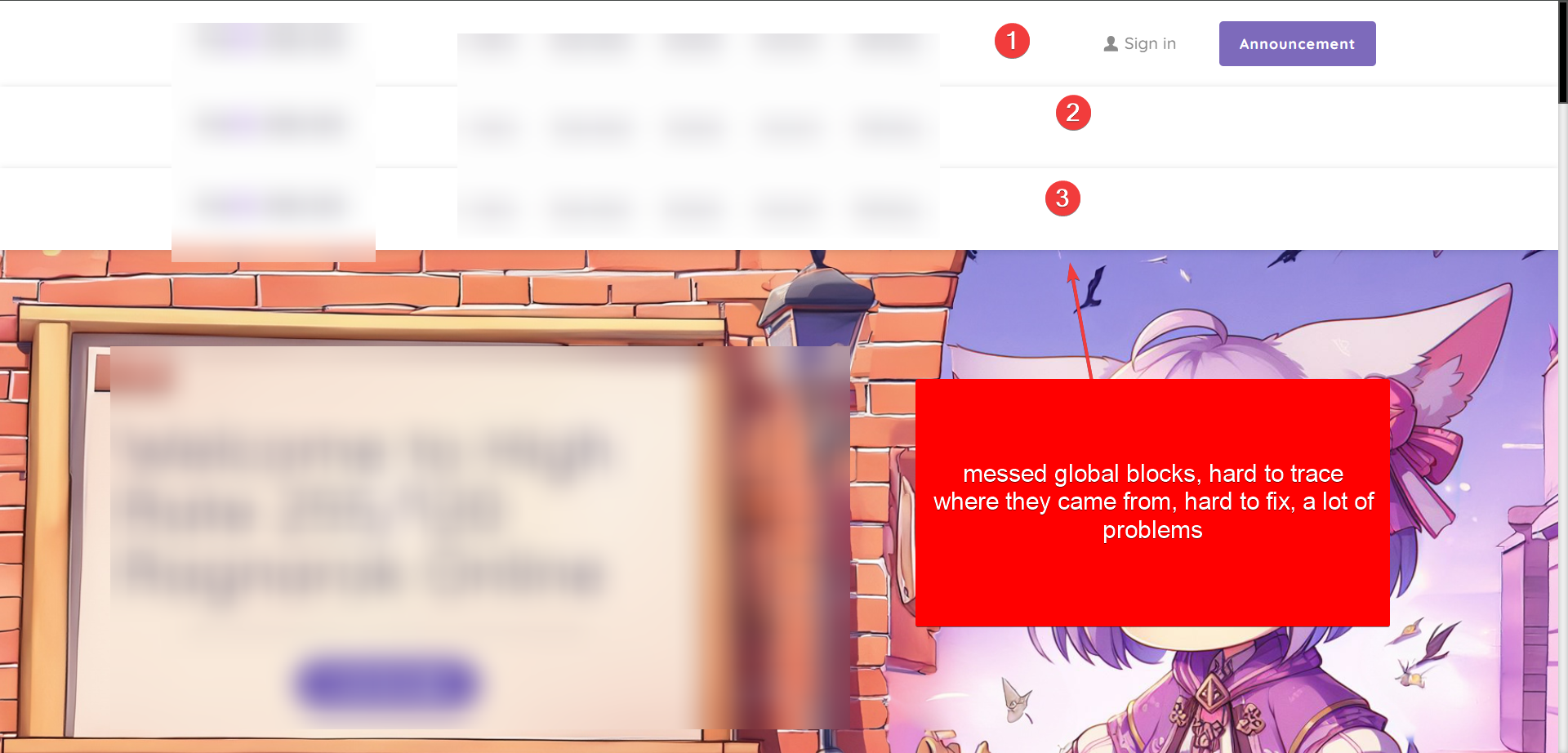
The current system for handling global blocks is not good. It’s confusing, full of bugs, and makes it hard to track or fix issues. Often, multiple copies of the same block appear on different pages, and it’s almost impossible to figure out where they come from, how to organize them, or how to delete old ones. This leads to problems where duplicate or outdated blocks randomly show up on pages. To fix this, you have to manually edit each page, but even that doesn’t always work.
Why is This Important?
To fix these issues, we need a better system for managing global blocks:
1. A new page or option in the Brizy editor should show all global blocks across the entire website.
- What You Can Do on This Page:
- See where each block originally came from.
- Choose where the block should appear (select pages or set conditions).
- Remove blocks completely from this single page (helpful for fixing stuck or messed-up blocks).
2. Each global block should have:
- An ID number.
- A name.
- The source page where it was first created.
- The date it was created.
- A list of all pages where it appears (with the option to edit this list).
Having a complete list of all global blocks in one place would make it much easier to manage them and avoid the issues we’re currently facing.
Templates used. In this case template front-page with defined global blocks (navi + footer).
-

Hi Nick,
Thank you for contacting us.
We appreciate your feedback and will be glad to forward it to our senior support team.
If you're still encountering the issue, please provide us temporary access to your WP Admin page so that we can inspect your site. Please add us as an Admin user to your WordPress Dashboard and send the following details to: communitysupport@brizy.io
Community Post link: https://support.brizy.io/hc/en-us/community/posts/21231430878610
WordPress Admin URL:
Username:
Password:Please make a full backup of your site as a precaution.
Best regards,
Ariel H.0
Please sign in to leave a comment.
Comments
1 comment