Heading Link Color in Blog Post

I am using a Brizy Template for the Blog Posts on my site. I want all hyperlinks within body of the blog post to have the color #0084b6. For some reason, if I assign a Heading (H1, H2, H3, H4, etc.) to the Post content text AND make the Heading text a hyperlink, it will not display as that link color. I tried this CSS and it did not work. Can you please help?
.brz .brz-wp-post-content h4 a {
color: #0084b6;
}
.entry-content h4 a {
color: #0084b6 !important;
}
You can see an example here:
https://visionzeronetwork.org/ca-bill-offers-tool-to-tame-dangerous-speeds/
I am trying to get the text ">>> Take 2 minutes to urge CA Governor Gavin Newsom to sign the Intelligent Speed Assistance bill<<<" which is assigned Heading 4 to display as the link color for the site.
-

Hi Eric,
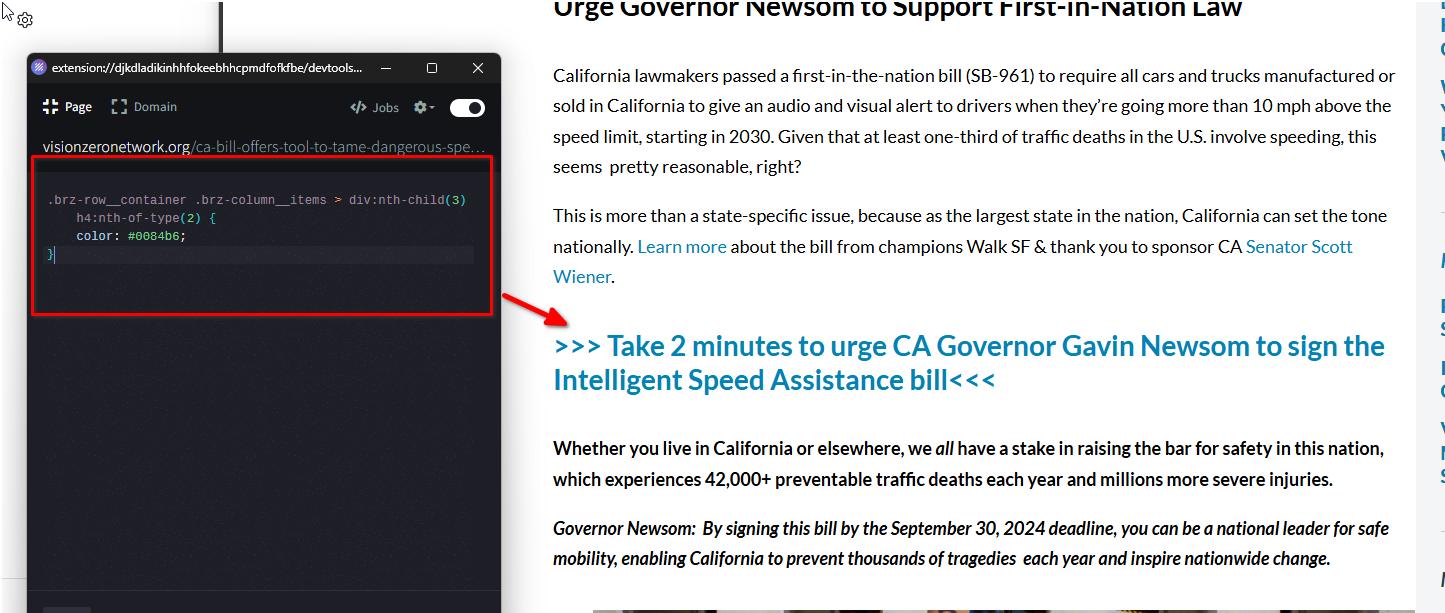
Please try this:
.brz-row__container .brz-column__items > div:nth-child(3) h4:nth-of-type(2) {
    color: #0084b6;
}
If you have any further questions, please let us know.
Best regards,
Ariel H.0 -
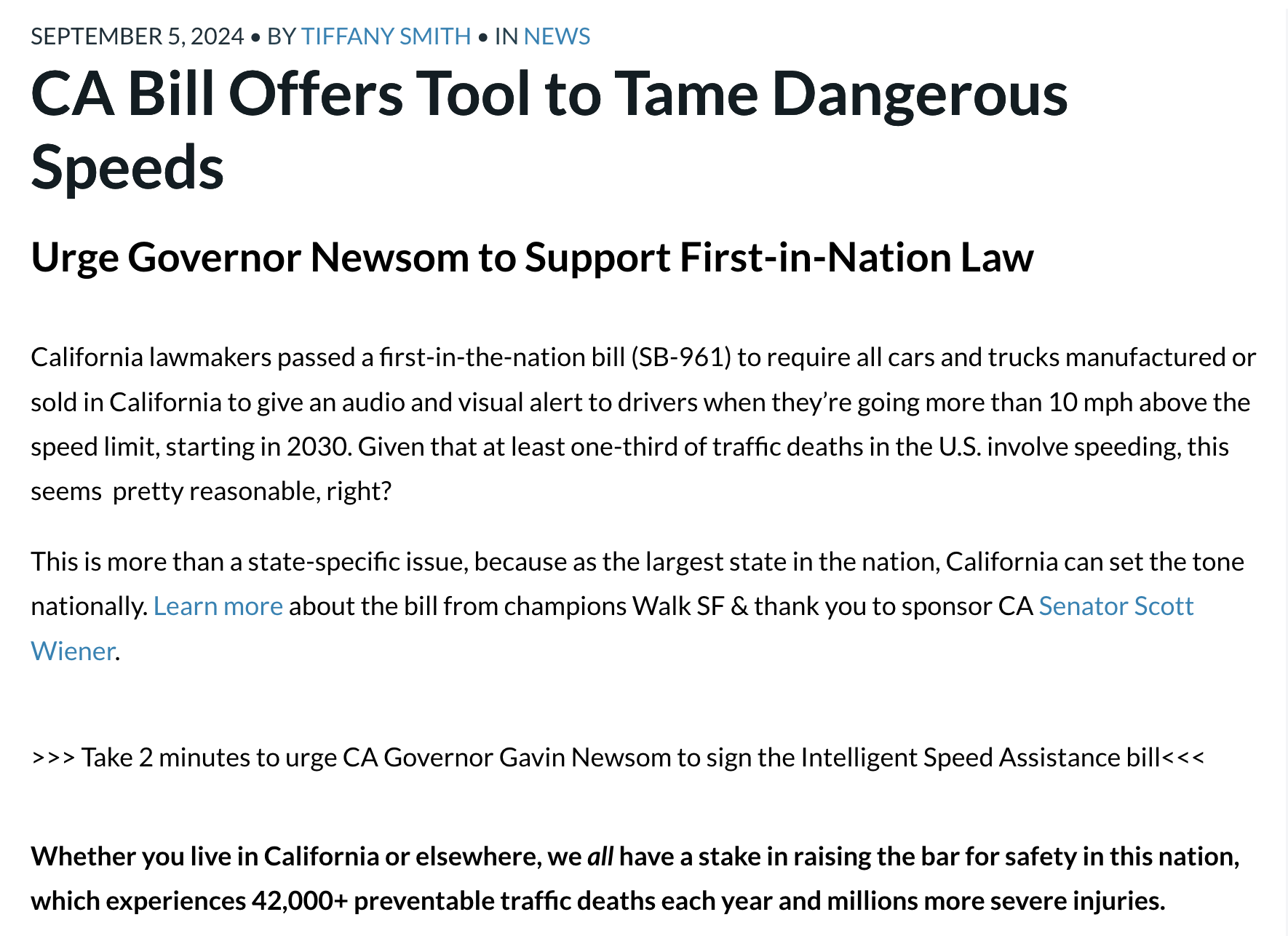
Thank you, but for some reason that doesn't work when I actually assign the hyperlink to that H4 text it's converted to smaller text and stays small. See screenshot below.
I've made a staging copy of the site to test this so we don't mess with the live site. It's still not working properly and I tried to add the code for ALL the Heading styles (H2, H3, H4, etc.). See how it looks on the staging copy here, it's appearing as smaller size text, almost the same size as the paragraph p text.
https://staging3.visionzeronetwork.org/ca-bill-offers-tool-to-tame-dangerous-speeds/
I have had so much trouble with typography on the Brizy builder and this is yet another example. Please help!
 0
0 -
Hi Eric,
Could you please provide us temporary access to this staging environment so we can check the pages? Please send the credentials to communitysupport@brizy.io. In the subject line, please include this reference number: 21210696971282.
Best regards,
Ariel H.0 -
Ok, I just sent the email to your support team.
0 -
Hi Eric,
Thank you for your cooperation.
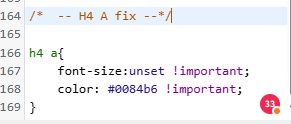
We've added this CSS rule:
h4 a{
    font-size:unset !important;
    color: #0084b6 !important;
}
This targets all <a> elements within <h4> elements, resetting the font-size to its inherited or initial value and setting the text color to #0084b6.
If you have any further questions, please let us know.
Best regards,
Ariel H.0
Please sign in to leave a comment.
Comments
5 comments