Add client to 1 Brizy cloud site

Hi,
Is there a way to add my client as a manager or editor for just 1 isolated project inside Brizy Cloud? I don't want him to have access to all of the projects, just the 1.
Thanks,
Jason
-

Hi Jason,
Kindly add a new workspace for the client by clicking on the "Create New Workspace" option in your Brizy Cloud Dashboard.

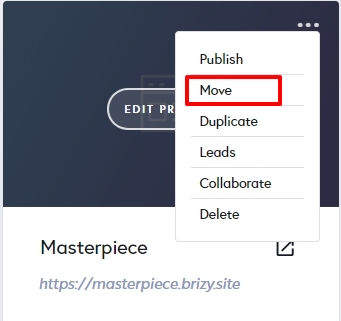
Move the client project to this workspace using the "Move" option in your project thumbnail and add your client as a 'Team Member' to the newly created workspace.
 0
0 -

When I add a new Team Member does the new team member need to create a Free Brizy account to access the workspace that I created for them? I'm running into the problem that the users Free 14 day trial has expired and the user can't log in now. How do I bypass that?
0 -
Hello Brian,
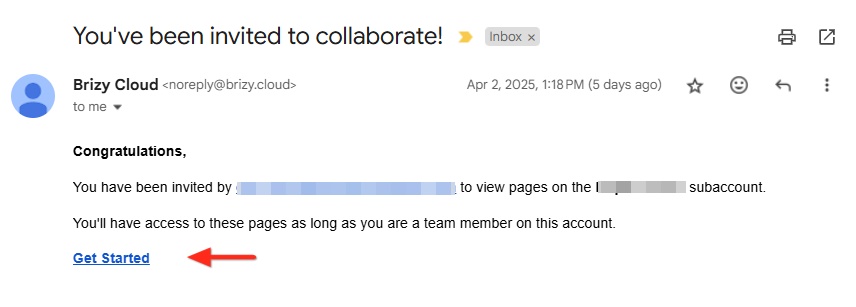
Kindly request your Team Member to access your invitation email with the subject "You've been invited to collaborate!" and click on the "Get Started" link in the email once again and see if this resolves the issue.
0
Please sign in to leave a comment.
Comments
3 comments