Cannot access media library

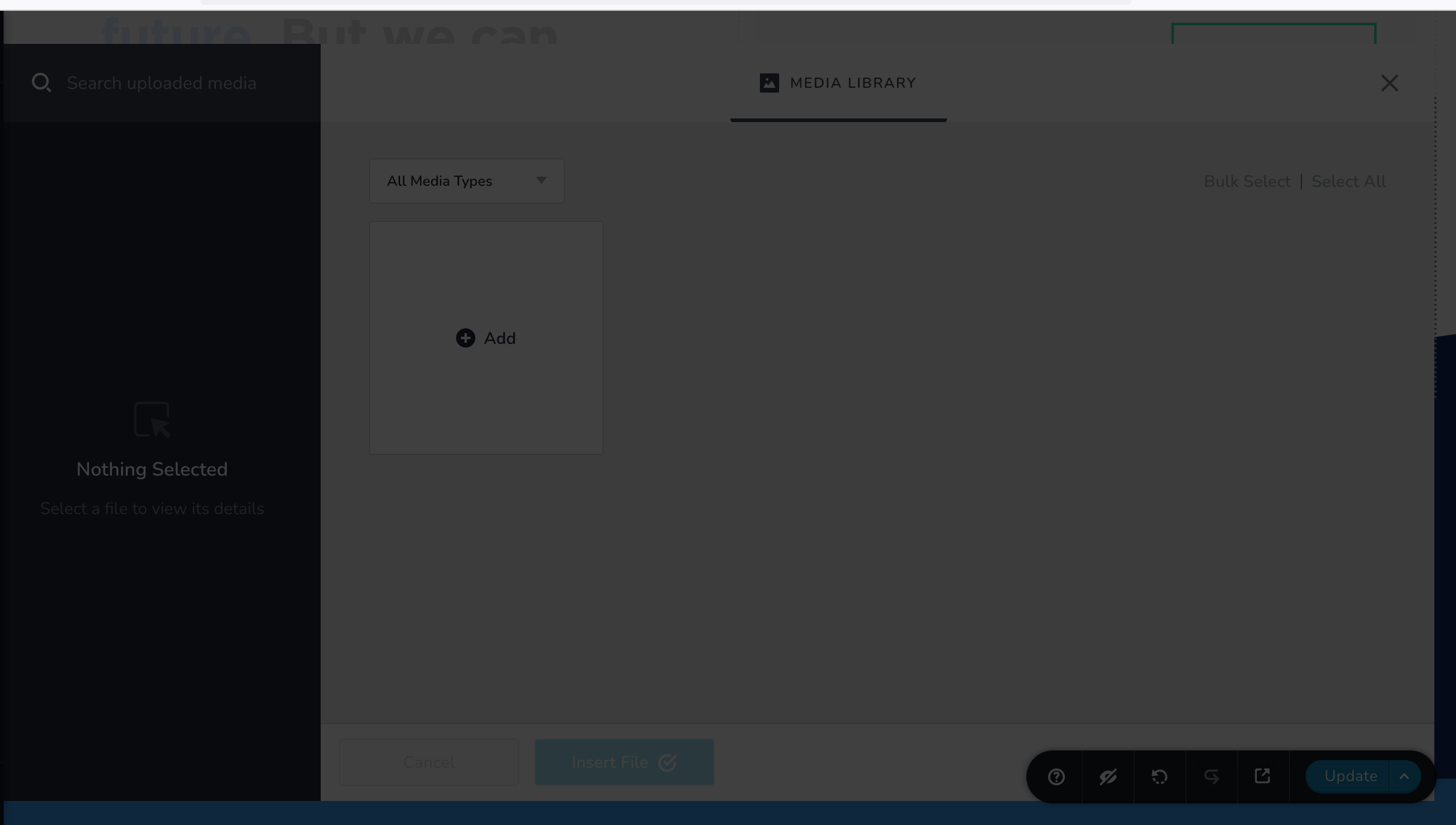
When I'm trying to add an image, I get this black overlay that doesn't let me click on anything. How do I fix this?
-

Hi Dominic,
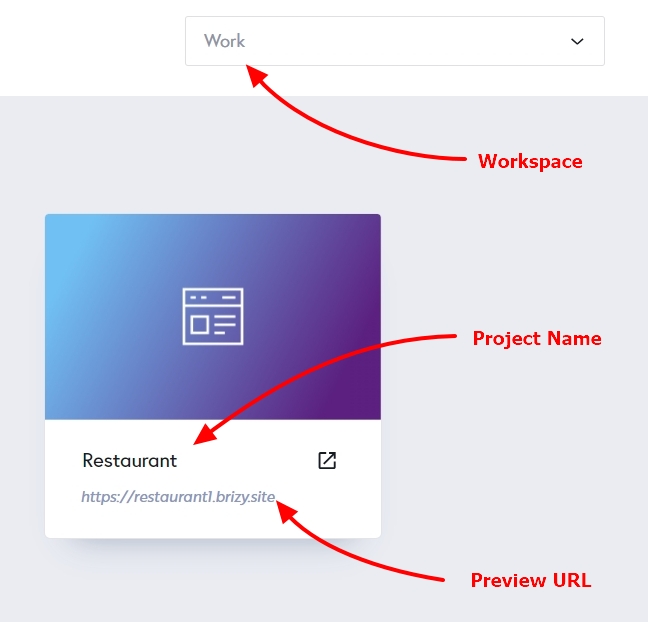
Can you please share these details of your project so that we can check?
- Workspace
- Project Name
- Preview URL
 0
0 -
It's across all of my projects, but an example would be:
Workspace: YetiSetGo
Project Name: Project #32
Preview URL: https://banana21332810.brizy.site/
-Dom
0 -
Hi Dominic,
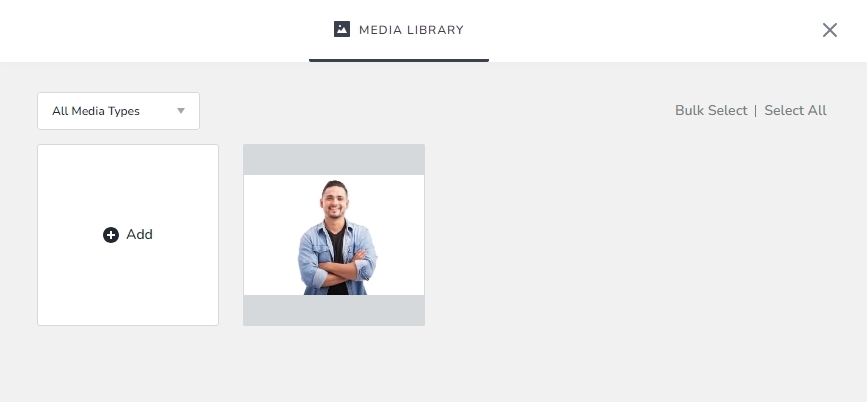
Do you mean that when you import a website design template, the images included within the template are not visible in the Media Library? The Media Library currently only displays images that you have uploaded.
For instance, I have uploaded a sample image to the page https://banana21332810.brizy.site/test. You can see this image in the Media Library.
 0
0 -
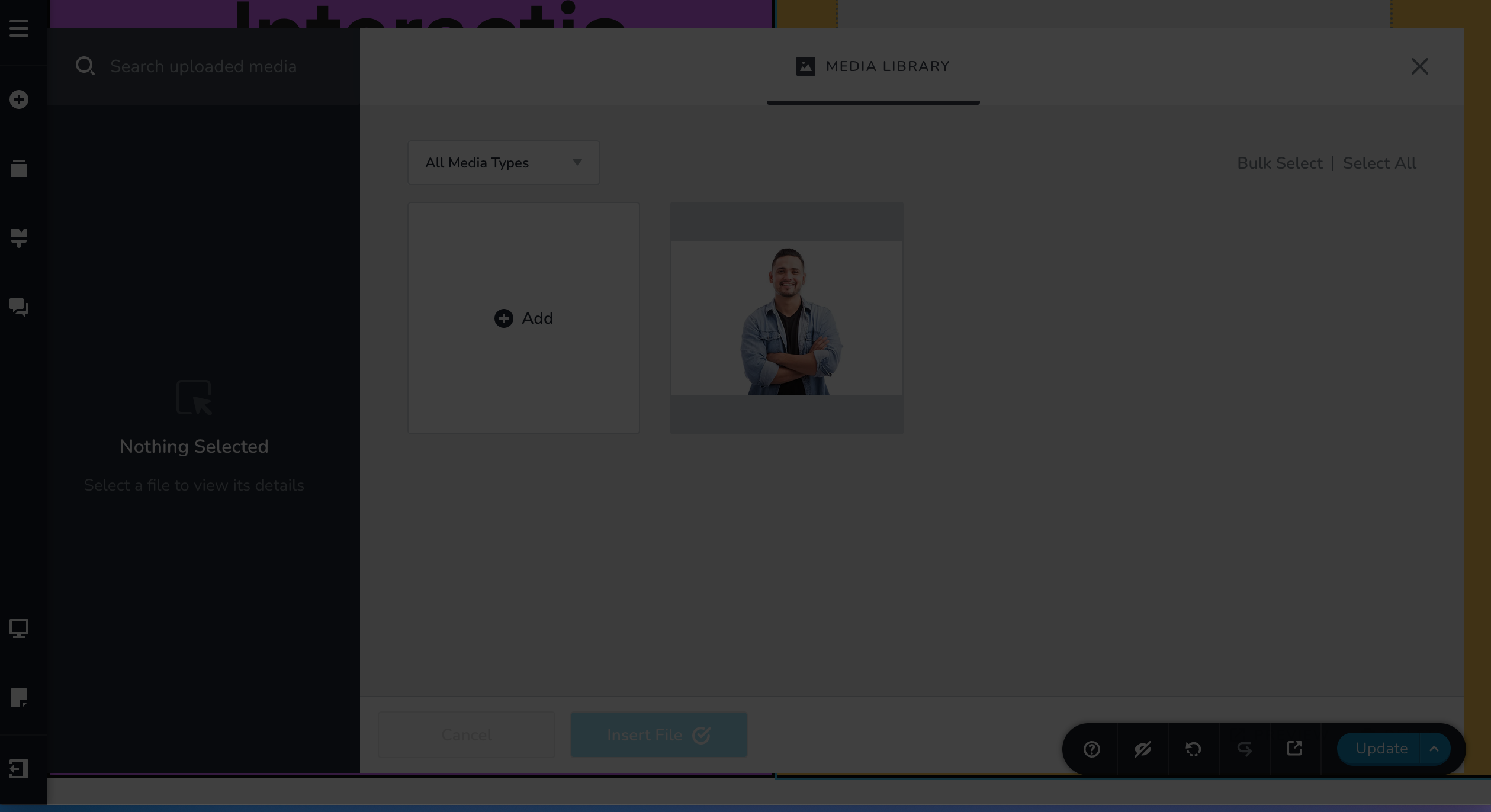
I can't do that on my end. When the Media Library pops up where I would add an image it just gets hung up on the gray screen I showed earlier. Although I can see what I can select, I can't access the file you're giving me as an example or add one. Another image is attached of me trying to do something with images.
 0
0 -
Hi Dominic,
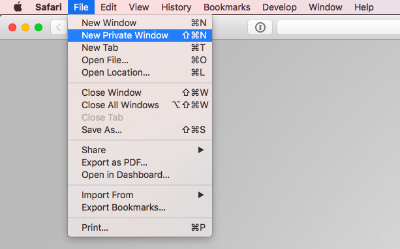
Can you try signing into your Brizy Cloud dashboard from a "New Private Window" (New Incognito window) of your browser and check if that helps?
 0
0 -
Same issue when going into a private window. I'm in Firefox and do have uBlock Origin plugin, but this has never prevented me from accessing the image library or uploading images.
0 -
Hi Dominic,
The issue appears local to your browser/computer. Kindly access Brizy Cloud Dashboard from different browsers and different computers and check if it resolves the issue
0
Please sign in to leave a comment.
Comments
7 comments