WP - problems with global block on blog posts

Hi,
I have a problem with global blocks on blog posts.
They are duplicated, and even if I removed a given block (also from the brizy library), it still appears in the post.
I removed the entire template that I created for individual posts and made it again, but the problem still occurs.
for example: https://flipnapierwotnym.pl/prowizja-biura-nieruchomosci-ile-wynosi-stawka-posrednika
-

Hi Wojciech,
Kindly try these and check if the issue resolves.
- If you are using the WP Fastest Cache plugin, kindly deactivate the plugin temporarily.
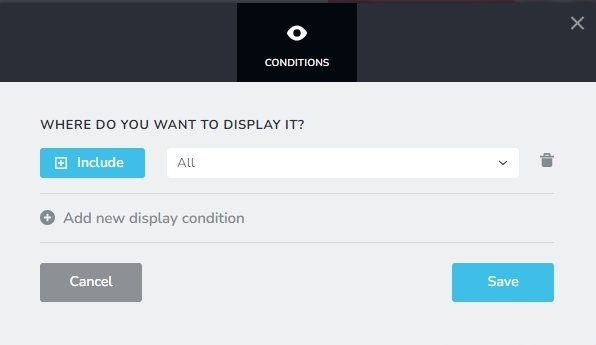
- If you have added multiple Display Conditions to include the global header in Pages, Posts, Brizy Templates etc. delete all Display Conditions and replace it with a single Display Condition "Include - All".
If both of the above does not help, we will take a look at your project to fix this issue.
0 -
I disabled fastest cache.
I disabled global blocks and removed these blocks from the library. The problem persists.
It's as if the memory had a record that all global blocks that have ever been created appeared in a "single posts"
0 -
Hi Wojciech,
Can we take a look at your project to fix this issue? Kindly add a new user to your WordPress Dashboard and send the following details to our email: communitysupport@brizy.io
- Support Forum link: https://support.brizy.io/hc/en-us/community/posts/21062279806738
- WordPress Admin URL:
- Username
- Password
Please let us know in this forum when you send us the email.
0 -
ok, i send details
0 -

Hi Wojciech,
I want to thank you for your cooperation.
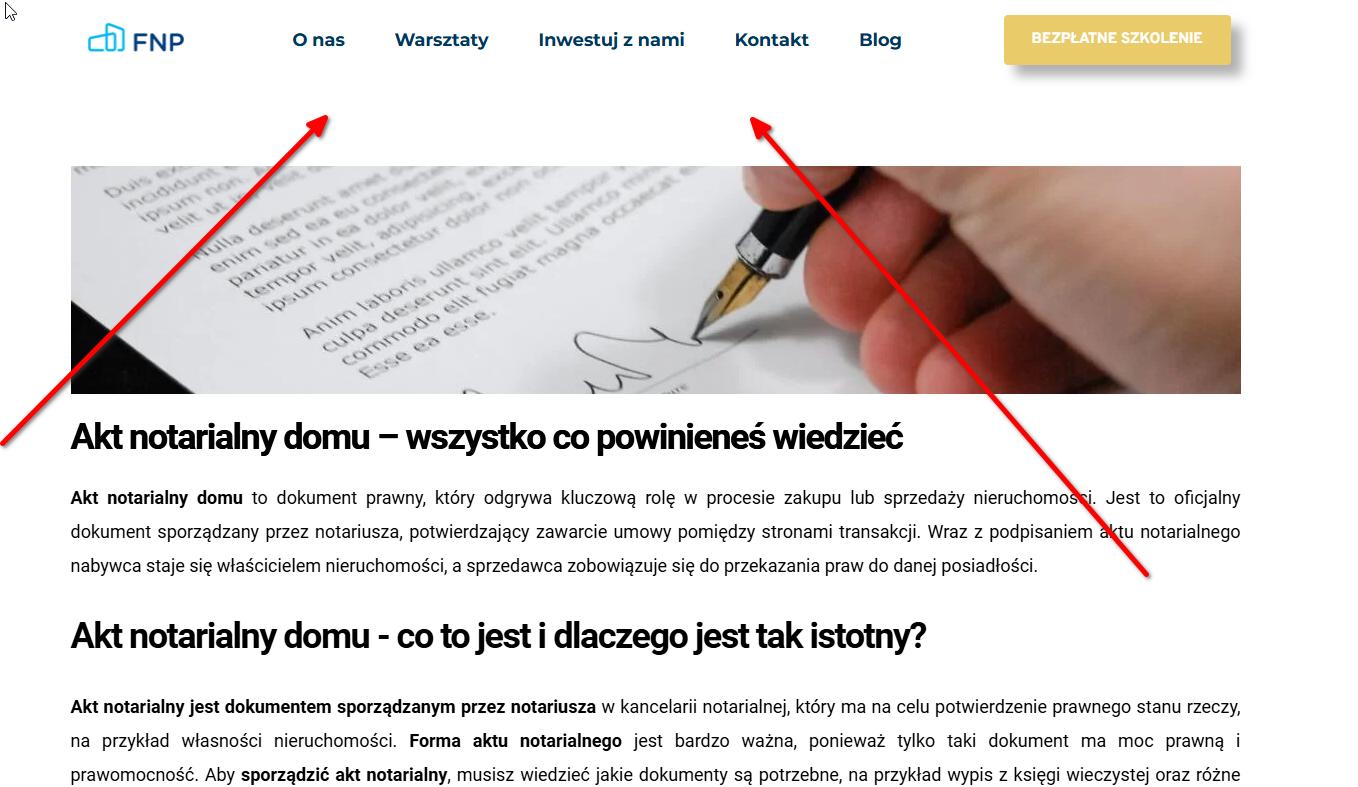
We have successfully fixed the issue with the duplicate global header that was appearing in your blog posts. To resolve this, we temporarily set the single post dynamic template to draft, and then created a temporary dynamic template with the same display conditions. This allowed us to access the hidden global headers and remove the display conditions. Once this was done, we deleted the temporary dynamic template and set the original single post dynamic template back to published.
If you have any further questions, please feel free to ask.
Best regards,
Ariel H.0 -
ok, thx its solve problem
0
Please sign in to leave a comment.
Comments
6 comments