Images won't load

I have all plugins up to date... I've added no new plugins since it worked... the only thing I did today was add a "sticky footer" following the advice given on here using the accordion element as described here: https://support.brizy.io/hc/en-us/community/posts/14292781884434-Customization-of-sticky-header
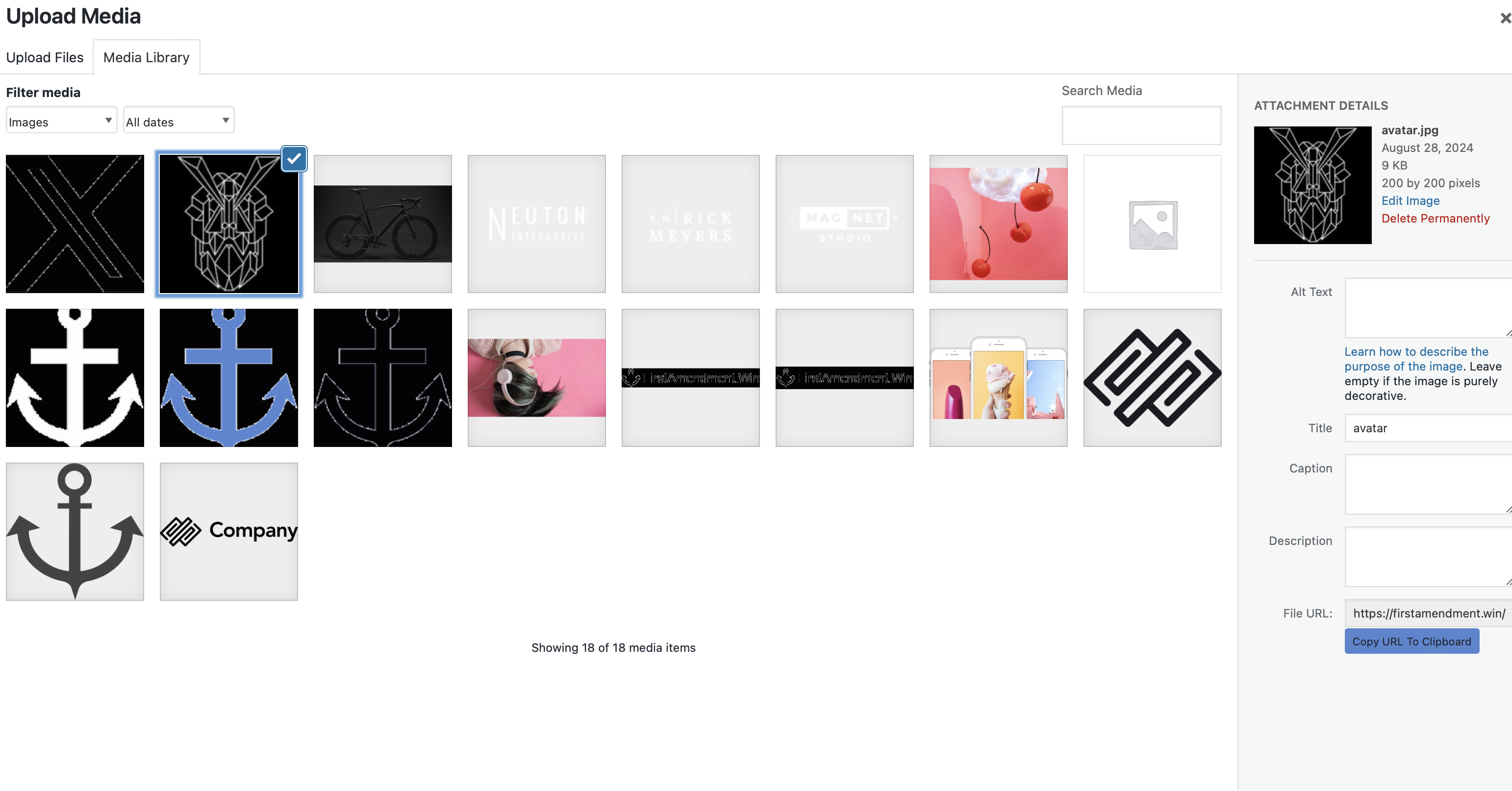
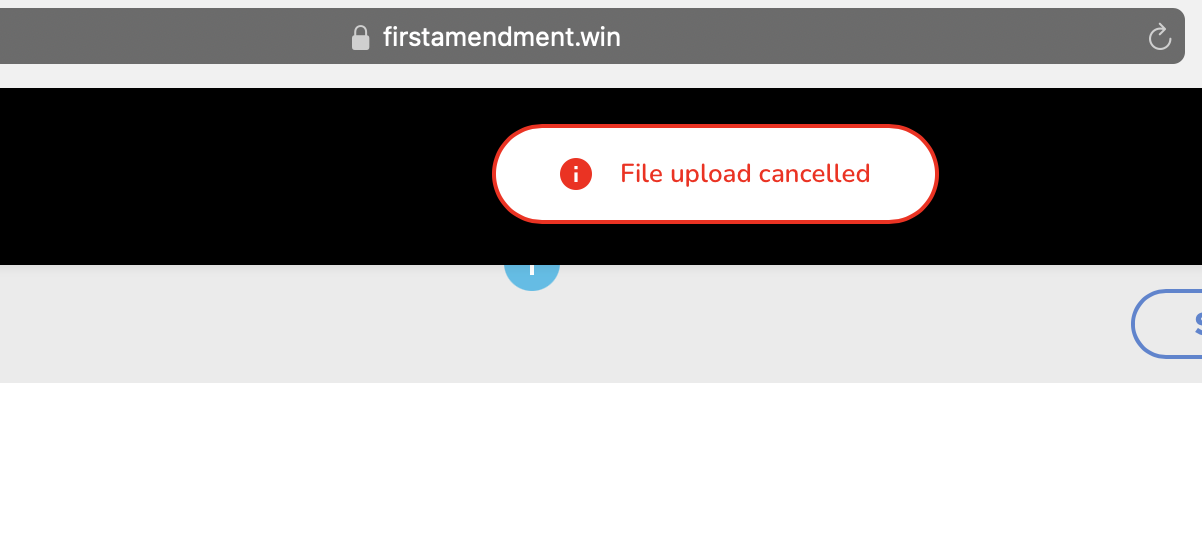
Now I can't add any images... it doesn't have the "insert image" button and it says "image upload canceled" even though the images are already uploaded and have been added before... the images don't show in the builder... I can still add icons and everything else... just not images... I've cleared the cache and tried different browsers...
-

Hi Daniel,
Thank you for contacting us.
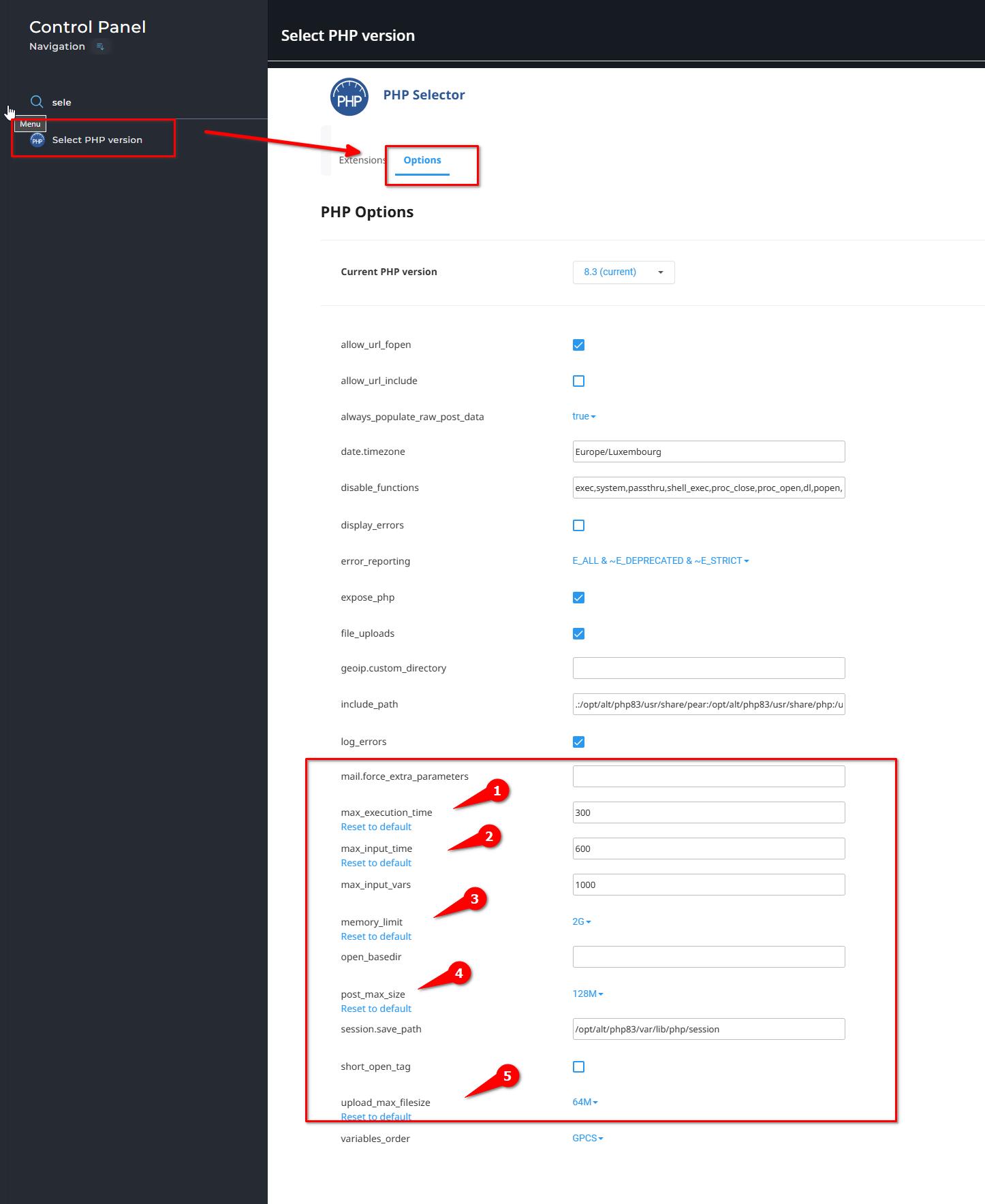
To address this issue, please ask your hosting provider to update the following settings on your server:
max_execution_time: 300
max_input_vars: 300
memory_limit: 512M (or higher)
post_max_size: 128M
upload_max_filesize: 32MIf you have access to cPanel, you can also make these changes yourself. Go to 'Select PHP Version' and then to 'Options'. There, you will find these settings and can modify them.
After making the changes, please go back to your page and see if you can still replicate the issue.
Otherwise, please also send us your hosting controls panel credentials so we can check this for you. We have provided steps to securely send credentials in your other support request via this link:
https://support.brizy.io/hc/en-us/community/posts/21025460664466Best regards,
Ariel H.0 -
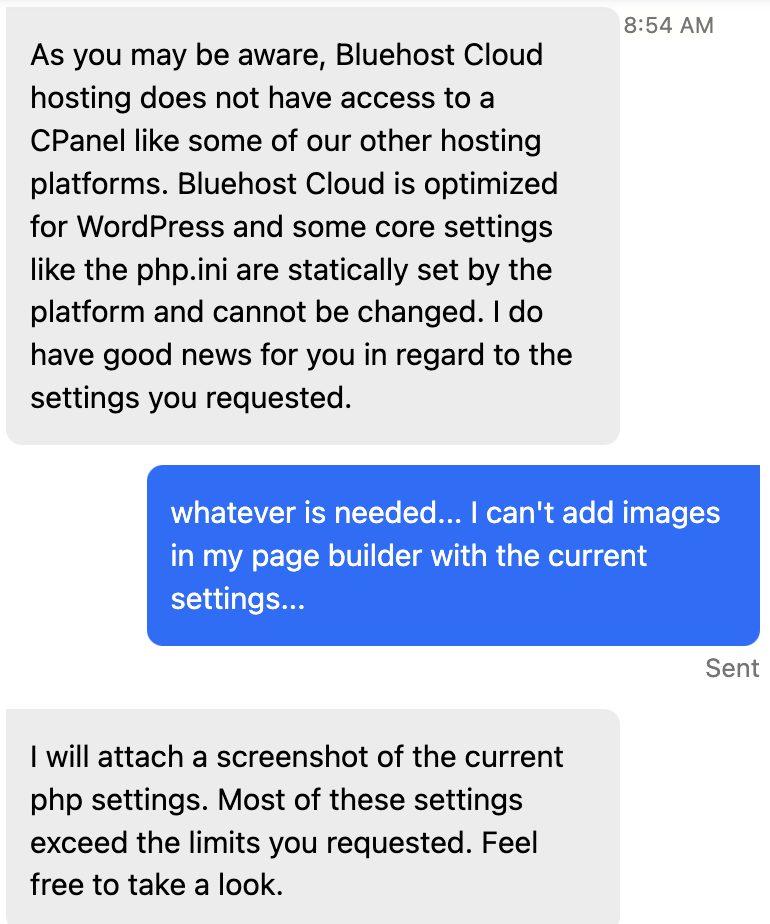
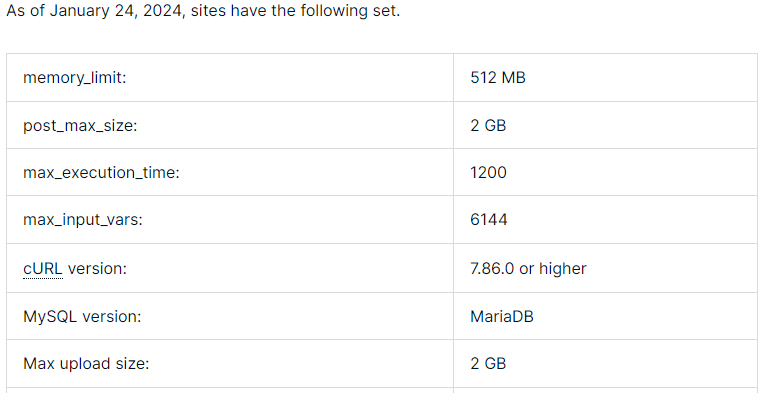
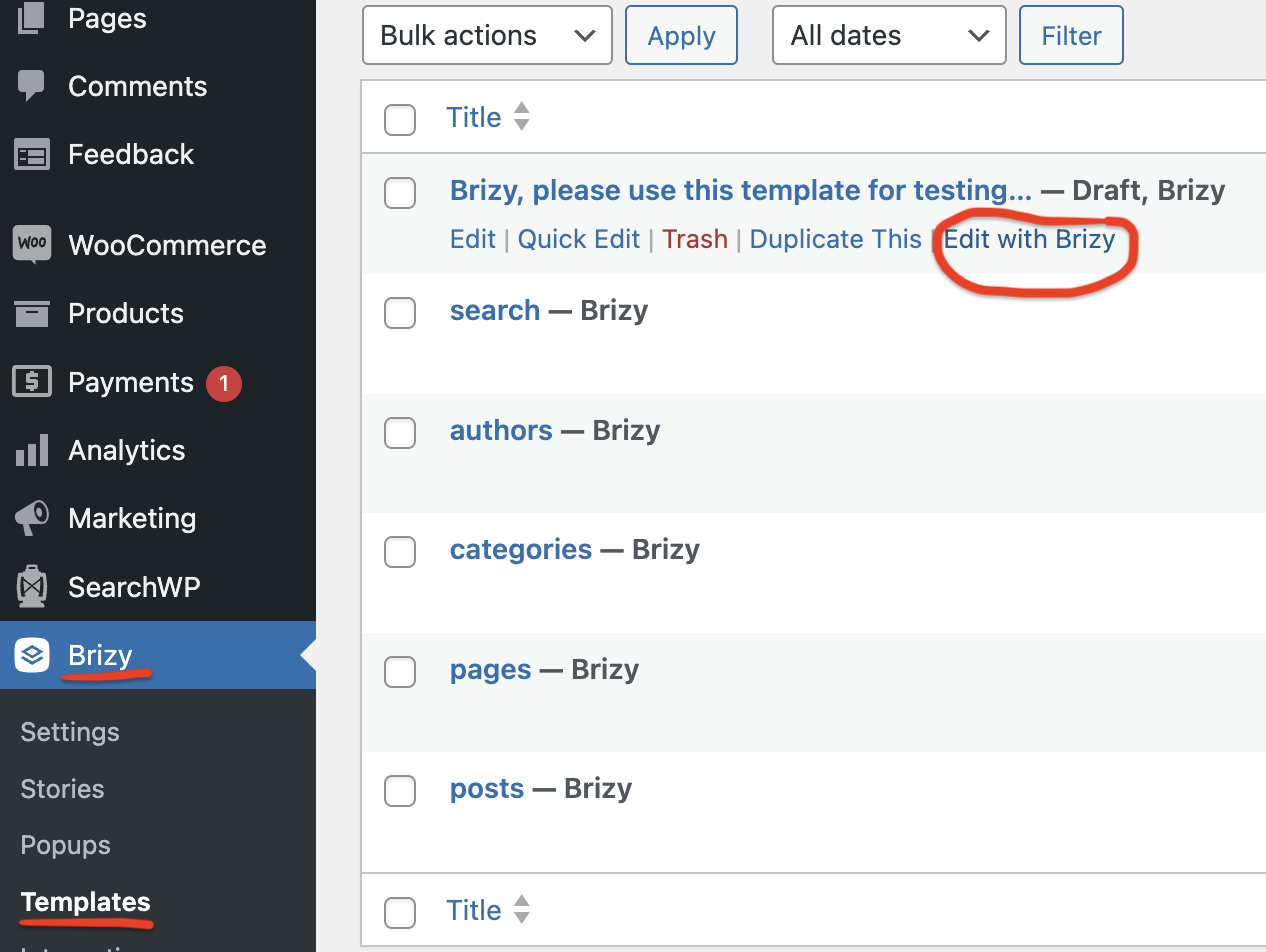
I sent credentials for other ticket so you can look at this issue too... Below is what my hosting company said... note that I was able to add images to the exact same Brizy template until yesterday... and I can successfully add images to non Brizy pages/templates currently... please use the template I setup for testing (see third screenshot)
 0
0 -
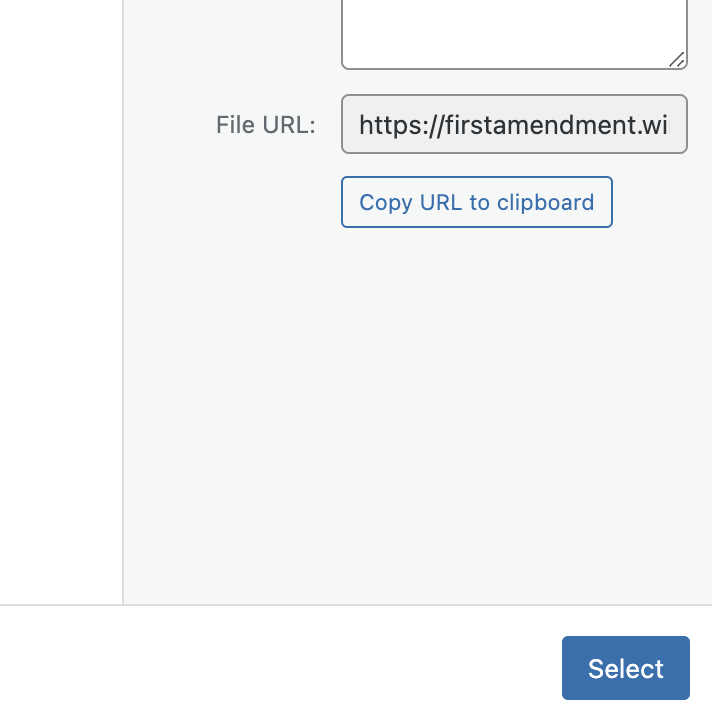
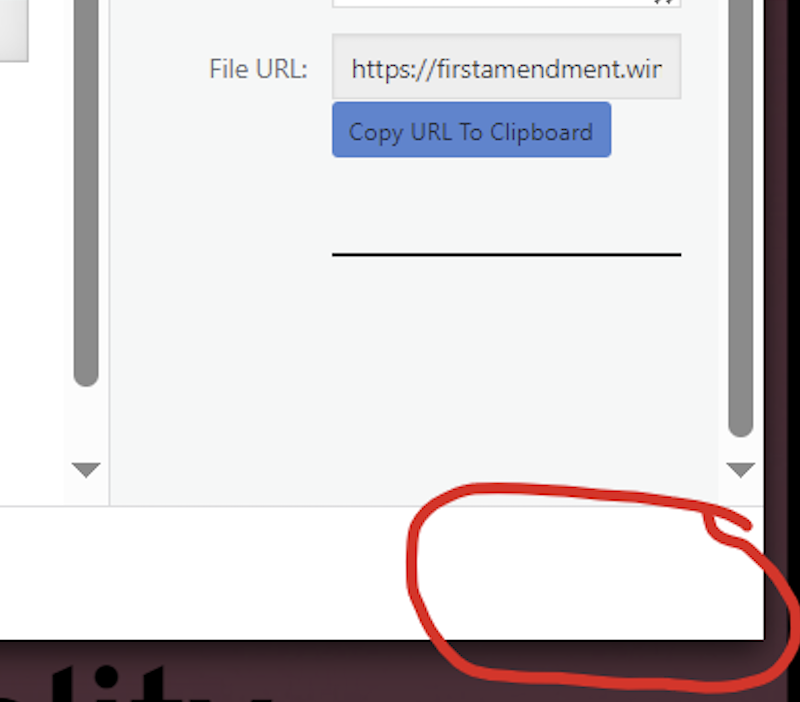
The issue here is the select button is invisible (it still works after you discover it's there) when accessing the library from Brizy. When I access the library from the default page builder the select button is blue as usual.
 0
0 -
Hi Daniel,
Thank you for the update.
I have inspected the page. Like you said the select button appears to be functional but is currently invisible. Image uploads seem to be working, but the select button remains hidden. I have temporarily disabled third-party plugins and cleared your website's cache, but the issue persists. I am unable to replicate this issue on my test environment so I've requested assistance from one of my colleagues to investigate this further. I will update you as soon as I have more information.
Best regards,
Ariel H.0 -
Hi Daniel,
Thank you for waiting.
Upon checking, this issue appears to be specific to this template and doesn't occur on other pages of your site.
The conflict seems to stem from a CSS conflict originating from WooCommerce. When WooCommerce is disabled, the issue no longer occurs. You can test this yourself to confirm.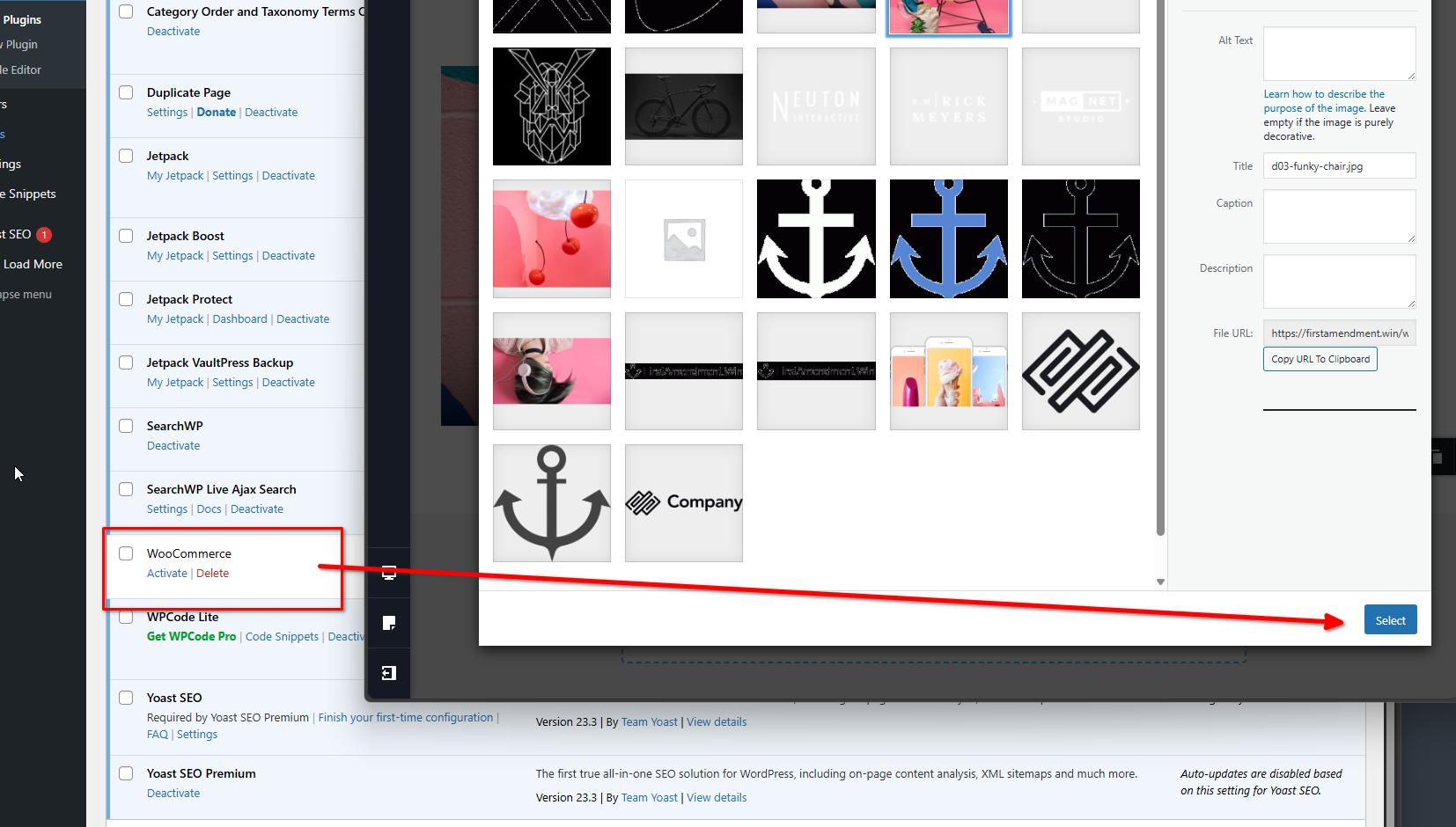
We recommend contacting WooCommerce support for further insights into this issue, and they may be able to offer a solution.
Best regards,
Ariel H.0
Please sign in to leave a comment.
Comments
5 comments