The element does not appear on the page.

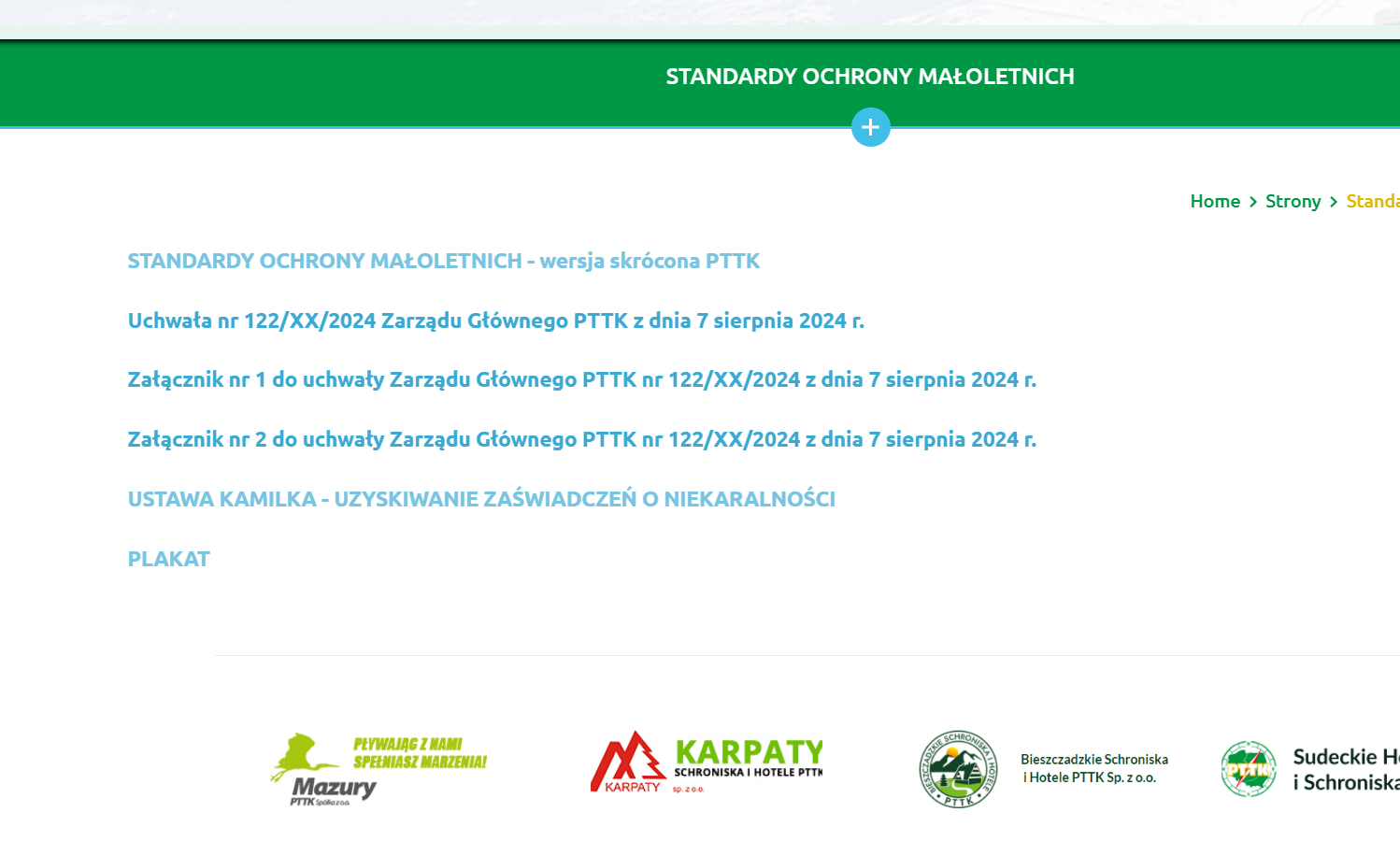
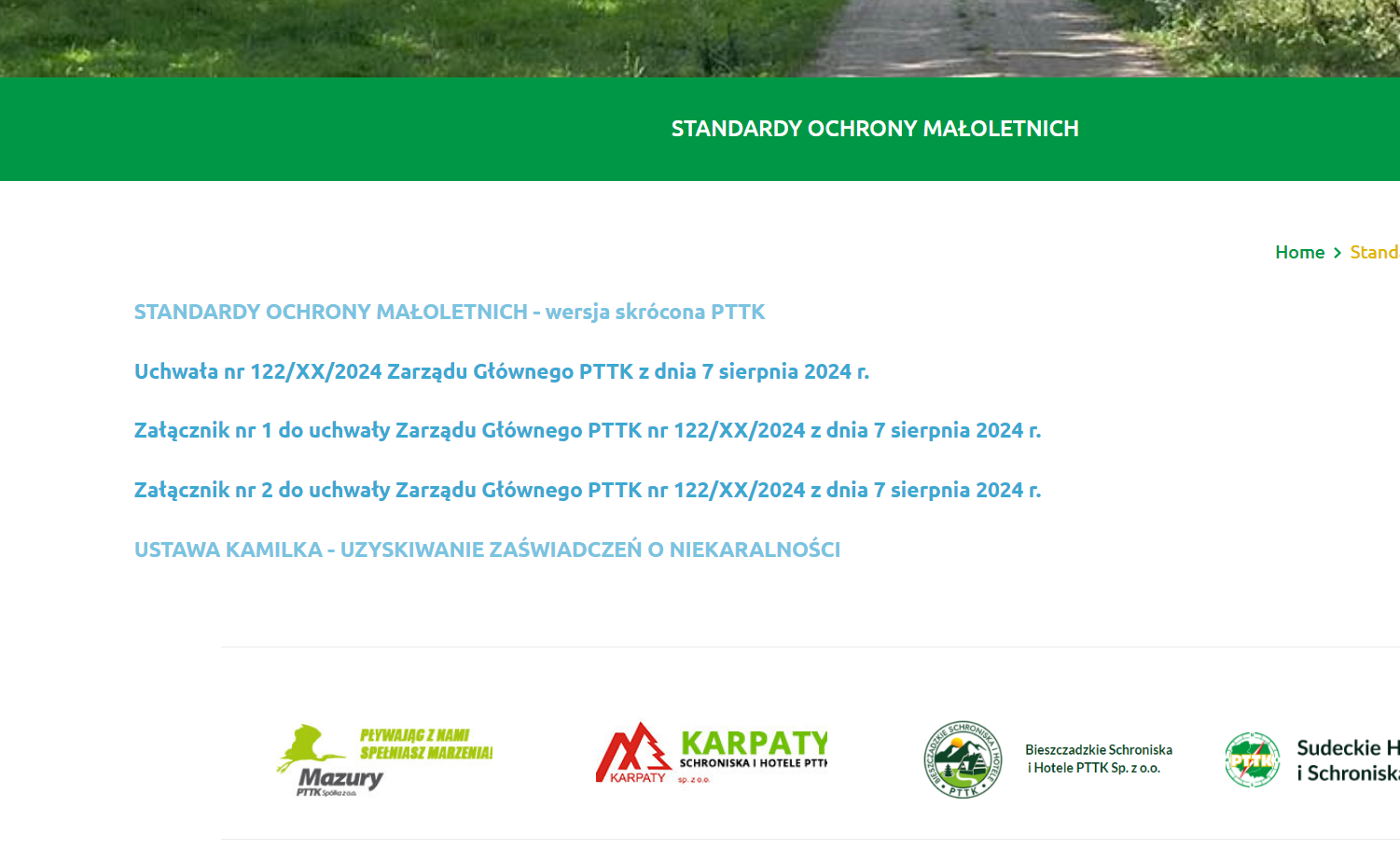
I have a problem with editing a page in Brizy. The element is visible in the editor, but it doesn't show up on the page. Clearing the cache, etc., doesn't help. The element is not visible on the page.
Editor screenshot
Page screenshot
__
BR
Kazik
-

Hi Kazik,
If you are using WP-Super-Cache plugin, kindly deactivate it temporarily and check if the issue resolves. If the changes in the editor shows in the frontend, enable the caching plugin again.
If this does not help, kindly get back to us. We will take a look at your project to troubleshoot this issue.
0 -
Hi George,
Unfortunately, disabling the WP-Super-Cache plugin didn't change anything. You have been added to the service page pttk.dinst.pl. I'll send you a link to reset your password shortly. You're welcome to proceed.
--
Kazik0 -
Hi Kazik,
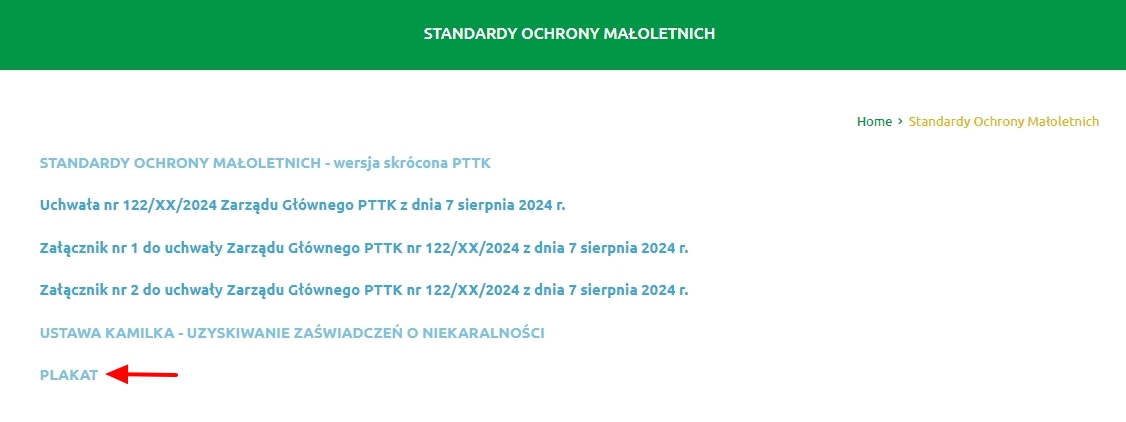
I see the "PLAKAT" text at https://pttk.dinst.pl/v1/standardy-ochrony-maloletnich/ in the frontend. Kindly check if you see the same at your end.
Apart from this, do you have any other missing content?
 0
0 -
To get the poster link to appear, we had to rebuild the page from scratch. Edit the page, add any link, and see what happens. What you’re seeing is a test page restored from the production site backup. Feel free to make any changes.
--
K0 -
Hi Kazik,
Kindly have a look at my test at https://jmp.sh/4WoqQcVM The changes I make in the editor appear to reflect immediately in the frontend. I am unable to replicate the issue you are facing. What steps should we follow to see the problem you are seeing?
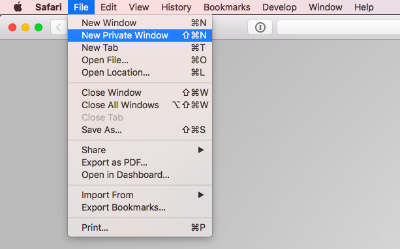
Kindly sign into your WordPress Dashboard from a 'New Private Window' (incognito window) of your browser and check if the issue persists.
 0
0 -
Hi, George
Yes, it actually works. The problem is on the production site. All plugins are disabled here. I need to find out which plugin is conflicting with yours. Thank you very much for the quick response.
--
K0 -
George,
Could you also check this case on the site pttk.pl? You have an account there too :). However, please be cautious. It’s a production site.
--
K0 -
Hi Kazik,
I looked at pttk.pl. The changes made in the editor do not reflect on the website frontend. This could be due to multiple caching on your project. You are using these caching plugins
- Autoptimize
- Redis Object Cache
- WP Super Cache
Kindly deactivate all of the above plugins and check if the issue persists.
0 -
George,
You can do these types of tests on your own... Just don't update the plugins, because Brizy has a conflict with the calendar, and it results in a 500 error. The site won't run any slower than it does now :-)
--
Kazik0 -
Hi Kazik,
I deactivated the above three plugins and made a minor change to the page https://pttk.pl/som/ and checked the website frontend. https://pttk.pl/ is now showing a critical error on the frontend.
Kindly contact your hosting company to fix this error. We apologize the inconvenience.
0 -
George,
Everything is working on the site. Nothing happened. I administer the hosting for this and 400 other *.pttk.pl sites. I can always check for myself if something 'went down.' Which cache plugin works best with Brizy? Can you recommend something as a 'first line of support' for Brizy users?
--
Kazik0 -
Hi Kazik,
Saving updates to a page when Redis Object Cache plugin is deactivated seems to cause the 500 Internal Server Error. Hence I could not confirm updates to the page reflects in the website frontend.
Minify CSS and Minify JS options in a few cache plugins have compatibility issues with Brizy. We are working on fixing this issue. Other than that you can use any caching plugin along with Brizy.
It's generally recommended to use only one caching system at a time for your website. Using multiple caching plugins can slow down or break your site. If you do need to use multiple caching systems, ensure they aren't duplicating functions.
0
Please sign in to leave a comment.
Comments
12 comments