Adding User to Manage Website Content

Hello Brizy,
I hope all is well.
I have created a project (website) for a client, I want the client to get access to the project and update content in the blocks such as (text, images, etc).
Now, I saw there is a section called users, I went ahead and created Role and I have created a username and assigned the role to it.
The user received an email invite that says the following:
Hello IT,
You are receiving this message because you recently signed up for an account on our website. You can login using the following:
Email: emailaddress@gmail.com
Password: the password chosen when setting up the account
Welcome to the family!
Questions:
What password are they referring to? There is not section in the website where I can create password for users?
Where can users login, what is the url and finally how can they edit blocks on the website, is there like a guide I can take a look at and follow?
Thank you,
Ahmed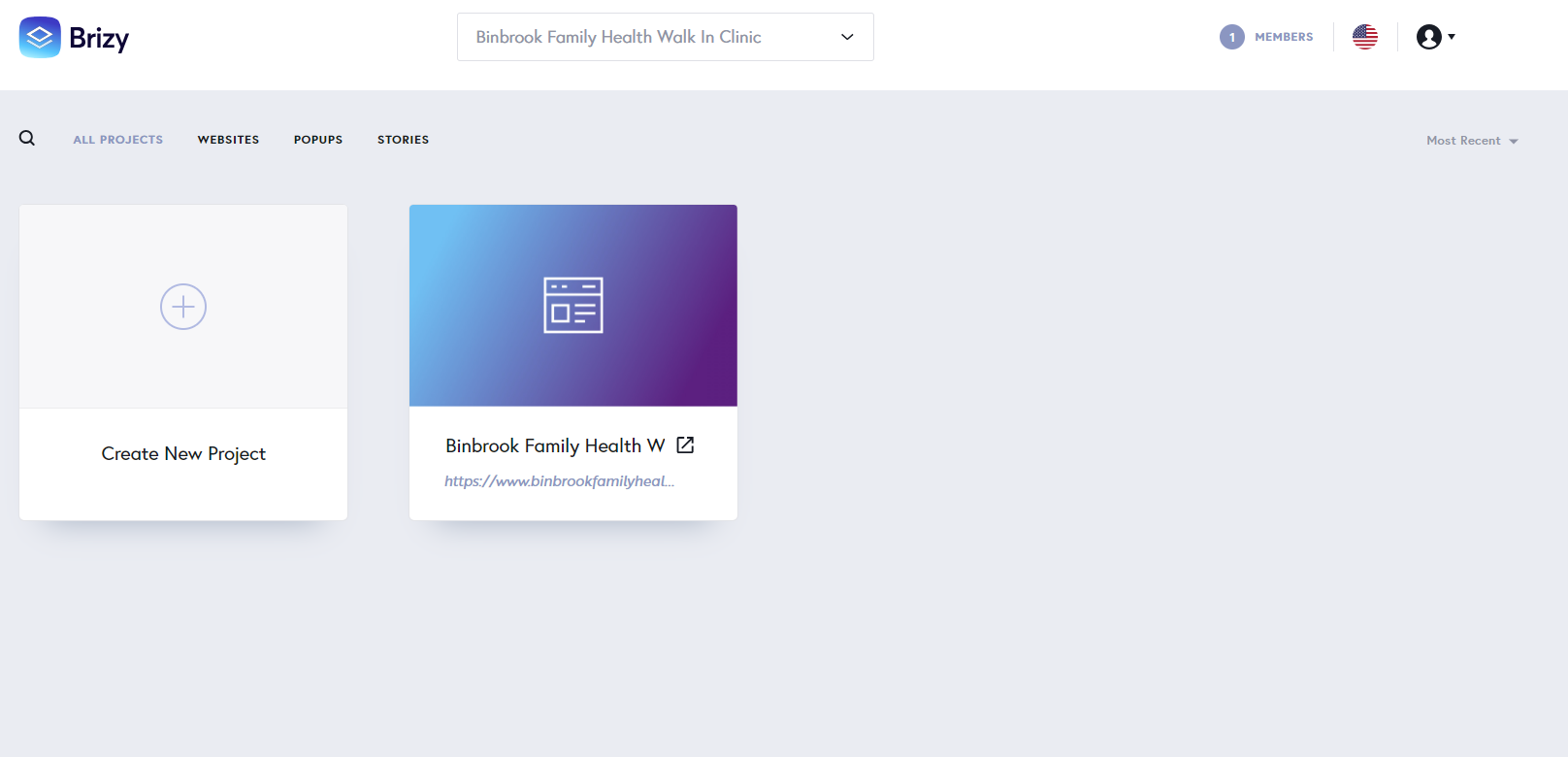
-

Hi Ahmed,
The users who are added under the "Users" section of the Brizy Cloud editor have access to content specifically designed for registered users (or members). For example, if you want to provide access to a course only to registered users, you use the membership feature.
To give your client access to your project, you must add his as a "Team Member". Team Members are added to a "workspace". When you invite a client to a specific workspace, he has access to all projects within the workspace. Kindly create a specific workspace for your client, move his project to the specific workspace and invite him as a Team Member to the workspace. Have a look at these tutorials
- Team Members: https://youtu.be/_0OK-35m8K0?si=m38tyX4zA0rSfaLo
- Workspaces: https://youtu.be/AeczChfX3fo?si=wz303uquBzDaa_xE
0
Please sign in to leave a comment.
Comments
1 comment