Website template as a start, changing link names in menu

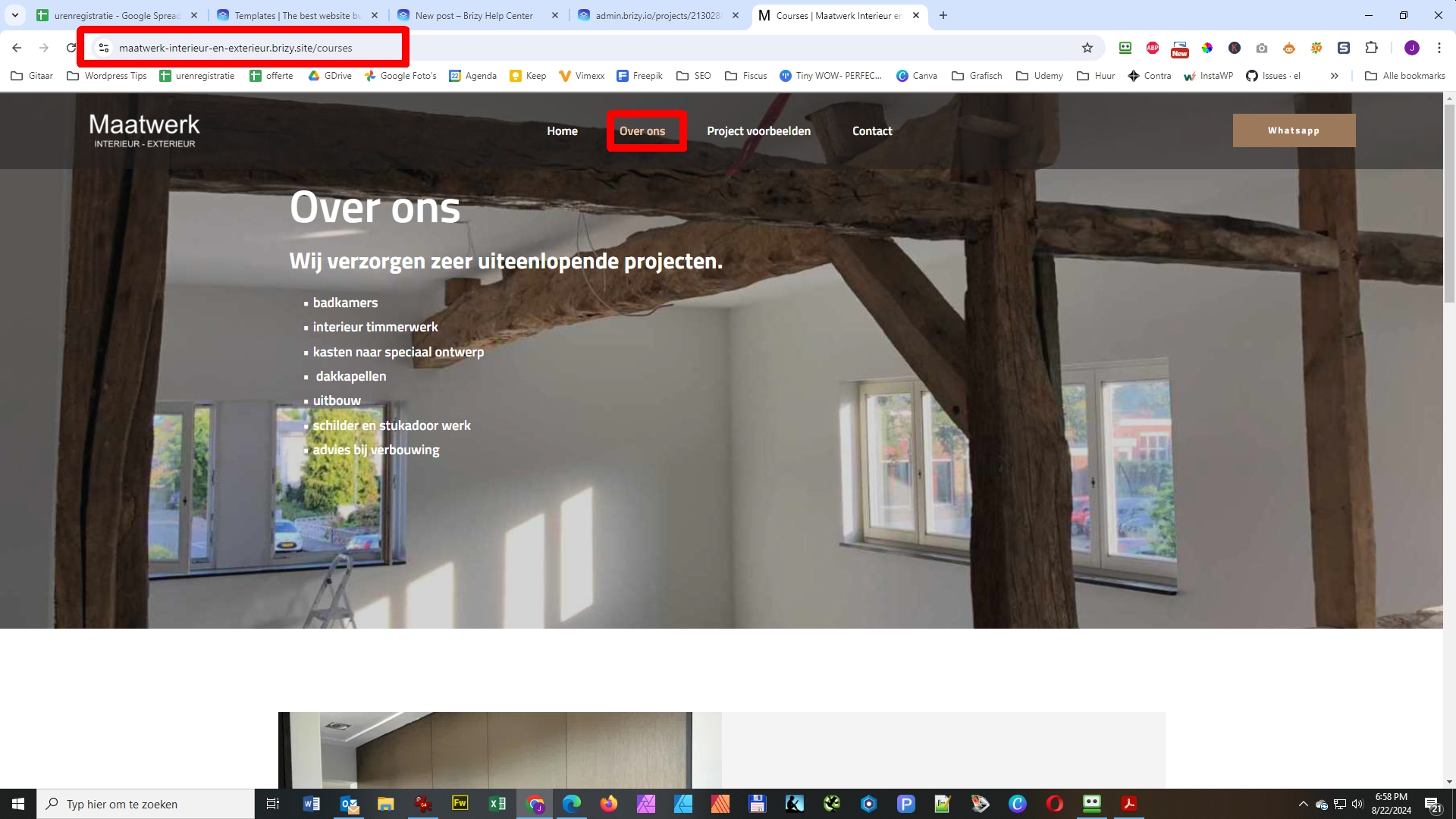
Hi I used a website template as a start, how can I change the link names in the menu?
I know I can change the label. But for instance When I click on Over ons link, the path still looks as /courses.
How can I change that?
Thanks in advance Jos
0
-

Hi Jos,
To change the slug for a page, kindly follow these steps
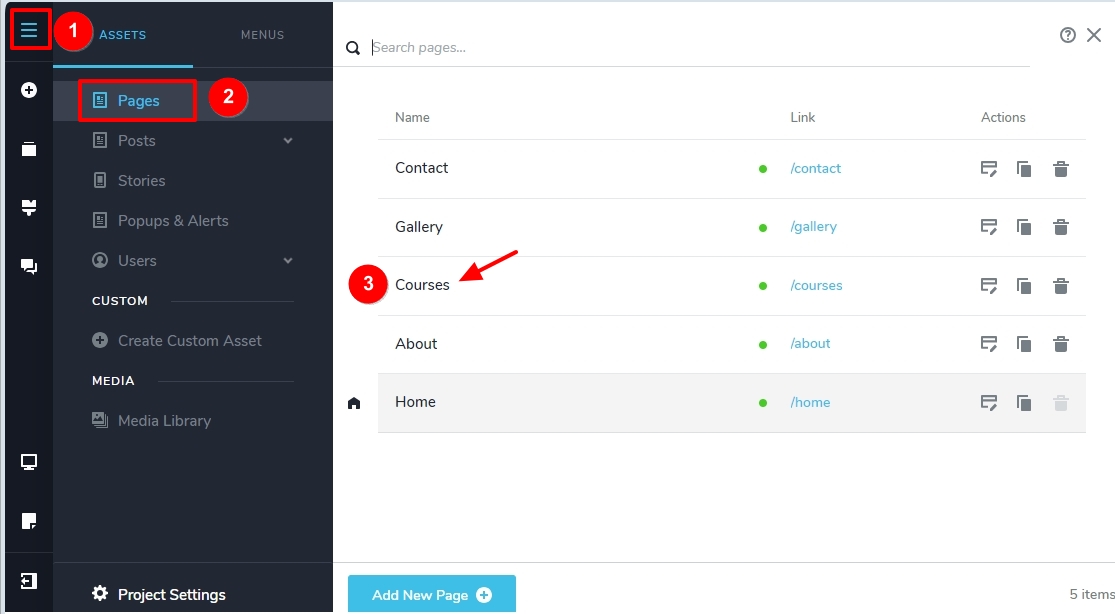
- Select the CMS (hamburger) icon on the left sidebar
- Select "Pages" asset
- Click on the name of the Page you want to change the slug
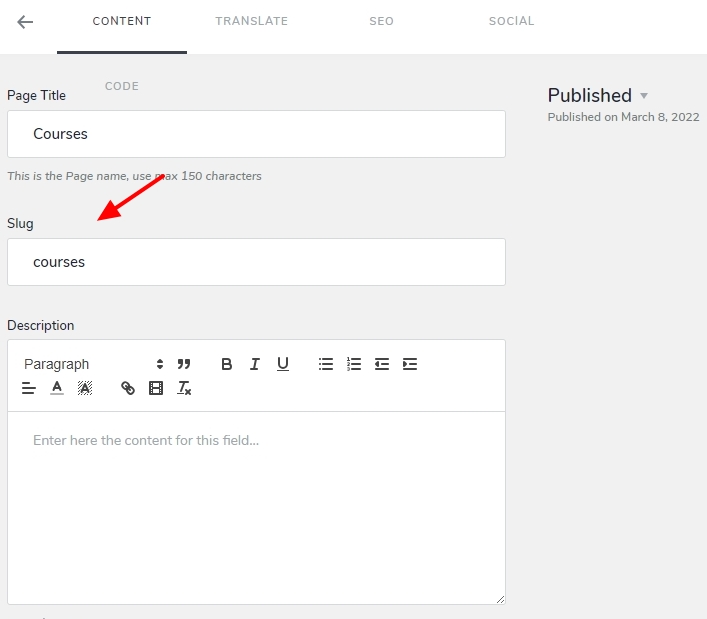
- Edit the page slug in the subsequent screen
0
Please sign in to leave a comment.
Comments
1 comment