Wordpress update broke my website

The update to WordPress 6.2 broke the site, particularly affecting the global blocks that are not displaying. Here is the link to the site in question: https://mmdj.com.br/quem-somos/. I’ve also attached some screenshots that show when editing the page with Brizy, the elements are applied, but in the page preview, some elements do not appear. What can I do to fix this?
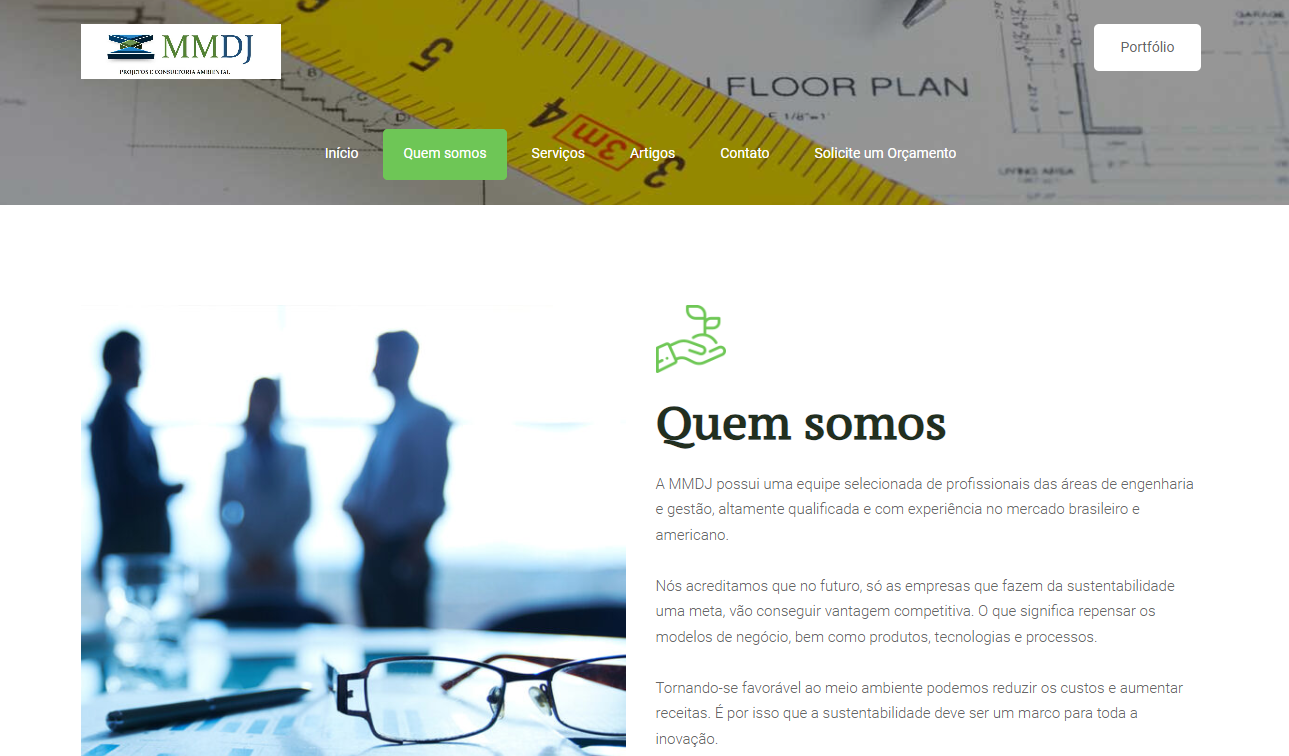
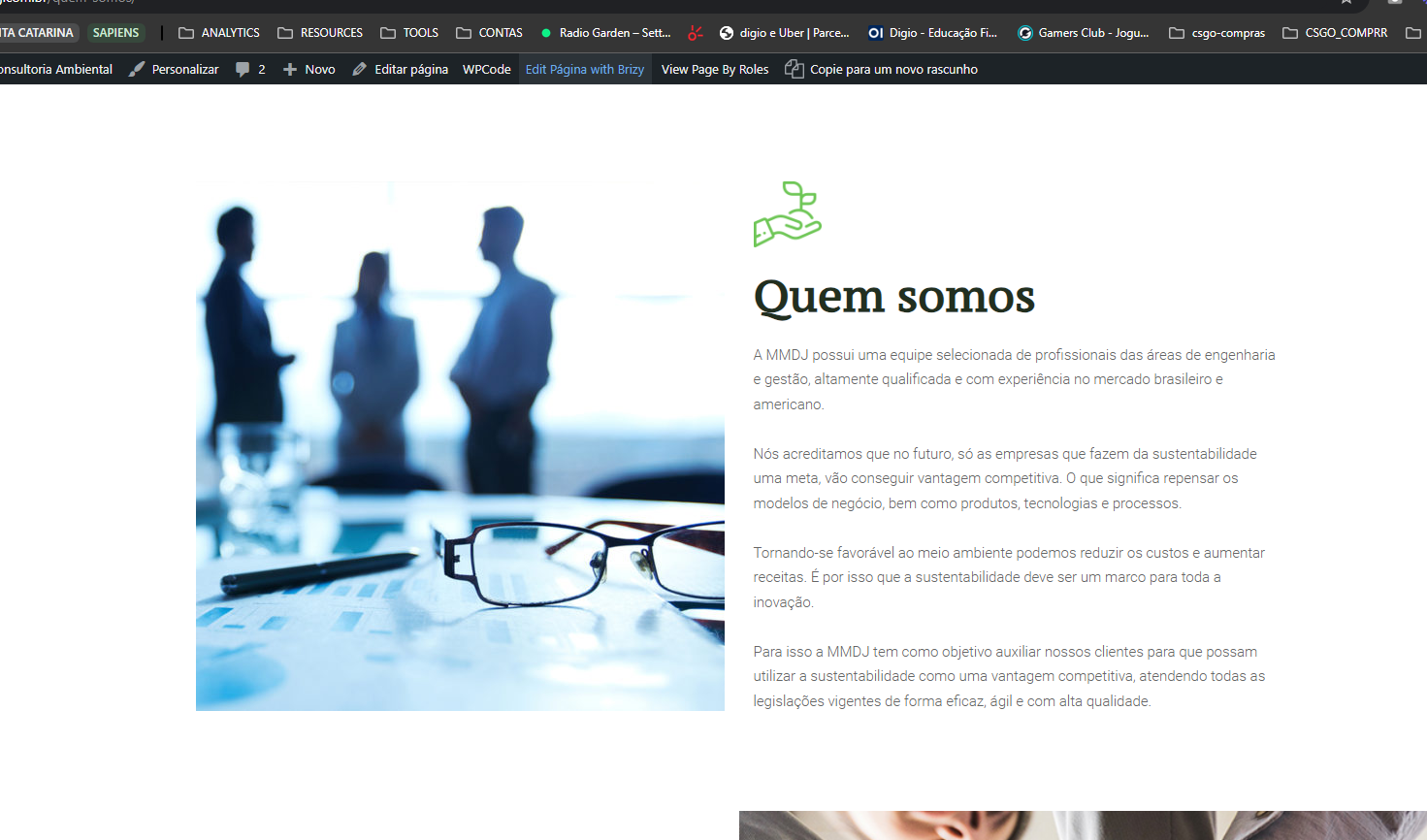
-

Hi Bruno,
Thank you for reaching out to us.
To fix the issue, please make some small adjustments to the global header and footer, such as adding padding to the block. After making the changes, save and update the page. Then, preview the site to see if this resolves the issue.
If the issue continues, this is something we need to inspect from your WP Admin page. Please add us as an Admin user to your WordPress Dashboard and send the following details to: communitysupport@brizy.io
Community Post link: https://support.brizy.io/hc/en-us/community/posts/20895691861394
WordPress Admin URL:
Username:
Password:Please make a full backup of your site as a precaution.
Best regards,
Ariel H.0 -
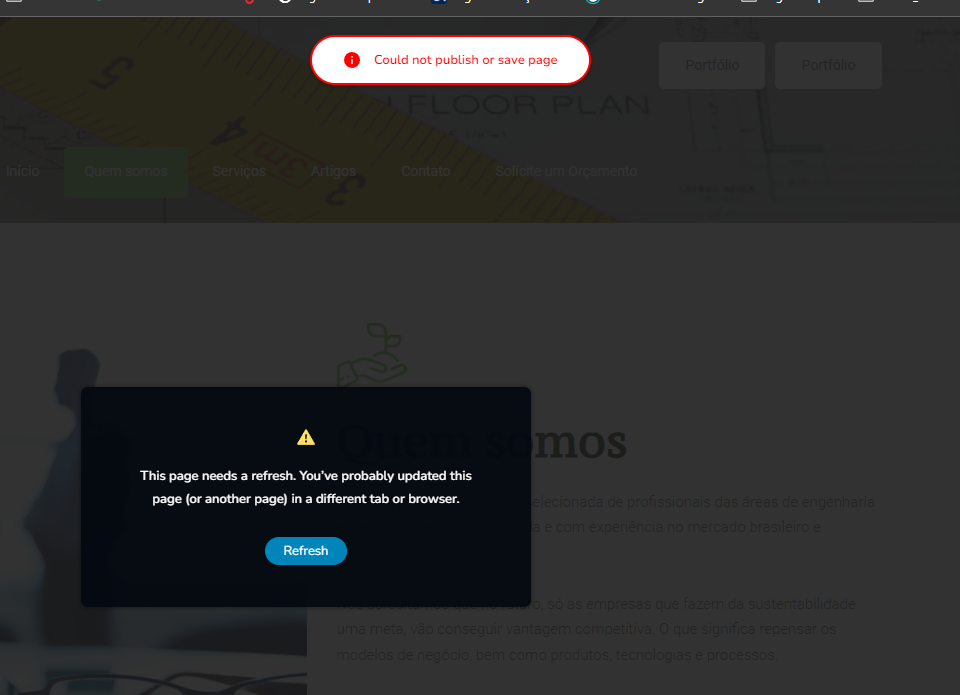
Unfortunately, when trying to save, an error occurs.
I will need your help.
I have already sent access to the website by email.
Thanks.
 0
0 -
Hi Bruno,
Thank you for the update.
Unfortunately, we haven't received the email yet. Could you please resend it using the format provided in our last message?
In the meantime, if you have WordFence, please follow these steps to set it to Learning mode:
1. In the WordFence plugin settings, go to Firewall.
2. Enable Learning Mode and set it to automatically switch back to "Enabled Protecting" in 2 days. This will allow WordFence to learn the actions from the Brizy editor.
3. Save your WordFence changes.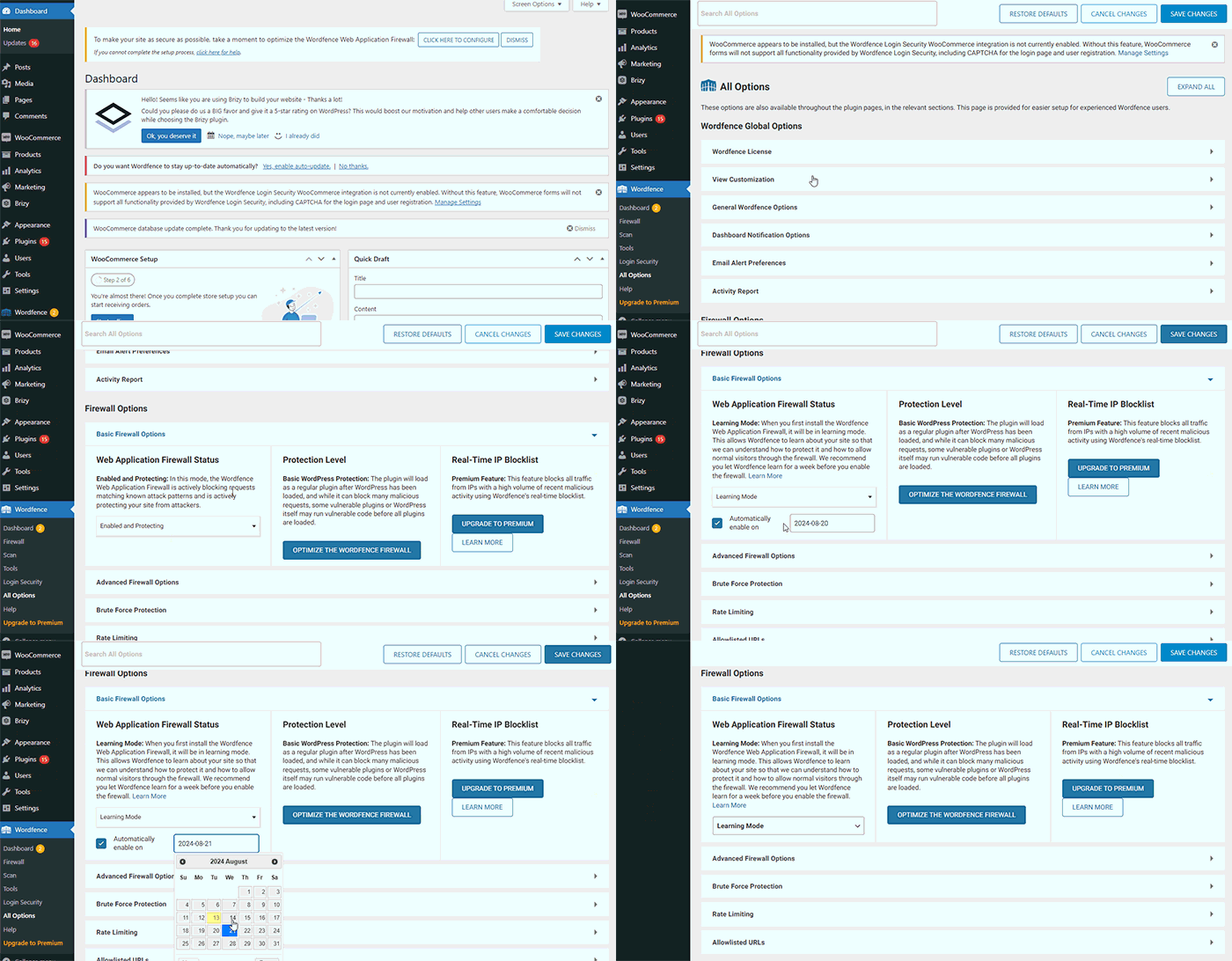
If you do not have WordFence, please also check if you have access in your Hosting panel to disable Firewall/ModSecurity, as this may help resolve the issue.
Please try this and let me know how it goes.
Best regards,
Ariel H.0
Please sign in to leave a comment.
Comments
3 comments