Worker fetch: Error: could not fetch

Hi! We suddenly started having issues with our brizy built website.
In the brizy editor, images are not loading, seen on the screenshot below. Also, we get this error (one per image) in the console:
worker fetch: Error: could not fetch https://ilshealth.com/?brizy_media=wp-e2c81b06ad06a1b5f179c705a31e1355.png&brizy_crop=original
at https://ilshealth.com/wp-content/plugins/brizy/public/editor-build/prod/editor/js/screenshots.worker.min.js?ver=292-wp:1:59070
at async Promise.all (index 2)
at async onmessage (https://ilshealth.com/wp-content/plugins/brizy/public/editor-build/prod/editor/js/screenshots.worker.min.js?ver=292-wp:1:61318) 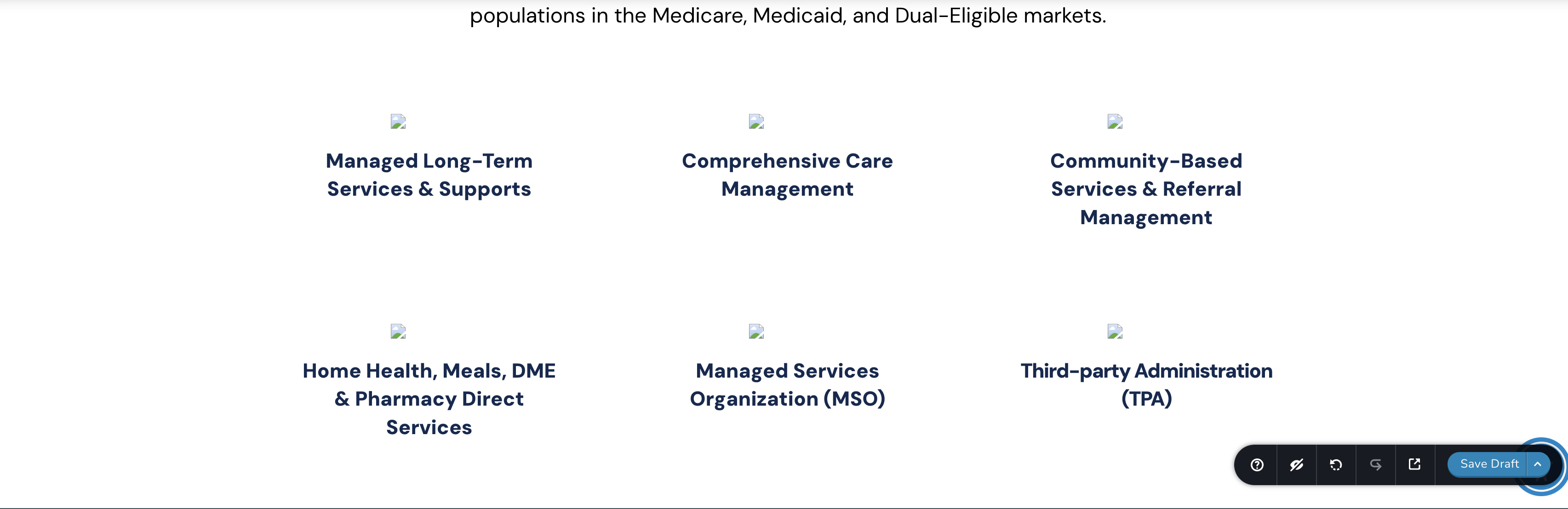

And we are unable to add new images, we can see all of them in the media library, however after selecting one, the placeholder in the image block doesn't updated and stays a placeholder. We see this error message in the console everytime we try to change an image:
GET https://ilshealth.com/?brizy_media=wp-5e82e50d519a03c7bb16ed24199e7ef3.png&brizy_crop=original 404 (Not Found)
preloadImage("https://ilshealth.com/?brizy_media=wp-5e82e50d519a03c7bb16ed24199e7ef3.png&brizy_crop=original") onerror


I've tried several suggestions seen on other posts but nothing seems to solve the issue, can we get a piece of advice on this one?
Thanks.
-
While waiting for the Brizy moderators to approve my request, I decided to contact GoDaddy support. They were able to fix it without knowing exactly how. Apparently, changing the PHP version to an older version and then back to the original version did the trick.
They tried disabling all the plugins, including Brizy and Brizy Pro, changing the domain, and several other steps. But only changing the PHP version worked.
Leaving this here in case it helps someone else in the future.
0 -

I also have the same problem, my hosting provider is Siteground, and i have tried to change the PHP version but still does not work.
Hopefully brizy team notice this soon.Best regards
edit 1: I also can not upload image from brizy editor, even in a new page.
edit 2: And not just in a single website, happens to my other websites that use brizy as well.
edit 3: Nevermind, everything works now, after upgrade to the latest Brizy v2.5.6
edit 4: Still error for image mask, can not using custom image for mask
edit 5: Yesterday everything works fine, and after reading the release changelog, i see that there are updates that released on 2024-9-17, probably those changes that create these errors, do you have download link for version 2.5.3, i want to try to rollback to that version
0 -

Hi Hendra,
Please update Brizy and Brizy Pro to the latest versions to resolve this issue.

Best regards,
Ariel H.0 -
Hi Ariel,
I already update Brizy and Brizy Pro to the latest version today.
But the problem still persist, but only for custom mask image as you can see from this images.
on the first image using predefined mask, it works ok
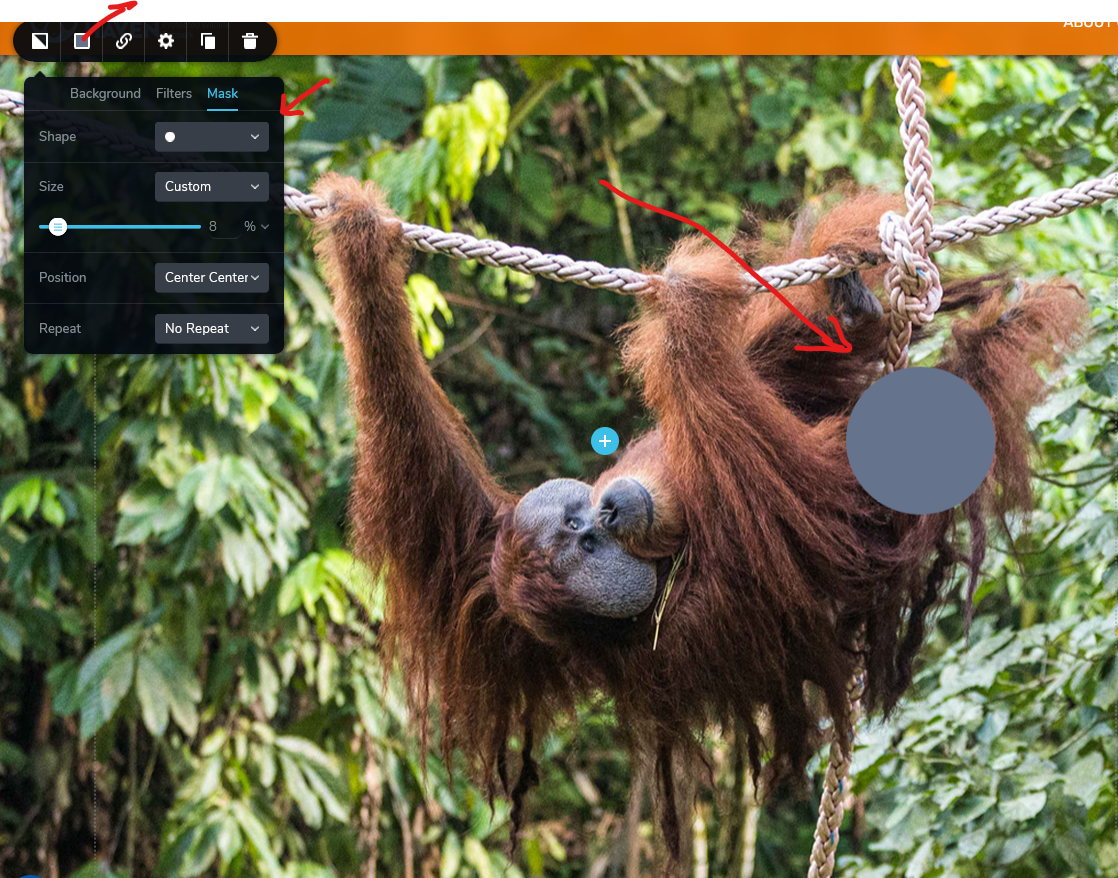
but on the seconde image, using custom image for mask not work.
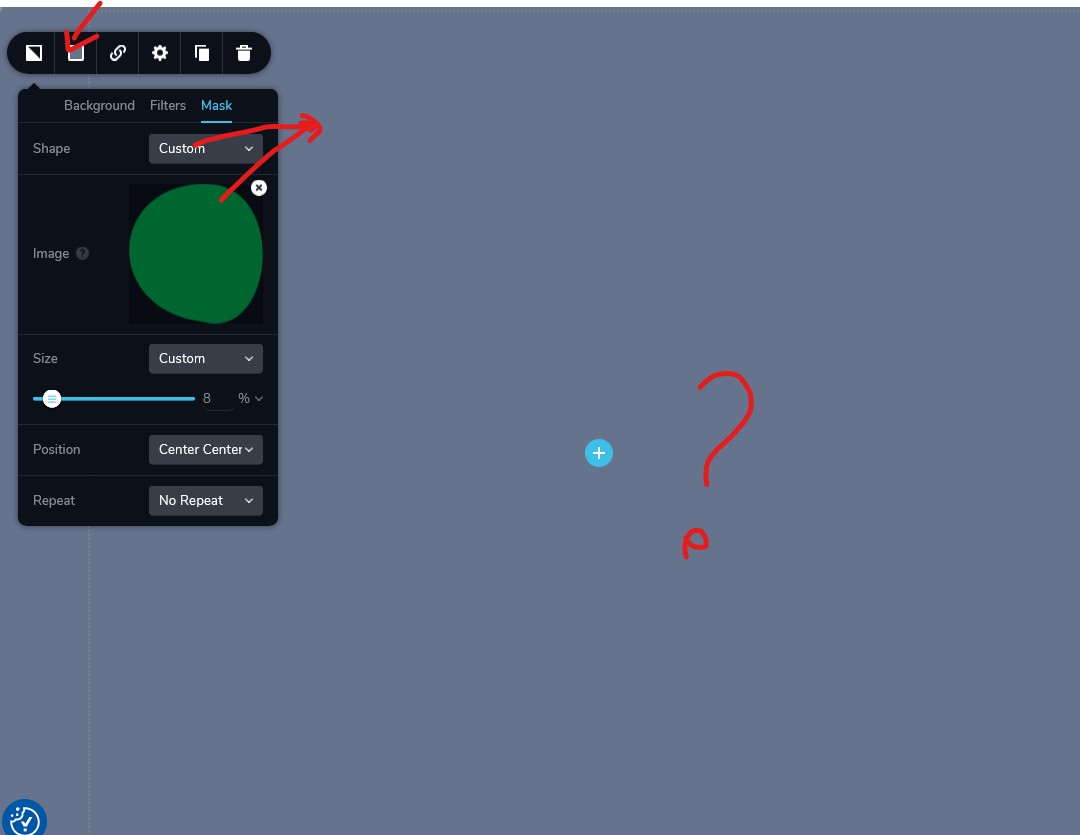
I have tried to change PHP version, clear cache, disable and enable plugin but still not work, but haven't try downgrade Brizy version, today i am going to try to reproduce the problem in fresh installed wordpress and brizy. I will inform you again.
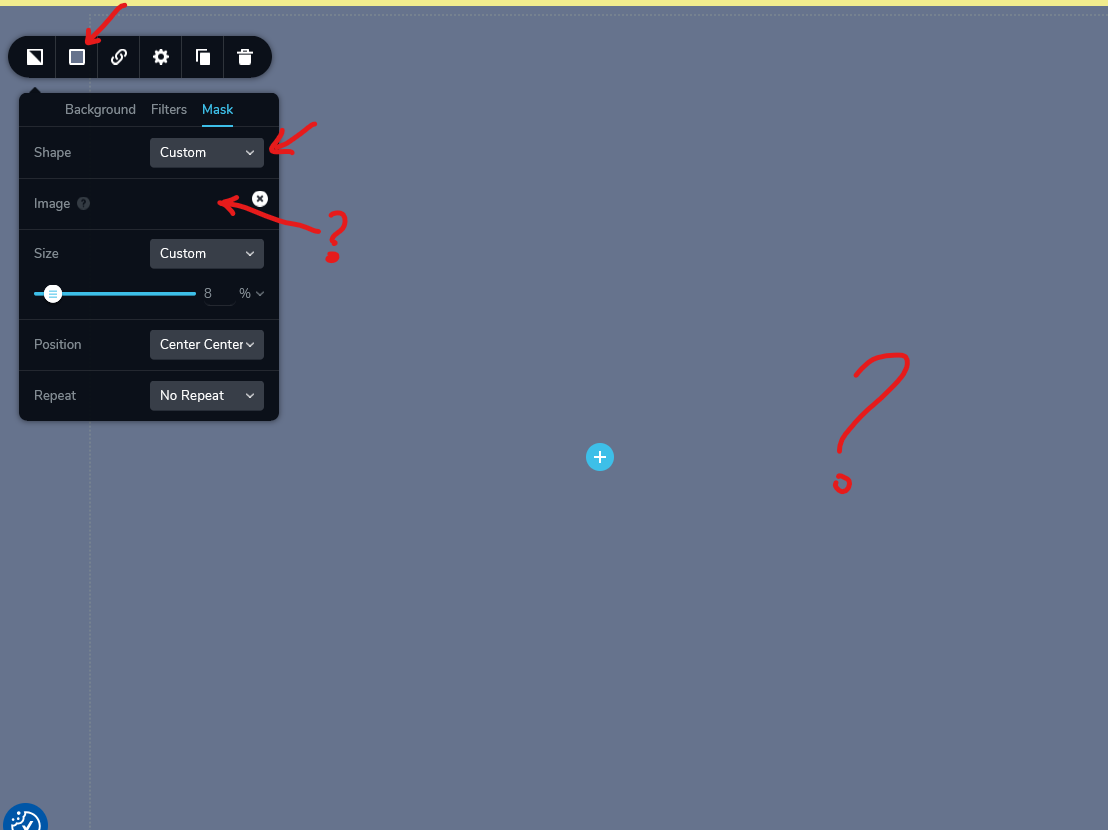
Thanksedit 1: If i upload new custom mask, the preview also not loaded, just like in this image
 0
0 -
Hi Hendra,
This is something we need to check directly in your WordPress Admin Dashboard. Please add us as an Admin user to your WordPress Dashboard and send the following details to communitysupport@brizy.io.
Community Post link: https://support.brizy.io/hc/en-us/community/posts/17692999153938
WordPress Admin URL:
Username:
Password:
Also include the URL of the problematic pages.Please make a full backup of your site as a precaution.
Best regards,
Ariel H.0 -
Hi Ariel,
The problem also happen in fresh install wordpress.
I have generated new wordpress installation, add you as admin and send the login detail to your email.
Please test it by create new page and edit it using Brizy.
Thanks for your help
0 -
Hi Hendra,
Thank you for your cooperation.
I have already reported this issue, I will get back to you as soon as I have any new updates.
Kind regards,
Ariel H.0 -
Hello Ariel,
Any news regarding this?
Is there any ETA ?
0 -
Hi Hendra,
I apologize for the delay. This is currently in progress, an update to address this issue should be rolled out soon. Unfortunately, I am unable to provide an exact ETA.
We appreciate your patience.
Best regards,
Ariel H.0
Please sign in to leave a comment.
Comments
9 comments