Images not loading

Hi
I am following the same procedure to upload images as I always have but they are simply not loading anymore.
I have already deactivated all plugins and tried but still not working.
Not using Jetpack.
Please can you help?
thanks
thanks
-

Hi Gianpietro,
Image uploads are being blocked due to "Mixed Content" errors. Kindly see this screenshot https://jmp.sh/7wFtV8Pi
Mixed content occurs when a webpage contains both secure and non-secure resources, such as images, CSS, scripts, or videos. This can happen when a secure webpage, like one that uses HTTPS, tries to use resources that are not secure, like those that use HTTP.
Kindly have a look at https://kinsta.com/blog/mixed-content-warnings/ for possible fixes for this error. You may also want to take the help of your host to fix the error. Please check if image uploads work well after fixing the mixed content errors.
0 -
Hi KC
thanks for your reply.
It took me some time because I spoke to my host and he has no idea of what's going on, it's the first time that this happens.
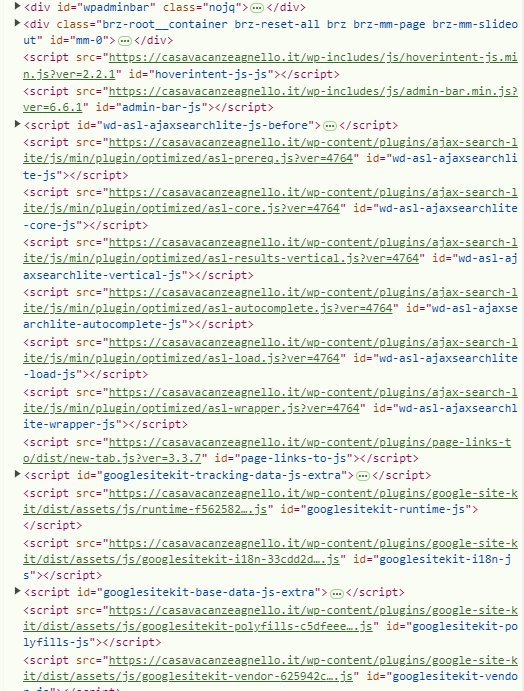
Let me also post a screenshot of what I see, please note that there are no Mixed content errors:
 0
0 -

Hi Gianpietro,
Thank you for the update.
Please provide temporary access to your WP Admin page so we can inspect your site. I see that you're already familiar with this process. Please send the credentials to communitysupport@brizy.io and include this reference number in the subject line: 20833273839890
Please also include the URL of the problematic page/pages.Best regards,
Ariel H.0 -
Hi Gianpietro,
The following error is appearing in the console:
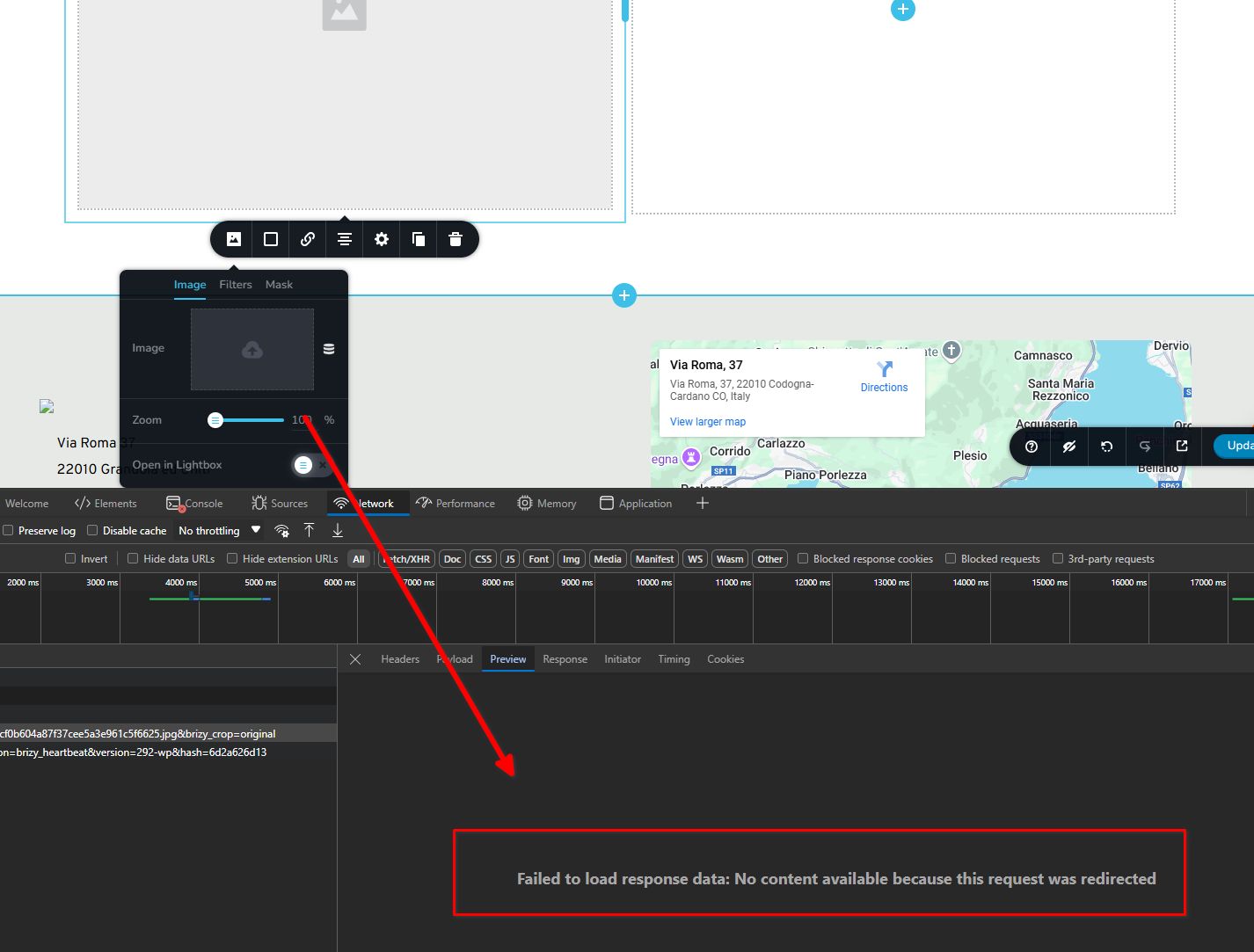
The issue could be caused by the redirection plugin interfering with Brizy's media upload process by altering URL structures or blocking specific routes. Since Brizy uses its own AJAX requests and APIs to handle media uploads directly within the builder, the plugin may have created unwanted redirects affecting this functionality.
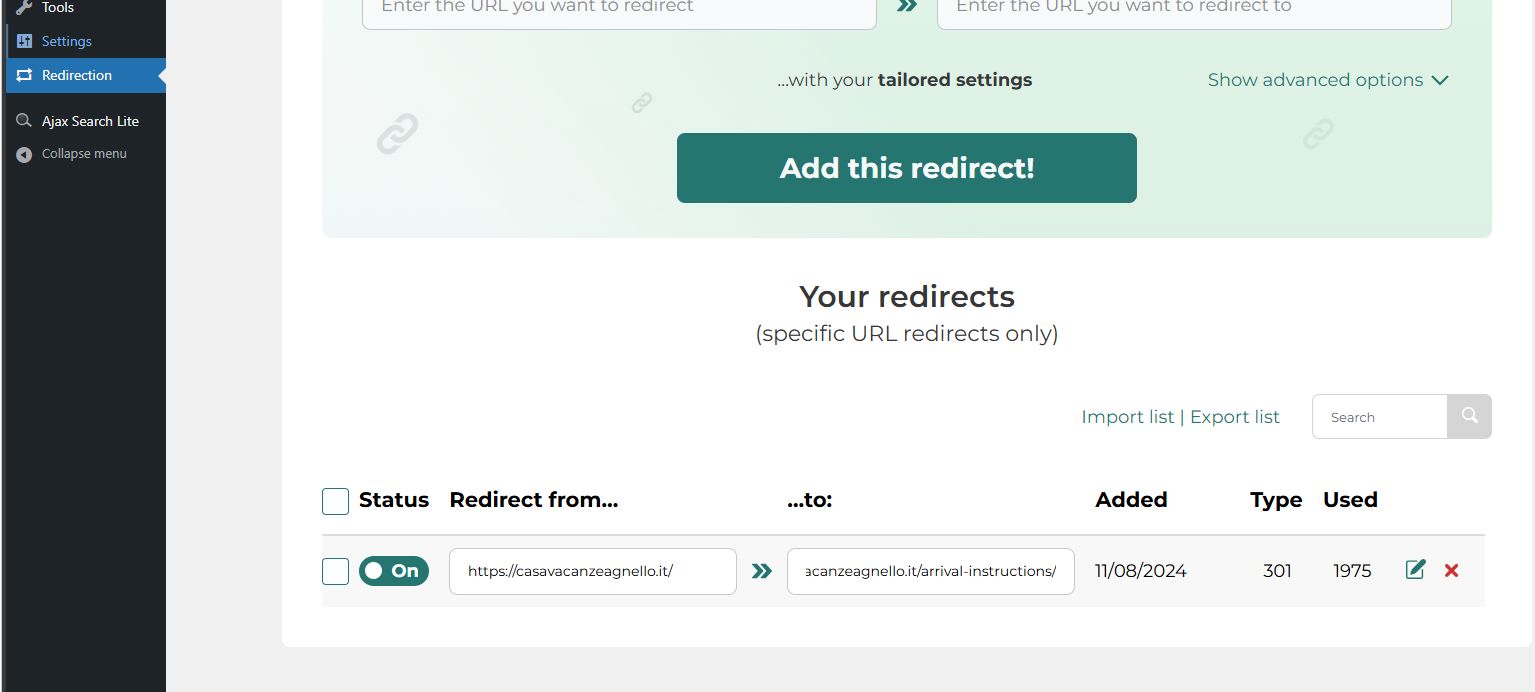
We tried disabling the plugin, but it made no difference. It's worth checking if the plugin made any persistent changes to the .htaccess file, wp-config.php, or database that may still be affecting the media upload process.
If you have any further questions, please feel free to reach out.
Best regards,
Ariel H.0 -
Hi
thank you
yes I have a question: I need to solve the issue, so how do I proceed?
thanks
0 -
Hi Gianpietro,
Thank you for the update.
Uploading images appears to be working now after we have reset the redirections.
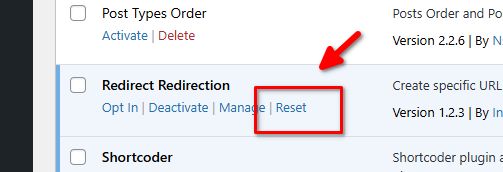
Please try this at your end and let me know if you need any further assistance.
Best regards,
Ariel H.0 -
Hi Ariel
I confirm that it is now working
thanks
0
Please sign in to leave a comment.
Comments
7 comments