I cant update page

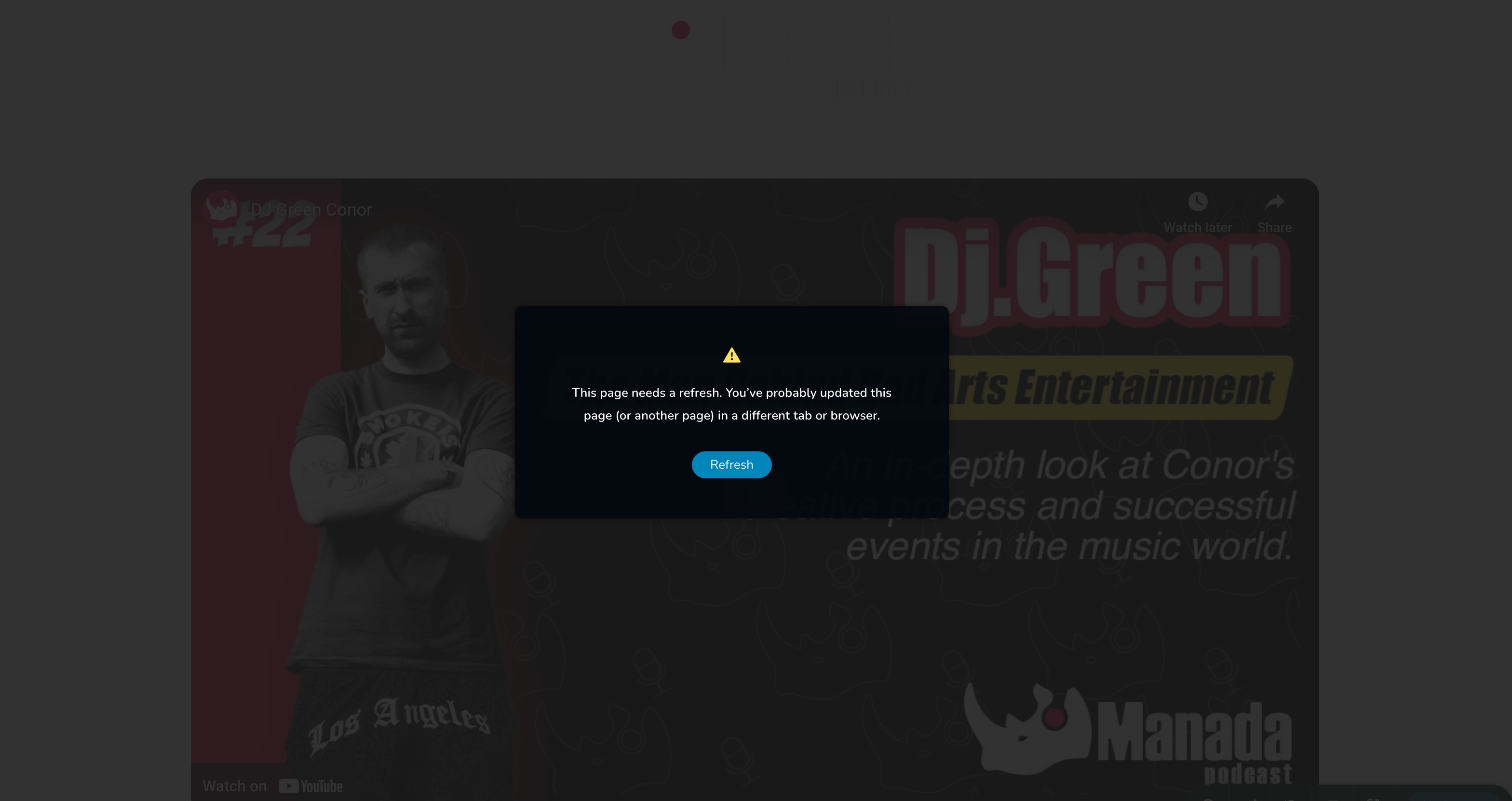
When I try to update the home page I get the following message
the site is: www.manadapodcast.com
Can you please let me know what is going on?
-

Hi Wagner
4 Brizy Pro files are missing on your webserver and you can see the 404 File Not Found errors for these files. Kindly see the screenshot at https://jmp.sh/w8b0ZgYf
To fix this issue,
- Deactivate and delete Brizy Pro plugin
- Sign into your brizy.io account at https://www.brizy.io/account/login
- Click on the "Download Brizy Pro 2.5.1" button
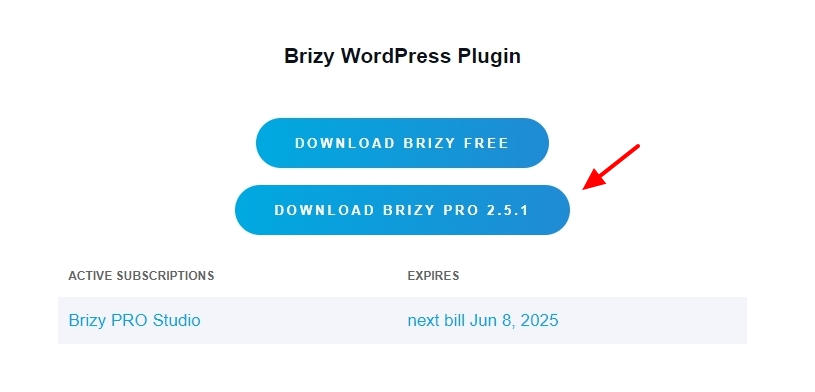
- In your WordPress Dashboard under Plugins -Add New Plugin - select the "Upload Plugin" option and upload the ZIP file you have downloaded in the previous step
After completing the above steps, kindly check if the website frontend displays better.
Are you using the Wordfence Security plugin in your WordPress Dashboard? If you are, please follow these steps and see if this will help resolve the issue with saving changes to your project.
- In your WordPress Dashboard under WordFence - All Option , navigate to "Firewall Options"
- Enable Learning Mode - https://jmp.sh/dXzpSFmk
- Return to your Brizy page, make a few minor changes and check if you are able to save your work
- If you are able to save your work, return to the WordFence settings and re-enable the "Enabled and Protecting" mode
If your global header and footer are missing in the website frontend, kindly follow these 3 steps
- Make a minor change to the header: Navigate to any page within your project in the Brizy editor, make a small edit in the global header (such as modifying the padding by one pixel), and then revert the change.
- Make a minor change to the footer: Similarly make a small edit in the global footer (such as modifying the padding by one pixel), and then revert the change.
- Save the Project: Save your work by clicking on the "Update" button at the bottom right corner and check if the header and footer are visible in the frontend.
0 -
Hi, thanks, I resolved it by deleting the wordfence plugin
best regards
0
Please sign in to leave a comment.
Comments
2 comments