Crash of Brizy pulgin on my website


Hello,
Despite of Brizy Pro updating i have some big issue on my website:
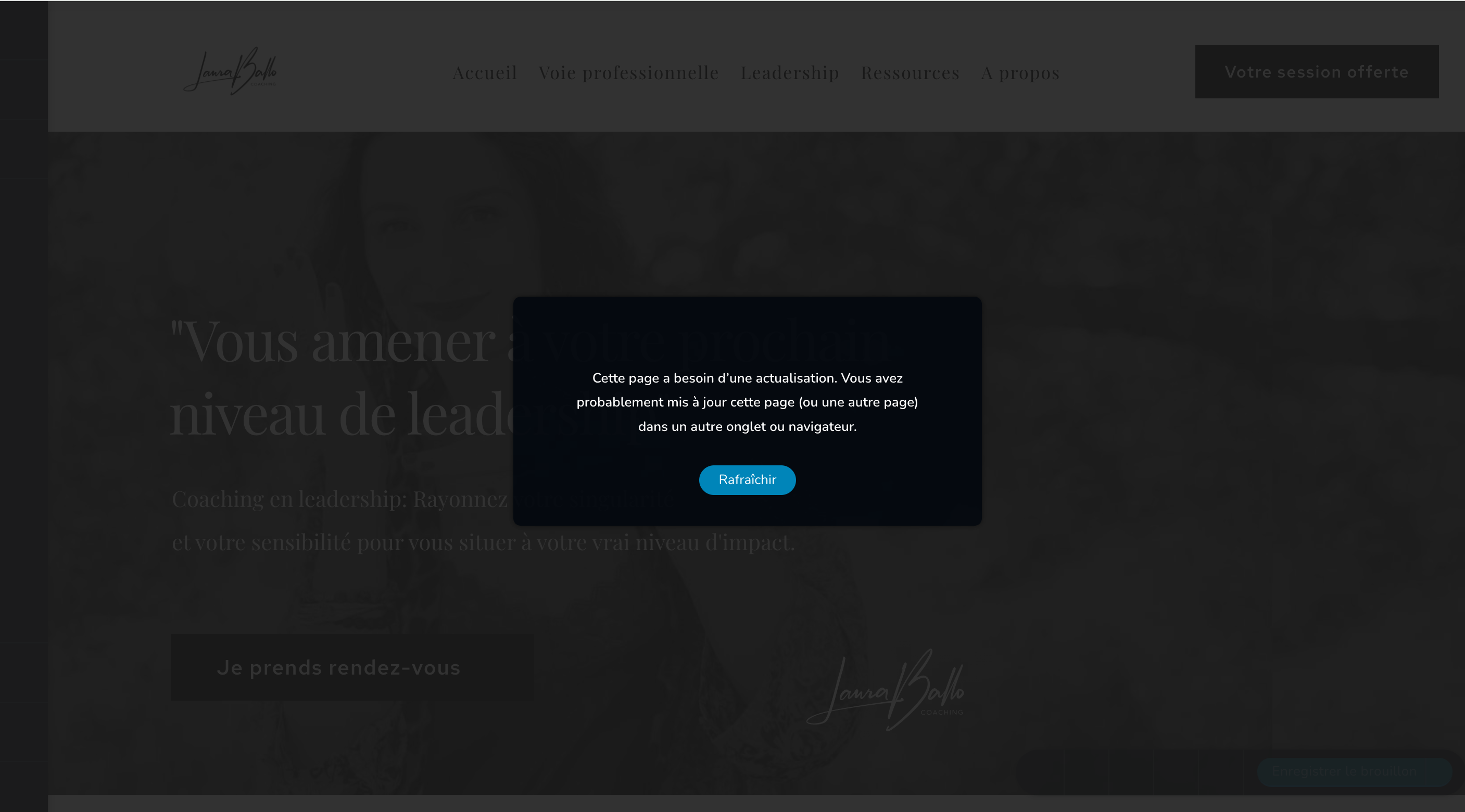
- the menu of the website does not display anymore
- Brizy Pro front plug in does not display correctly
- I cannot save the page, it tells me "the page needs an actualization" whereas it is the only page opened in my browser
- Some of the pages appearance are just down.
I don't know how to solve it, here my website: lauraballo.com
Thank you for your help
Laura
-

Hi Laura,
Kindly follow these 3 steps to fix the issue with the header and footer not appearing in the website frontend
- Make a minor change in the header: Navigate to any page within your project, make a small edit in the global header (such as modifying the padding by one pixel), and then revert the change.
- Make a minor change in the footer: Similarly make a small edit in the global footer (such as modifying the padding by one pixel), and then revert the change.
- Save the Project: Update the page to activate the compiler.
If you are using WordFence Security plugin please follow these steps and see if this will help resolve the issue with saving changes to your project.
- In your WordPress Dashboard under WordFence - All Option , navigate to "Firewall Options"
- Enable Learning Mode - https://jmp.sh/dXzpSFmk
- Return to your Brizy page, make some minor changes, and then update the page
- Once done, return to the WordFence settings and re-enable the "Enabled and Protecting" mode
0 -
Hello George,
Thank you for your quick answer. Effectively, turning wordfence into the learning mode and making small changes corrected the header and footer displayed issue so that's great.
However i still have two main issues:
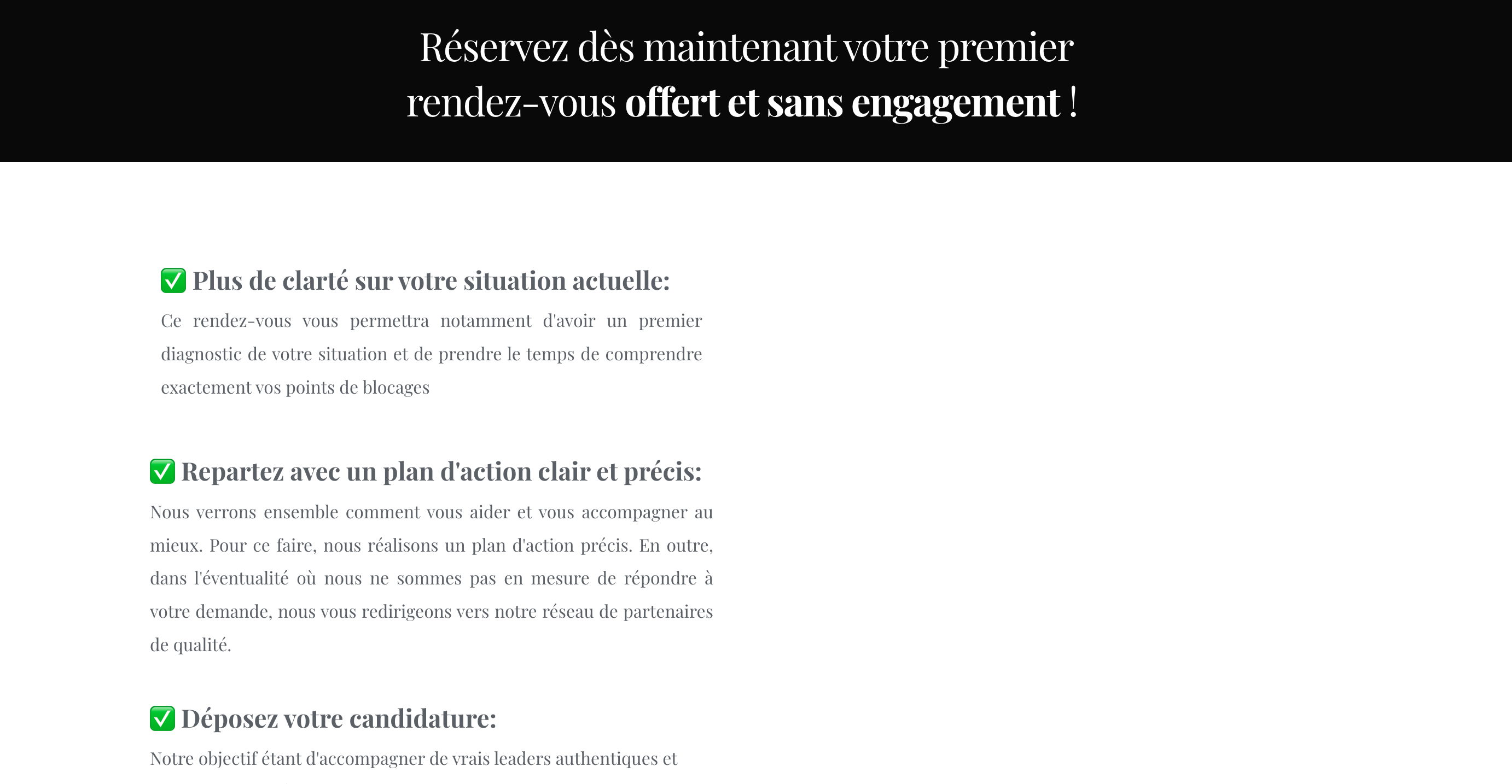
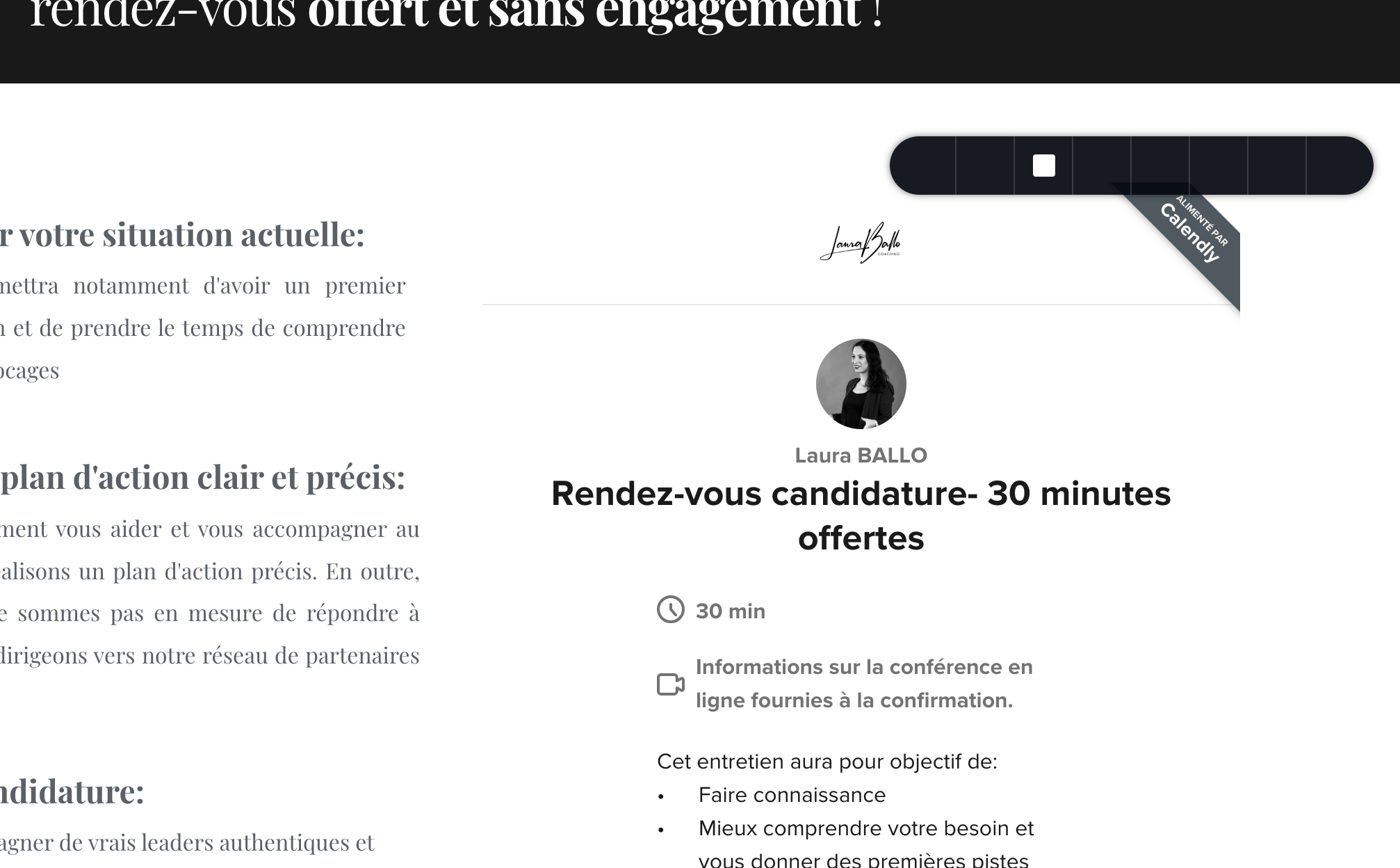
- The display of Brizy tool, every buttons is like in grey.
- The display of some integrations (like taking an appointment on Calendly for instance), it does not work anymore.
I've already tried to delete and download again Brizy and Brizy pro to see if there is any differences but did not change anything.
Thank you in advance for your answer,
Laura BALLO
 0
0 -
Hi Laura,
This issue sometimes occurs due to slow internet speed and slow computer speed. Kindly access your WordPress Dashboard from different computers and using different Internet Service Providers and check if the issue persists.
0
Please sign in to leave a comment.
Comments
3 comments