Menu and content not displaying in live site but showing in the preview

Hi Brizy,
For some reason the menu and a lot of the content with images is not showing in the live version of my site. It is showing in the preview though. I have flushed cache and tried updating the site a few times. It is currently on the latest version of Brizy. Any assistance would be greatly appreciated :)
Thanks for the help,
Benjamin
-

Hi Benjamin,
Can you please share with us the URL of the website where you are facing this issue?
0 -
Hi Kc George,
Thank you for your fast reply. The website is:
0 -
Hi Benjamin,
To fix the issue with the header and footer, kindly follow these 3 steps
- Make a minor change in the header: Navigate to any page within your project, make a small edit in the global header (such as modifying the padding by one pixel), and then revert the change.
- Make a minor change in the footer: Similarly make a small edit in the global footer (such as modifying the padding by one pixel), and then revert the change.
- Save the Project: Save your work by clicking on the "Update" button at the bottom right corner and check if the header and footer displays in the frontend
Please share a screenshot of the editor view where we can see the content and images that are missing in the frontend.
0 -

Hi, I have exactly the same problem.
If I change the name of one of the pages in the menu, this name does not change on the site page. In order for the menu to change on the page, I made small changes to the global menu block +1px.
Please fix this in the future.
0 -
Hi Kc George,
I have done this and the menu appears to be displaying now. However other content on my site is still not displaying.

This is the editor view:
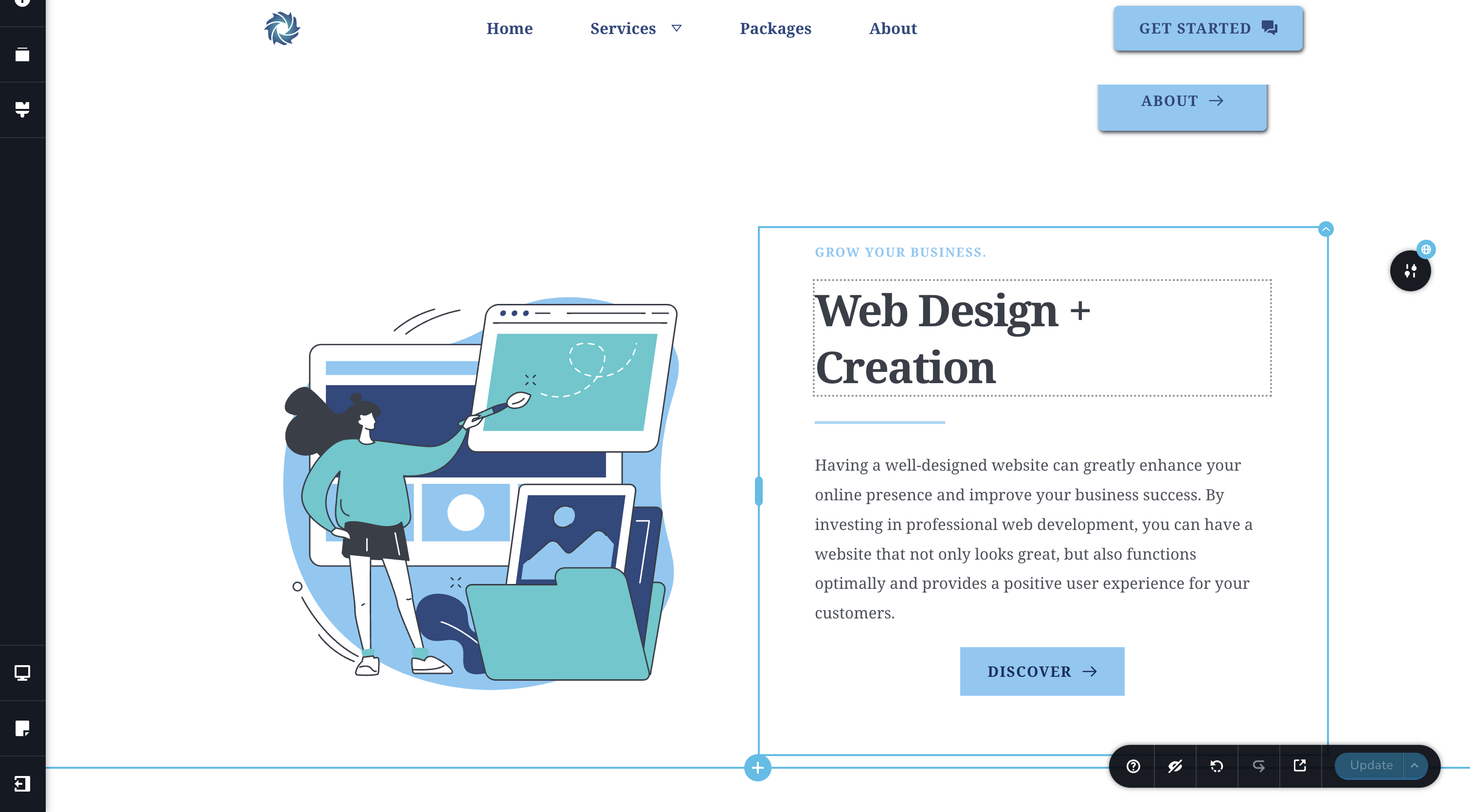
and this is the live view for the content:

For some reason the space underneath that is blank which is where to content should be displaying. If I change the padding or margin and reset the changes it displays however I have a lot of content on this site that isn't displaying. Likewise with what Timur was saying, please fix this as soon as possible.
Thank your for the help,
Benjamin
0 -
Hi Benjamin,
The editor and the frontend looks identical to me. I do not see any whitespace. Is this issue already resolved?
 0
0 -
Hi KC George,
Apologies for not being clear enough. The issue isn't quite resolved yet. For the content above, I adjusted the padding and reverted the changes so it displayed. However the content on the rest of this page isn't showing yet.
Editor:
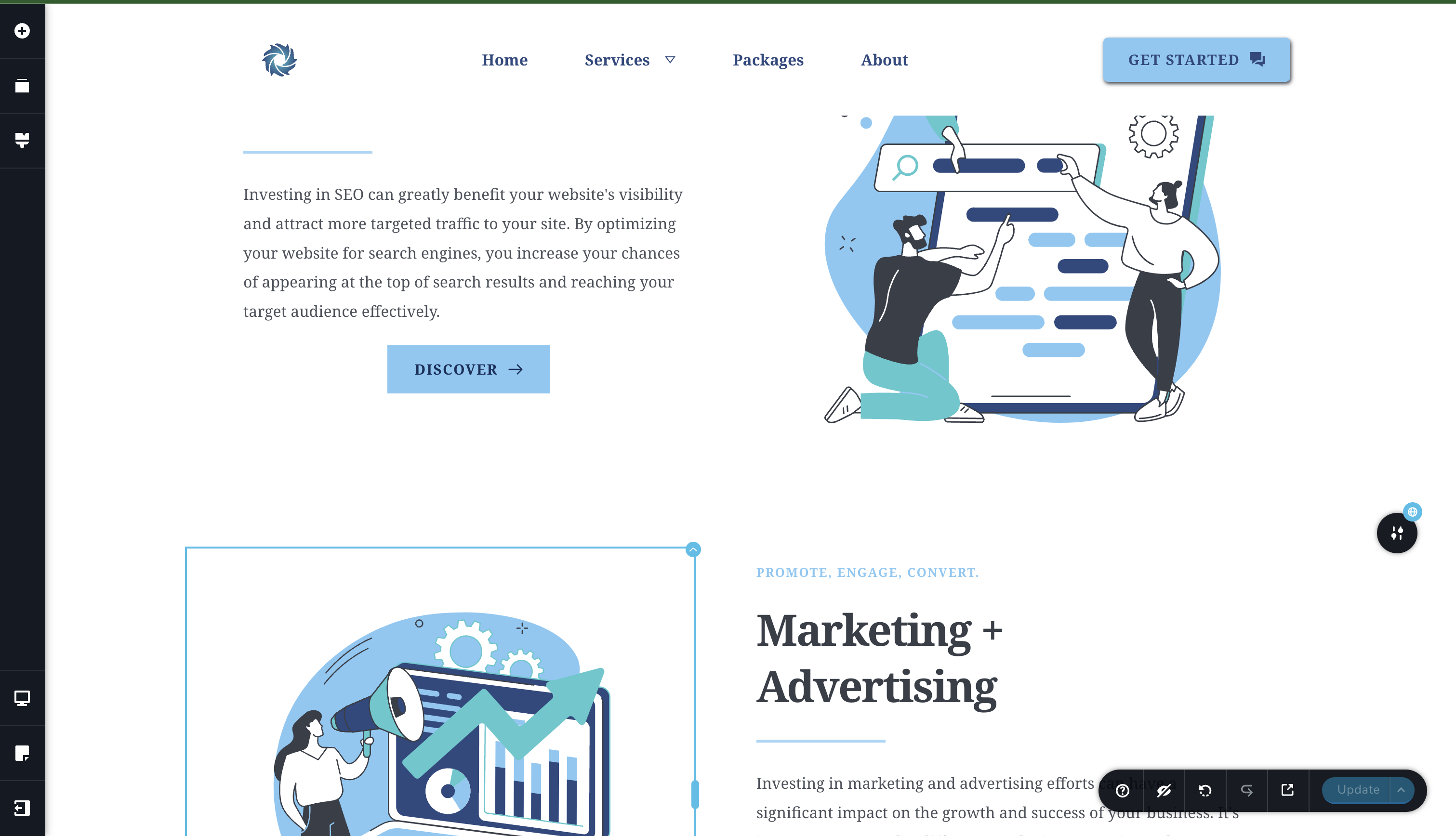
Live:
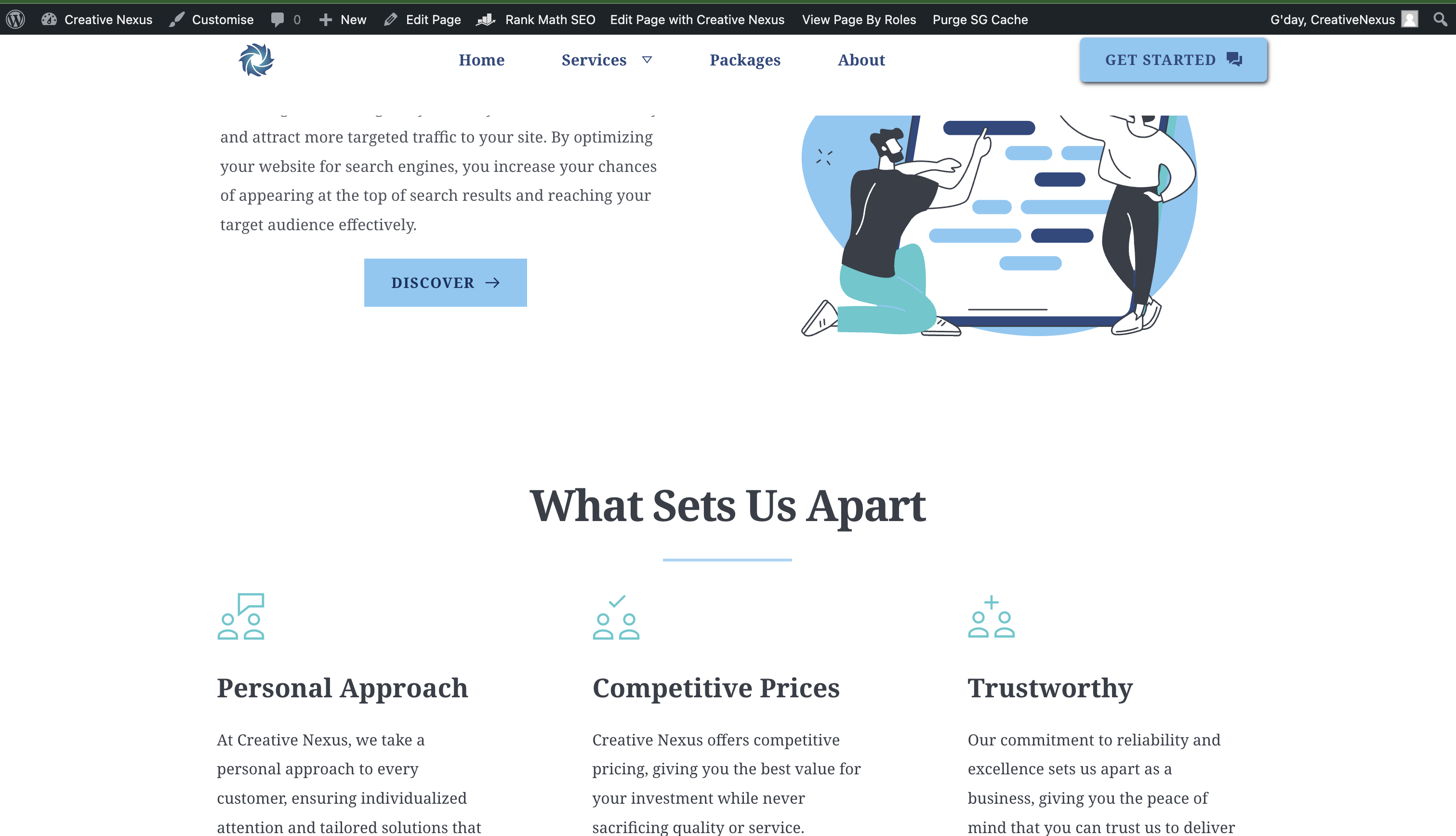
So yeah I will have to perform the strategy which you mentioned on all the content for it to work. It isn't a hard fix but still an issue that needs to be fixed.
Thank you for the help :)
0 -

Hi Benjamin,
Thank you for the update.
This is something we need to inspect from your WP Admin page. Please add us as an Admin user to your WordPress Dashboard and send the following details to: communitysupport@brizy.io
Community Post link: https://support.brizy.io/hc/en-us/community/posts/20629736039698
WordPress Admin URL:
Username:
Password:Please make a full backup of your site as a precaution.
In the meantime, could you please try disabling SiteGround Optimizer and see if this makes any difference?
https://www.webnots.com/how-to-disable-wordpress-caching-in-siteground/Best regards,
Ariel H.0 -
Hi Ariel,
Thank you for that. I will send these details soon and I tried disabling the plugin and the issue still occurs.
Thanks,
Benjamin
0 -
Hi Benjamin,
You have multiple global blocks on each page. Kindly make a small edit in every global block such as adding space to a text and then deleting it and save your work by clicking on the "Update" button at the bottom right corner. Check if all the global blocks on the specific page appear in WordPress preview.
If all global blocks display well in preview, in your WordPress Dashboard under Speed Optimizer - Caching, under the heading "Manual Cache Purge" click on "Purge Cache" button to make the changes available on the website frontend.
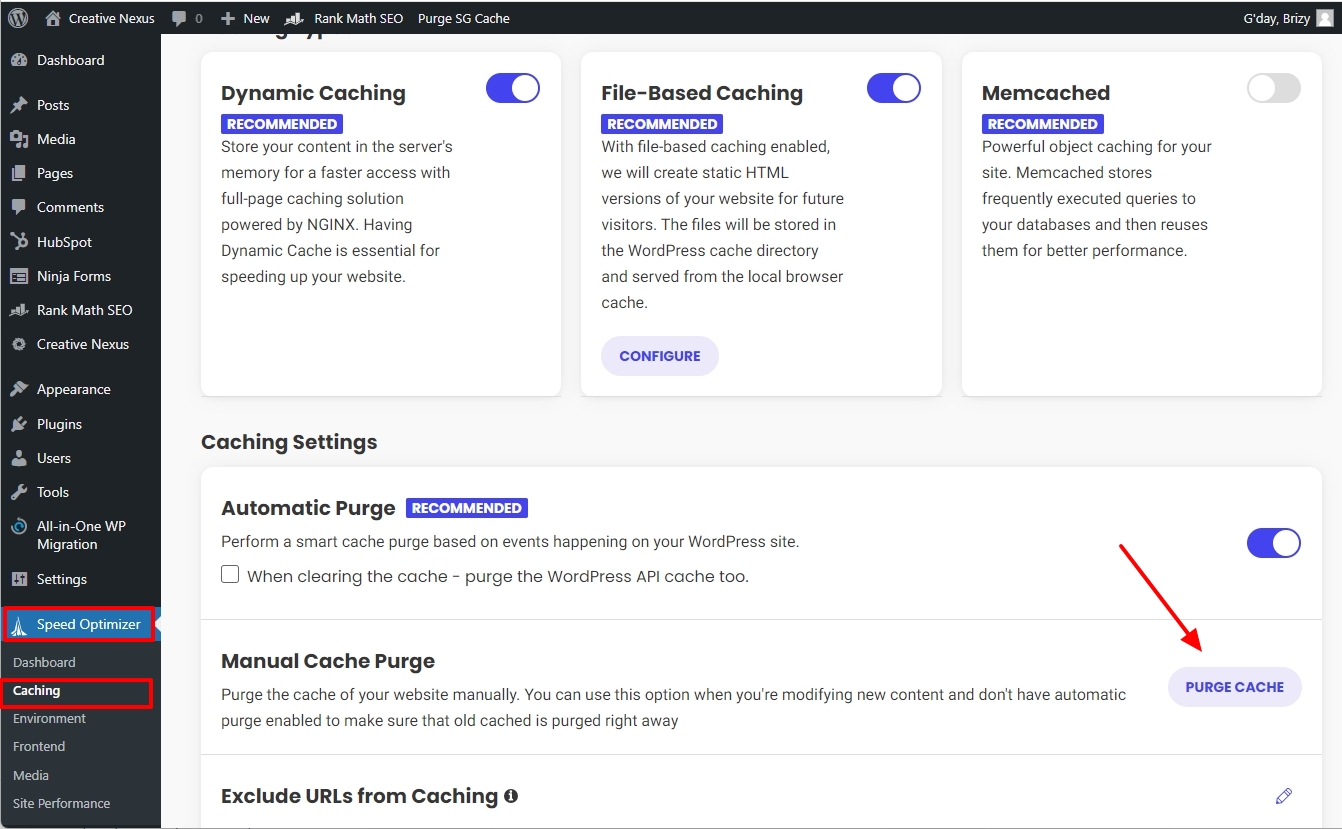
I have implemented the above changes for your homepage. Kindly check if the entire homepage displays in the frontend.
0 -
Hi, the issue appears to be resolved now. Thank you for the help :)
0
Please sign in to leave a comment.
Comments
11 comments