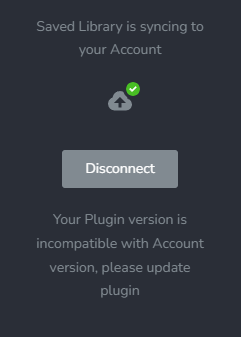
Saved Library no syncing / Pro 2.5.1

0
-

Hi Claudio,
We apologize for inconvenience. This is an ongoing issue until we release the next Brizy update. Kindly follow this approach to import saved blocks from Brizy Cloud to WordPress until then.
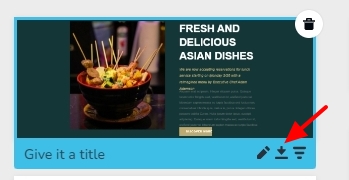
In your Brizy Cloud project in the Saved Blocks library, hover the mouse over the block you want to import and select the 'Down Arrow' icon at the bottom right corner. The block will be downloaded as a ZIP file.
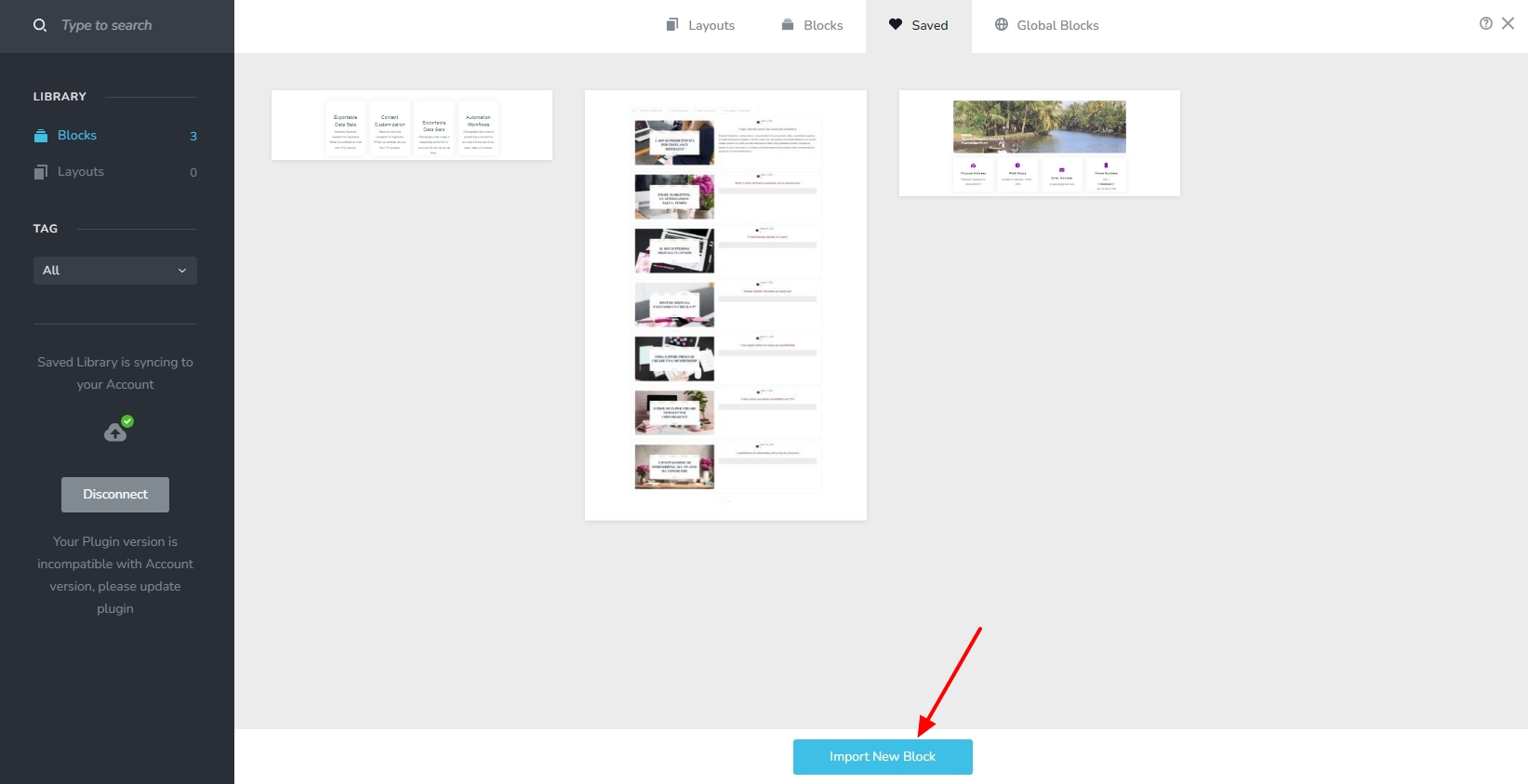
In the Saved Blocks library in your WordPress project, kindly click on the "Import New Block" button to import the downloaded block.
 0
0
Please sign in to leave a comment.
Comments
1 comment