4 questions

I'm pasting these from a dev I work with:
- I am experiencing an issue where WordPress widgets are not appearing in Brizy. Has anyone else encountered this problem? Any suggestions on how to resolve it?
- I'm having trouble with template preparation in Brizy. Can someone guide me through the correct process to ensure everything is set up properly?
- How can I add new widgets in Brizy if needed? Are there specific steps or plugins required to do this?
- Sometimes, Brizy does not update changes immediately, and I have to refresh the page and redo them. Is there a known fix for this issue?
-

Hi Ryan,
Thank you for reaching out to us.
1. Could you please specify which WordPress widgets you are referring to? By default, Brizy offers two available WordPress widgets.
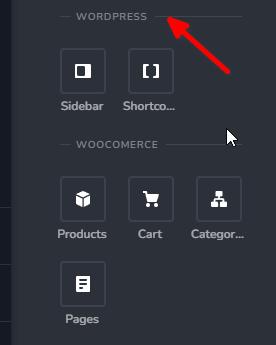
If you can't find them, you can click the pencil icon next to the question mark on the top right in the elements sidebar. Clicking it should display all active elements marked with a check mark, while those without a check mark are hidden in the elements panel.
2. For using Dynamic Templates in Brizy, please refer to this link: https://youtu.be/lkiSk6IE7tA?si=fIbyAb0XwY3BcS49
3. Unfortunately, adding widgets is not currently supported. However, you can utilize plugins that support shortcodes to add custom functionality.
4. We have recently encountered similar issues with users unable to update their pages. If you have WordFence installed, please consider the following steps to resolve the issue:
1. In the WordFence plugin settings, navigate to the Firewall section.
2. Activate Learning Mode - [https://imgur.com/TucapoH](https://imgur.com/TucapoH).
3. Return to your Brizy page, embed the code, and update the page.
4. After making the changes, go back to the WordFence settings and re-enable the 'Enabled and Protecting' option.If you have any further inquiries, please feel free to let us know.
Best regards,
Ariel H.0 -
Thanks for the screenshot. We don't see sidebar, though like you do in your screenshot. All we see is shrortcode in the widgets area.
Also, if you don't support widgets like recent comments, how can I put that on a web page? Also, how can I do breadcrumbs?
Thanks.
0 -

Hi Ryan,
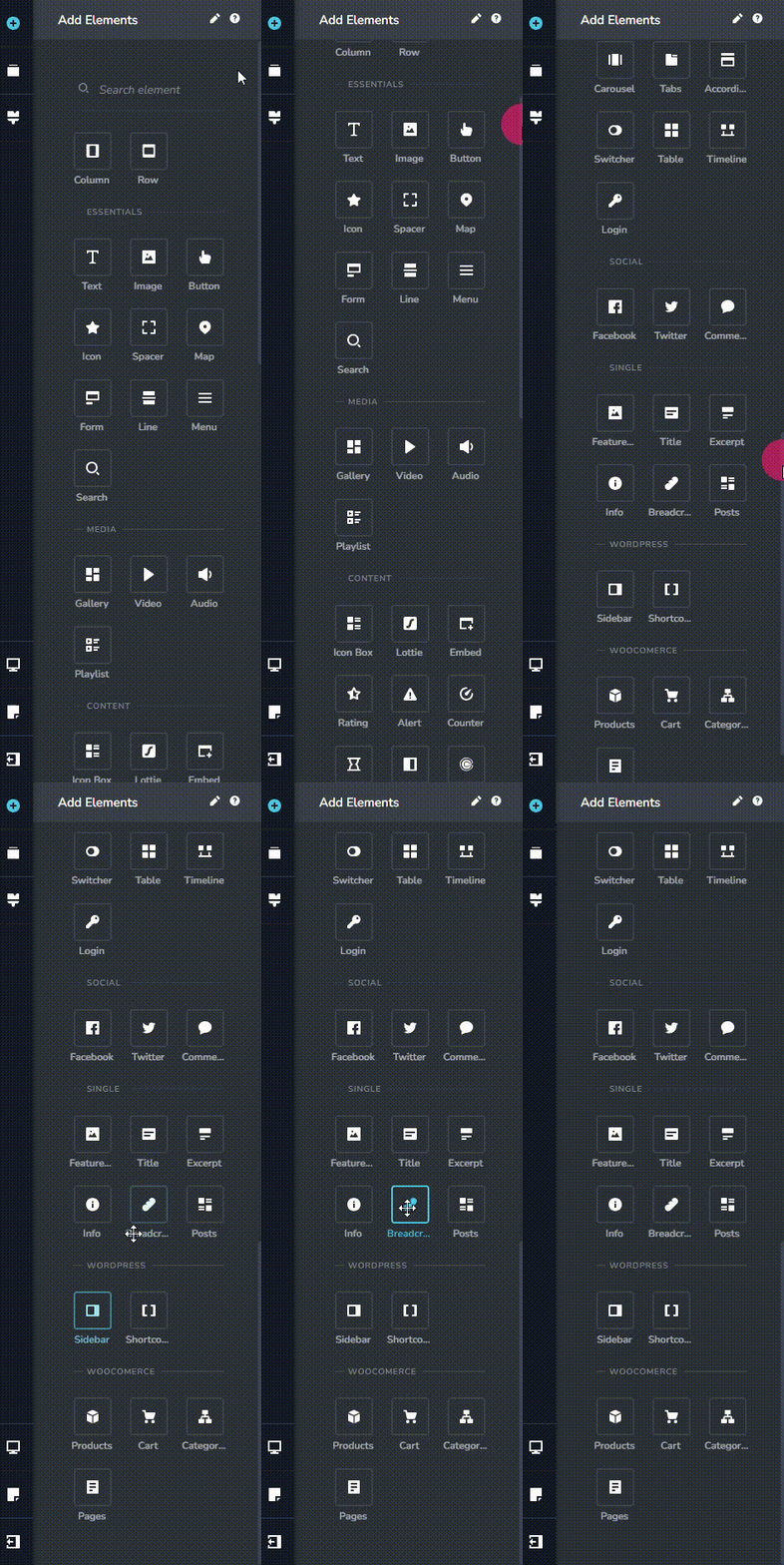
You can see the 'Sidebar' and 'Breadcrumbs' elements towards the bottom of the Brizy Elements panel. You can also search for these elements in the Elements panel
 0
0 -
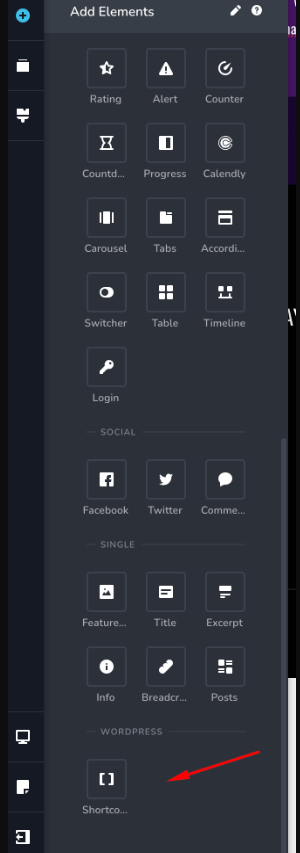
Thanks for the response. We can see breadcrumbs but do not see SIDEBAR. See pic below:
Also, how would you add the equivalent of the RECENT POSTS WordPress widget?
0 -
Hi Ryan,
Kindly unhide the "Sidebar" element if you have hidden it following the procedure at https://jmp.sh/RCwoXv5n
Brizy does not have an equivalent of the Recent Posts widget. However you can use the Posts element to display the recent posts
0 -
Thanks. If you wanted to add RECENT POSTS to the side of the page, how would you accomplish it? Are there plans to add the standard WordPress widgets to Brizy?
0 -
Hi Ryan,
Thank you for staying connected.
To accomplish this, you can set up a two-column layout where the left column showcases your blog posts, and the right column is reserved for the sidebar element.
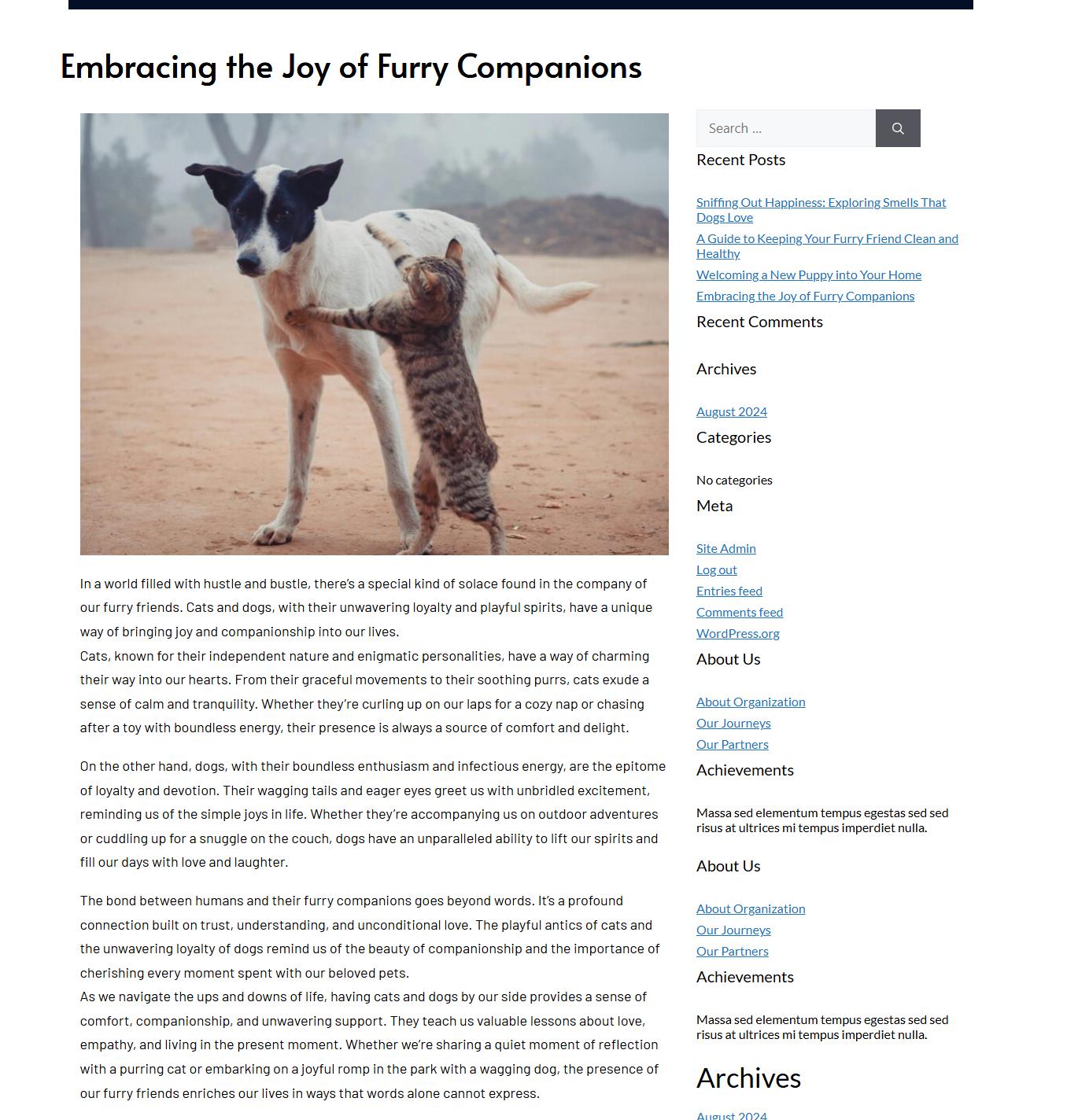
Additionally, you can use the post element to display posts on the right column, following the example where the post element is configured to display 1 column and 4 rows.
Within the post element settings, you have the flexibility to eliminate the excerpt and solely display the post title, featured image, and the "read more" button.
If you have any further questions, please feel free to reach out.
Best regards,
Ariel H.0 -
Ok, I had time to try and add SIDEBAR to test this but don't see it still. See this video --> https://go.screenpal.com/watch/cZj2oIV9UqR
thanks
0 -
Hi Ryan,
If you are not seeing the sidebar element, it is possible that the sidebar is disabled in your project. If you give us access to your project, we can check this in your WordPress Dashboard.
It is possible to customize the content of you sidebar. Please have a look at this screen recording for the procedure. https://jmp.sh/V8gX2UQq
0 -
Ahh makes sense. Ya, so where should I send the login credentials? The process now makes sense, however, on some of my sites I don't see SIDEBAR. Thanks
0 -
Hi Ryan,
Please add a new user to your WordPress Dashboard and send the following details to our email: communitysupport@brizy.io
- Support Forum link:https://support.brizy.io/hc/en-us/community/posts/20625724171154
- WordPress Admin URL
- Username
- Password
Please let us know in this forum when you send us the email.
0 -
sent thank you
0 -
Hi Ryan,
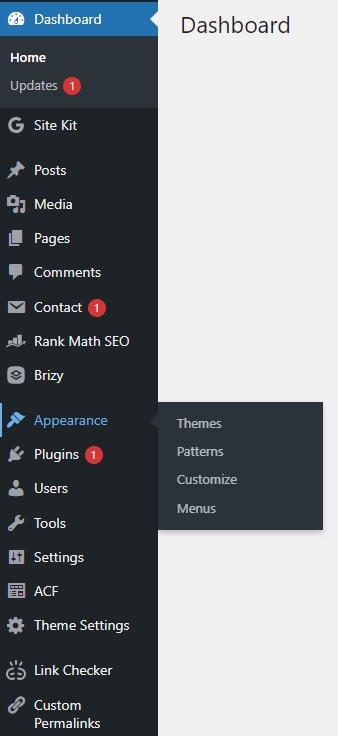
The 'Widgets' option is missing from your WordPress Dashboard's 'Appearance' menu. Your theme "Santa Year Round" does not appear to support WordPress widgets. Please switch to a widget-ready theme like Blocksy. The 'Widgets' option will then appear in the 'Appearance' menu, and the 'Sidebar' element will appear in the Brizy Elements Panel.
 0
0 -
Ahhhhhhhhhh. Thank you :)
0 -
Should the Sidebar item appear when using the 2024 standard theme? It doesn't on another website we're working with. Also. Will it show using Astra? I already known issues with Brizy and Astra?
Thanks.
0 -
Hi Ryan,
Block themes like Twenty Twenty Four do not support Widgets. Only classic theme support widgets. You can read more about it at WordPress Widgets vs Blocks
Since Astra is a classic theme, widgets should ideally appear in Astra. What are the known issues when using Brizy along with the Astra theme?
0 -
Thanks for the response. I had no idea WP moved away from Widgets. lol. I don't ever use them. Let me ask it this way. If you wanted to add a RECENT POSTS section to a main blog page, how would you accomplish this task? thanks
0 -
Hi Ryan,
To display Recent Posts in the sidebar, you can either use the Brizy Posts element, use a native WordPress widget, or use a widget from a plugin like Recent Posts Widget With Thumbnails
0 -

I need this widget and it is obvious they disabled it and are now charged $50 for plugins for teh very same feature.
Brizy should maintain this widget functionality if this is Brizy. Yes I have a block theme but the widget is still available to use.
SO how do I get the recently viewed products widget into my sidebar?
0 -
Hello Armand,
Kindly follow the procedure in the screen recording at https://jmp.sh/FWw5cocy to display the recently viewed products in your sidebar.
0
Please sign in to leave a comment.
Comments
20 comments