Something went wrong on getting meta

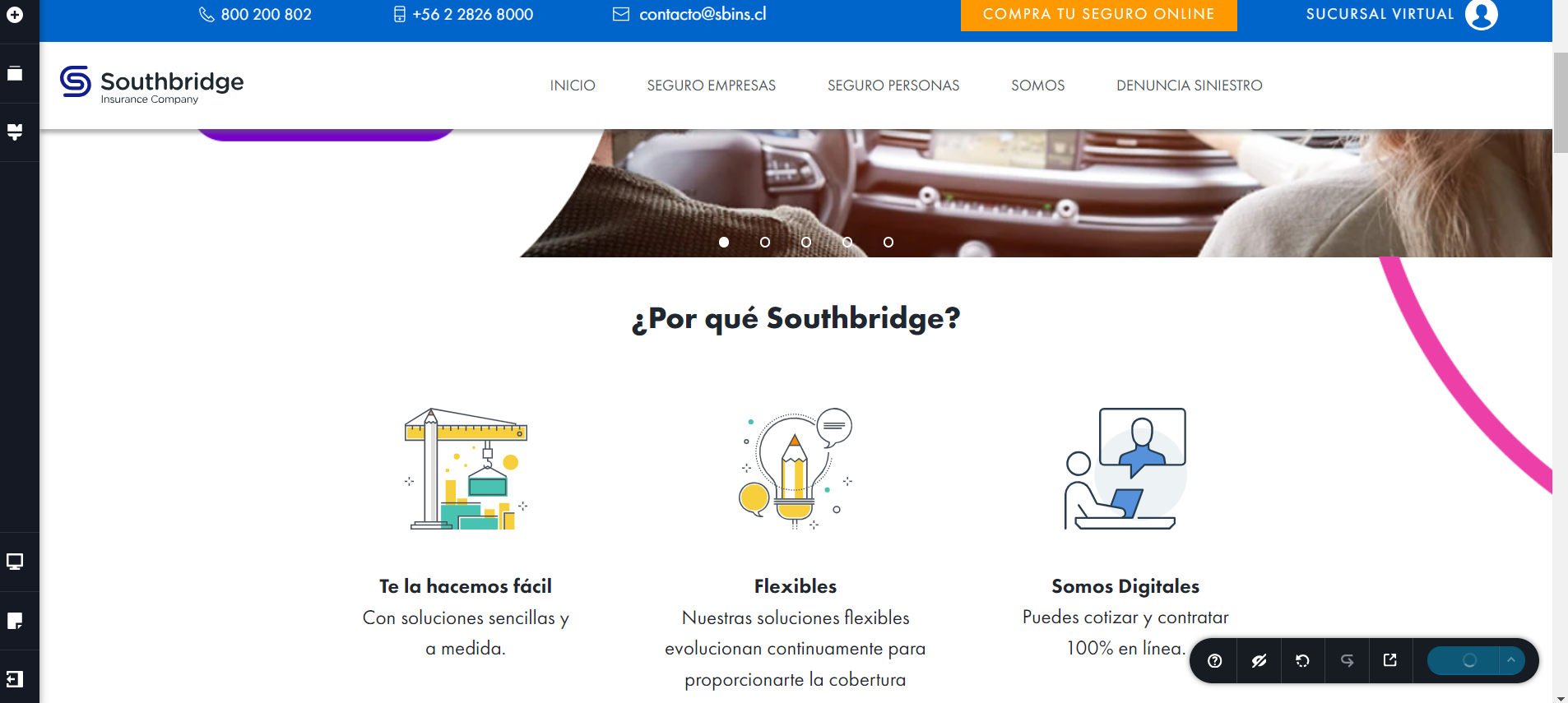
He tenido problemas con mi brizy y estoy pagando el pro, sucede que me aparece este error al abrir mi sitio web, en el margen superior que se ve vació iba un div con mi menú del sitio colocado con el icono "global" que incluía un menú de brizy pro, mi footer tampoco se logra ver y también era un elemento global.
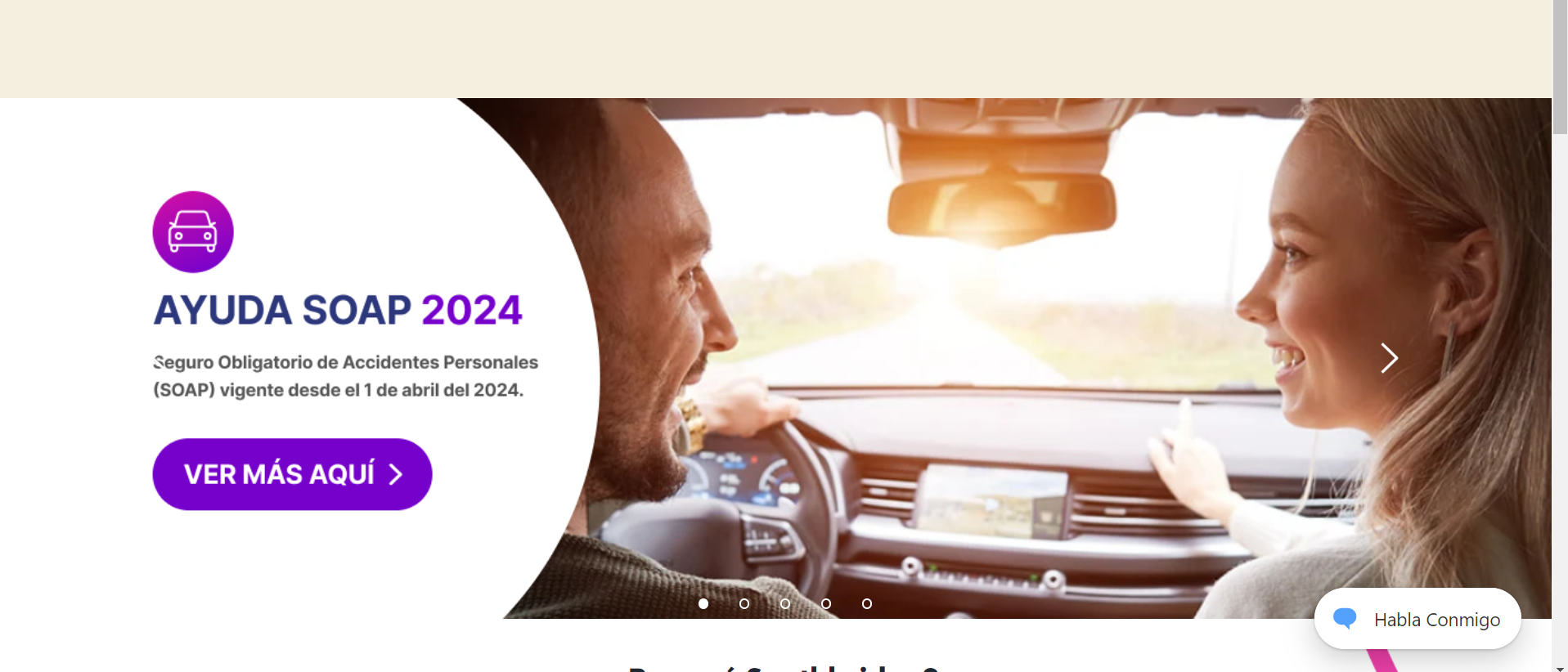
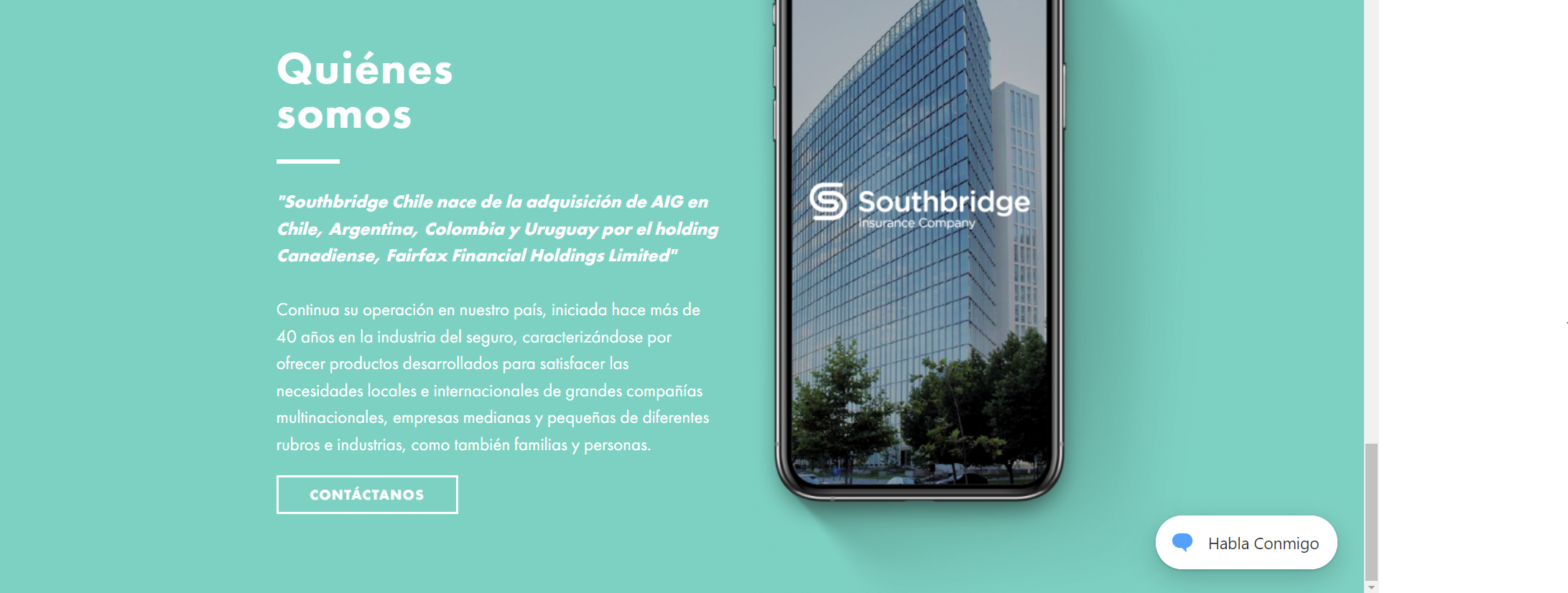
Así se ve mi página dentro del editor de brizy,
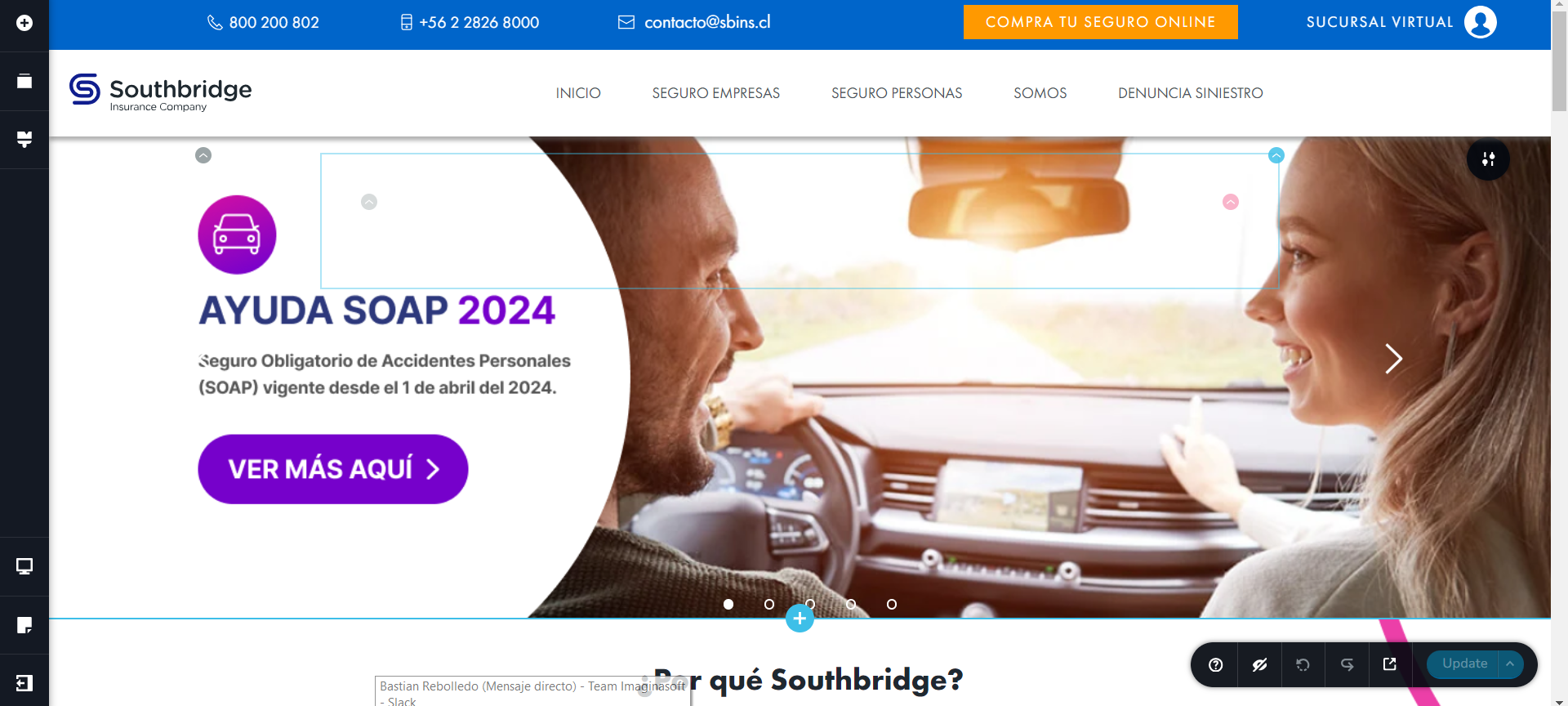
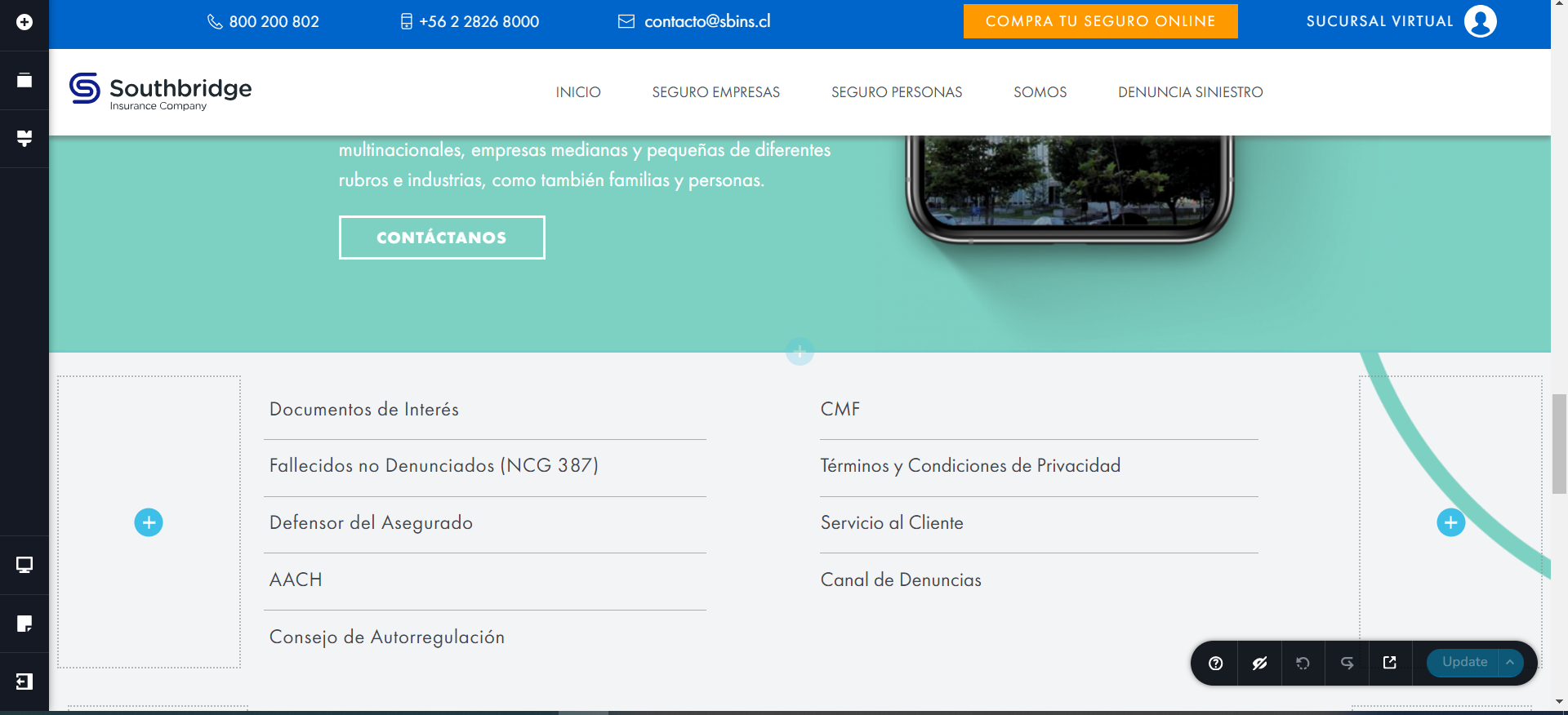
y cuando intento abrir la ventana de elementos donde me aparecen los guardados y globales, me aparece el siguiente error: 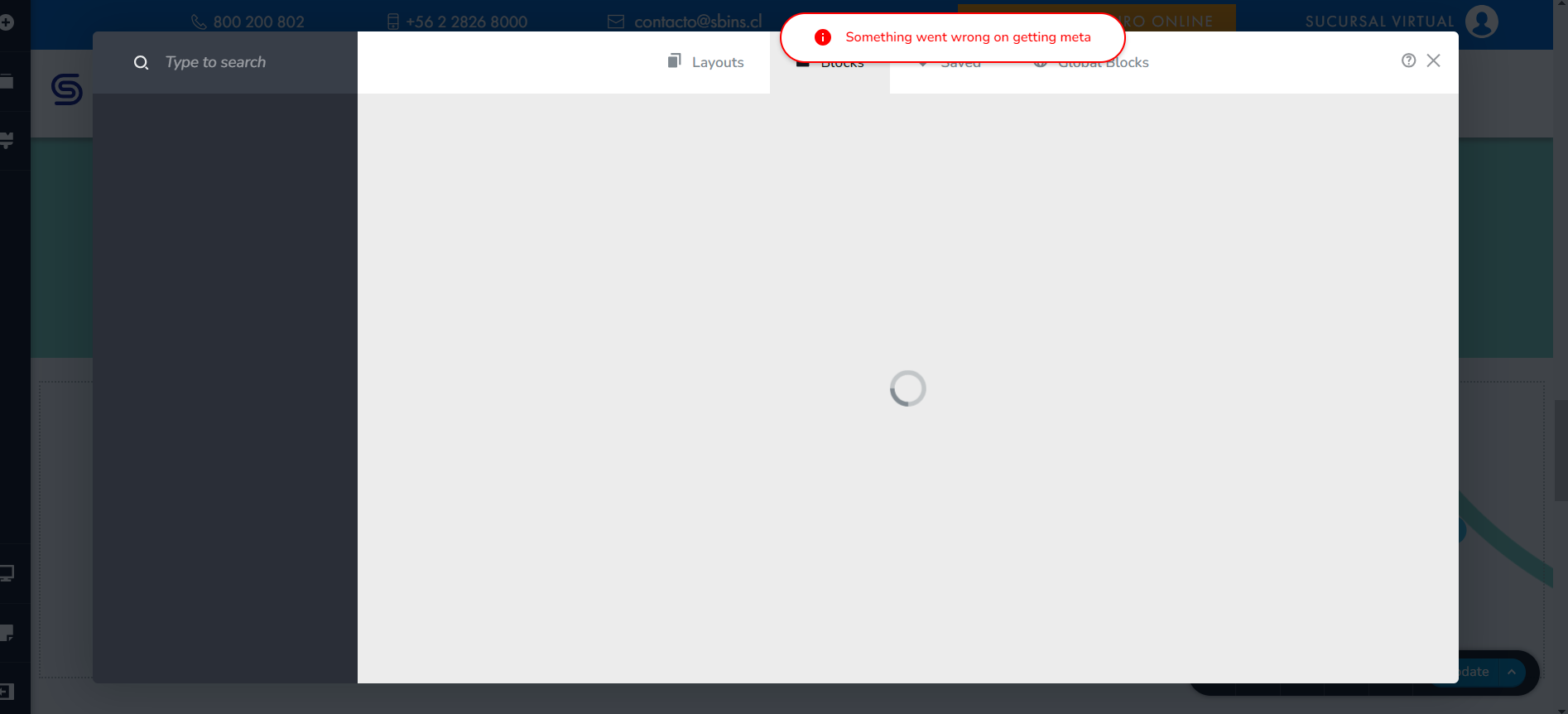
Destaco que tampoco me deja guardar elementos con el icóno del corazón o de forma global y que tampoco me deja actualizar la página.
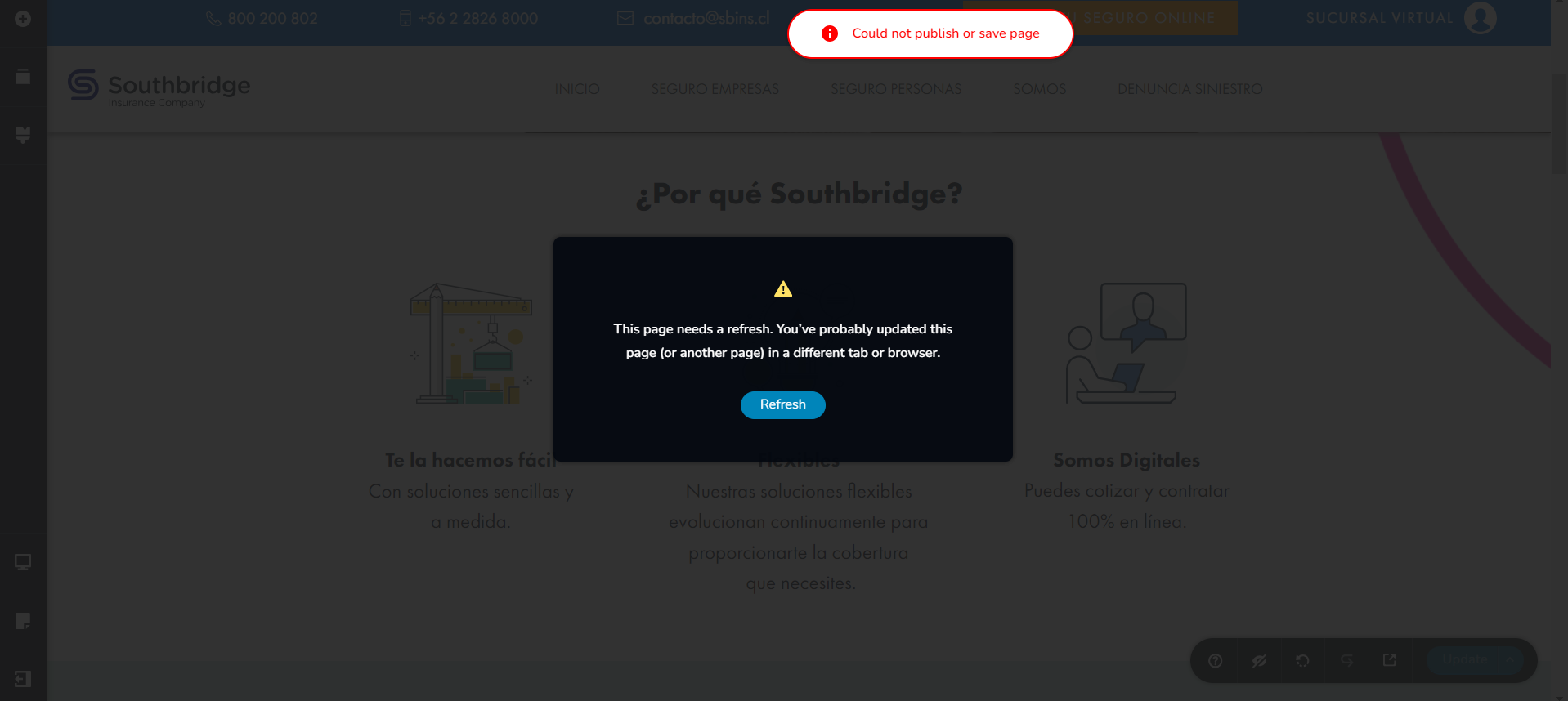
No tengo ningún otro editor abierto por lo que no tendría porque aparecer ese aviso.
Necesito una solución urgente, ya que es una página de venta de seguros y cada minuto que pasa es importante.
-

Hi
Thank you for contacting us.
This issue seems to be related to WordFence. If you have it installed on your site, please consider trying the following steps to resolve the issue.
1. In the WordFence plugin settings, go to Firewall;
2. Turn on Learning Mode - https://imgur.com/TucapoH;
3. Go back to your Brizy page, make some minor adjustments, and then save the changes;
4. After completing the changes, go back to the WordFence settings and re-enable the 'Enabled and Protecting' option.If you don't use WordFence, please also verify if you have access to temporarily disable the Firewall/Mod Security in your hosting console. This should help resolve the issue.
If the issue continues, please provide us temporary access to one of your websites, experiencing this issue. Please add us as an Admin user to your WordPress Dashboard and send the following details to: communitysupport@brizy.io
Community Post link: https://support.brizy.io/hc/en-us/community/posts/20604135059858
WordPress Admin URL:
Username:
Password:Please make a full backup of your site as a precaution.
Best regards,
Ariel H.0 -
Seguí las instrucciones de wordfence y el error persiste. Les mandaré los datos de acceso ahora para que me puedan ayudar.
0 -
Hi David,
Thanks for your cooperation.
We've now updated both Brizy and Brizy Pro and successfully made changes on your site.
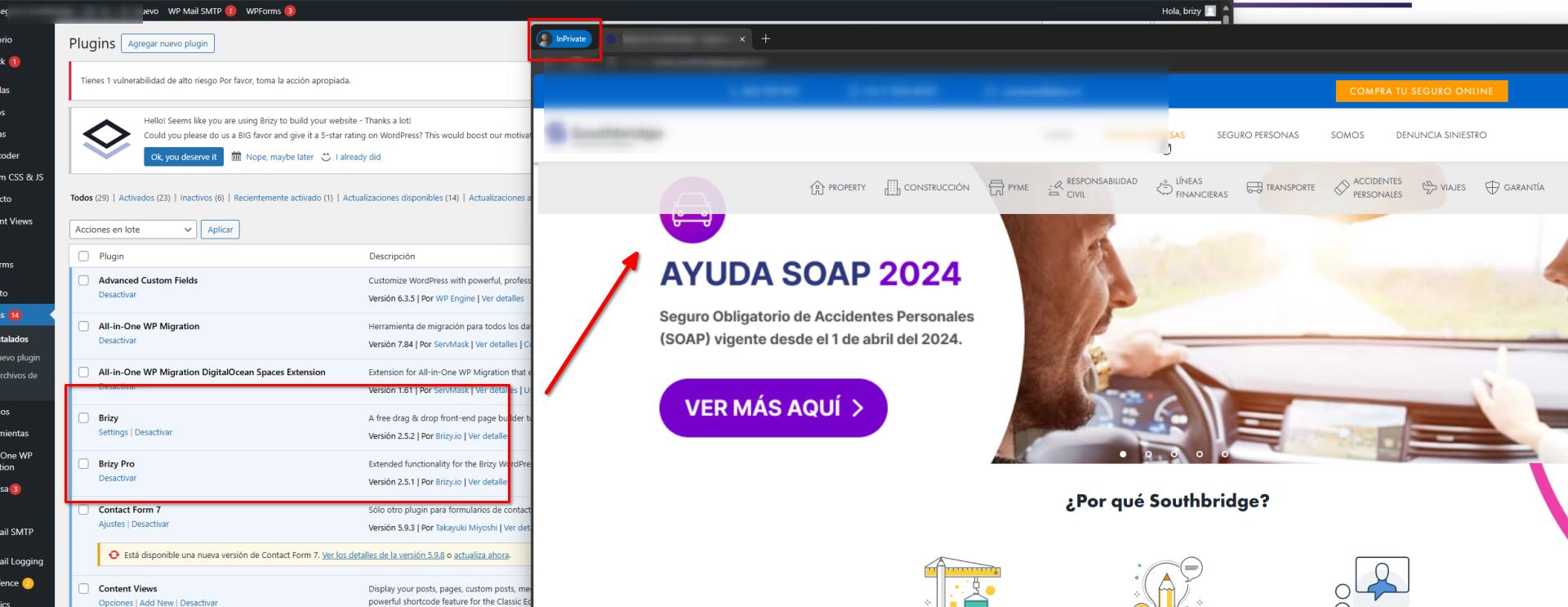
To address the header and footer issues, we followed the steps provided in this link: https://www.brizy.io/new-compiler-200-loading-performance-boost
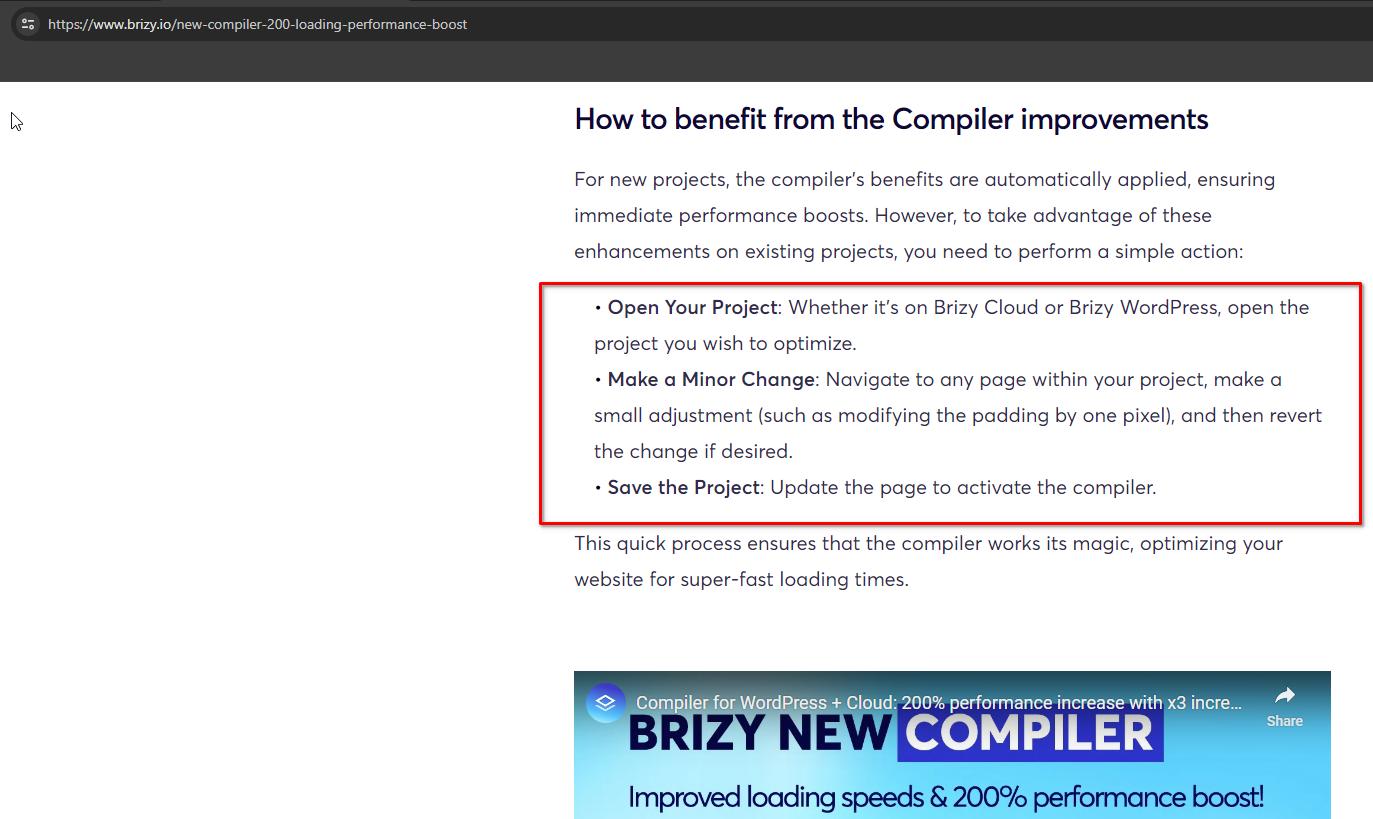
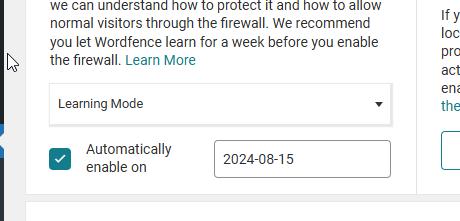
Prior to this, we had already set WordFence to "Learning Mode."
We haven't resolved the error that appears when accessing the saved elements, I'll keep you informed as soon as I receive any updates from our senior support team.
In the meantime, please take a look at your pages to check for other possible issues after the update.
Best regards,
Ariel H.0 -
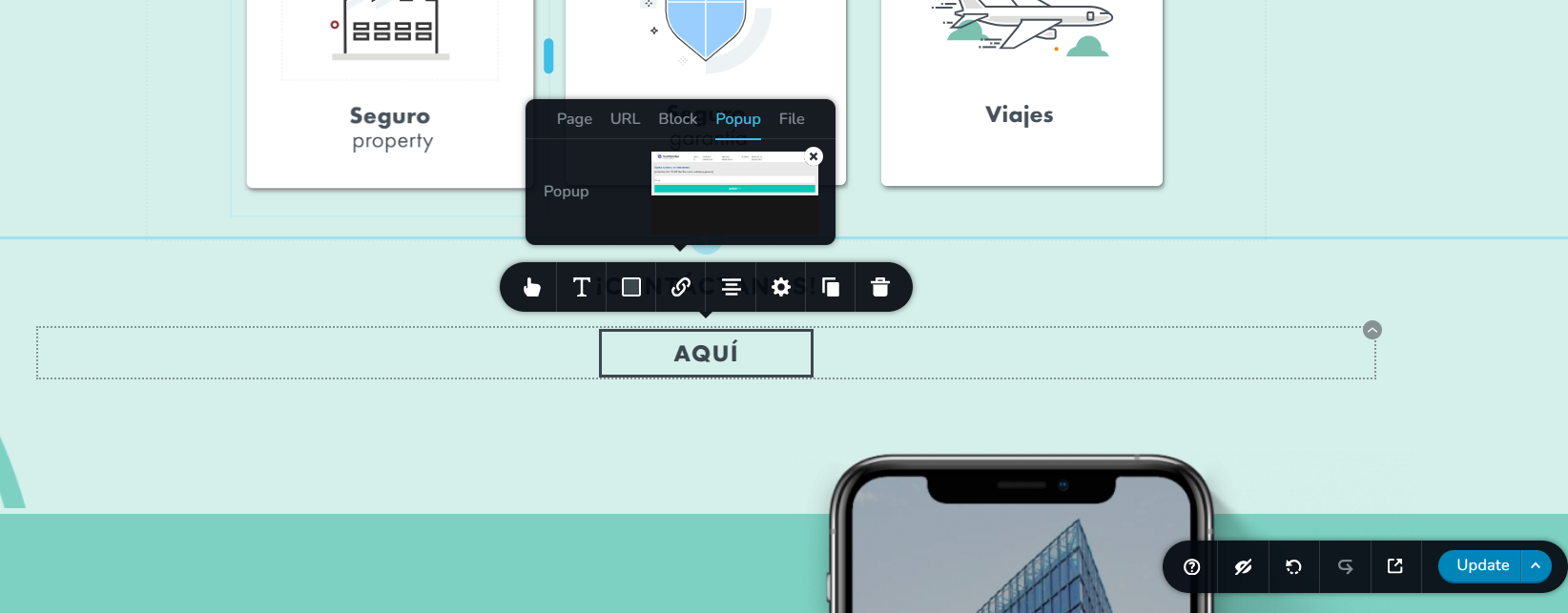
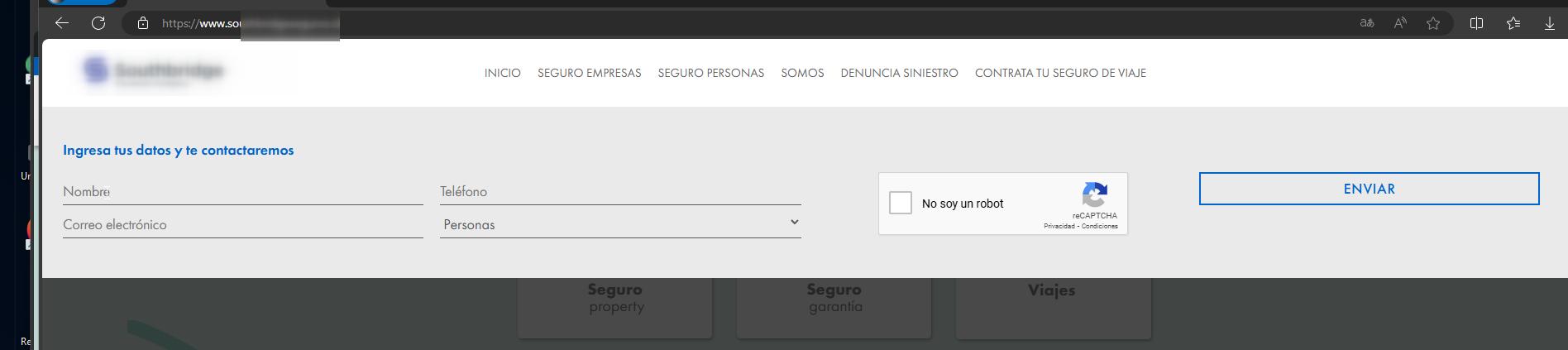
Otro error que encontré es que este botón abría un pop-up de brizy, no lo está mostrando. Pero si tiene el pop-up asociado en el editor.

Así se muestra en el editor de brizy:
 0
0 -
Hi David,
I apologize for the oversight; I didn't attempt to click on the button. We have resolved it using the same method. If you come across any other elements that are not functioning as expected, try making minor adjustments such as adding padding, inserting extra characters, or a period to text elements. After making these changes, click "Update" to save them. Subsequently, revert your changes and click "Update" again. This should prevent the issue from occurring once you have made these adjustments.
Best regards,
Ariel H.0 -
Hola, aún tengo el problema al intentar ver los bloques, aun no tienen noticias sobre este error?
 0
0 -
Hi David,
Thank you for keeping in touch.
Could you please resend us your site's credentials, following the steps outlined in one of our emails, so we can review your site?
I am looking forward to your response.
Kind regards,
Ariel H.0 -
Ahora les envíe las credenciales otra vez, gracias de antemano y quedo atento a su respuesta.
0 -
Hi David,
Thank you for your cooperation.
We observed the following errors in the console while inspecting your site.
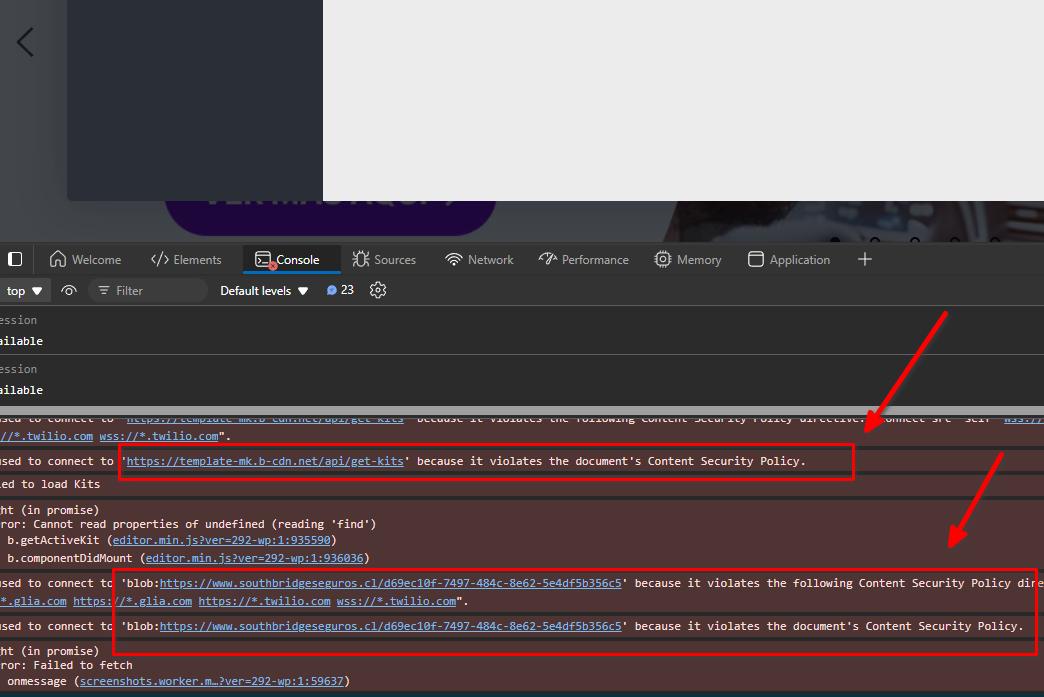
This issue occurs when the Content Security Policy (CSP) is blocking connections to 'https://template-mk.b-cdn.net' and 'blob:' URLs. To resolve this, please contact your hosting provider—they can update the CSP to allow these connections.
If you have any further questions, please let us know.
Best regards,
Ariel H.0
Please sign in to leave a comment.
Comments
9 comments