Recurring error with AI builder

I have a number of sites in Brizy Cloud and just created a page using the AI builder before clicking the "save and edit with Brizy" button.
The project was added to my account in draft mode but when I try to open and edit it, I get this error message: https://share.zight.com/JruEdDBK
The task I'm trying to do is to create the draft page using AI and then add that page into an existing Brizy Cloud project.
-

Hi James,
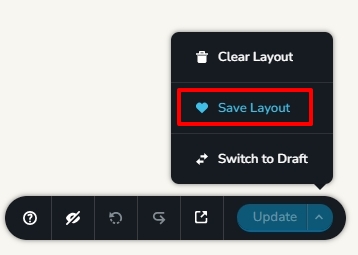
Once the AI builder generates a webpage, kindly click on "Save and Edit with Brizy". The AI project will get added to the default 'Workspace' in your account. Then kindly save the entire AI design as a layout by clicking on the "Save Layout" option at the bottom right corner
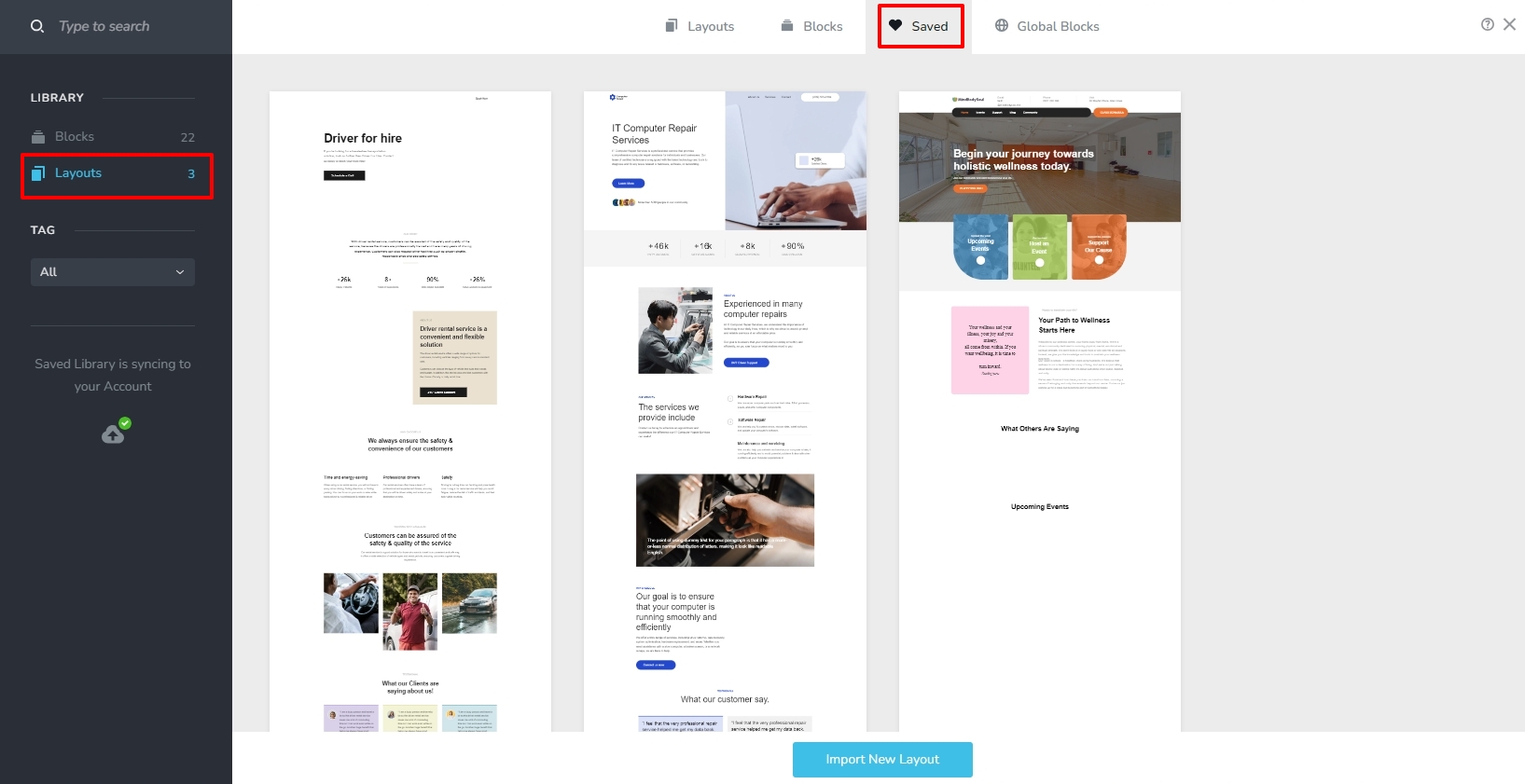
You can then import the design to an existing project from the "Saved Blocks and Layouts" library
 0
0
Please sign in to leave a comment.
Comments
1 comment