Migrated wordpress doen't save changes

Hi there
I recently migrated a WordPress installation with Brizy Pro to another hosting.
When I want to save changes to a page with Brizy Pro, a wheel keeps spinning and nothing is saved. I've disabled all plugins and changed theme.
I haven't changed any plugins since I first installed Brizy Pro.
WordPress version: 6.6.1
Brizy Pro version: 2.5.1
Brizy version: 2.5.2
Regards
-

Hi David,
Thank you for getting in touch with us.
1. Could you please confirm if you can replicate the same issue with all other plugins disabled, aside from Brizy and Brizy Pro?
2. Also try to flush the permalinks and see if this helps:
https://wpastra.com/docs/how-to-refresh-wordpress-permalinks3. Lastly, also ensure that your Home and Site URL use HTTPS if you have enabled SSL.
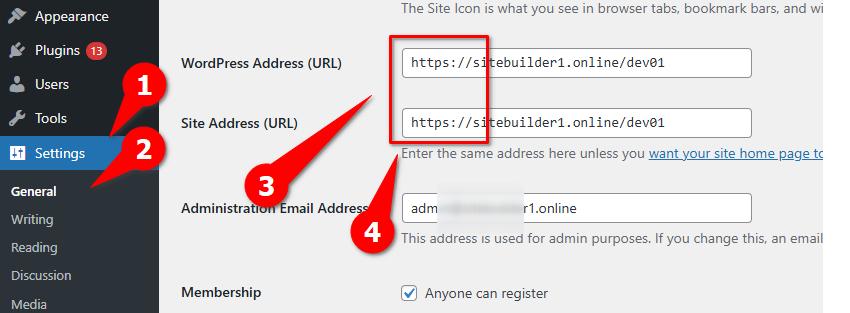
If the issue continues, this is something we need to inspect from your WP Admin page. Please add us as an Admin user to your WordPress Dashboard and send the following details to: communitysupport@brizy.io
Community Post link: https://support.brizy.io/hc/en-us/community/posts/20571353143954
WordPress Admin URL:
Username:
Password:Please make a full backup of your site as a precaution.
Best regards,
Ariel H.0 -
I have already done everything indicated. I have tried with the other plugins disabled.
Before giving you access, I need to confirm the country of origin. The wp-admin access is restricted by country.
0 -

Hi David,
Kindly enable the WP admin access for India and Philippines
0 -
I have added an administrator user for you. You should have received an email with the access details from World Import Data.
I can't see how to send private messages. Unless I send you an email.
0 -
Hi David,
Thank you for your cooperation.
I attempted to replicate the issue on your site; however, it seems to be saving the changes, as shown in this screencast: https://youtu.be/Ow1VgXlOBMQ
Please consider using a different browser or editing your pages from another computer to see if this resolves the issue.
Best regards,
Ariel H.0 -
Hi Ariel
I've seen the video and I can't see why it doesn't work for me. I have tried with several browsers, on another computer and with another administrator user in English. The problem persists. Will the regional settings of Windows 10 and Windows 11 have anything to do with it?
Best regards
0 -
Hi David,
Thank you for the update.
I retested it today by creating a test page, and it saved the page content without any issues.
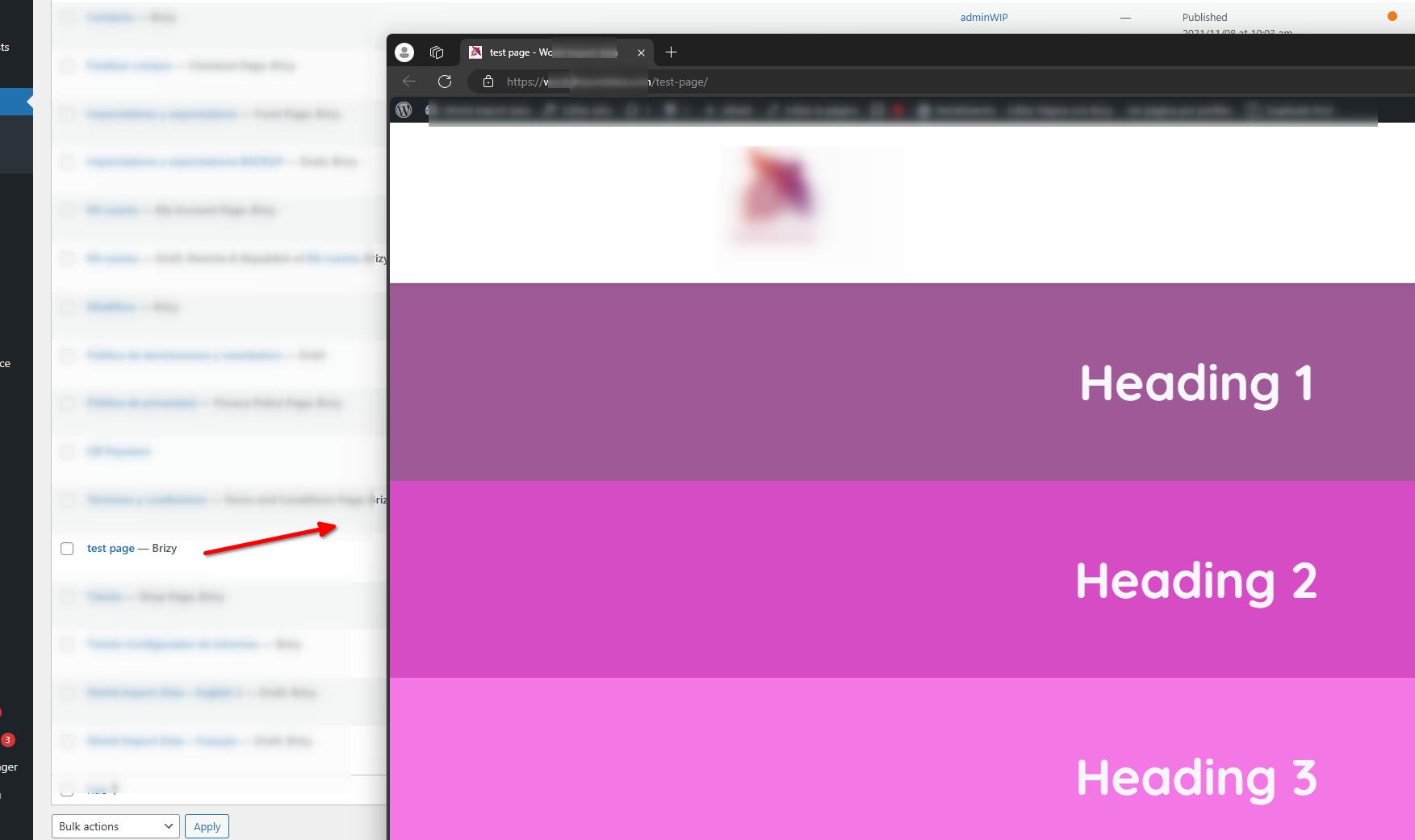
You might have common security software installed on the computers you used to edit your pages. If this is the case, try temporarily disabling it. Additionally, consider changing your Internet Service Provider (ISP) to connect and edit your pages to see if that makes any difference. Otherwise, please contact your hosting provider so they can help you investigate the issue.
Please try this and let me know how it goes.
Best regards,
Ariel H.0 -
Hi Ariel,
I have tried editing another page and I can save the changes. There must be something on the "Importadores y exportadores" Front Page that does not allow changes to be saved. It is most likely because the page was hacked on the old hosting. The technical support of the new hosting has eliminated the virus that the hackers had snuck in.
Best regards
0 -
Hi David,
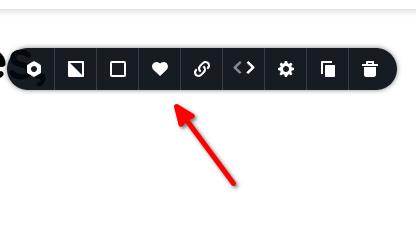
You might consider rebuilding the page by saving each block individually on the current page, creating a new page, and importing them from your saved blocks.
Best regards,
Ariel H.0
Please sign in to leave a comment.
Comments
9 comments