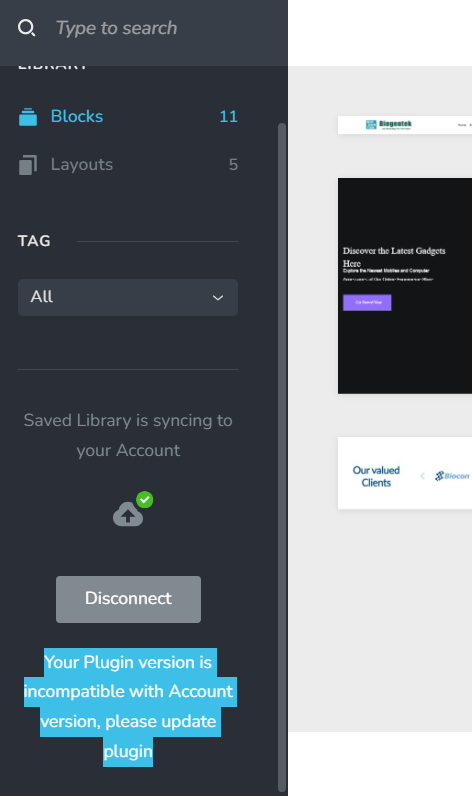
Your Plugin version is incompatible with Account version, please update plugin

Your Plugin version is incompatible with Account version, please update plugin getting the error in all my websites not even to download even. please resolve. i seen earlier people addressed the same issue
-

Hi Mohit,
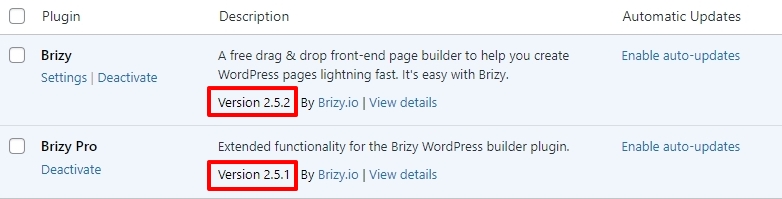
Kindly confirm if you are using these versions of Brizy and Brizy Pro.
 0
0 -
it is
 0
0 -
Hi Mohit,
We apologize for inconvenience. This will be an ongoing issue until we make the next Brizy update. Kindly follow this approach to import saved blocks from Brizy Cloud to WordPress until then.
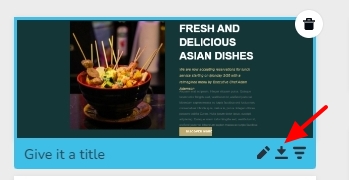
In your Brizy Cloud project in the Saved Blocks library, hover the mouse over the block you want to import and select the 'Down Arrow' icon at the bottom right corner.
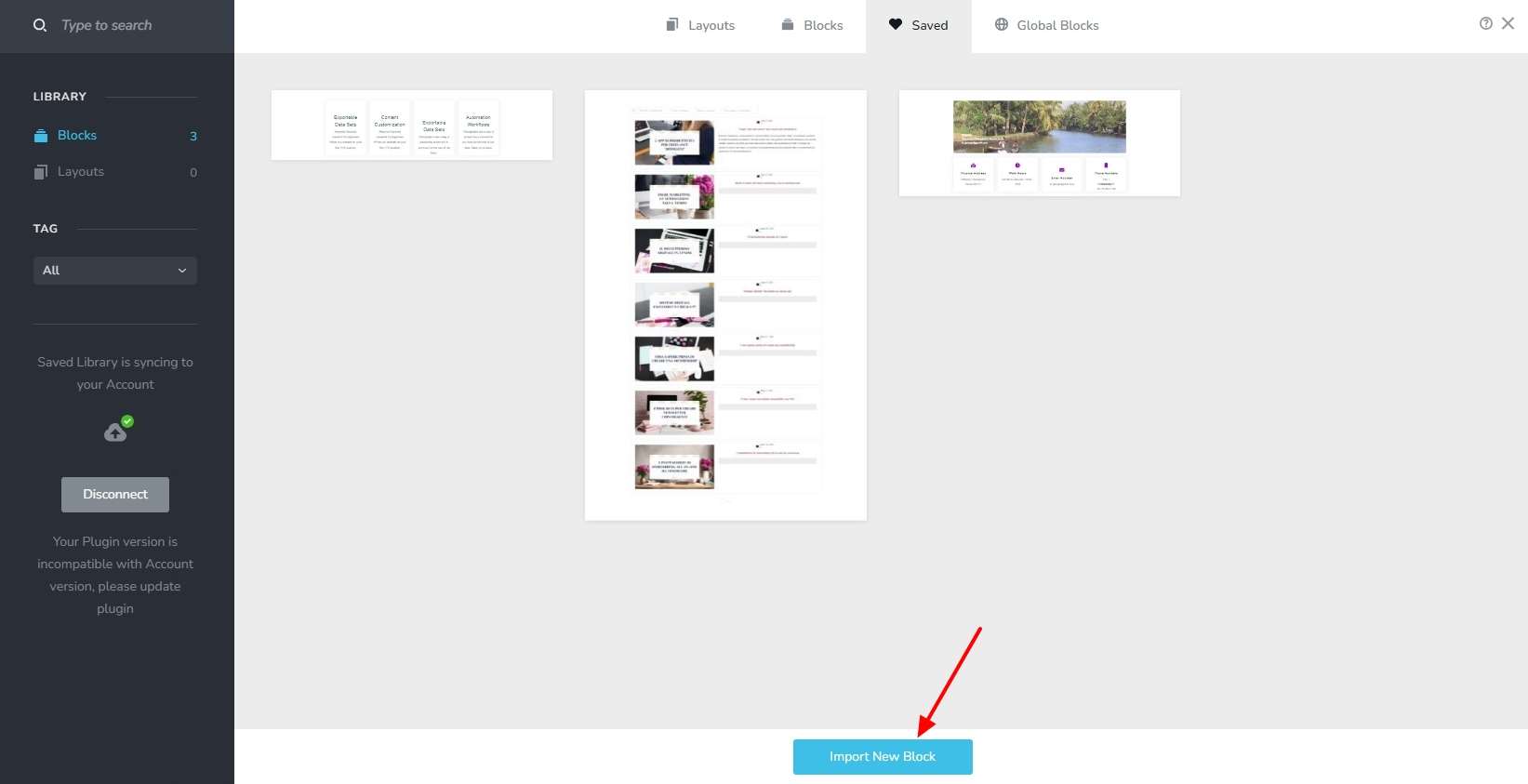
In the Saved Blocks library in your WordPress project, kindly click on the "Import New Block" button to import the downloaded block
 0
0 -
it is also not working sir
0 -
Hi Mohit,
Which particular step is not working? Do you see any error messages? Could you please provide a screenshot to demonstrate the issue?
0 -
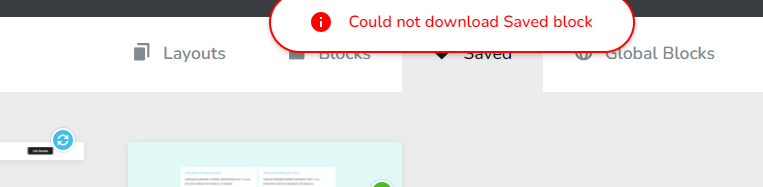 0
0 -
Hi Mohit,
I could download a saved block from your Brizy Cloud dashboard. Kindly see my test at https://jmp.sh/xB4l8Bxy
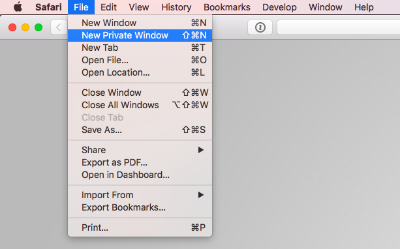
Kindly sign into your Brizy Cloud dashboard from a new private (incognito) window of your browser and check again. Try accessing the Brizy Cloud dashboard from alternate browser as well and check if you are able to download saved blocks
 0
0 -
when it will be properly working so i can directly install in website
0 -
Hi Mohit,
We are planning for another Brizy release in 2-3 weeks. This issue could be resolved with the new release.
0
Please sign in to leave a comment.
Comments
9 comments