Brizy Plugin Update

One Issue, the CSS blur I applied doesn't now work.
Can I check how I apply blur to an image CSS or otherwise.
-

Hi Ray,
I'm a bit confused by the issue you mentioned. Could you provide more details or even share some screenshots to help me better understand?
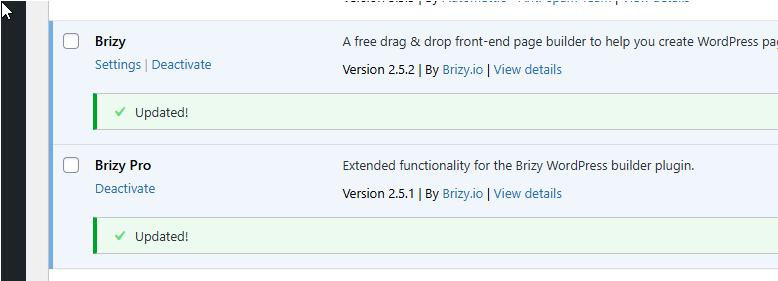
Also, it would be helpful if you could update both Brizy and Brizy Pro to latest versions and let me know if that helps resolve the issue.
Best regards,
Ariel H.0 -
Yes sorry a lot of information was accidentally missed off.
(This is a copy of a live site, so any errors won't be an issue.)
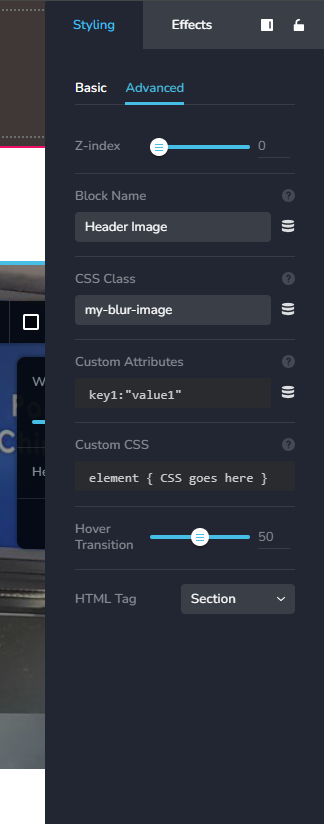
The main image should be blurred. The CSS blur used to work before I updated the latest Brizy versions. See image:
CSS
.my-blur-image .brz-bg-image {
filter: blur(3.8px);
}0 -
Hi Ray,
Thank you for your cooperation.
Please use the following CSS instead:
.my-blur-image .brz-bg {
    filter: blur(3.8px);
}
In this example, we intentionally raised the blur to 10px to check if it works.
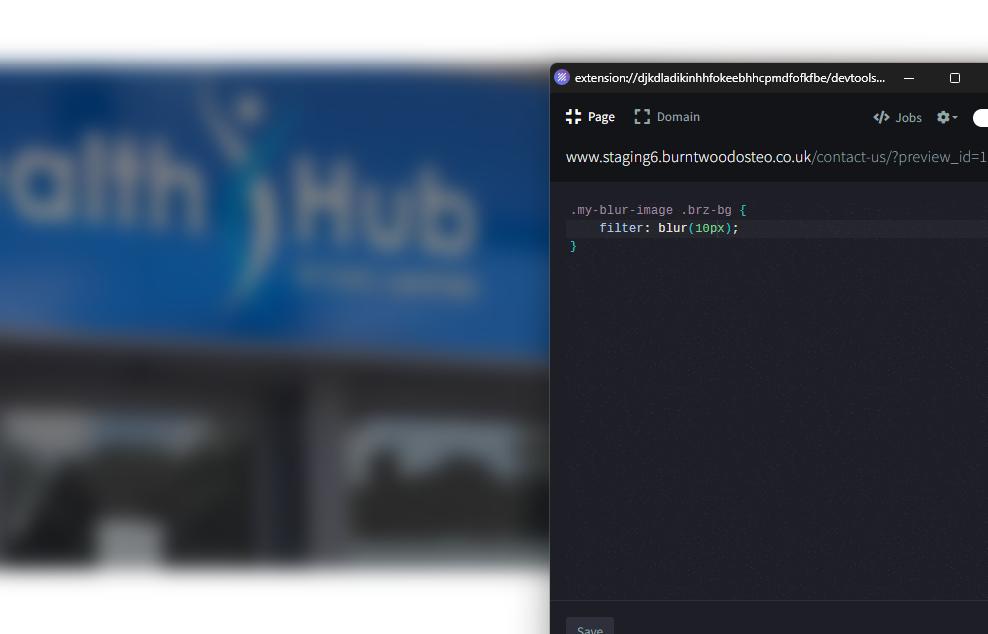
Please try this and let me know how it goes.
Best regards,
Ariel H.0 -
Ah! Unfortunately that blurs the edges of the image. What I used before did not.
Something very odd. I reverted to original CSS and it now works, can't explain that can you?
0 -
Hi Ray,
I'm glad that it has started to work again. The issue could be related to the cache.
Best regards,
Ariel H.0
Please sign in to leave a comment.
Comments
5 comments