Global Headers and Blocks are all Corrupted

Hi,
Every single site I have built with Brizy has now lost all of it's global blocks and headers. I have to manually go to each page of every site and update manually.
I have over 50 sites built with Brizy, this is not feasible. I need a solution and I need it as soon as possible.
I have the latest version of all plugins and themes, I don't have any clashing plugins
Examples
Here is the frontend of one of my sites built with Brizy (THEY ARE ALL LIKE THIS!!)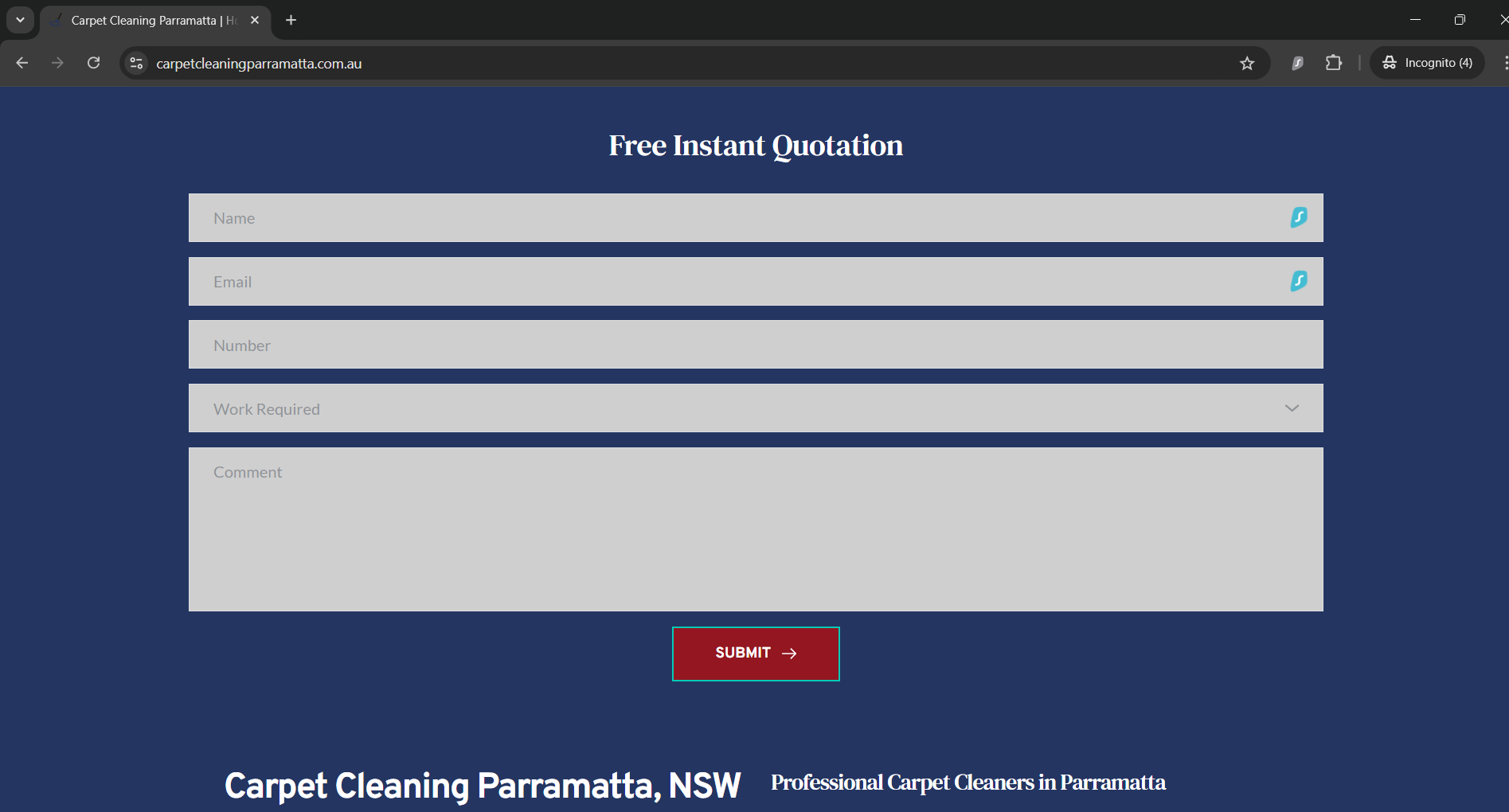
Here is the backend

Here is a screenshot of the Global Blocks before (I did not set them up this way)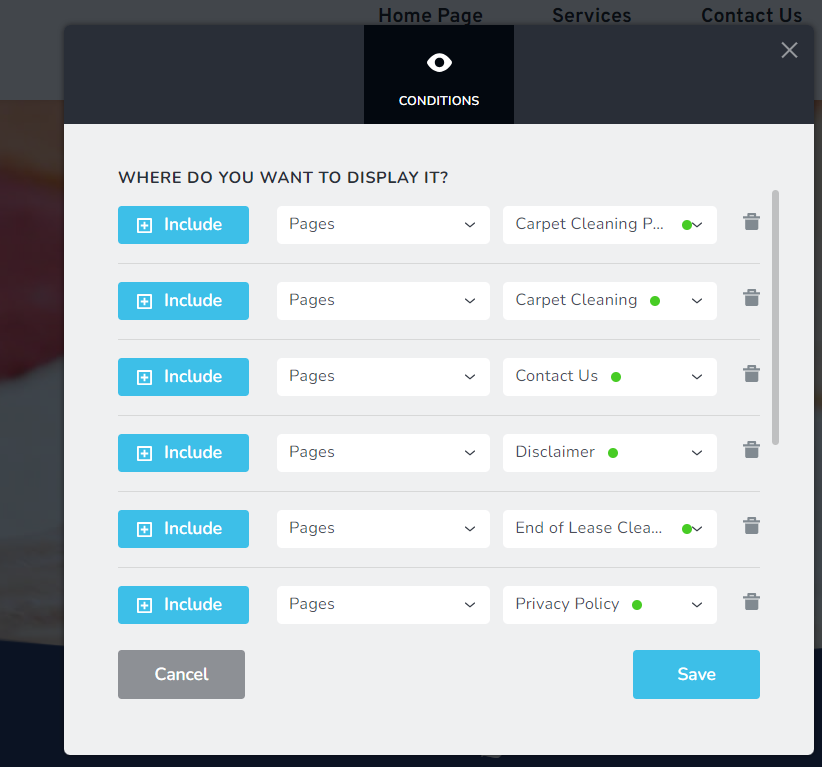
I change them to Include Pages - All and the global blocks show again.
The issue is, I then have to go into every single page of every single website and update them again for them to show. This is not feasible as I have over 50 sites built with Brizy Wordpress (it is not happening on Cloud).
-

Hi Roger,
With the Version 2.5.1 and Brizy Pro 2.5.0, we have launched a new compiler. You can read more about it here https://www.brizy.io/new-compiler-200-loading-performance-boost To activate the new compiler, you must update to these versions.
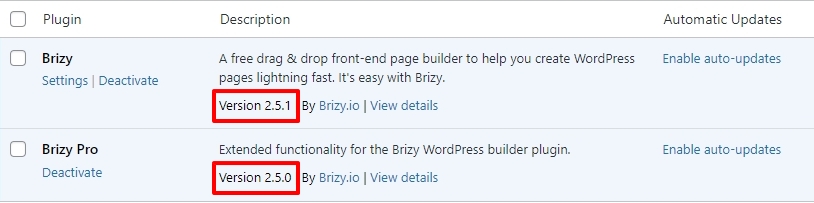
For new projects, the compiler's benefits are automatically applied, ensuring immediate performance boosts. However, to take advantage of these enhancements on existing projects, kindly follow these 4 steps- Open Your Project: Open the project you wish to optimize in the Brizy Editor
- Make a Minor Change in the header: Navigate to any page within your project, make a small edit in the global header (such as modifying the padding by one pixel), and then revert the change.
- Make a Minor Change in the footer: Similarly make a small edit in the global footer (such as modifying the padding by one pixel), and then revert the change.
- Save the Project: Update the page to activate the compiler.
This must be applied to all your projects to fix the header and footer issue.
If you are using WordFence Security plugin please follow these steps and see if this will help resolve the issue with saving changes to your project.
- In your WordPress Dashboard under WordFence - All Option , navigate to "Firewall Options"
- Enable Learning Mode - https://jmp.sh/dXzpSFmk
- Return to your Brizy page, make some minor changes, and then update the page
- Once done, return to the WordFence settings and re-enable the "Enabled and Protecting" mode
0
Please sign in to leave a comment.
Comments
1 comment