Form Email Notification ... Non-Functional?

The form I used for both landing pages I've created that are pointing to:
1) cybersecurityconference.mdsny.com
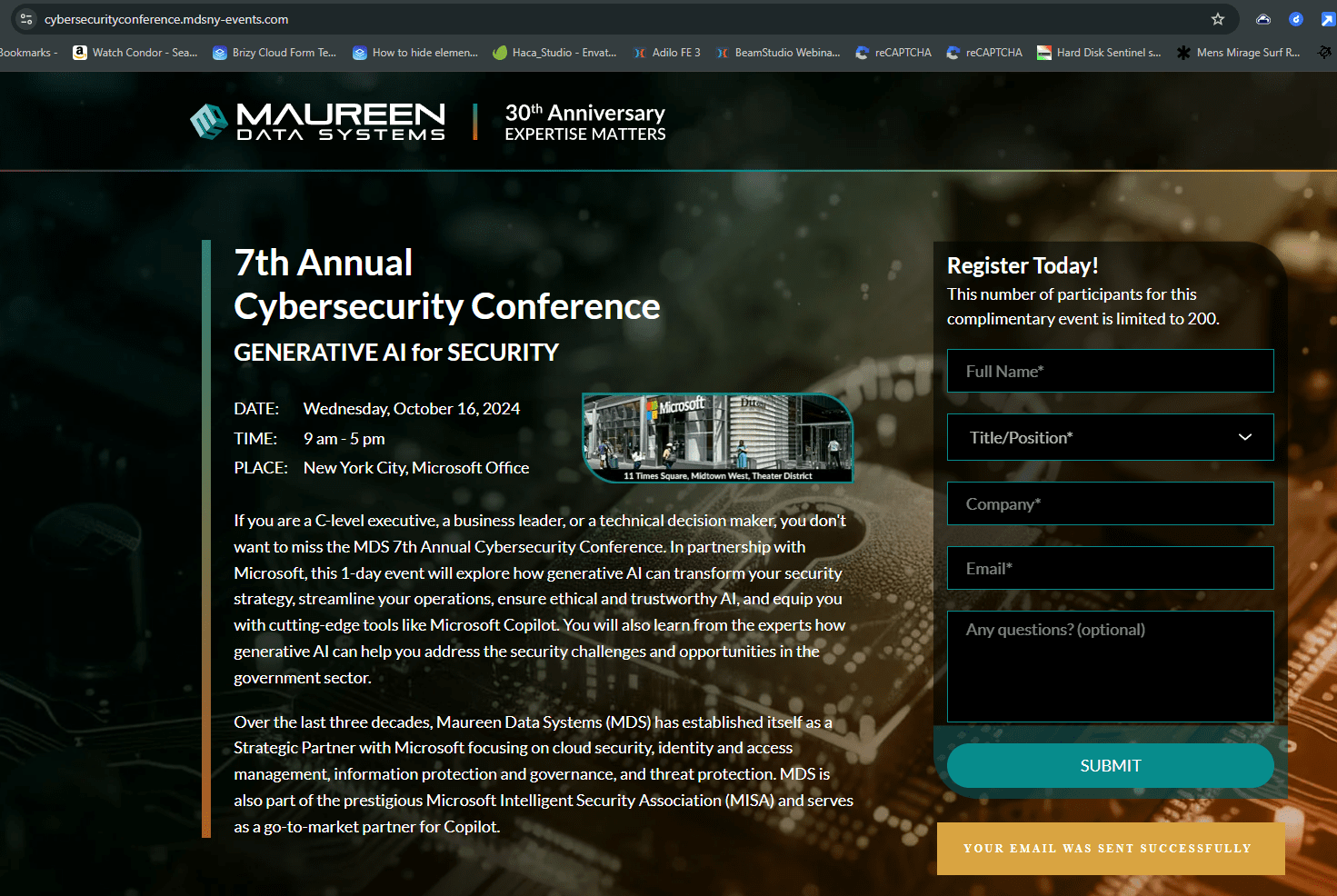
2) cybersecurityconference.mdsny-events.com
When the form is filled out I receive a 'your email was sent successfully', but I'm not receiving any emails from testing ... so where are they going? I'm concerned that people are filling this registration form out and I'm not receiving their responses -- where are all the emails residing if the form says they were sent successfully?
Thanks for looking into this matter,
Daniel MacLeod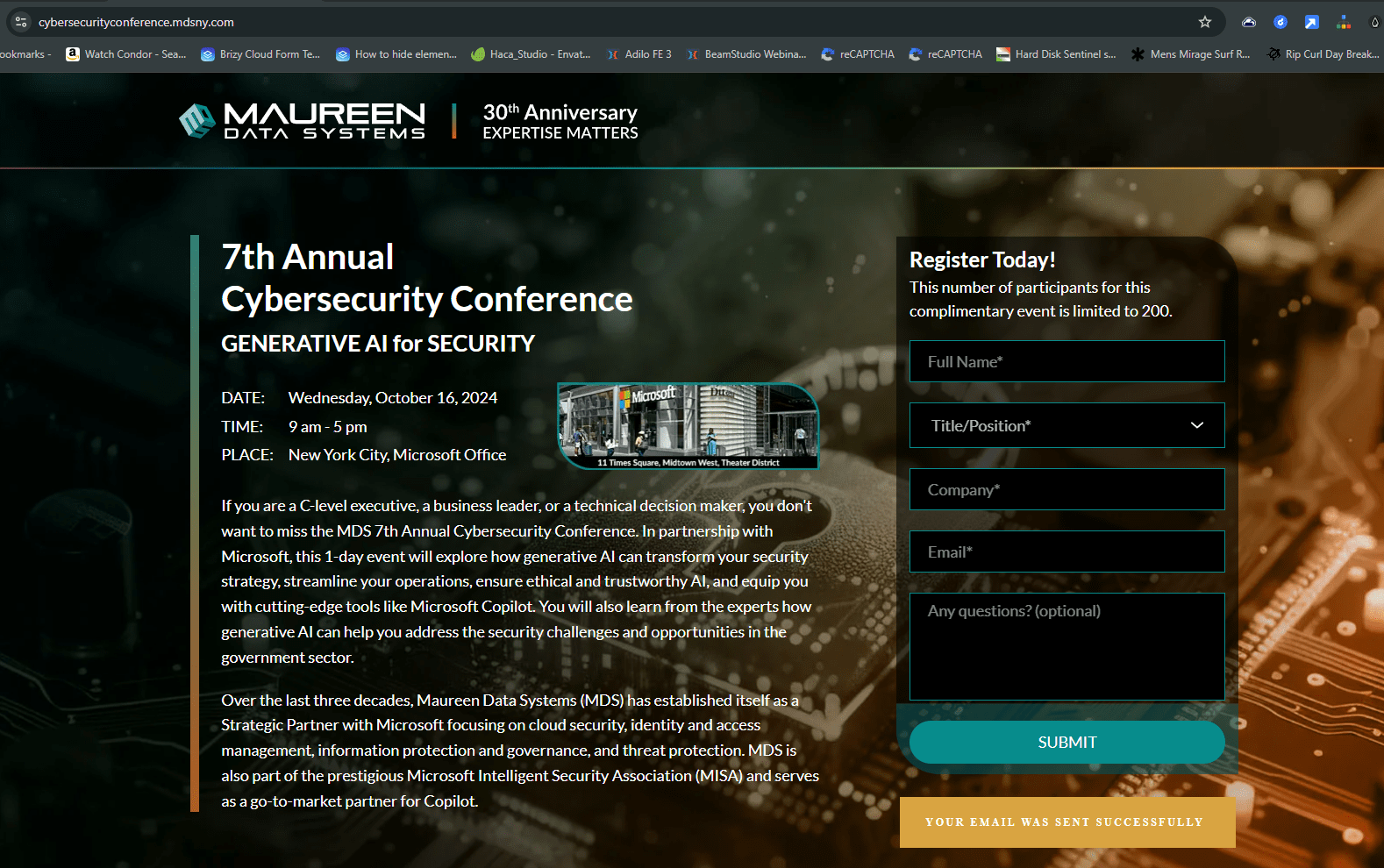
-
This is an update. Neither of my forms on either domain are working -- they both were tested before sending out an email blast to Maureen Data Systems customers and email was delivered to both my web-hosting email, an MDS employees MDS domain email and their Gmail.
Today, I was notified email was not being received after a quick test and sure enough, neither form is no longer sending email through -- is there an issue on Brizy's end? The reason I ask, is I spoke to a technician at Host Monster, my web-hosting account, which has control of the MDSNY-Events.com domain (my client is using GoDaddy for their domain) and they ensured me that my email routing is setup correctly, which doesn't surprise me since the email these form notifications are being sent to has been in use for over a decade with no issues ... until now.
As you can see by my previous image upload, for the landing page on MDSNY.com, the form indicates email was successfully sent. I'm uploading the mirror of this landing page at MDSNY-Events.com that also shows the email was sent successfully.
 0
0 -
The email notifications for the MDSNY.com form are being sent to: eyaver@mdsny.com, hello@daniel-macleod.com and heymacleod@gmail.com.
0 -
The email notifications for the MDSNY-Events.com form are being sent to: hello@daniel-macleod.com and heymacleod@gmail.com.
As of 8:40pm PST (Seattle), neither form, despite saying email was sent, is arriving at the intended email notification addresses.
Please provide feedback on what may be the issue as after talking to my web-host, I'm under the impression that the issue lies in this Brizy form or some current issue involving Brizy's configuration - many thanks for some insight on why it worked about a week ago and what changed this week, as I'm scrambling to get this form working and wondering where and if any registrations can be retained that weren't delivered.
Many thanks for your assistance,
Daniel
0 -
Out of curiosity, since it isn't noted in the tooltips, like it is in 'email to', is whether there should be commas used to separate the short codes if multiple are used?
0 -
KC,
I just received one of my earlier test emails on both domains, so something is starting to work again.
0 -

Hi Daniel,
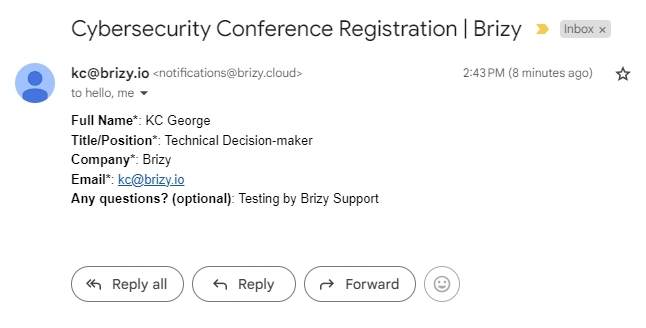
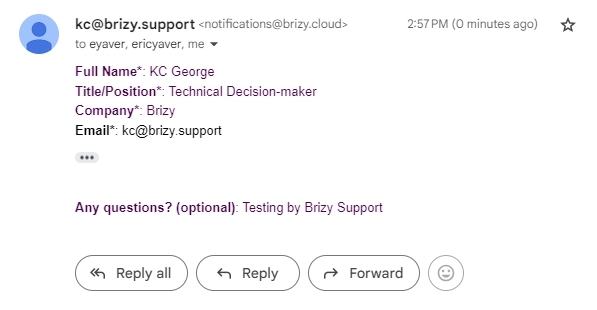
I have tested the Registration forms at both the above landing pages and I have received email notifications from both. Please check if you have received copies of these emails.
 0
0 -
Hi Daniel,
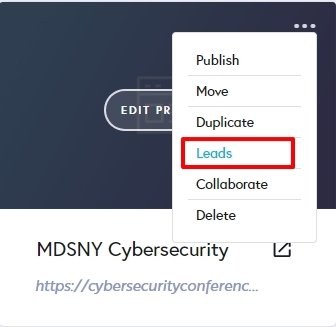
Any lost registration submissions could be recovered from the 'Leads' section of your project thumbnail.
 0
0 -
KC, yes, I received your registration at the emails used to receive notifications -- thanks for testing. I'm not sure why some deliverability issues occurred but at least now it appears to be working with the exception of one email (not under my control) that doesn't get all the submissions that the others do. I've alerted my client's support team to check on their tech stack to see if they can resolve the remaining issue.
Also, yes, I have used the 'Leads' section to send all the registrations to my client so they can update their lead list and also use it to compare to the list of emails that they actually received, which may provide some insight into this one email still having deliverability issues.
Thanks again.
One last follow-up question. If I use the short codes available in some way, as the tooltips reference, do I use a comma to separate the short codes?
0 -
Hi Daniel,
In the Email Notification settings, the "Email To" field allows you to enter multiple email addresses, separated with commas. However, the 'Subject' field and the 'From Name' field does not allow multiple entries. Hence I don't understand your question "If I use the short codes available in some way, as the tooltips reference, do I use a comma to separate the short codes?" Can you elaborate?
0 -
Hi KC,
Thanks for your statement about short codes, as I was thinking that it might be possible to add more than one short code to a field, like the multiline field where I'm asking questions, and use multiple short codes to pull in data but I now understand I overlooked that they have to use the Submit button for this short code data to exist.
All is good now, many thanks!
0
Please sign in to leave a comment.
Comments
10 comments