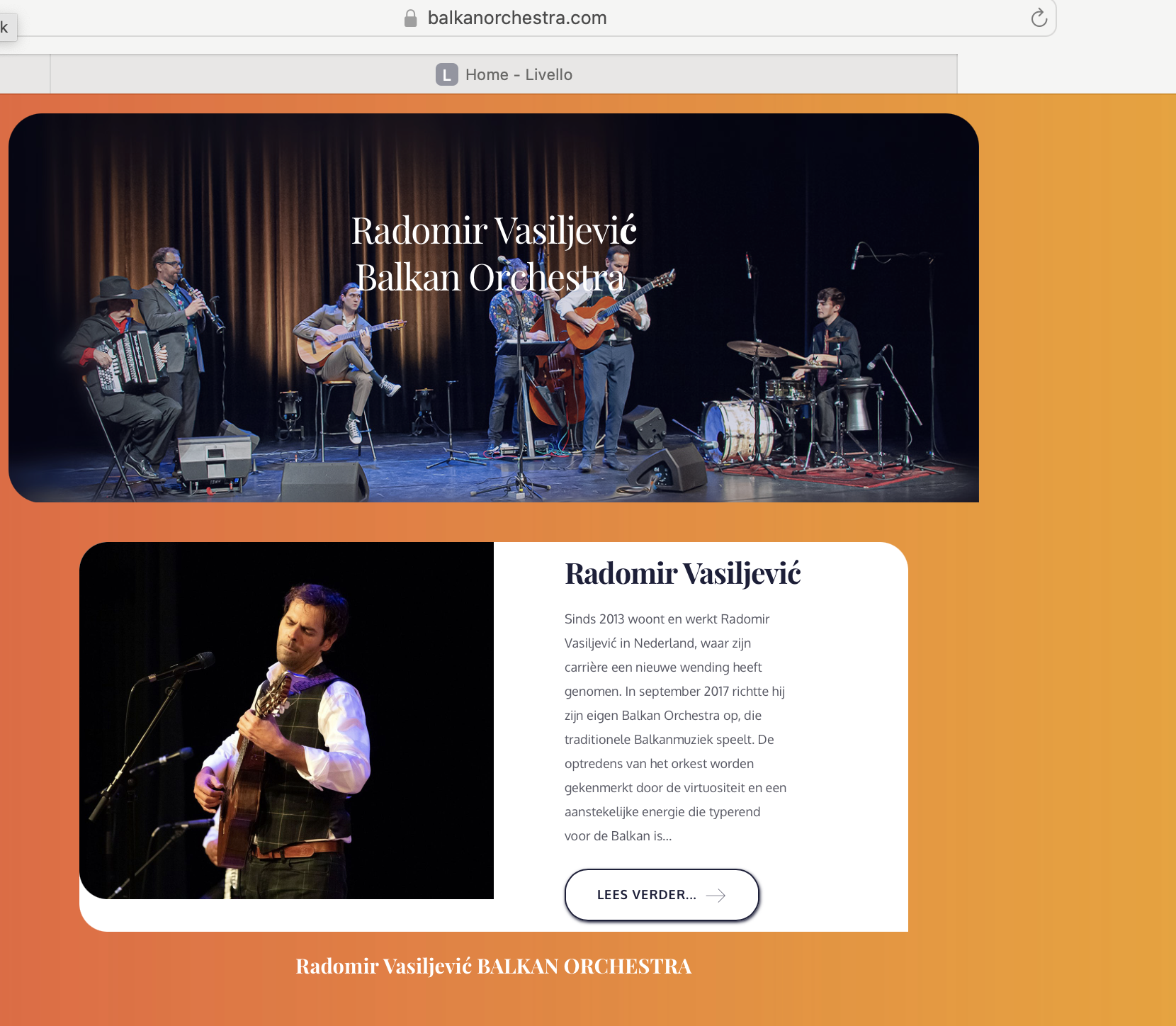
The menu's of all my clients (made by Brizy) are gone ...

Hi … almost all of my clients are missing the menu and footer.. which is crucial?! The site are all made by me
en this is not going well…
My account is registered under info@reflexcc.nl
See some examples… I try to detect this.. The worst is that I don’t see this until a client is complaining about this wich is bad for business ofcourse
So please Help!
-

Hi Wil,
Thank you for reaching out. We apologize for the inconvenience; we are experiencing an issue with the recently rolled out updates.
You can try to resolve it by making small modifications to your pages, dynamic templates, or global header and footer—such as adding extra letters or adjusting elements. Save the changes and update the page. Then, revert your changes, update the page again, and preview the site to see if the issue is resolved.
If you need an immediate solution to get your websites running, you can download the previous version of Brizy and Brizy Pro from this link: https://tinyurl.com/mr3b4bev
If you decide to revert to an older version, please disable automatic updates to prevent the Brizy free version from updating after installation. You can follow this guide: https://www.wpbeginner.com/wp-tutorials/how-to-disable-automatic-updates-in-wordpress/
The easiest approach is to install the "Easy Updates Manager" plugin as described in the article to disable automatic updates.If you have any further questions, please let us know.
Best regards,
Ariel H.0
Please sign in to leave a comment.
Comments
1 comment