my blog post excerpts suddenly disappeared

So, I have been on holidays for two weeks, meaning nobody has accessed my website and worked on it.
I come back today, do all the due updates, only to find out that:
- my menu had disappeared from every page,
- the pop up i set kept appearing even though it was set to display only once,
- the blog summary has disappeared.
Now, I managed to fix the menu, I deactivated the pop up, but i was not able to fix the blog excerpt on this page: https://www.alessiapandolfi.com/blog/
Since I have set it in the past, but it does not work the way I had set it, I need you to login and fix it as soon as possible. I don't recall ever having so many problems with Brizy as I have this year, honestly.
-

Hi Alessia,
My apologies for the inconvenience.
We still have access to your staging site to reproduce the issue. Please try recreating the post element as shown on this screencast to address the issue - https://youtu.be/Uy-rKRka1Q8
Please try this on your live site and let me know how it goes.
Best regards,
Ariel H.0 -
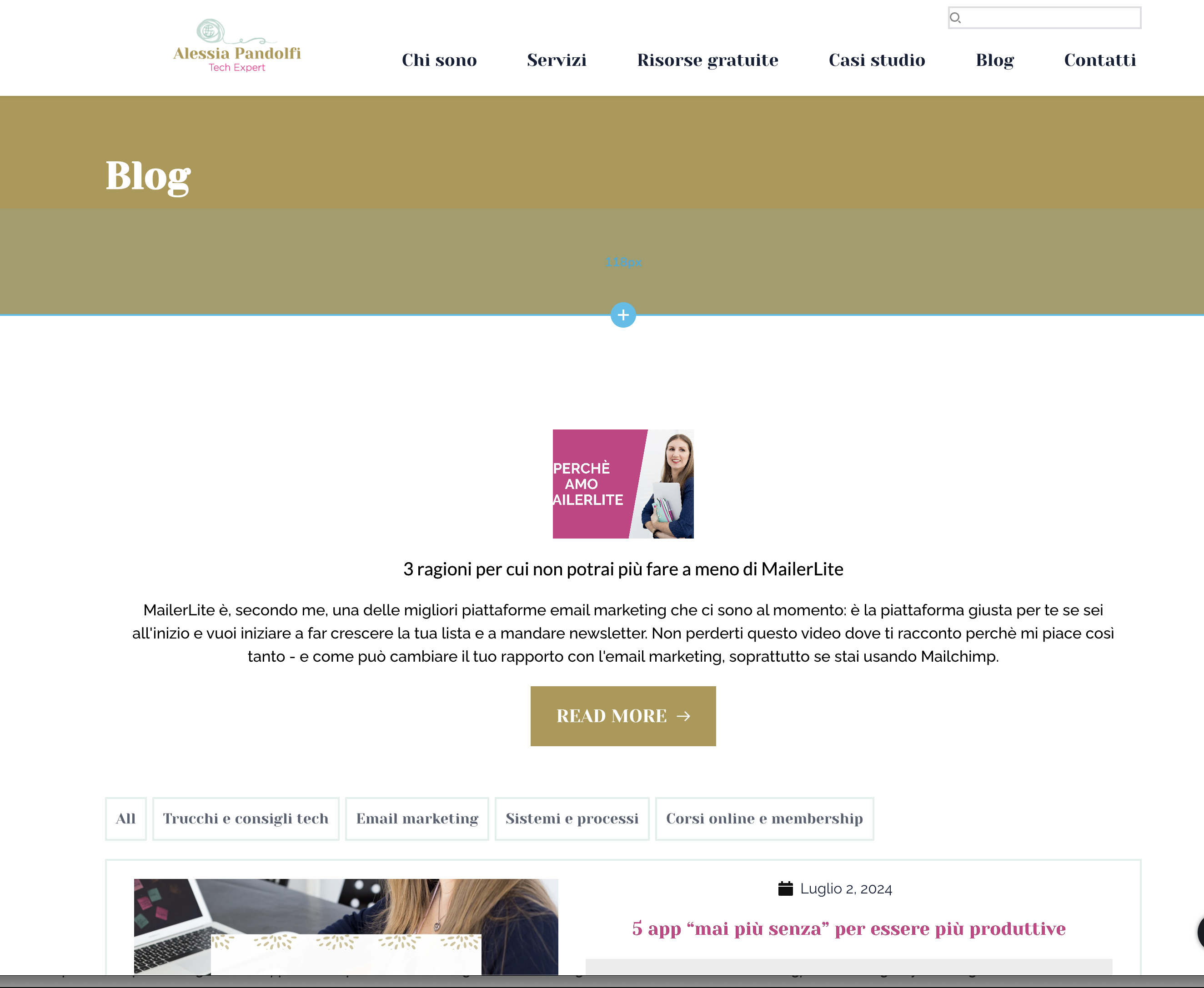
Hi Ariel, I have just recreated another article element in my published website and I can see the excerpt, as you can see below.
However I don't really understand if it means that I would have to recreate from scratch the whole blog page structure. It seems ridiculous. I have simply done something that has to be done, updating the plugins, and suddenly I need to recreate the whole page?
 0
0 -
Hi Alessia,
We apologize for the inconvenience; we are experiencing an issue with the recently rolled-out updates.
This issue may be related to the cache after installing the update. Rebuilding the posts element could force the cache to update. You may also provide us with the credentials for your live site so we can rebuild it for you.
Best regards,
Ariel H.0 -
Yes please, i would appreciate that.
I have just re-sent the password reset to communitysupport@brizy.io since there was already a user registered for Brizy. thanks!
0 -

Hi Alessia,
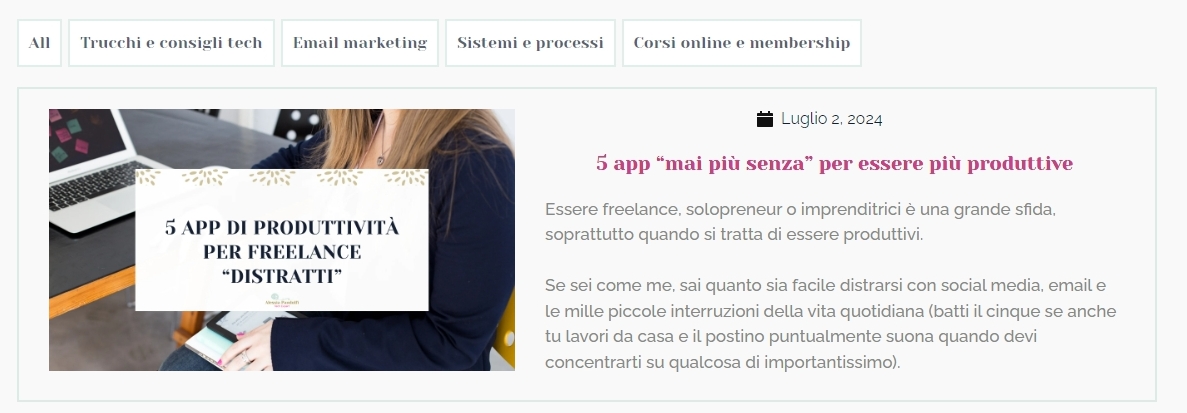
For some reason, excerpts for blog posts listed at https://www.alessiapandolfi.com/blog/ are not defined. If you manually add an excerpt for each blog post, it will display in the blog page. For instance, I have added an excerpt for the first blog post and it shows.
 0
0 -
But it doesn't for any of the other blogs: https://www.loom.com/share/28c5ef34fb8c43b8b1a4a2a44aaddb36?sid=f7d4d309-bb66-4310-8057-b44b055abe6a
0 -
Ok, I have received an email about another comment from you, though I can't see it. Now with updated plugins and cache cleared it seems to be working
0 -
Hi Alessia,
The excerpts for blog posts that are added using Brizy need to be manually added in the Gutenberg Editor. Excerpts appear automatically in the Posts or Archive element for blog posts that have been added to the Gutenberg editor and stylized using a Brizy blog posts template.
You have added blog posts in Brizy, which is why excerpts do not appear on your blog page. I have manually added excerpts for all blog posts listed at https://www.alessiapandolfi.com/blog/. Please include an excerpt in the Gutenberg editor for future blog posts.
0
Please sign in to leave a comment.
Comments
8 comments