Brizy Sites Are Broken After 6.6.1 Wordpress Update

All our sites are using the latest Brizy versions but after the update all our sites have broken and the Brizy plugin isn't working.
Chad
-
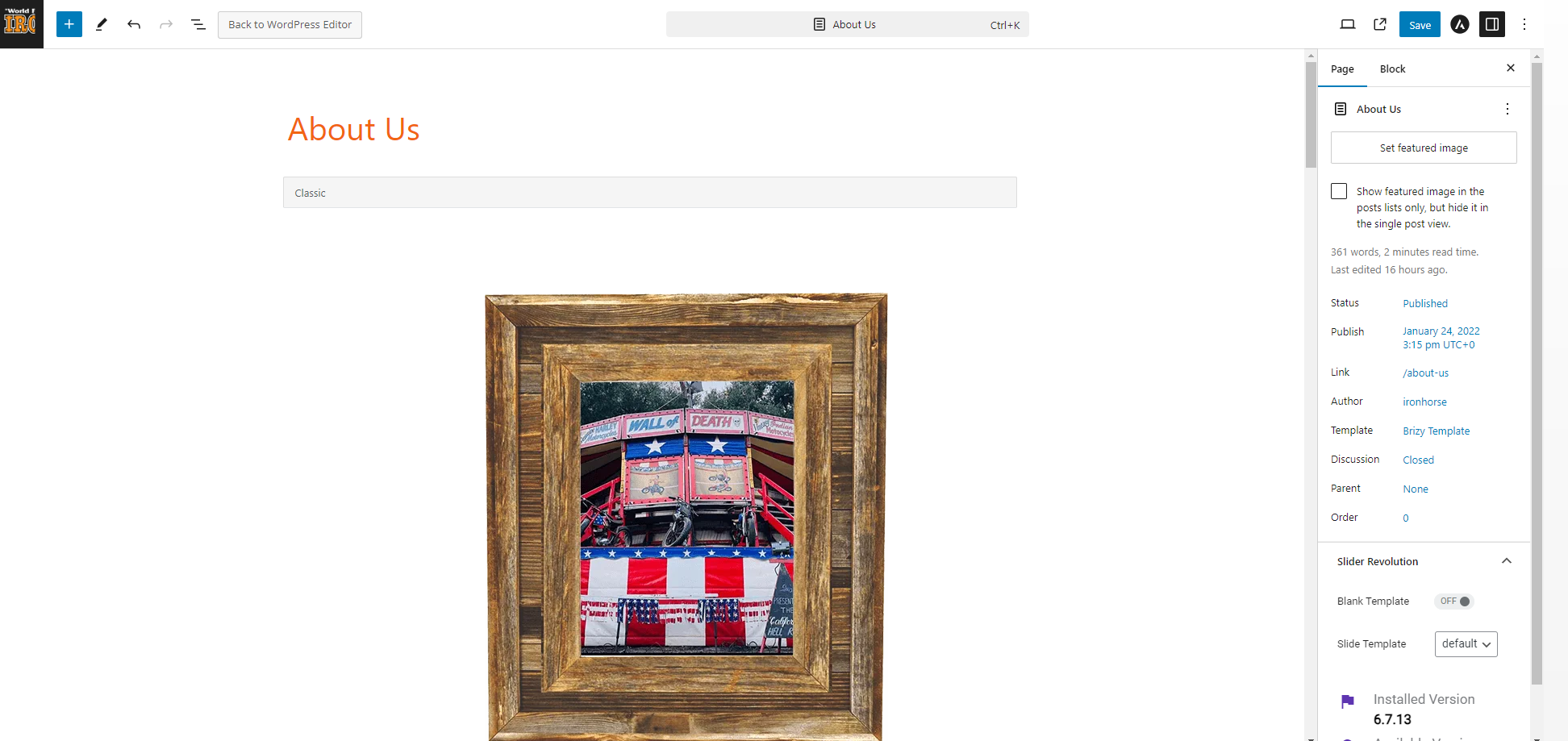
I noticed if you click back to dashboard, the edit with Brizy button is gone and WordPress turns your page into Gutenburg blocks. This is happening on every site we have Brizy on, which is a lot of sites.
 0
0 -
I was able to revert back to the older version of WordPress, to get all our sites back up. Can you please check your plugin to make sure it's compatible with the new WordPress 6.6.1 I'm sure others will be having this issue.
0 -

Hi Chad,
Thank you for reaching out to us. I'm glad to hear that reverting your site from backup has resolved the issue. We have received similar reports recently, indicating a glitch in the recent Brizy update. Rest assured that we will keep you informed about the progress of this issue on this support thread.
Thank you for your patience.
Best regards,
Ariel H.0 -

I have the same problem, site is totallu broken :-(
0 -
Hi David,
Thank you for reaching out to us.
If you haven't reverted your site back from backup, this is something we need to inspect from your WP Admin page. Please add us as an Admin user to your WordPress Dashboard and send the following details to: communitysupport@brizy.io.
Community Post link: https://support.brizy.io/hc/en-us/community/posts/20366284687762
WordPress Admin URL:
Username:
Password:Please make a full backup of your site as a precaution.
Best regards,
Ariel H.0 -
Hi Ariel,
Since I really need my site up I reverted it back from a backup and disabled automatic updates.
0 -

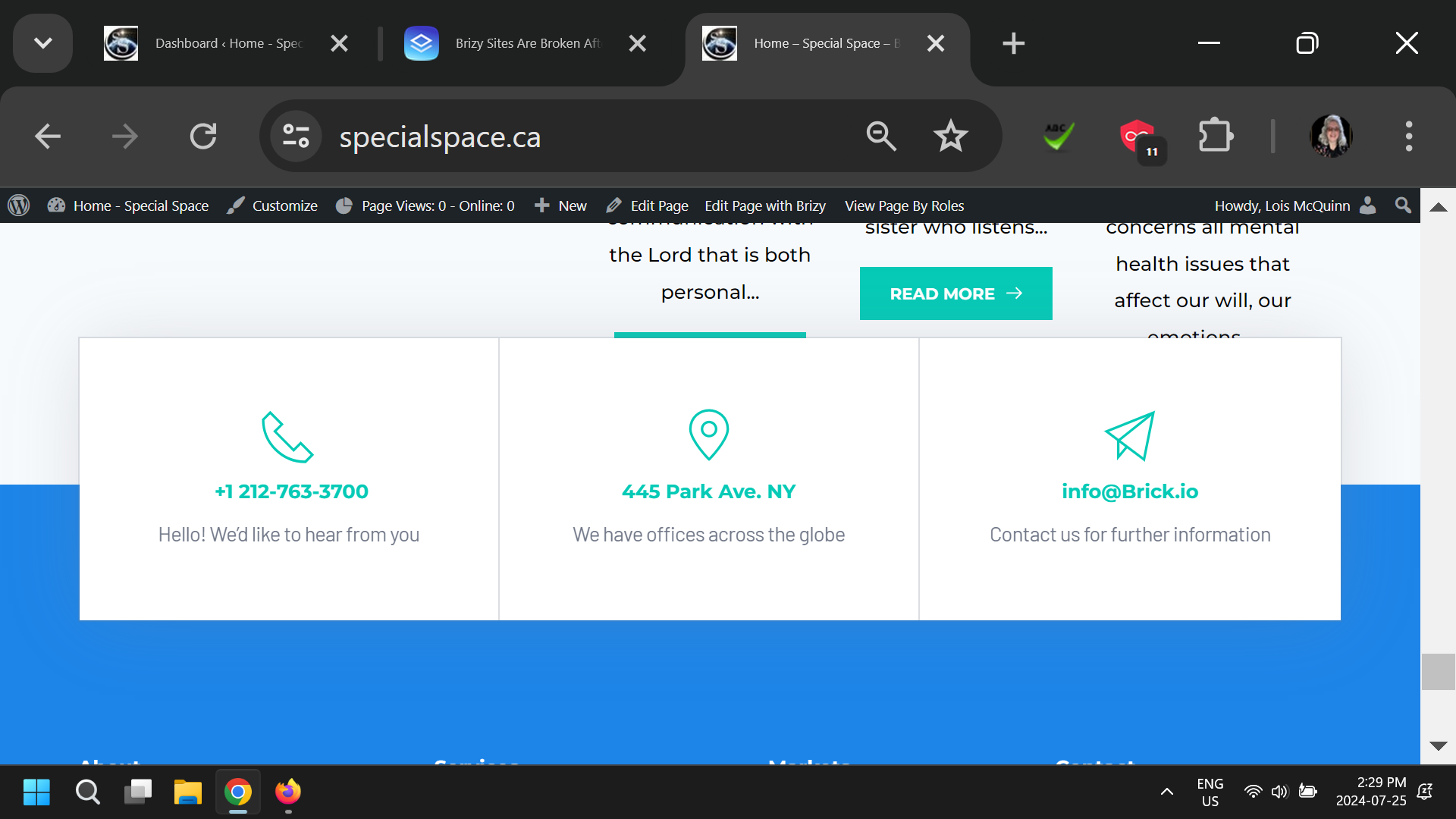
I reinstalled and updated everything but many features are missing from Brizy
1) Unable to remove older theme blocks- and some blocks show twice.
2) No content from a blog is showing
3) It seems you can't update a post or page- the revisions won't work-
...having a hard, frustrating day
 0
0 -
Hi Lois,
We apologize for the inconvenience.
If you are using Astra or Blocksy theme, please revert to the older versions using the following link: https://tinyurl.com/mr3b4bev
Here are the steps to roll back:
1. Navigate to the Plugins section and uninstall both Brizy and Brizy Pro.
2. Upload and activate Brizy first.
3. Next, upload and activate Brizy Pro.Please try these steps and inform me of the outcome. We will keep you updated once we have resolved the issue with the recent update.
Best regards,
Ariel H.0 -

Hello,
When updating Brizy to version 2.5.0, the website breaks down. We have tried installing previous versions and that's how it works. When will the patch for 2.5.0 be available?
0 -

I'm having Major Issues with Brizy and Brizy Pro's newest Updates (2.5.0 - 2.5.1).
I'm using Blocksy and Brizy WordPress Plugin.
I noticed that when I installed the latest versions of Brizy and Brizy Pro (2.5.0 - 2.5.1) it broke my entire website and the plugin stopped working correctly.
After doing my research I found out that it has nothing to do with the latest version of WordPress or Blocksy Theme. After uninstalling the latest version of Brizy and Brizy Pro (2.5.0 - 2.5.1) and reverting to my older version of Brizy my site is now up and running just fine.
I Hope Brizy resolves this issue/bug quickly so I can start using the latest version of Brizy.
0 -

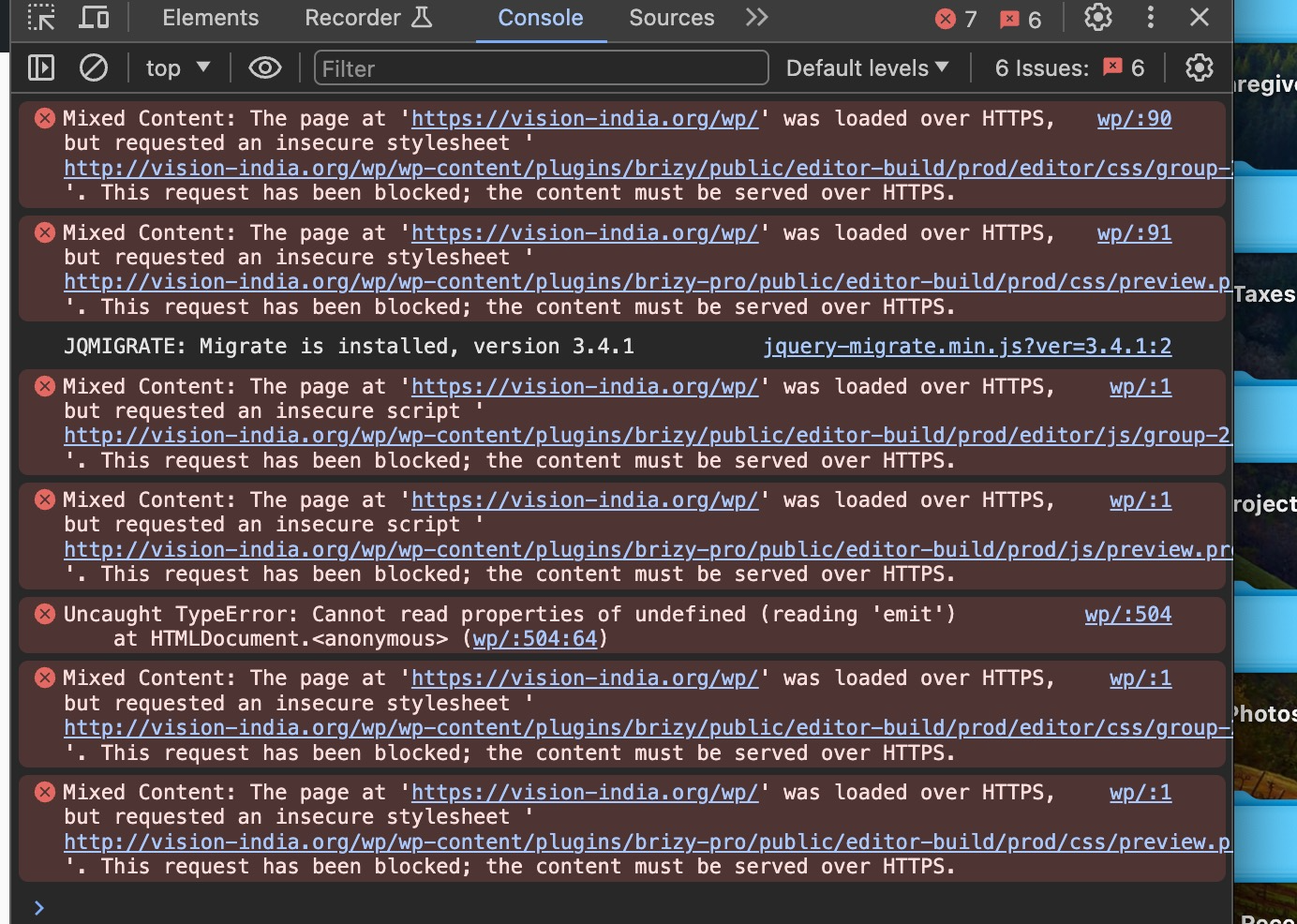
I am getting this after updating Wordpress and the plugins.
 0
0 -
Hi Randy,
Thank you for contacting us.
To resolve this issue, please follow the steps provided in this link: https://bit.ly/4cWWyj7
Please try this and let me know how it goes.
Best regards,
Ariel H.0 -
Hi Ariel,
Does this link ( https://tinyurl.com/mr3b4bev) also work when you have WP-Ocean as theme?
Regards,
David0 -
I mean OceanWP as theme.
0 -
Hi David,
Thank you for reaching out to us.
This should work with OceanWP. If you are considering reverting to the older versions, please also disable automatic updates so it won't update Brizy free version after you have installed it - https://www.wpbeginner.com/wp-tutorials/how-to-disable-automatic-updates-in-wordpress/
The easier approach is to install "Easy Updates Manager plugin" as described in the above article.If you have any further questions, please let us know.
Best regards,
Ariel H.0 -

Same problem here. Latest Wordpress update broke our website, so had to revert to older backup. Brizy, please fix that.
0 -

Hi Ivo,
I have replied to you at https://support.brizy.io/hc/en-us/community/posts/20448771658514 Let's continue the conversation in that thread
0 -

Hello!
Sharing our experience about recently WP and Brizy updates.
After update WP to latest version, all global sections are missid on live version, but when you open the page on Brizy editor, you can see all structure that's are intact. But to correct the issue, you need to edit some element, on all global sections and save then. So, on WP, just clear any cache (litespeed in my case), and you can see the last content will be restored on live.
Special attention for custom templates on Brizy and plugins like ACF and Jet Engine, because you will need to re-enable brizy permissions to custom layouts again to prevent error 500.
Here we use just Brizy for a lot of projects and in most case the recently problems caused by WP update are resolved by these steps. Remember these tips are not official instruction by Brizy team, is just particular observation.
Hope this help!
0 -
Hi David,
Thank you for sharing your solution.
This will certainly help other users facing the same issue.
Best regards,
Ariel H.0 -
Hi Ariel,
When will there be an update that can work with WP 6.6.1 so I can update the Brizy plugin?
Best regards,
David0 -
Hi David,
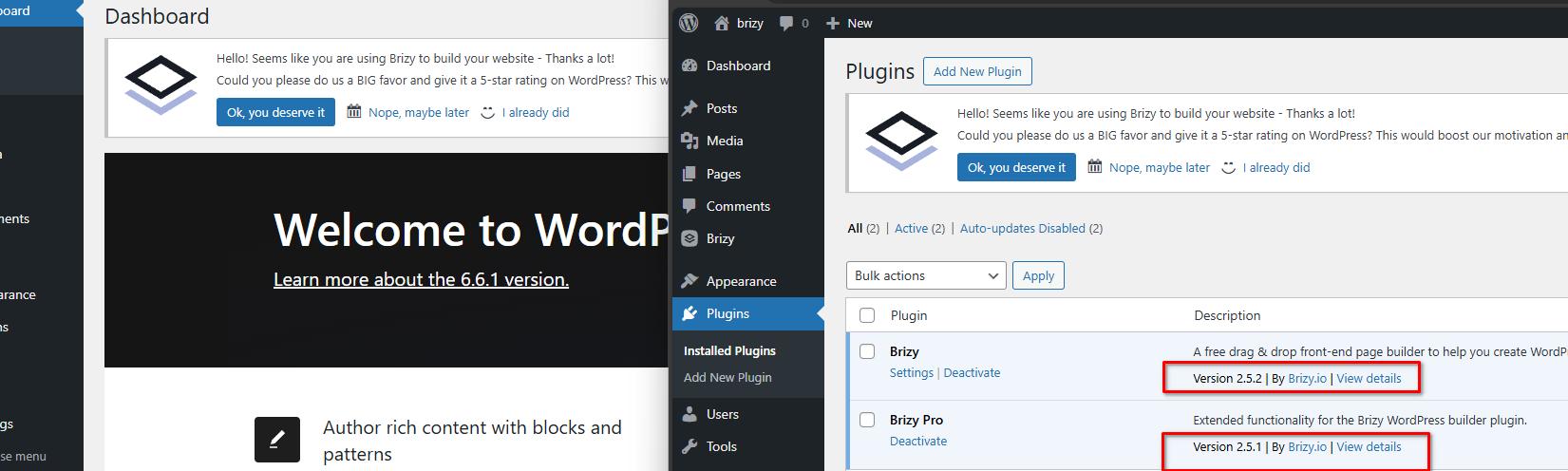
The latest updates should be compatible with WP 6.1. However, due to unexpected conflicts with other plugins, we recommend using a staging version of your website and updating from there before making changes to your live sites.
Best regards,
Ariel H.0 -
Hi Ariel,
After the update I have the same experience as David Pinheiro and when I save the global blocks after editing something, they show up again. Unfortunately this is large task editing all the global blocks on my site.
Will this be repaired anytime soon?
Regards,
David0 -
Unfortunately it is too much work to do my whole site because all the pages are effected with some blocks not showing up or the blocks show up in the wrong order.
I will revert my site back from backup and wait until this is fixed.
0 -
Hi David,
My apologies for the inconvenience.
Would you be able to create a staging version of your site and provide us your credentials so we can look into this issue? If possible, kindly add us as an Admin user to your WordPress Dashboard and provide the following details to us at communitysupport@brizy.io
Community Post link: https://support.brizy.io/hc/en-us/community/posts/20366284687762
WordPress Admin URL:
Username:
Password:Best regards,
Ariel H.0 -
Hi Ariel,
It looks like you are in te admin page since all plugings are disabled on the staging site and Brizy and Wordpress are updated and all seems to work fine?
Regards,
David0 -
Hi David,
Yes, we are currently checking your staging site. We updated Brizy and Brizy Pro to the most recent versions, we also purged WP Optimize cache.
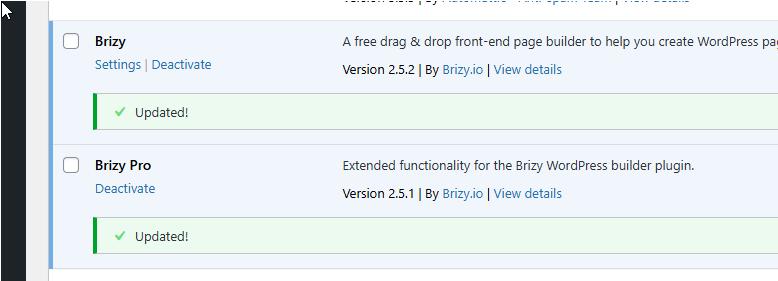
Did this page resemble the screenshot on the left before updating Brizy?
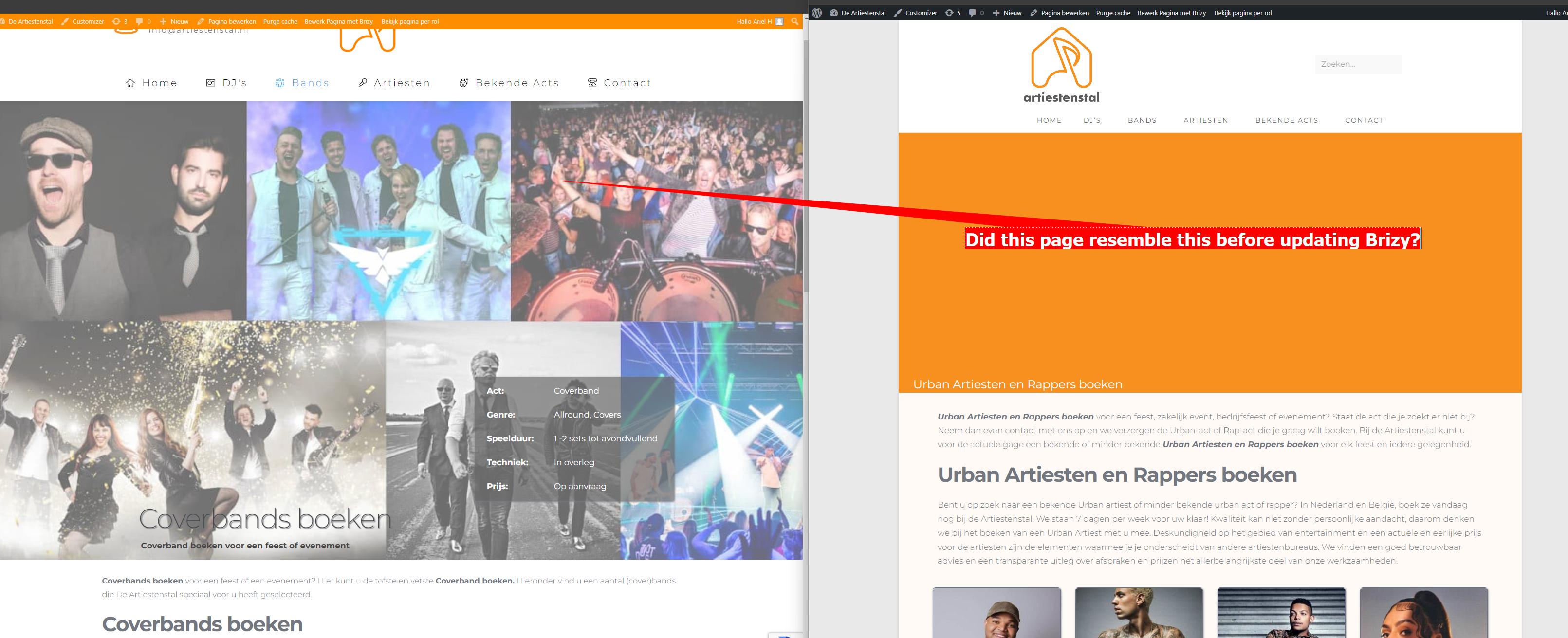
These are page under "BEKENDE ACTS".
Best regards,
Ariel H.0 -
Hi Ariel,
Sorry for the late reply, it was kinda busy last week.
It looks like the staging site is working fine, did you update Wordpress and all the plugins under the staging site?
I'll be out of the country for 9 days, when I'm back I will copy the staging site to the live site if you say that it is safe to do so.
Regards,
David0 -
Hi David,
Thank you for the update.
I don't recall updating third-party plugins, but I do remember updating WordPress, Brizy, and Brizy Pro. It should be safe to proceed with copying the site. However, if you encounter any issues, please refer to the steps outlined in our previous email to send your credentials for us to check your live site.
Kind regards,
Ariel H.0
Please sign in to leave a comment.
Comments
28 comments