My blog single page is gone haywire

Hi, my live site ecomnext.ai blog has gone haywire, I am not able to put it back.
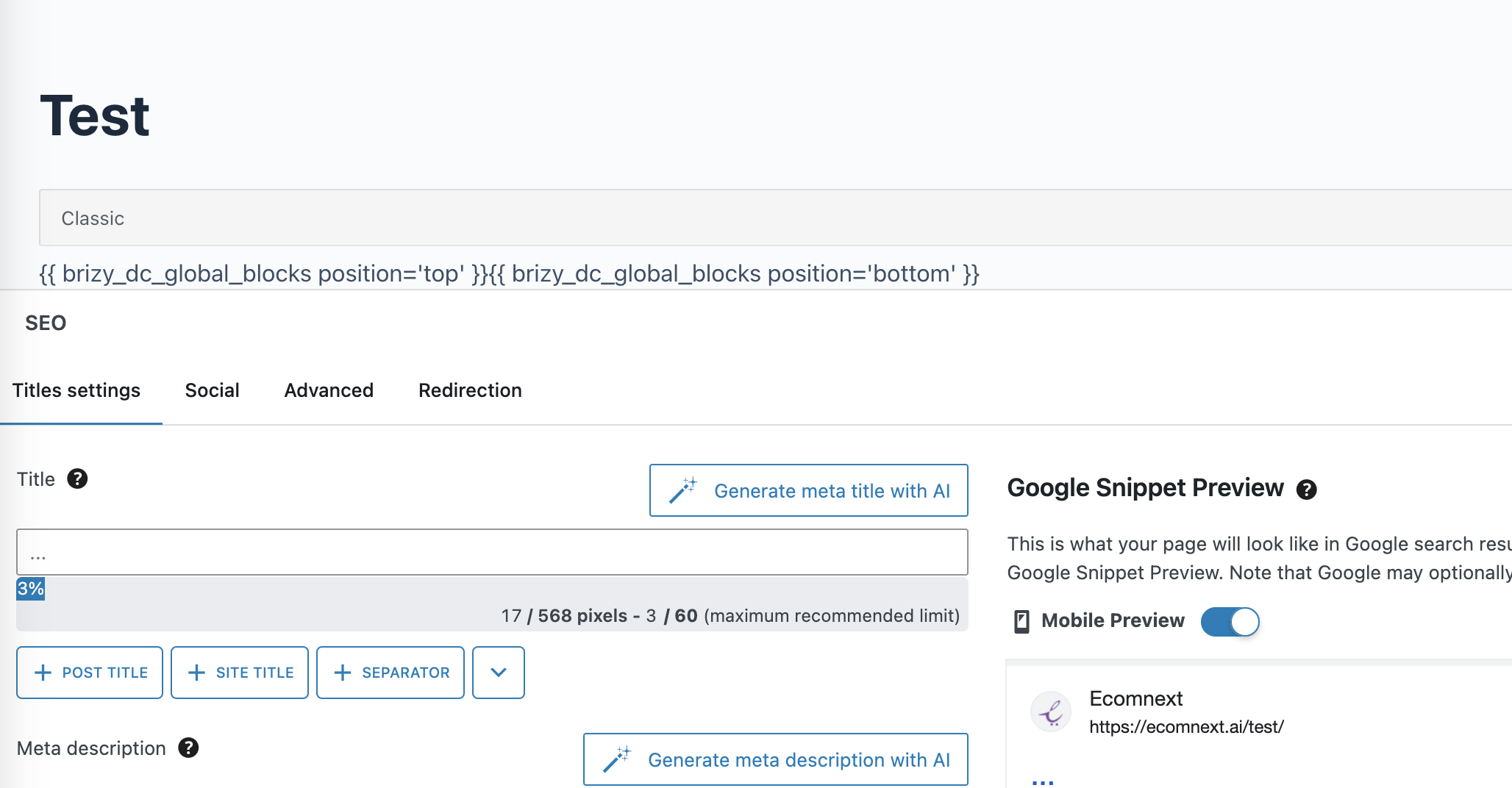
I can't even see the content in wordpress editor, I am seeing the like the picture attached.
The blog link is : ecomnext.ai/blog
-

Hi Shahid,
We apologize for the inconvenience.
This is something we need to inspect from your WP Admin page. Please add us as an Admin user to your WordPress Dashboard to one of your sites that is having this issue, and send the following details to: communitysupport@brizy.io
Community Post link: https://support.brizy.io/hc/en-us/community/posts/20351356640146
WordPress Admin URL:
Username:
Password:Please make a full backup of your site as a precaution.
Best regards,
Ariel H.0 -
Hi Ariel, I have emailed the details as requested above. I have created the user and emailed at communitysupport@brizy.io
Thanks for your help. Will look forward to your reply.
Regards
Shahid
0 -
Hi Shahid,
Thank you for your cooperation.
There seem to be a conflict with Astra and Blocksy theme that we found today. We temporarily reverted Brizy and Brizy Pro to previous versions to address the issue.
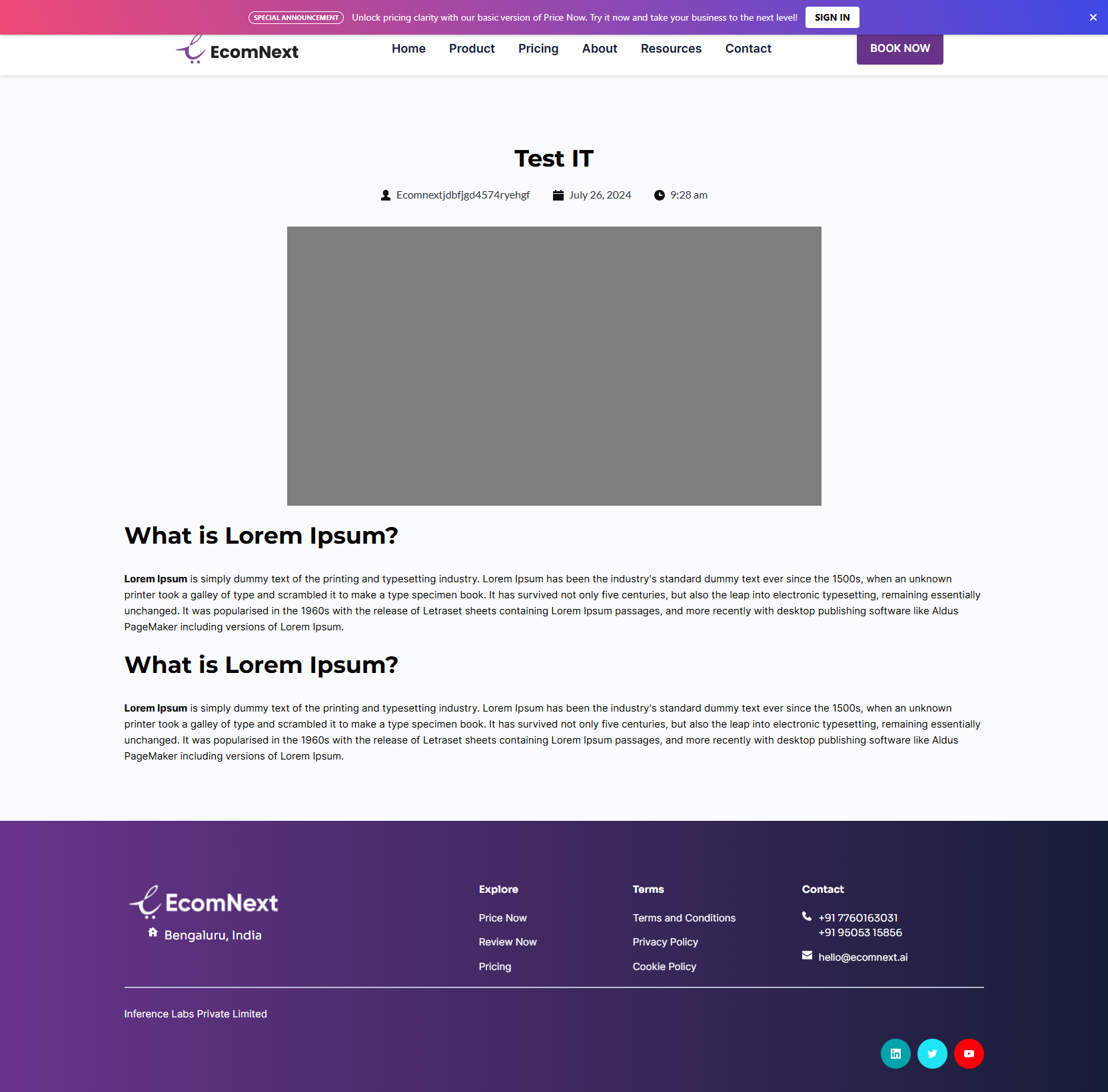
We will keep you posted on the progress of this issue as soon as they become available.
We apologize for the inconvenience.
Best regards,
Ariel H.0 -
Hi, Ariel, I am not able to click the "read more" at this page ecomnext.ai/blogIt's a live page, can you please suggest what to do? Need urgent support.RegardsShahid0
-
Hi Shahid,
Please try the following and see if this will help.
1. Reset permalinks and see if this resolves the issue - https://wpastra.com/docs/how-to-refresh-wordpress-permalinks
2. Additionally, also try using another theme and see if this makes any difference.
3. If you have WordFence installed on your site, please try to set it to temporarily set it to learning mode - https://www.wordfence.com/help/firewall/learning-mode/
Please try this and let me know how it goes.
Best regards,
Ariel H.0 -
Hi Ariel, I am able to open the blog with "Read more" now, but I am not seeing any content (see the attached image). I can only see the tile and the image. I have tried making wchanges at the single page settings in the theme as well as brizy template. Not sure where the issue, can you please help and advise. Thanks, Shahid.
 0
0 -
Hi Shahid,
Thank you for the update.
Upon checking, it appears that you are editing your blog posts directly with Brizy.
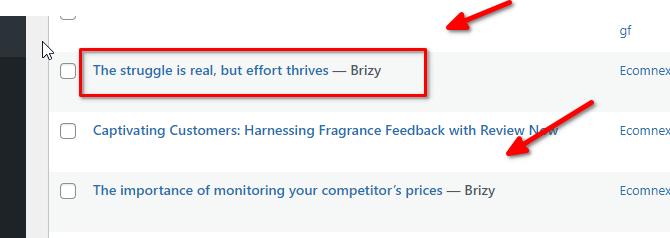
Unfortunately, this won't work if you're using a dynamic template. The single post template you created is designed to establish the layout and structure for individual posts. Since you're editing the post directly with Brizy, your single post template becomes ineffective.If you have any further questions, please let us know.
Best regards,
Ariel H.0 -
Thank you Ariel, I have updated all the blogs.
But one blog is giving the problem, I am not able to get rid of all the dupication and unnecessary menus as you can see here: https://ecomnext.ai/winning-customers-using-fragrance-feedback-with-review-now/
I deleted this blog, re-added, I changed the title name also, but it keeps showing all the other things, but only in this blog, I am not able to get rid of it. Can you please to get rid of it.
Thanks
Shahid
0 -
Hi Shahid,
Thank you for staying in touch.
We fixed the issue by rebuilding the Single Post Template and updating the display conditions in the global headers.
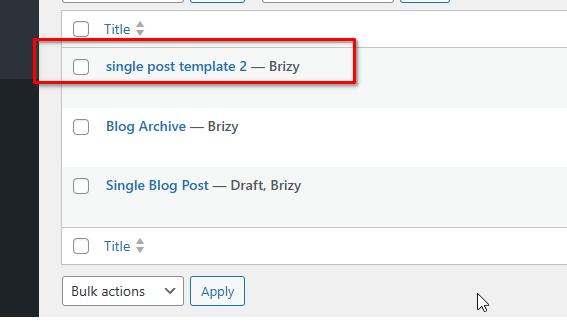
If you need additional assistance or have further questions, please feel free to reach out.
Kind regards,
Ariel H.0 -
Thank you, I really don't know what is going on. I just added the content and the featured the image, and see how the page looks: https://ecomnext.ai/winning-customers-using-fragrance-feedback-with-review-now/
And why rest of the blogs not showing the featured image inspite of added in the template.
Can we do a video call and screen share please, this is taking a lot of time, I really need to solve it?
Regards
Shahid
0 -
Hi Shahid,
This page seems to be functioning properly now. We have also resolved the remaining issues with the blog post by removing the shortcodes added by Brizy when you edited those pages - https://youtu.be/sPrjUsfnTnU. Additionally, I demonstrated how to use the Classic Editor to update your blog posts instead of Gutenberg, which simplifies editing your posts.
If you have any more questions, feel free to ask.
Best regards,
Ariel H.0 -
Thanks Ariel.
Now, I have another challenge. I added back the blog page to the menu, but it is not showing. I also deactivated the caching plugin. This is quite unusual, please advice. The login details are same as above.
ThanksShahid
0 -
Hi Shahid,
Thank you for the update. Could you please check the display conditions and ensure that the blog page is included.
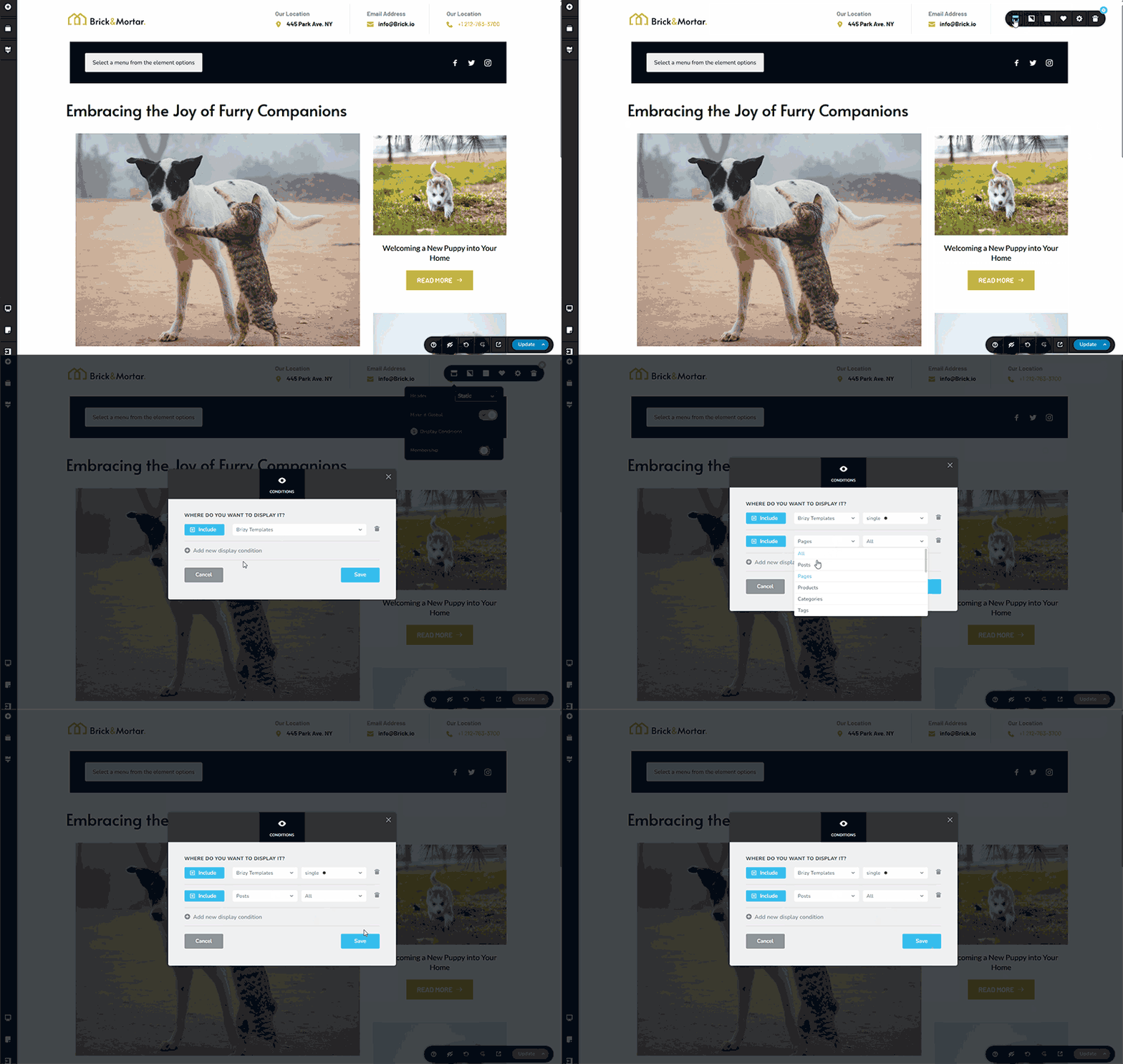
Please give this a try and inform me of the outcome.
Best regards,
Ariel H.0 -
Hi, the single post is again showing the 2nd menu, can you please guide where is this coming from and how to get rid of it?
0 -

Hi Shahid,
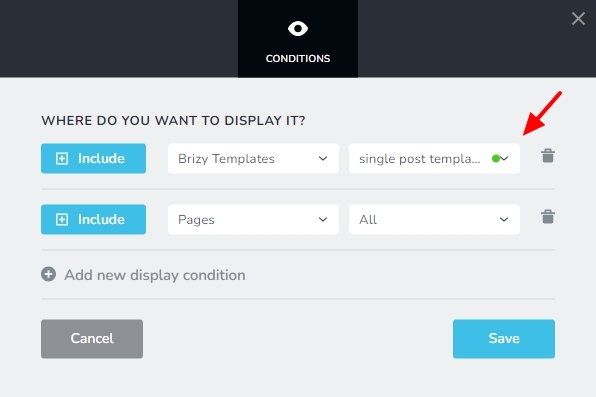
I have removed the display condition, Include - Brizy Template -single post template from your global header as a temporary solution. The blog posts now display only a single header.
Global blocks in Brizy templates have a bug and we have a fix available for this bug at our end. We hope to release the bug fix along with a future update.
 0
0
Please sign in to leave a comment.
Comments
15 comments