Can't save page updates. - page needs a refresh error

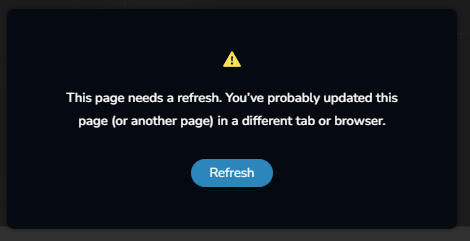
Hi, I am constantly getting these errors when making a simple text updates or adding in new/saved blocks. Have no idea what's causing it as other pages work just fine when saving. Everything is up to date with the wordpress latest version. Only editing one page a time, so its clearly not opened in another tab/browser. Using Google Chrome.
-

Hi Imatium,
Thank you for keeping in touch.
We recently released an update to Brizy and Brizy Pro that conflicted with WordFence.
If you have WordFence, please follow these brief instructions:
- In the WordFence plugin settings, navigate to Firewall;
- Enable Learning Mode - https://jumpshare.com/v/3JWEACZsgmaMzJPdDdYs
- Return to your Brizy page, make some minor changes, and then update the page;
- Once done, return to the WordFence settings and re-enable the Enabled and Protecting option.
Please let me know if this resolves the issue.
Best regards,
Ariel H.0 -

Hello Ariel
I'm also having the same issue with a couple of sites I created with Brizy, and I need this resolved ASAP.
I can send you a credential for the backend of the website if that would help you to troubleshoot
Thanks0 -
Hi Eddie,
Thank you for reaching out to us. The issue is likely caused by a conflict.
Could you please confirm if you can replicate the issue with all other third-party plugins disabled, except for Brizy and Brizy Pro? If this fixes the issue, enable the rest of the plugins gradually, testing your site after each one is enabled until the issue occurs. This process will help you determine which plugin is causing the problem.
If this didn't help, please provide us with temporary access to your WP Admin page so we can look into this issue. Kindly add us as an Admin user to your WordPress Dashboard and send the following details to communitysupport@brizy.io:
Community Post link: https://support.brizy.io/hc/en-us/community/posts/20349092958994
WordPress Admin URL:
Username:
Password:Please make a full backup of your site as a precaution.
Best regards,
Ariel H.0 -
Hi Eddie,
Thank you for the update.
For the first website (im*********rical.**.nz), I'm seeing this error in the console. The likely cause of this issue is due to ModSecurity. For troubleshooting purposes, could you please ask them to temporarily disable it?
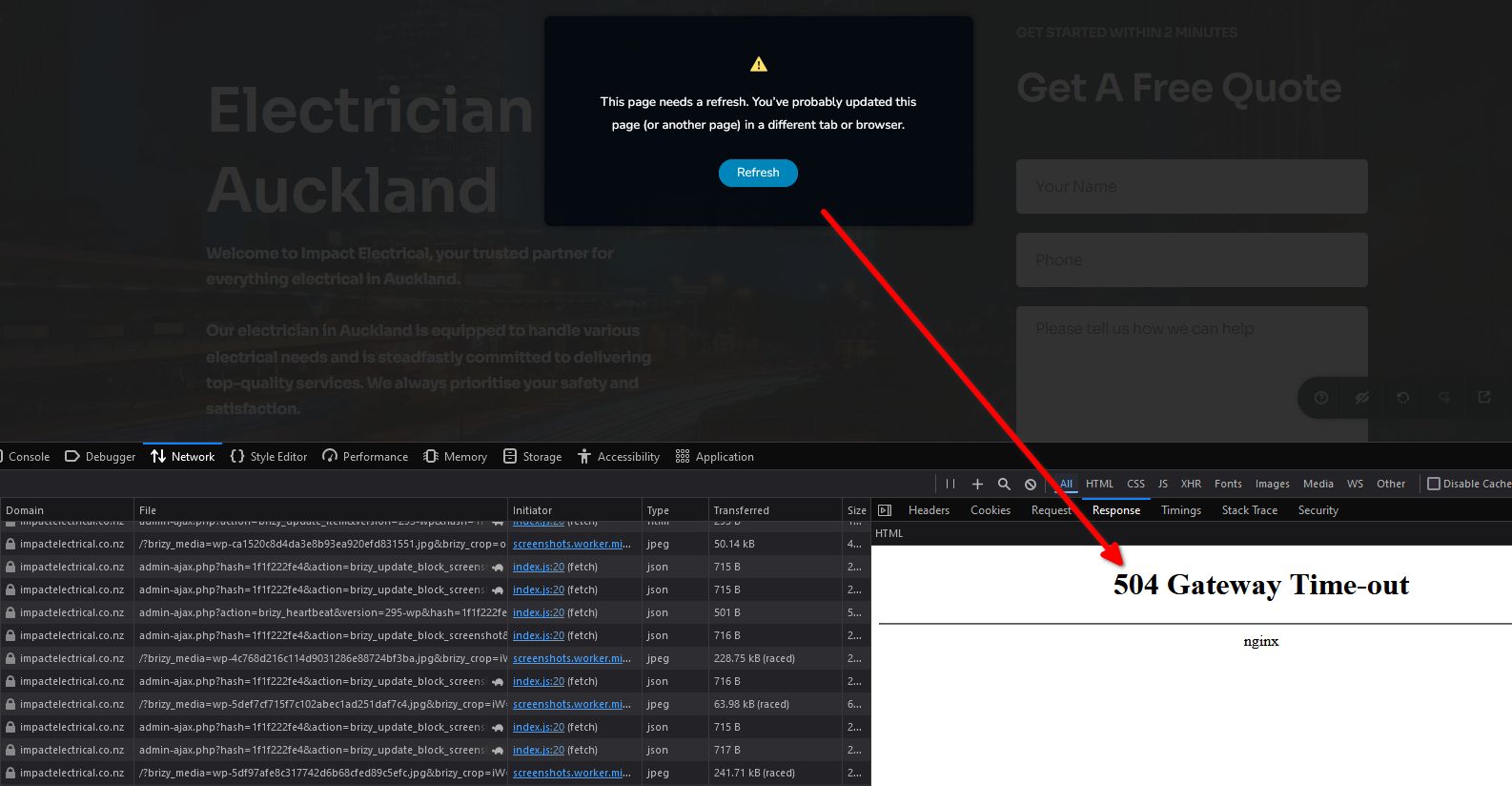
I look forward to your response.
Best regards,
Ariel H.0 -
Hi Eddie,
For the second website (top****h-s**.com), I found no issues saving pages. I even created a test page to replicate the issue. Please try clearing your browser cache or using another browser to see if this resolves the issue.
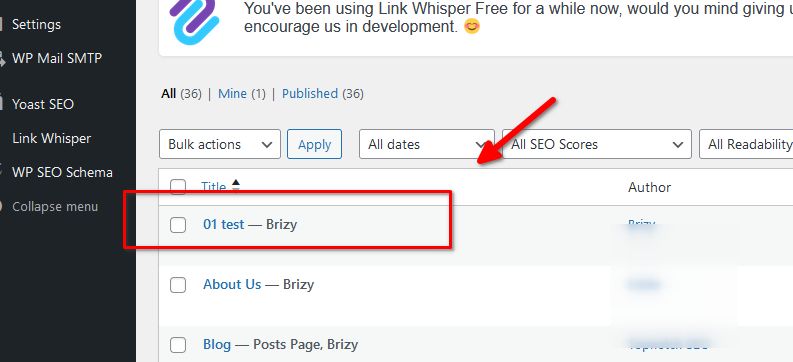
If the problem persists, please provide a short screencast demonstrating the issue.
Best regards,
Ariel H.0 -
Hi Eddie,
Thank you for the update.
For the first website (im*********rical.**.nz), could you please ask your hosting provider to update the following ModSecurity directives:
SecRequestBodyLimit (Limit request bodies) to 6 MB
SecRequestBodyNoFilesLimit (Limit non-file request bodies) to 3 MBPlease try this and let me know how it goes.
Best regards,
Ariel H.0 -
Hi Ariel, I'm also having an issue with how the site is formatted on both websites.
- Topnotch SEO
- Impact Electrical
Based on the Yoast SEO plugin, which I'm using to optimise a page.
It shows this error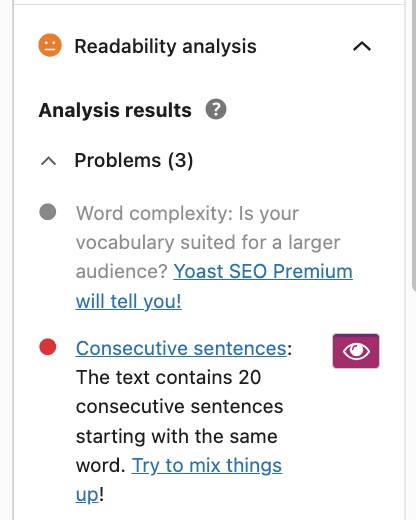
I found this issue by going into Classic Editor and found this.
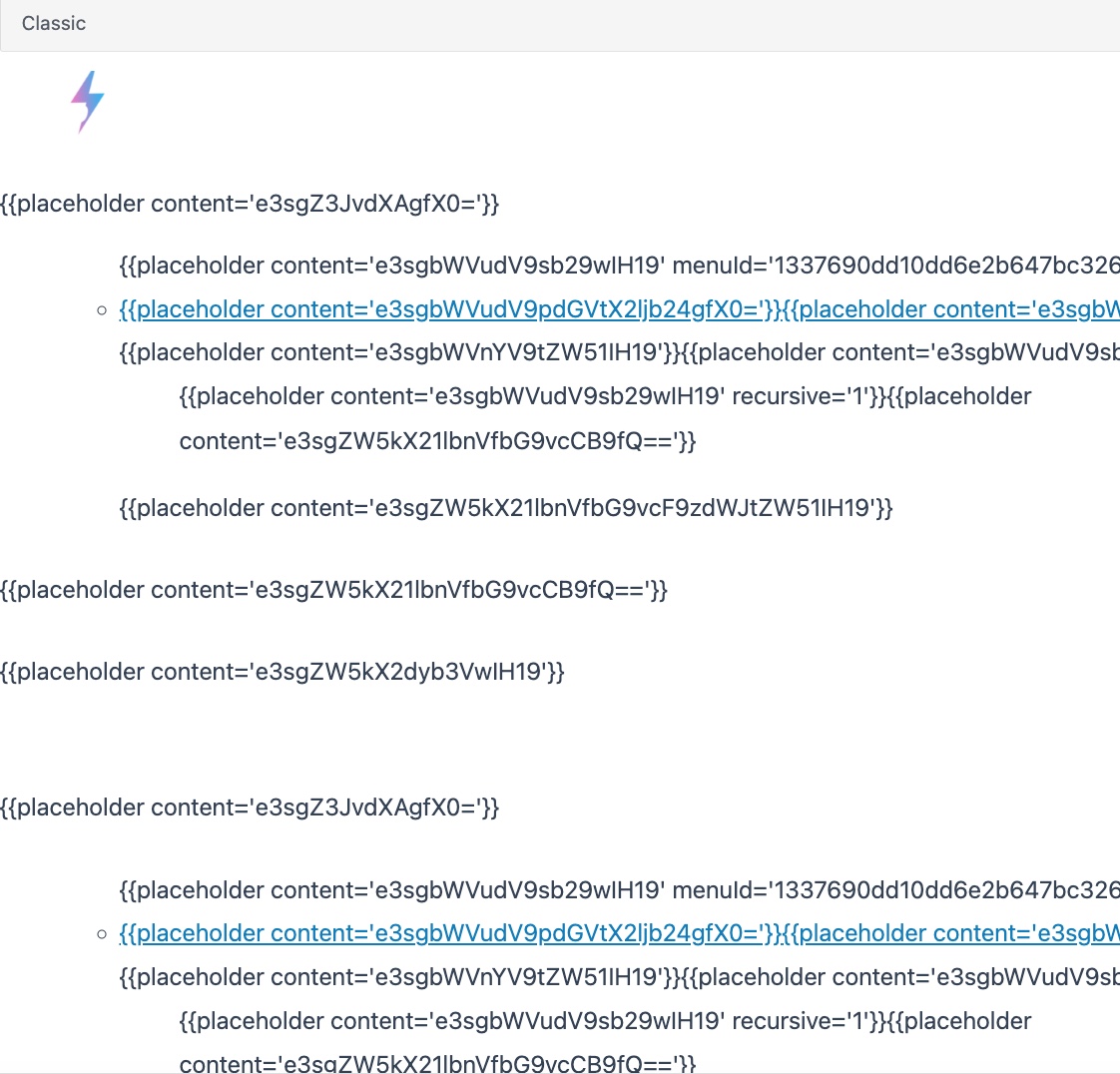
There are multiple codes like this on the page with the same multiple logos, and I think that's causing the trigger for Yoast.
Is this something you can resolve or can I ignore it?
Thanks0 -

Hello Eddie,
The screenshot of the Readability Analysis you have shared above covers two points. These are not formatting-related; rather, they have to do with the text content on the website. What is the concern you have about this? Can you elaborate?
- Word Complexity: Is your vocabulary suited for larger audience
- Consecutive Sentences: The text contains 20 consecutive sentences starting with the same word
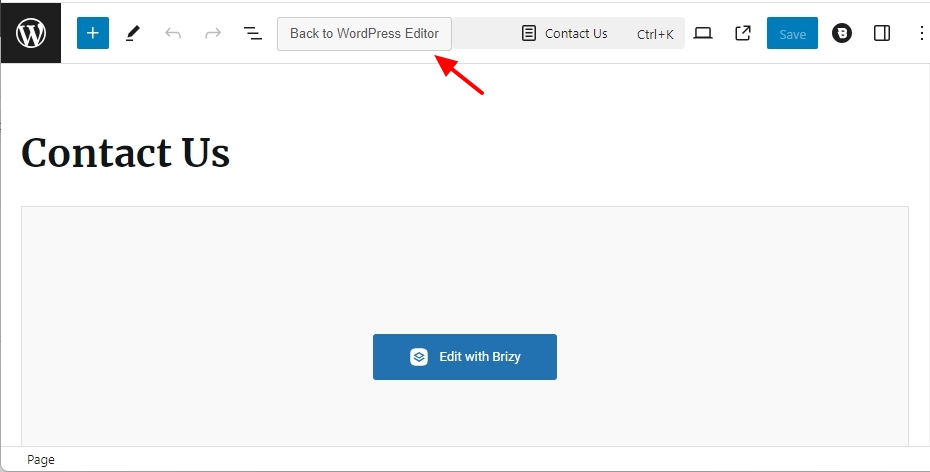
If you are seeing the above codes in the Gutenberg Editor, you may have accidentally clicked on the "Back to WordPress Editor" button. Clicking on this button is not a recommended practice. Kindly watch this screen recording https://jmp.sh/ftzpdXjj
 0
0 -
Hello George
I don't think you understood what I was complaining about.
I have also attached a screenshot above that has to do with the page format.
The error on the readability disappears when I remove those HTML codings by going into the classic editor.
I don't use Gutenberg editor on my WP either.
Whether I'm using a classic or a Brizy editor, the same issue remains unless I remove the codes, which I had attached as a screenshot and are currently hindering the keywords from ranking high on Google because of this issue, as the majority of keywords were ranking on the second page before this happened and those keywords have drastically dropped now.
I have created a video to support this0 -
When I go back to Brizy Editor, that issue will appear again, and I would like it to remain removed
0 -
Hi Eddie,
Can you try these steps and let me know your finding?
- Open the above page in the Gutenberg editor, click on the button "Edit with Brizy" at the top and save your page by clicking on the "Update" button at the bottom right corner.
- Click on the "Go To Dashboard" option on the left sidebar
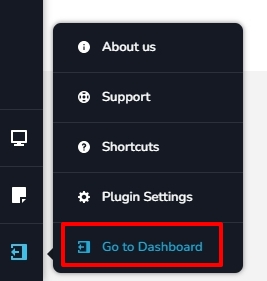
- In the Gutenberg editor check the Yoast "Readability Analysis" without clicking on the "Back To WordPress Editor" button). It is a good practice to never click on the button "Back to WordPress Editor"
Please let us know your finding
0 -
I have tried that already but it was showing the same issue
0 -
Just sent it through to your email
0 -
I have other sites that are going through the same issue
which is Topnotch SEO, and I'll send you the link to the same email with the same reference number
0 -
Hi Eddie,
Thank you for the update.
Could you also please provide us with temporary access to the WP Admin page of this website so we can inspect the issue? Kindly send the credentials to communitysupport@brizy.io, including this reference number in the subject line: 20349092958994.
Please create a backup of your site before providing us with access to your WP Admin Dashboard.
Best regards,
Ariel H.0 -
Hi Eddie,
Thank you for the update.
It looks like it's working; however, there's a short delay before Yoast updates the status bar on the right. You'll need to wait for the page to be fully loaded and then click on Yoast SEO to check the Readability Analysis result.
Best regards,
Ariel H.0
Please sign in to leave a comment.
Comments
16 comments