MESSAGE NOT SENT message on form

Hi Brizy,
Form was working on the 22nd July and now it isn't sending. I have rebuilt the form and still the problem persists.
Please can you check it out please.
Website is https://laura-and-adam.co.uk/
Thanks
-

Hello Adam,
Thank you for reporting this issue.
Let's take a look on this bug directly from your wordpress dashboard. I made an internal ticket for you, my colleague Basharat will ask you the wordpress credentials.
Please send us a reply on our request.
Thank you,
Natalia
0 -
Thanks Natalia!
I have just replied to Basharat but need an email address from you so I can set you up as a user.
Please let me know as soon as possible.
Thanks
0 -
Thank you Adam,
We are looking into it.
Regards, Natalia
0 -

Similar issue across all my Brizy sites
0 -

Hi Gerry,
Thank you for contacting us.
This is something we need to inspect from your WP Admin page. Please add us as an Admin user to your WordPress Dashboard and send the following details to: communitysupport@brizy.io
Community Post link: https://support.brizy.io/hc/en-us/community/posts/20339760269458
WordPress Admin URL:
Username:
Password:
URL of your contact form:Please make a full backup of your site as a precaution.
Best regards,
Ariel H.0 -
I've now added you to my own RedGerry site which is a single page site/form. As with poster above forms worked on all sites until last update. I have around 8 using the Brizy form block, all now failing to send.
0 -
Hi Gerry,
Thank you for the update. Could you kindly provide us temporary access to one of the websites you manage so we can investigate the issue? Please proceed with sending the credentials for your website following the steps outlined above.
I am looking forward to your response.
Best regards,
Ariel H.0 -
Yes that seems to be prob fixed, have received your tests and our tests on that site now also work.
Can you share resolution for roll out to other sites?
0 -
Hi Gerry,
Thank you for your cooperation.
The issue seems to be related to WordFence; we switched it to Learning Mode, and the form began to function correctly.
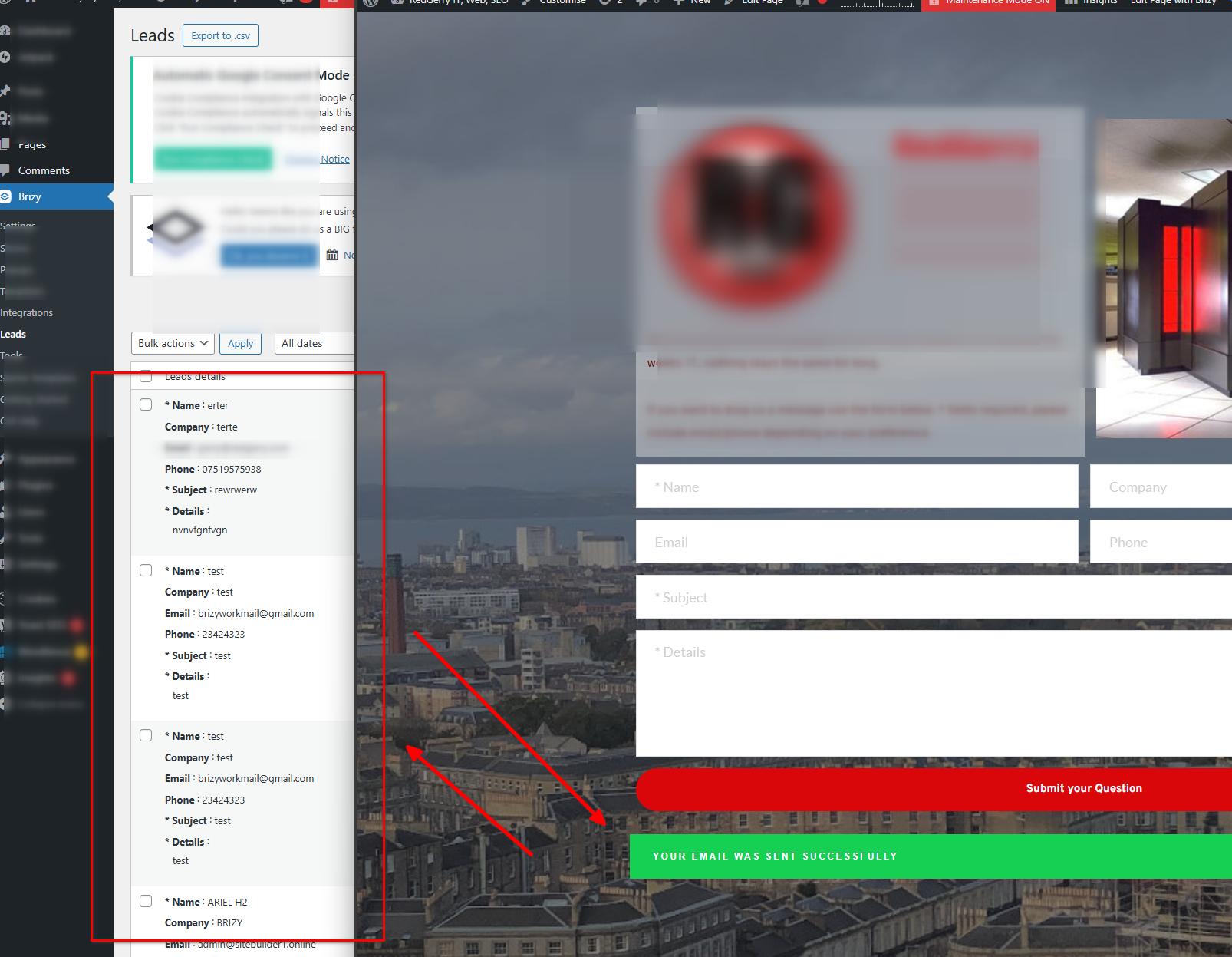
Could you please try this in other websites that you manage and see if this will address the issue.1. In the WordFence plugin settings, navigate to Firewall;
2. Enable Learning Mode - https://imgur.com/TucapoH
3. Return to your Brizy page, duplicate the form or make some minor changes, and then update the page;
4. Once done, return to the WordFence settings and re-enable the Enabled and Protecting option.
Please try this and let me know how it goes.
Best regards,
Ariel H.0 -
Thanks I will get onto that now. It is often the case we are tripped up by our own security.
0 -
Yes I can confirm that's resolved the issue on all the sites. Thank you for your help.
0
Please sign in to leave a comment.
Comments
11 comments