Global blocks not showing on live site but show in editor. Cannot update pages when in editor either.

Hey,
In trying to make a small adjustment to a page, I found out that all of my global blocks on my website do not show up live.
I can access the page editor to find them present, but cannot save any change made anywhere. The menu to drop in global blocks has not retained the global block names and they've reverted back to "Untitled" as well.

Above: Editor where you can see my global menu header and the "Ready to Collaborate" global block.
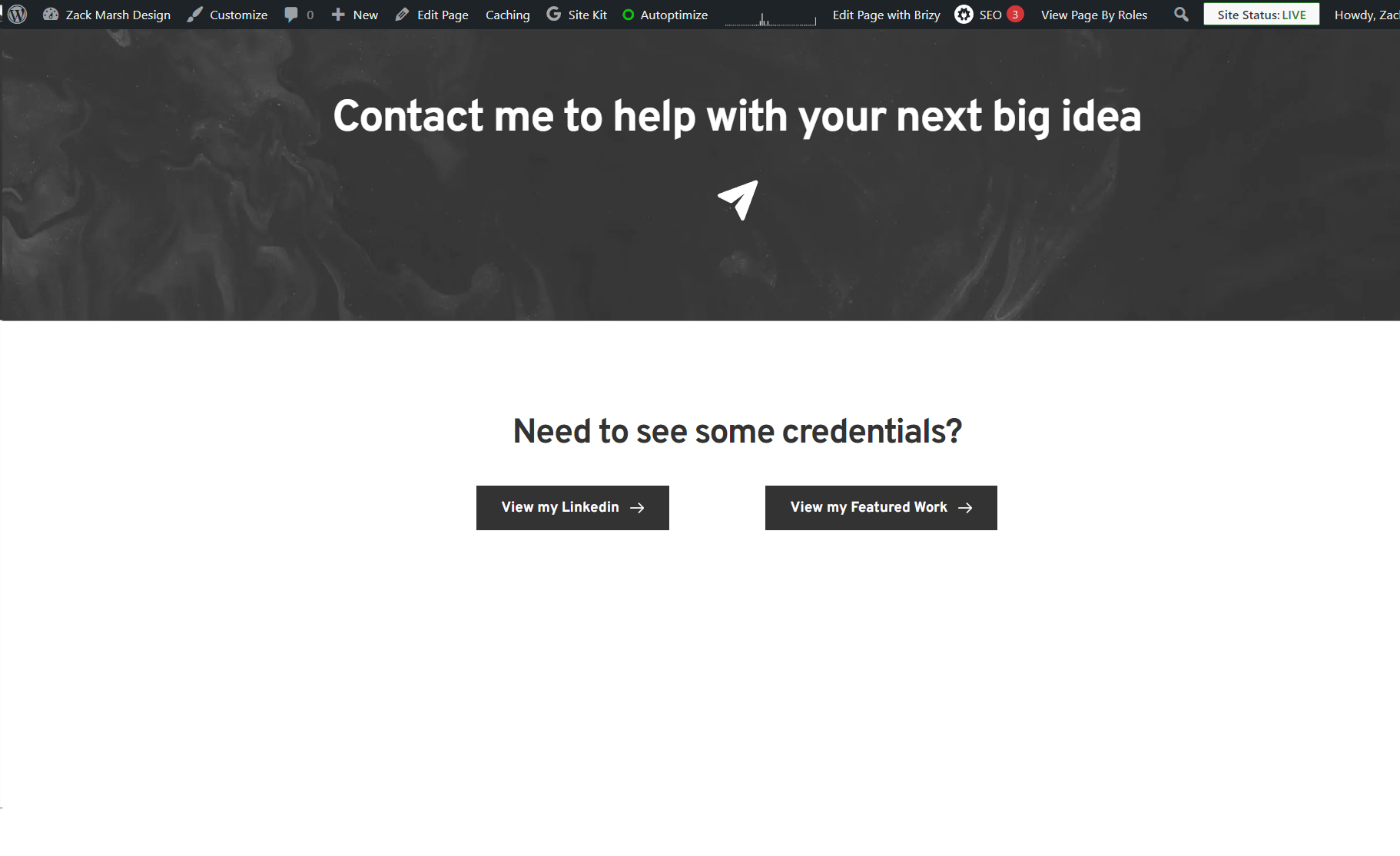
Above: Live view.
As of 7/23/24, I have Brizy 2.5.0 and Brizy Pro 2.5.0, with very minimal other plugins active on my website. I have not touched the website's back end in a few weeks so I'm not sure when this issue arose, but I believe it did happen in the last few days. I am also finding that my saved blocks and layouts are not syncing between my wordpress site and my brizy cloud either.
What is happening?
-

Hi Zack,
I'm Mark from Brizy support.
Thank you for contacting us about your issue with Brizy 2.5.0. Our teams are currently aware of the issues you're encountering and they are actively working on a fix.
Please check the email I sent you; there, I requested your site's credentials to assist with resolving the issue: The page needs a refresh.
We'll contact you through the ticket:39216 after receiving the requested information. We appreciate your patience and cooperation with this.
Best regards,
Mark.
0 -

I am also facing the same issue @Mark Jun
0 -

Hello Dina,
A private ticket has been set up for you, and you can expect to receive a notification soon. Kindly respond with the login information for your site to allow us to investigate the matter.
Best regards,
Basharat
Brizy support team.0 -

I'm facing the same issues well.
Installed versions are:
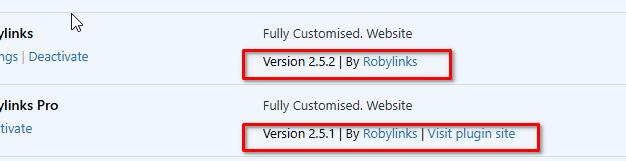
Brizy 2.5.2
Brizy Pro 2.5.1
0 -

Hi Timothy.
Thank you for contacting us.
To address this issue:
1. Please ensure that you are already using the most recent versions of Brizy and Brizy Pro.
2. If you are getting the "Could not publish or save page" error, setting WordFence to learning mode should fix the issue. If you have WordFence, please follow these steps to temporarily switch WordFence Firewall to Learning Mode:
A. In the WordFence plugin settings, go to Firewall;
B. Turn on Learning Mode, set to automatically switch back to "Enabled Protecting" in 2 days, this should allow it to learn the actions from Brizy editor.
C. Save your WordFence changes, this should allow you to save or update your Brizy pages.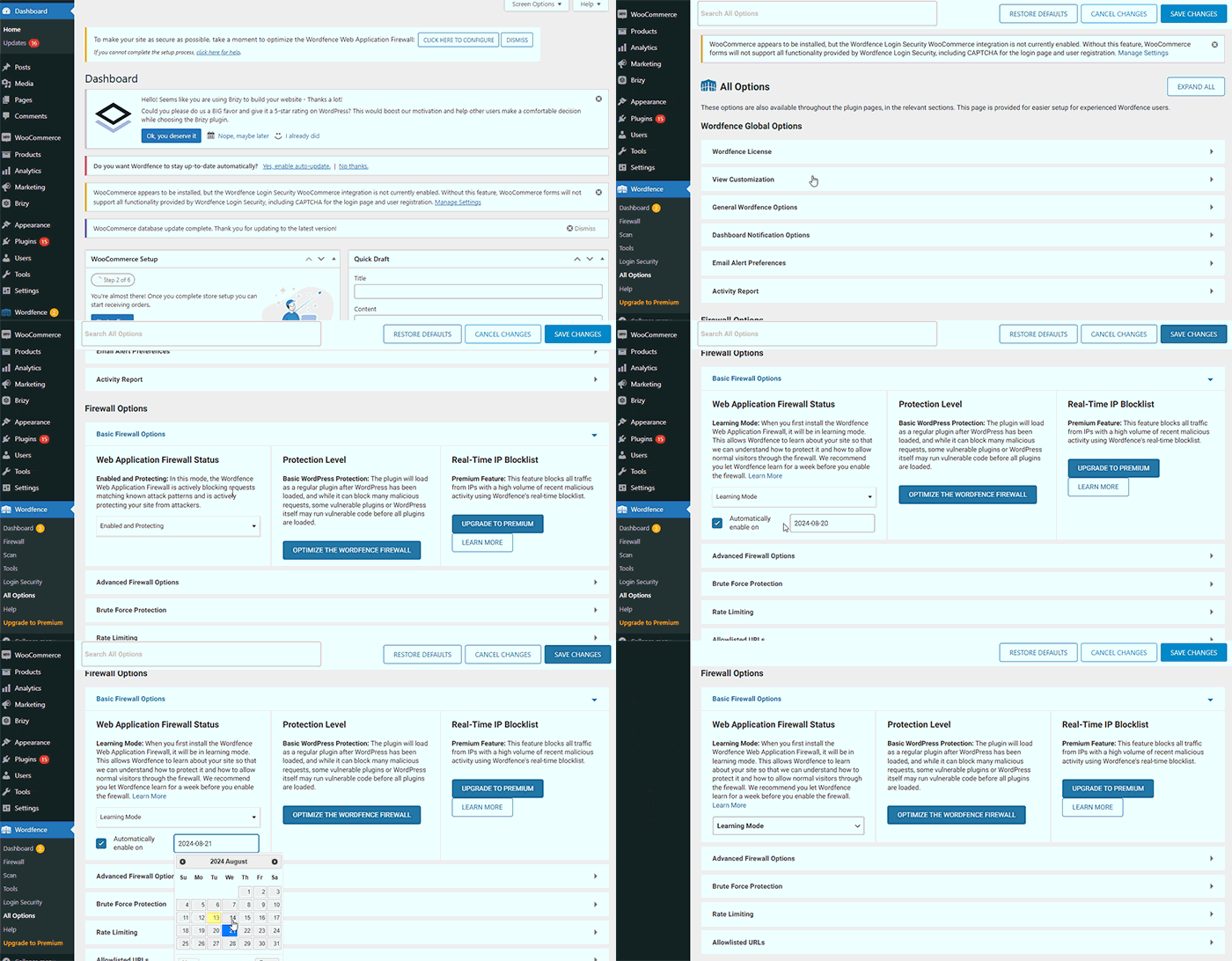
3. If you don't have WordFence, please also check if you have access to disable Firewall / ModSecurity in your hosting console or ask your hosting provider where to find the option in your hosting panel and disable it.
4. If you encounter any broken layouts after the update for Brizy and Brizy Pro, you can resolve it by making small modifications to your pages, dynamic templates, or global header and footer—such as adding some padding or adjusting elements. Save the changes and update the page. Then, revert your changes, update the page again, and preview the site to see if the issue is resolved. By doing so, you can ensure that all your pages take advantage of the new Brizy Compiler feature included in the most recent release of Brizy and Brizy Pro.
https://www.brizy.io/new-compiler-200-loading-performance-boostPlease try this and let me know if you have any further questions.
Best regards,
Ariel H.0
Please sign in to leave a comment.
Comments
5 comments