Brizy Plugin seems to cause "There has been a critical error on this website" rendering site unusable

Hello, I've deactivated all plugins and the content of the site returns. Once I activate Brizy the "There has been a critical error on this website." appears instead of the website. Here is the site url: https://bluebonnetmissions.org/
Your help is appreciated!
-
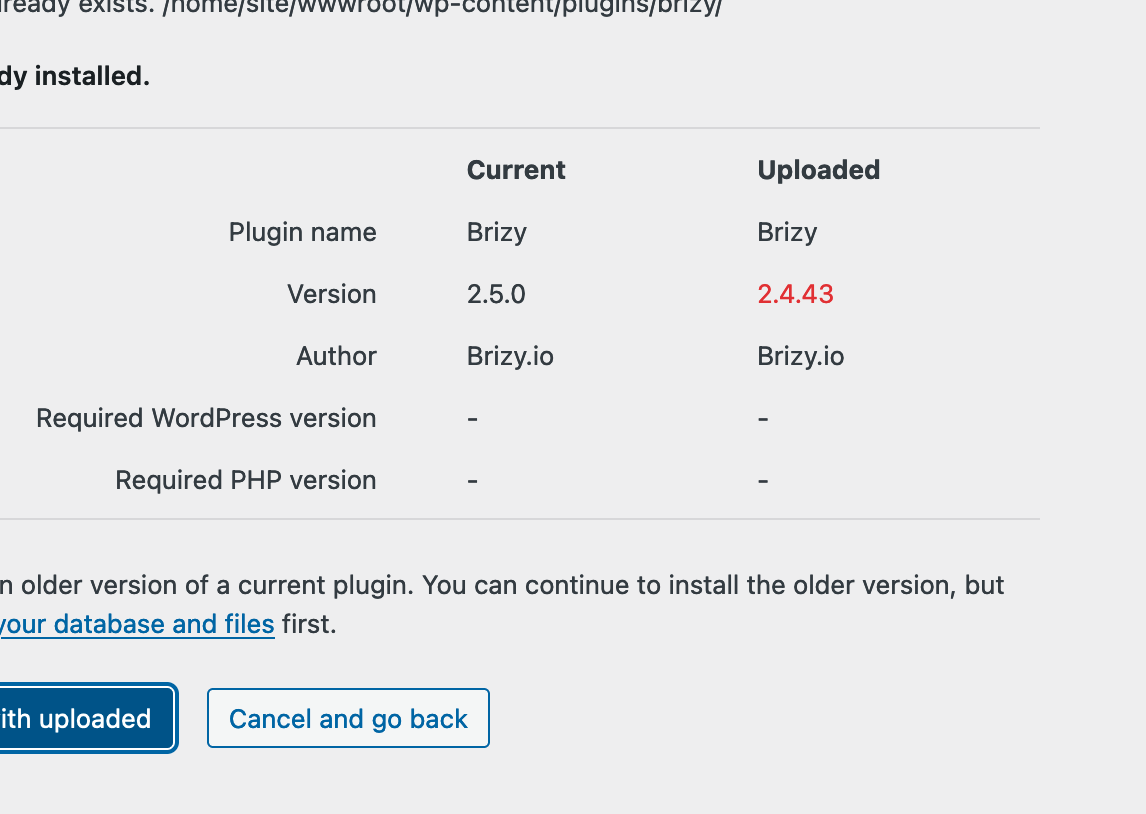
I reverted to an older version of Brizy and it works now. The 2.5 version is not playing well with the site. Please advise. Thanks in advance.
 0
0 -

Hi Abel,
Thank you for reporting this issue.
I apologies for any inconvenience this update was caused to your Wordpress projects.
Unfortunately we could not predict this type of error, as all our tests were successfully completed.
In order to investigate this critical error, I created a private ticket on this subject. Please, reply to our request regarding the Wordpress credentials in order to investigate and fix this bug as soon as possible.
Thank you,
Regards, Natalia
0 -

I also upgraded to WordPress Brizy & Brizy Pro 2.5.0 and receive an error message when trying to view the website. When I deactivate the Brizy plugins I can view the website, but obviously I can't edit the website.
I am using WordPress v. 6.6.0, PHP 8.2. All was fine using Brizy 2.4.43.
Please open a ticket and I will provide access to the website. Thank you.
0 -

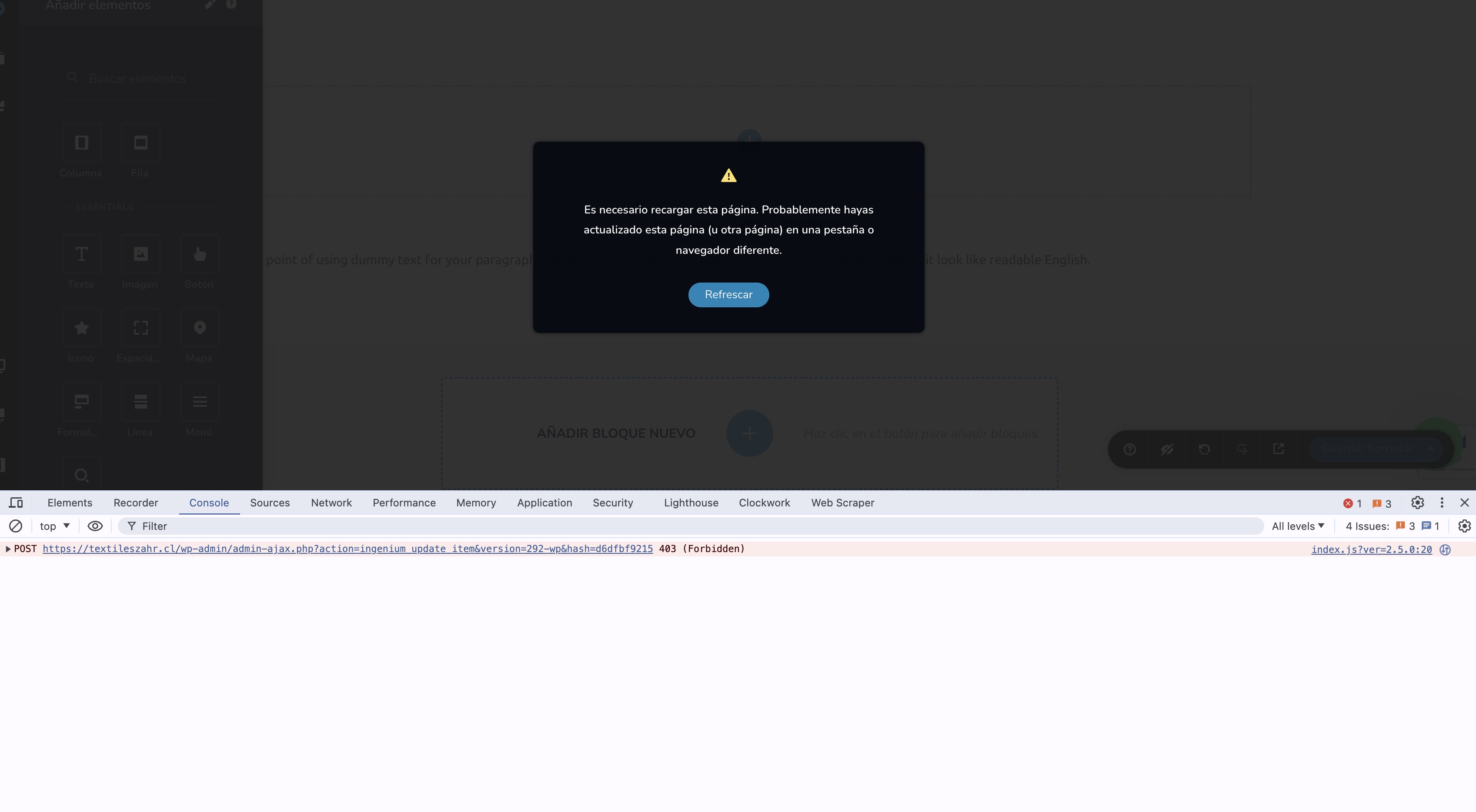
I had another problem with 2.5. With 3 websites on the 2 diferent server. I think that the problem is with modsecurity so you can check it to
 0
0 -

Hi Leonardo,
Thank you for contacting us.
If you are using WordFence, kindly temporarily disable it, clear your cache, and verify if this resolves the issue.
You may also consider temporarily setting it to Learning Mode, which will also resolve the issue:
https://www.wordfence.com/help/firewall/learning-mode/Please try this and let me know how it goes.
Best regards,
Ariel H.0 -
Hi Michael,
Thank you for contacting us.
If you have WordFence on your site, please follow the steps provided above and see if this works for you.
If this is urgent, you can also revert to these older versions: https://tinyurl.com/4z3cj26y
Steps to roll back:
1. Navigate to the Plugins section and uninstall both Brizy and Brizy Pro.
2. Upload and activate Brizy.
3. Upload and activate Brizy Pro.Please try these steps and let me know the results. Rest assured; we will update you once we have resolved the issue with the recent update.
Best regards,
Ariel H.0
Please sign in to leave a comment.
Comments
6 comments