Problem with pictures and fonts, slow page loading - Brizy cloud / Server sync

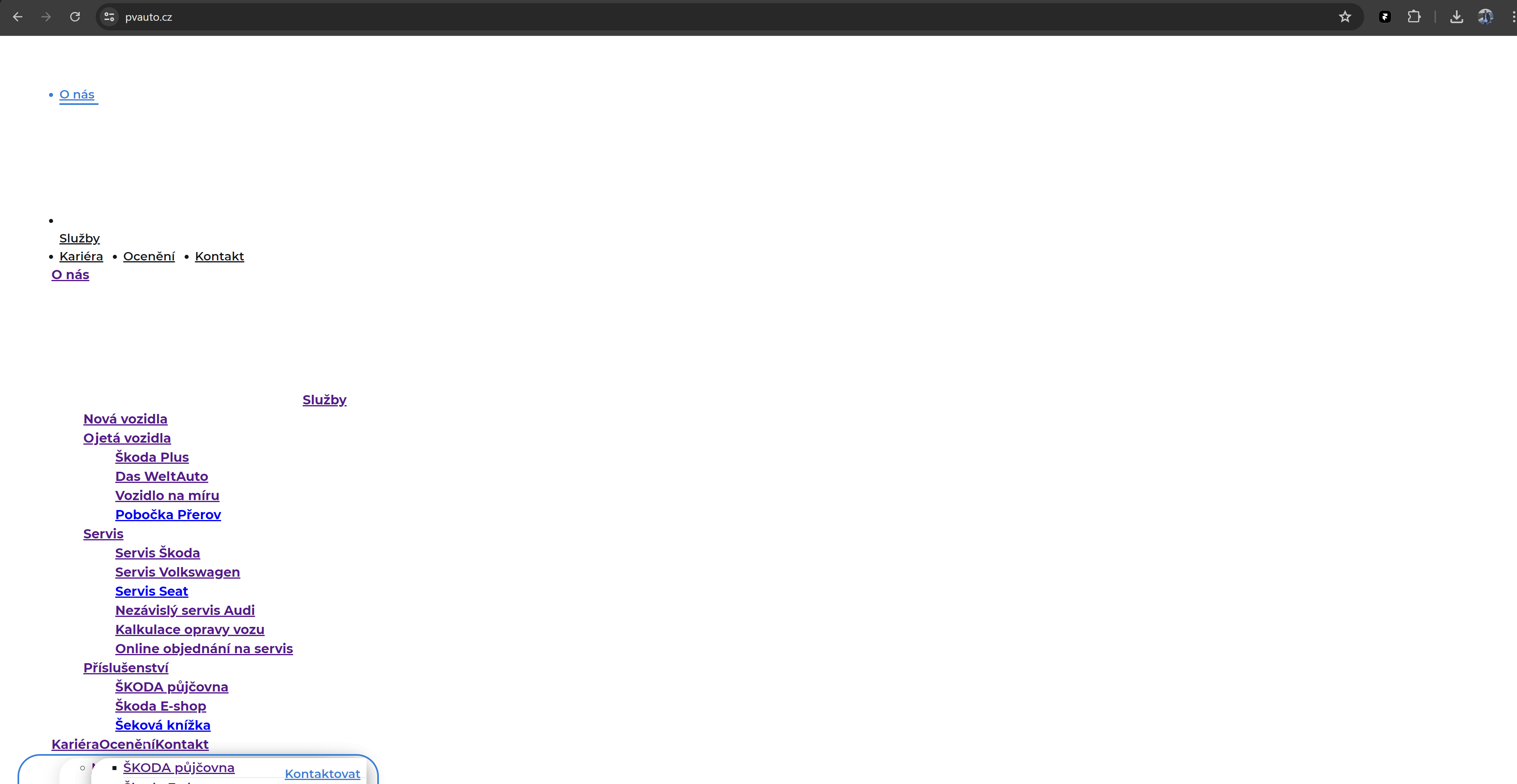
Hello, I am again experiencing issues with loading images after clicking on UPDATE. Upon the first page load, the images do not display at all. Everything loads only on the second page load. Additionally, the font of the text changes to something completely different from what I have set in the Brizy Cloud editor. Also, the page loading speed is incredibly slow.
Best regards,
Tomas
-

Hi Tomas,
Thank you for reaching out to us.
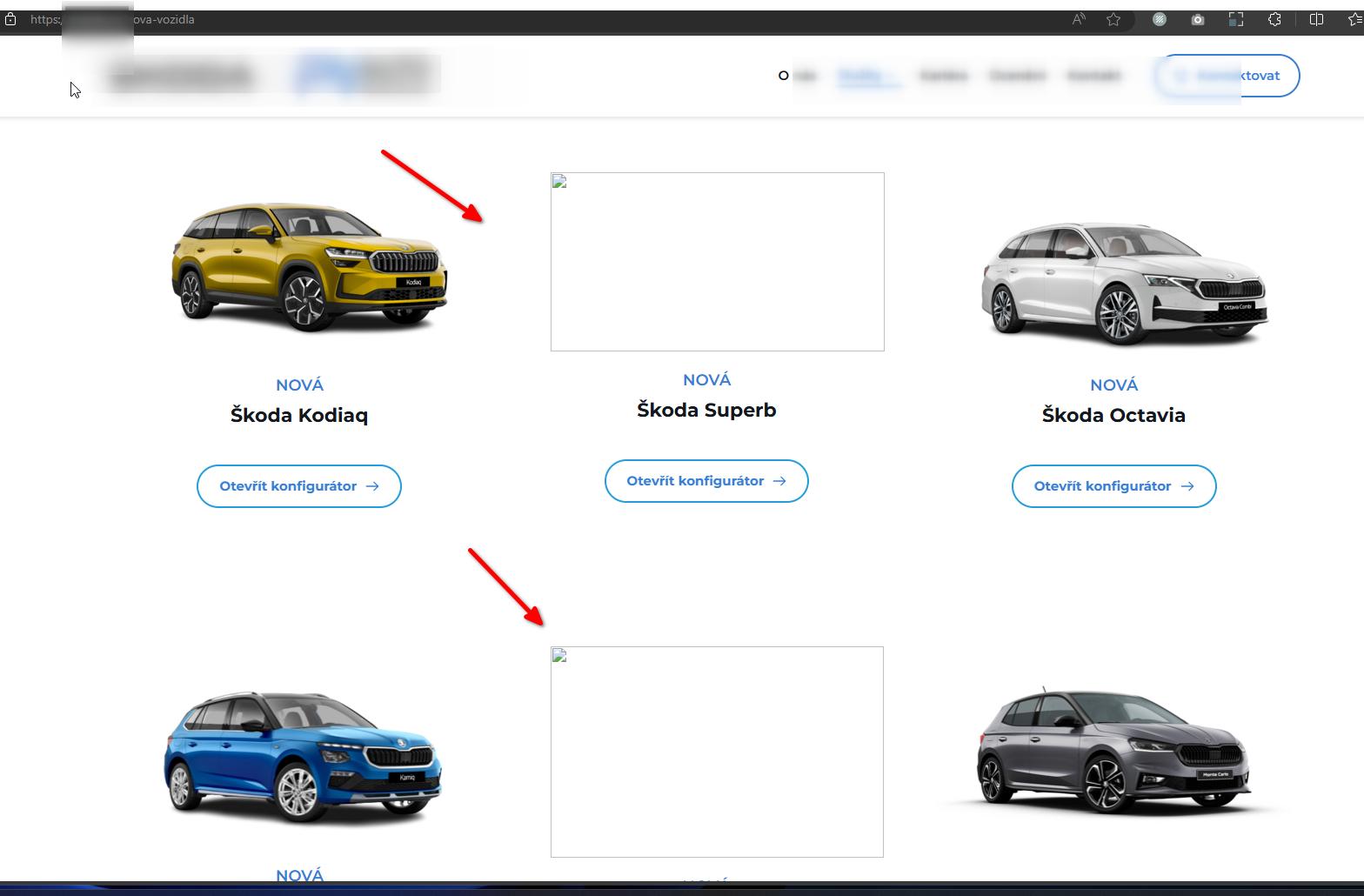
We have updated the pages, and it seems that most of them are now displaying the images correctly. However, there is still an issue with (p*****z/nova-vozidla). Could you please try re-uploading the images? Before uploading, please rename the files to prevent caching issues. It's advisable to use shorter file names without spaces and numbers.
Regarding the broken layout, there appears to be a delay in updating the page remotely. I suggest waiting a few minutes after publishing a page before loading it to see if this resolves the issue.
Please monitor the situation and let us know if you encounter any further difficulties.
Best regards,
Ariel H.0 -
I'm still having trouble with some pictures that's used. I don't understand it...
Here is mobile preview: https://jmp.sh/pD2zPIhh
0 -
Hi Tomas,
Thank you for keeping in touch.
Could you please provide us with the direct URL of the page so we can check it? Unfortunately, the iPhone does not display the full URL, making it challenging to locate the page. I tested some pages on my mobile device, and they seem to be functioning correctly, as demonstrated in this screencast - https://youtu.be/qsf2yKvbERY.
I am looking forward to your response.
Best regards,
Ariel H.0 -
Sure, here is URL: https://www.pvauto.cz/
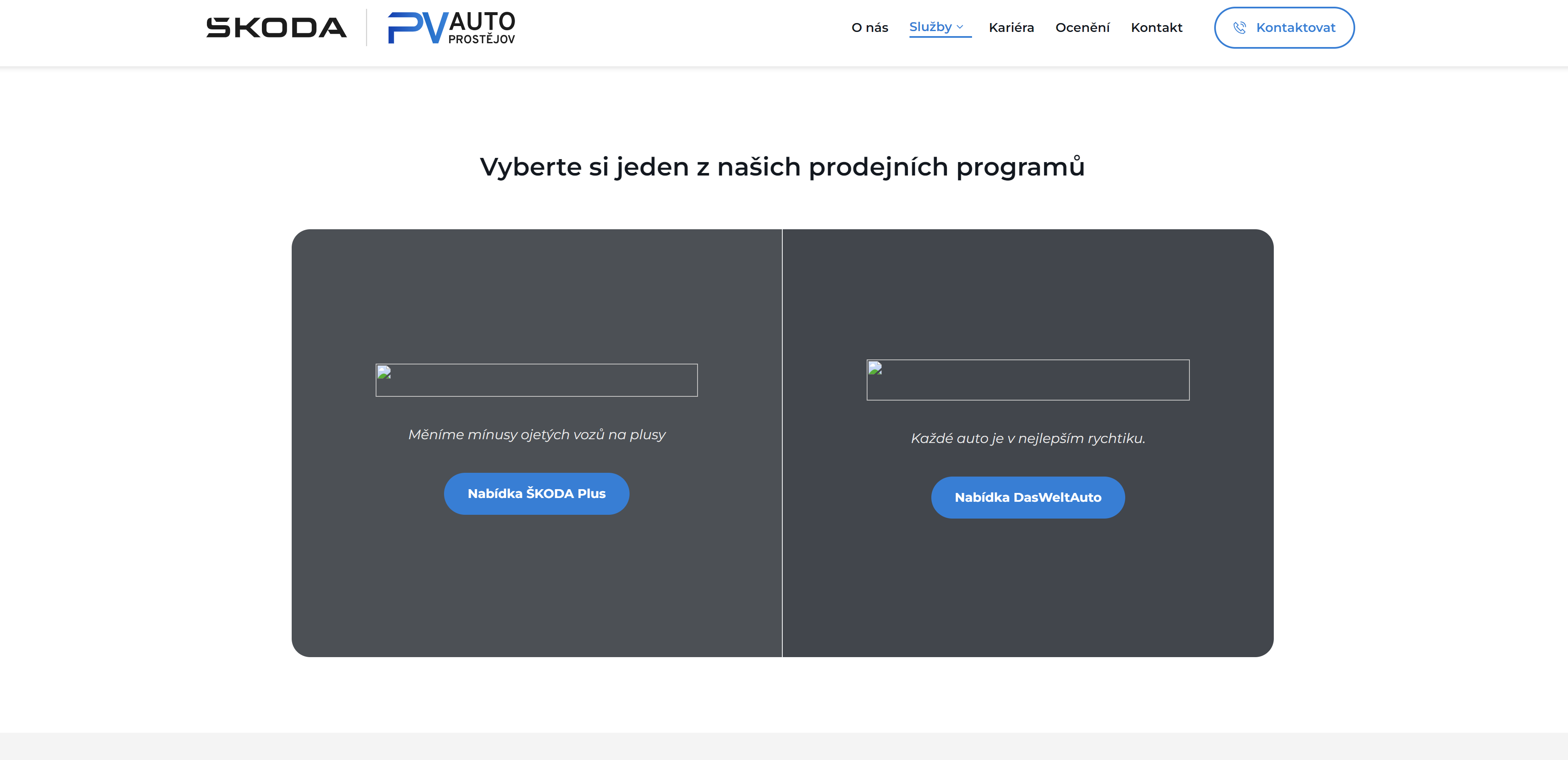
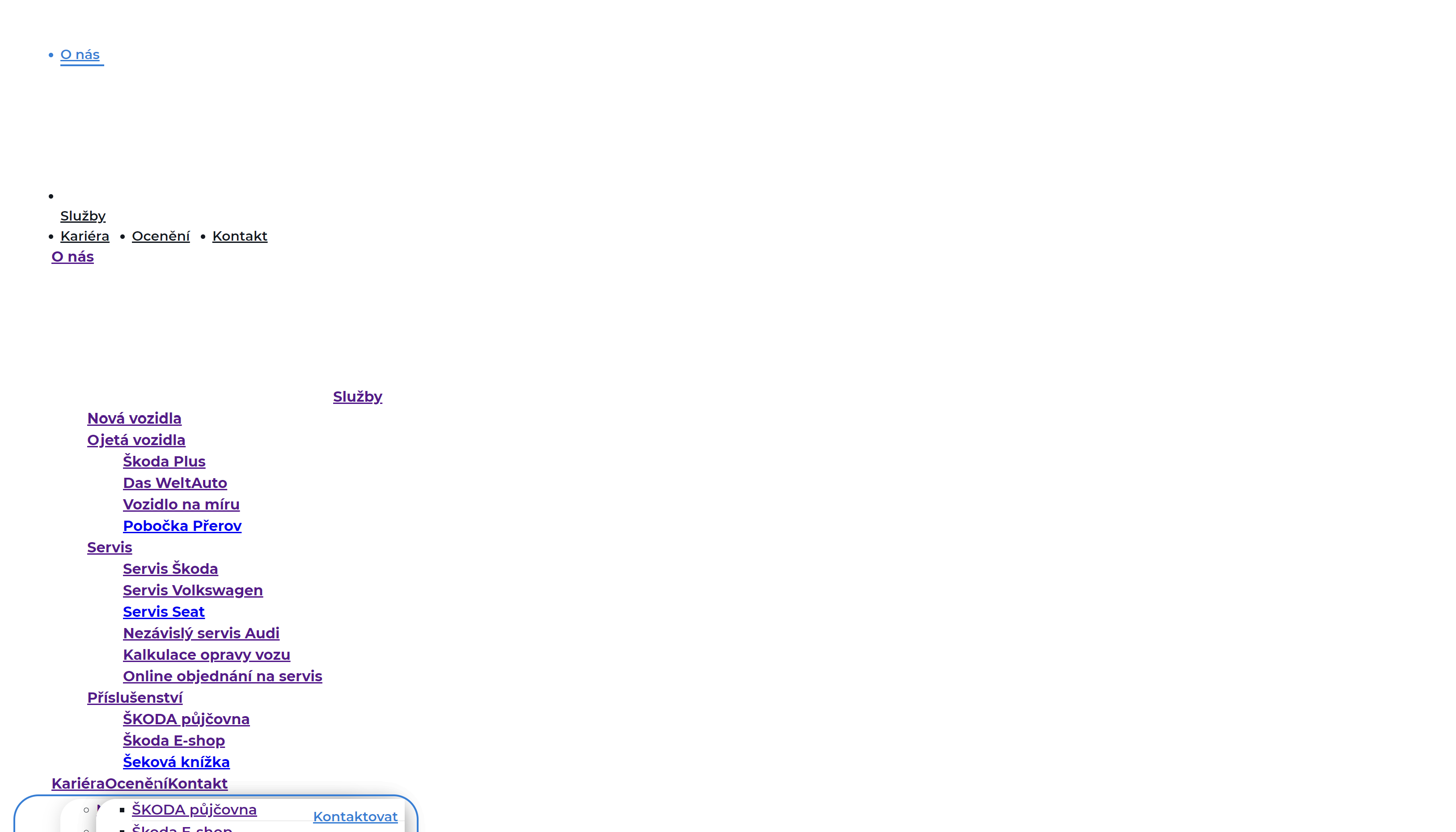
With each UPDATE and page load, I initially see this error. Then, when I reload the web page, the updated site loads correctly. And it takes a very long time for the page to load. It used to be faster.
I tried uploading it to a different hosting provider with different project and I'm experiencing the same issue, so the problem is likely on Brizy Cloud's side.
 0
0 -
Hi Tomas,
I have requested a member of our team to look into the issue. I will get back to you as soon as I have an update.
Best regards,
Ariel H.0 -
Hello, I would like to ask if there has been any progress in solving my problem. The issues still persist with slow page loading. Thank you.
Best regards,
Tomas
0 -

Hi Tomas,
We have recently launched a new compiler for Brizy Cloud and Brizy WordPress to improve the first loading speed immediately after an update. You can read more about it at New Compiler: 200% Loading Performance Boost
However, this update does not apply to websites published through Server Sync. For now, after every update, kindly check preview of your website so that users who access it later will experience faster loading speeds. The background video on the hero section of your website has an impact on the performance of your website. Changing it to an image can significantly improve homepage performance.
0 -
Hello George,
Thank you for the informations. Will you apply this update to the server sync as well?
0 -
Hi Tomas,
I have received a confirmation that the new compiler is implemented for Server Sync also. To take advantage of the new compiler, kindly redeploy the server sync files on your server (after disconnecting). The new compiler will be part of the newly generated source code.
0 -
Hello George,
I tried what you suggested, but the website is still extremely slow. I have same problem... After the update, images on my computer or phone keep disappearing... It will show up again after reloading. I don't understand why.
 0
0 -
Hi Tomas,
I tested the frontend performance immediately after an update at your project backend. I am unable to reproduce the issue you have reported above. Kindly have a look at the screen recording at https://jmp.sh/KkJF0W4L The page seems to load well immediately after an update.
0 -
Hello George, I tried it on Google browser on my phone. Here is video preview: https://jmp.sh/W8oJ1uMw
I had same
problems on my computer browser.0 -
Hi Tomas,
We are still having trouble reproducing the issue. Can you share with us the steps we must follow to reproduce the issue at our end?
0 -
Hello George, I still have this problem. I'm desperate... It's impossible to work with. Every time I click on UPDATE, the error that I sent you in the video occurs. It happens with every project in Brizy Cloud... The pages are loading slowly.
Here is URL to video:
0 -
Hi Tomas,
I tested the the first page load immediately after an update. It seems to work fine at my end. https://jmp.sh/ozAmevD7 Kindly sign into your Brizy Cloud Dashboard from a new private (incognito) window of your browser or from an alternate browser and check if the issue persists.
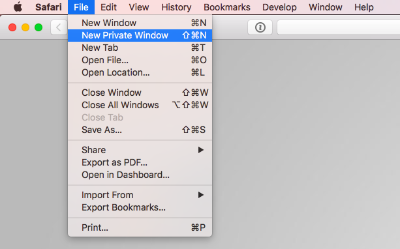
Images at https://pvautoprostejov.cz/tvorba-webovych-stranek did not load immediately after an update. I needed to refresh the page to see the entire content. I will report this issue and we will work on fixing it.
0
Please sign in to leave a comment.
Comments
15 comments