Images Not Appearing in Post List

Hello,
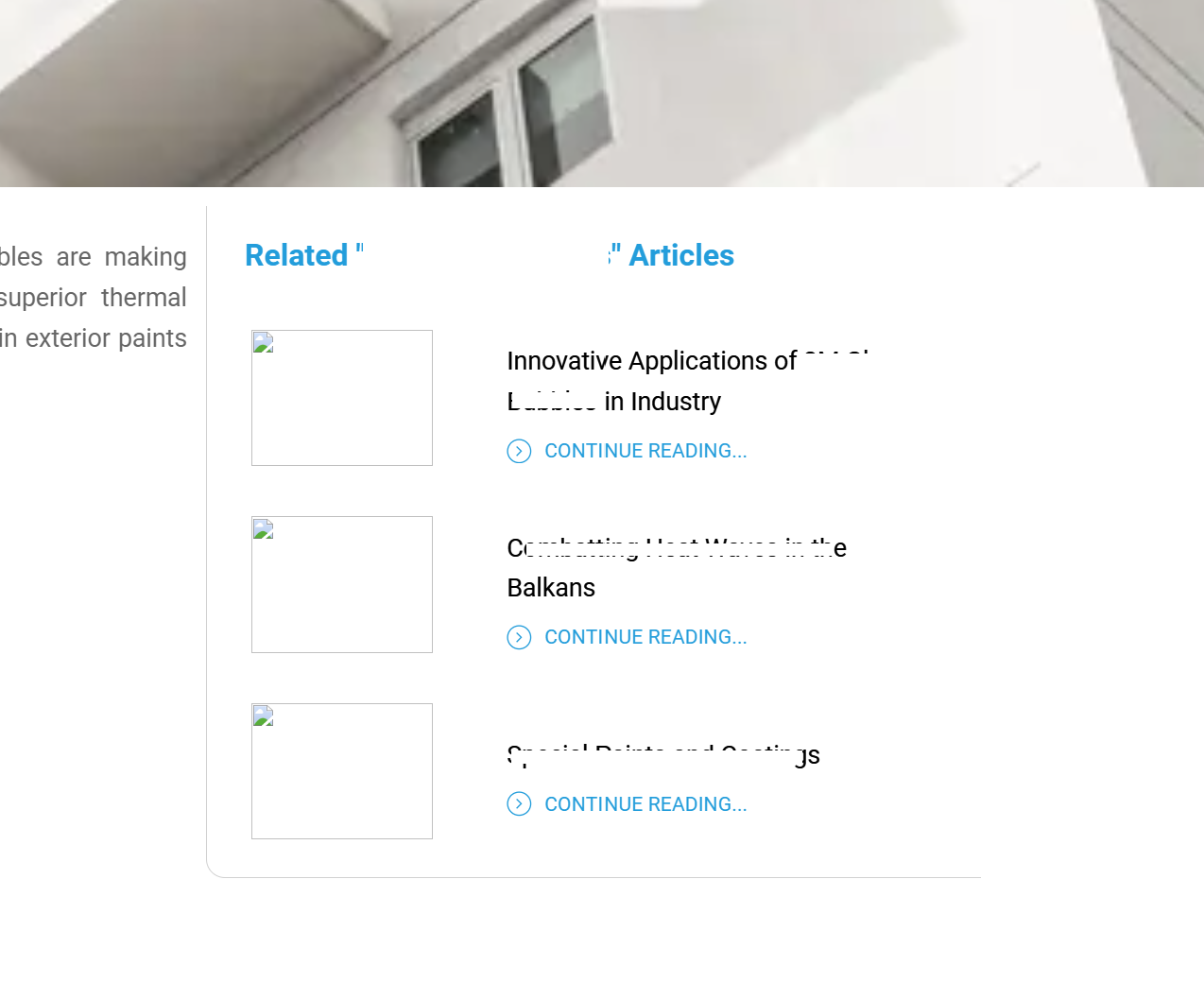
I've encountered an issue where the images in the post list are not appearing. I faced a similar problem with the central image, which was resolved by manually uploading the image instead of feeding it automatically from the post. However, I'm unable to fix the images in the post list on the right. Could you please check the URL and help me resolve this issue? https://shorturl.at/84ZCe
Thank you!
George
-

Hi George,
Thank you for reaching out to us.
Unfortunately, I am unable to access the provided link.
Could you please create a short screencast demonstrating the issue you are experiencing? This will help us gain a better understanding of the issue and possibly offer a solution.
In the meantime, please try isolating this issue by temporarily disabling all other plugins besides Brizy and Brizy Pro and see if you can reproduce the issue. If you haven't tried this yet, please do so and let us know how it goes.
Best regards,
Ariel H.-1 -
Hello there!
Thank you for your response!Please check:
https://nanovisionchemicals.com/3m-glass-bubbles-thermal-insulation-exterior-paints/
I tried by temporarily disabling all plugins besides Brizy and Brizy Pro and the issue remain.
Thank you for your support!
Best regards,
George
0 -
Hi George,
Thank you for the update.
Unfortunately, I am unable to access your site.
If you have enabled firewall on your website, please allow access from this IP Address: 112.202.164.177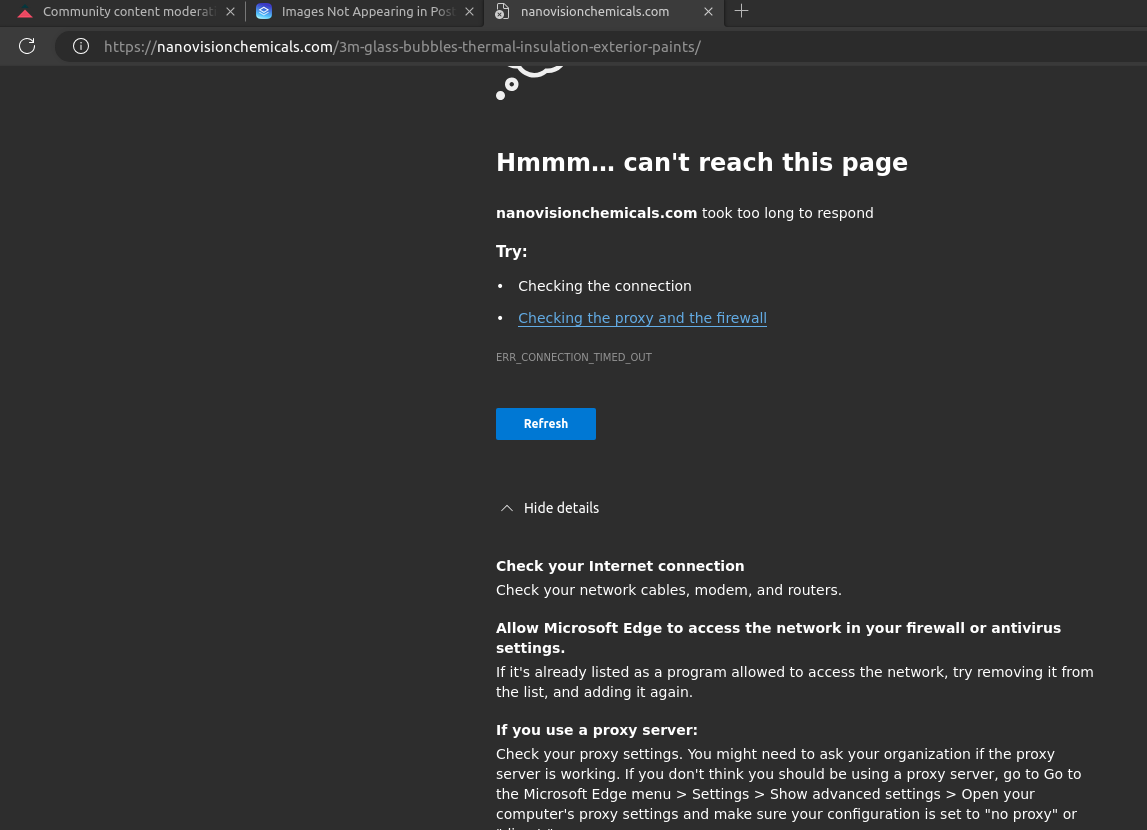
We may also need to inspect the issue from your WP Admin page. Please add us as an Admin user to your WordPress Dashboard and send the following details to: communitysupport@brizy.ioCommunity Post link: https://support.brizy.io/hc/en-us/community/posts/20055153636754
WordPress Admin URL:
Username:
Password:Please make a full backup of your site as a precaution.
Best regards,
Ariel H.0 -

Hello:
I cam across this question/problem and I am having a very similar issue with www.smoothfinish.ca
I am using posts to update and add to a gallery of before and after photos.
What is happening for me is the same as George K is encountering where the images from the posts are not appearing, HOWEVER, in full screen and tablet they seem to appear for me but, not in mobile view. In George's case I see they do not appear full screen (desktop) but when I reduce the screen to mobile view, the photos do appear.
There is a glitch somewhere and am very keen to see how this can be resolved.
Thanks,
Jim0 -

Hello Jim,
The video file at https://smoothfinish.ca/wp-content/uploads/2024/05/SmoothFinish_Popcorn_Removal.mp4 is 5.22 MB is size. To get your video down to about 1MB in size, kindly use a service like https://videocandy.com/compress-mp4.html to compress it and then reupload it. As a result, the video will download faster and the images underneath the video will load quicker.
0 -
Kc:
Thanks for that and will do that.
However that does not address the situation with images in the slider not appearing in the mobile view but on the desktop they do or do you think compressing the video will resolve the issue?
Jim
0 -
Hello Jim,
You have mentioned about images in the slider not appearing in the mobile view. The image carousel appears working well at my end. Kindly have a look at https://jmp.sh/V4io4kKE
Can you give us more details about the problem you are facing with the image carousel?
0 -
Hi Kc:
Yes I agree it is working on mobile BUT it does not show all of the images. If you could please look at it on desktop view you will see there are more images on the desktop than appear on the mobile view.
Thanks,
Jim
0 -
Hi Jim,
Thank you for the update.
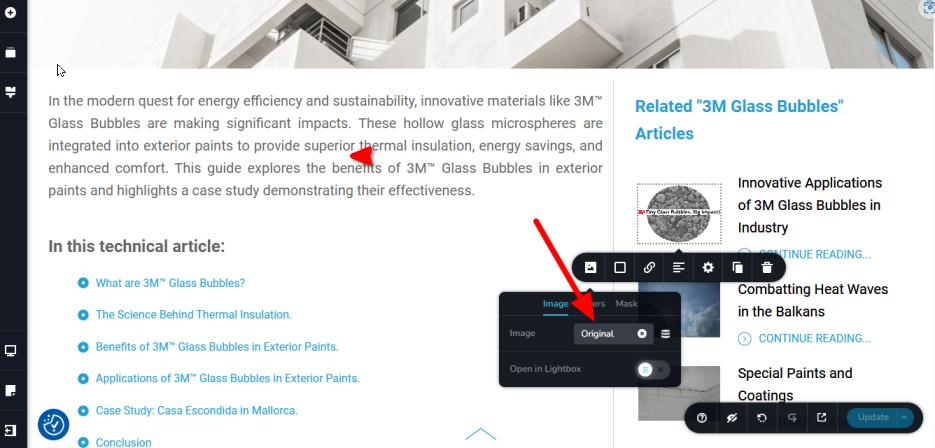
About the missing images, it seems there is a conflict with your current image optimization plugin. Additionally, the images were set to "custom," which use native Brizy image optimization, resulting in the error 404.
To resolve this problem, we have set the image to "Original."
About the carousel issue, could you kindly provide us with the login details for this website so we can investigate further? Please follow the instructions previously given to send the details to our community support email address.
Best regards,
Ariel H.0
Please sign in to leave a comment.
Comments
9 comments