View as "logged in" not working in WordPress

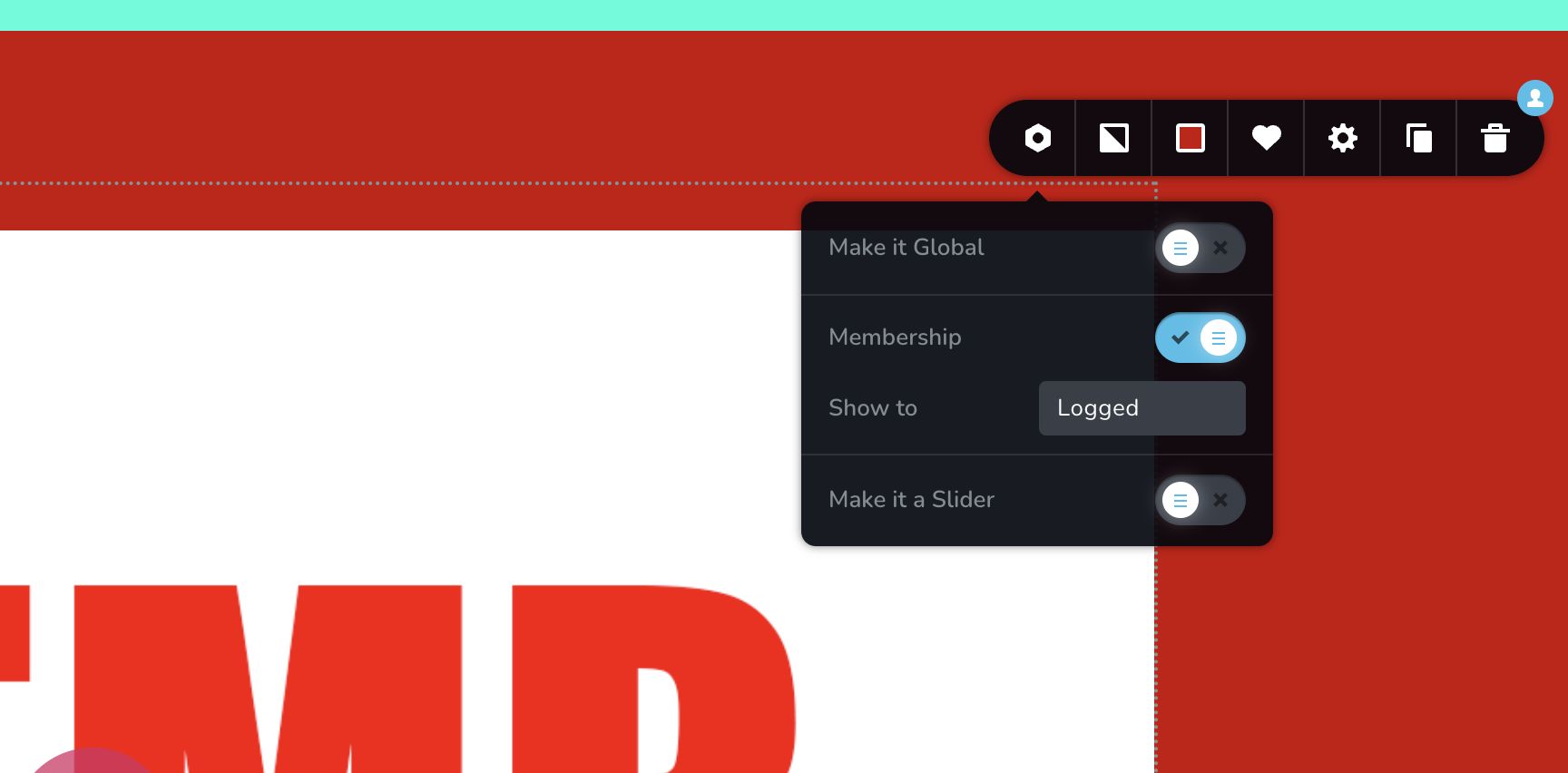
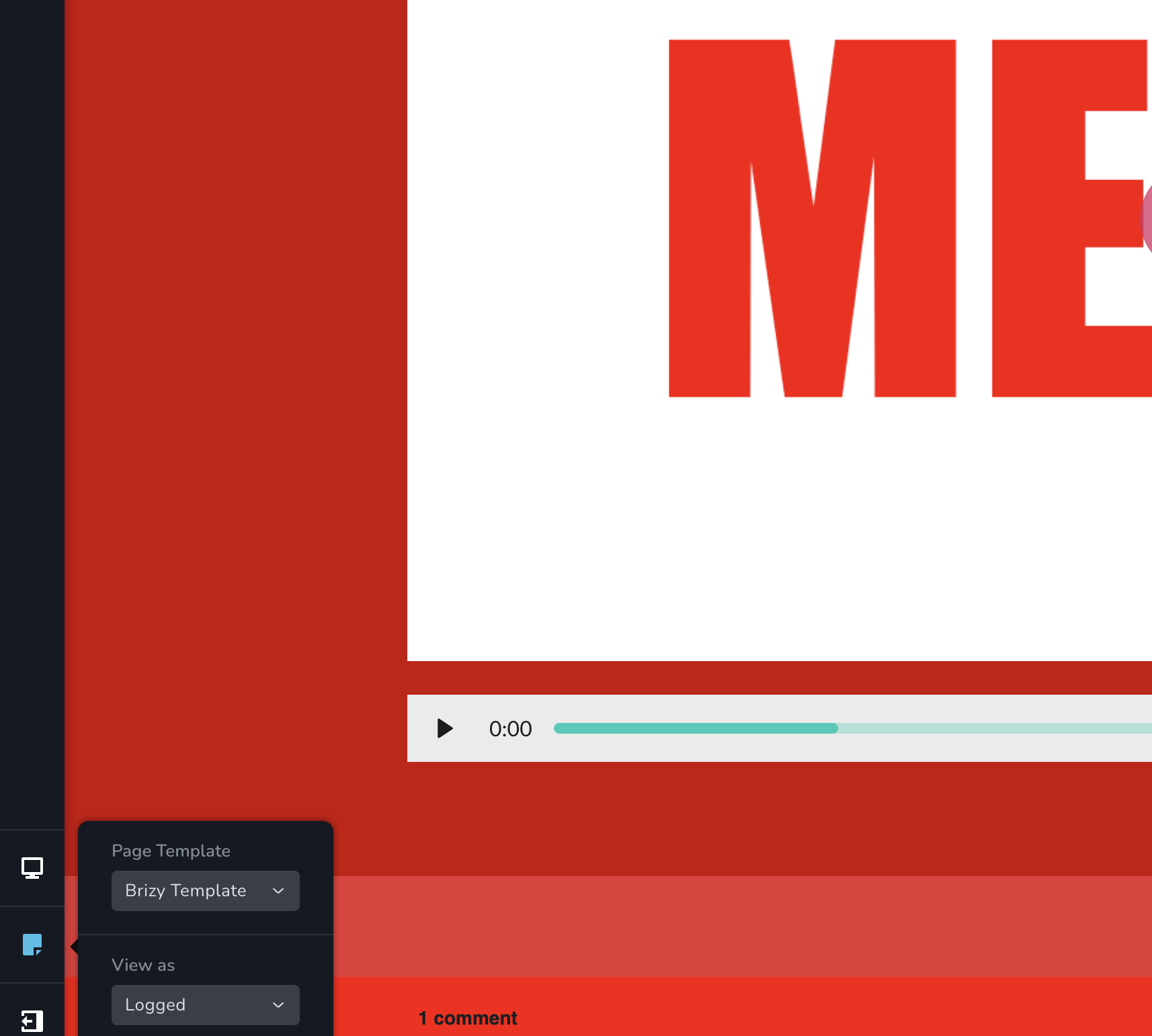
I've got a membership test site up and it's not displaying as the Brizy builder indicates it should...
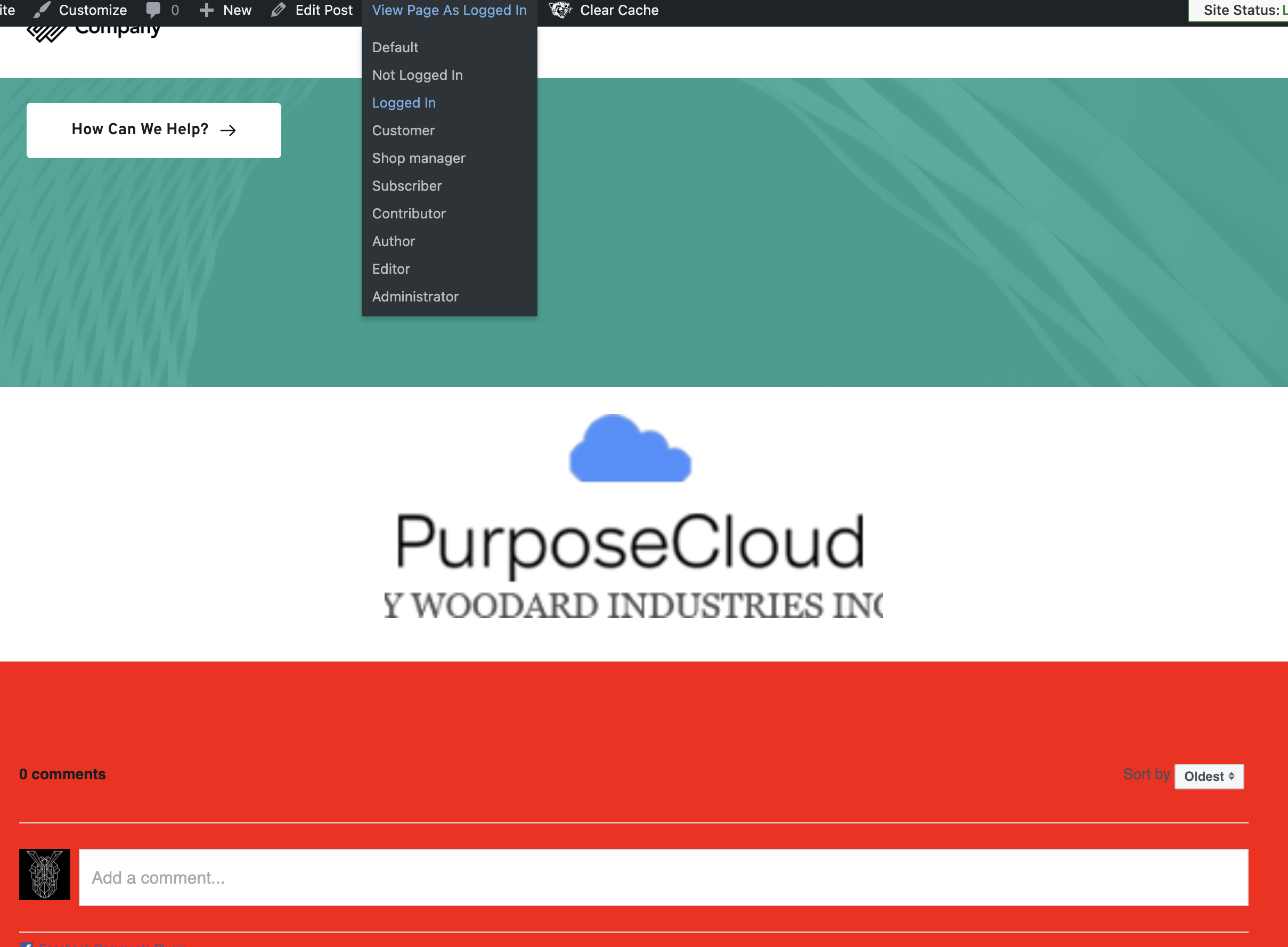
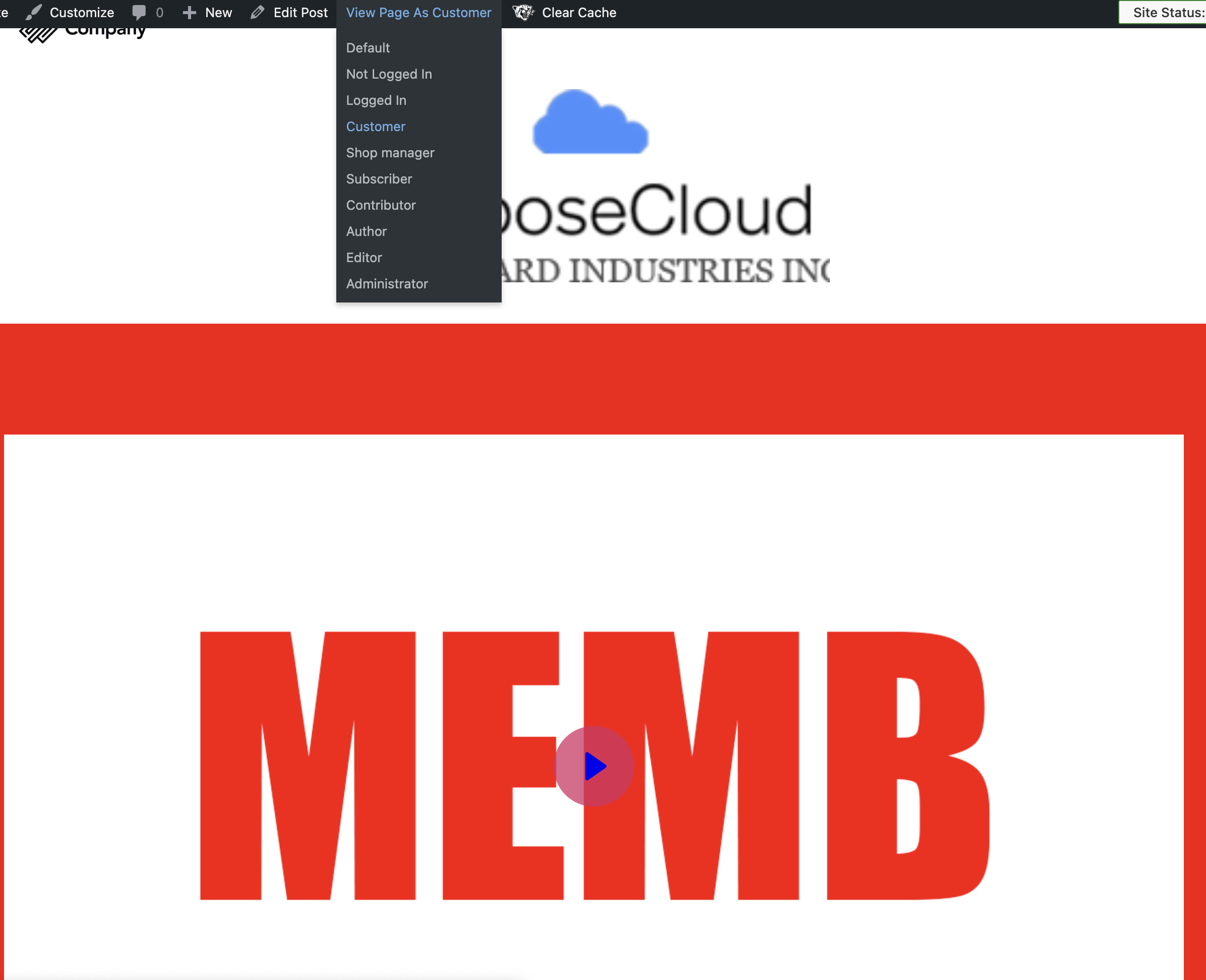
In the builder the "logged" preview works (it matches the "logged" setting on the membership block)... but in the WordPress preview when I select "view page as logged in" it does not display the "logged" block... it does display it when I select "view page as customer" even though the block does not have customer checked... I'm in the development stage so it doesn't matter too much yet but I'd like to understand why the WP "view as" is not corresponding to the Brizy roles... the "not logged in" preview works in Brizy and WP as expected...
The screenshots show the "logged" block with the video displays in each case except for when the WP view as logged in is selected... and as mentioned, it's displaying when view as customer even though the membership block does not have the customer role selected...
-

Hi Gerald
Thank you for contacting us.
Unfortunately, this feature is only works Brizy and is not compatible with third-party membership plugins for WordPress.
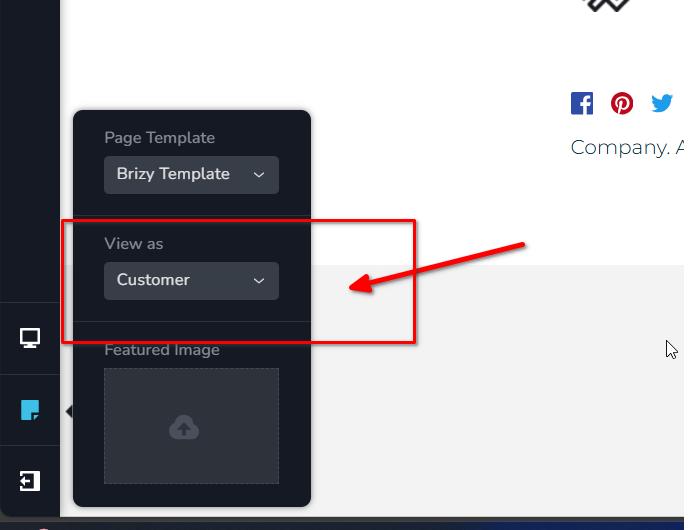
To verify its functionality, please log in using a separate browser or incognito mode, and log in with the user role you want to check. This will allow you to see if the corresponding membership blocks are visible.
If you have any further questions, please don't hesitate to ask.
Best regards,
Ariel H.0 -
Daniel, not Gerald, but thank you...
To be clear, I don't have a third party membership plugin... the "view page as" feature is a native WordPress option... the only membership plugin I have is Brizy Pro...
0 -
Hi Daniel,
My apologies for the confusion.
Sorry that "view page as" feature currently doesn't work with Brizy.
If you have any further questions, please let us know.
Best regards,
Ariel H.0
Please sign in to leave a comment.
Comments
3 comments