Issues with Displaying and Filtering Dynamic Content in Carousel

Good morning,
When creating a carousel with dynamic content, the different entries are not being displayed. Is the carousel causing issues, or am I doing something wrong?
Additionally, on another website, we have a custom content type using the CPT UI plugin, with which we have created a list of products with different characteristics. We wanted to make a section in the form of a carousel that shows only the latest products, but the carousel itself does not allow me to filter the content. Is there a way to do this?
Thank you.
-

Hi,
Thank you for contacting us.
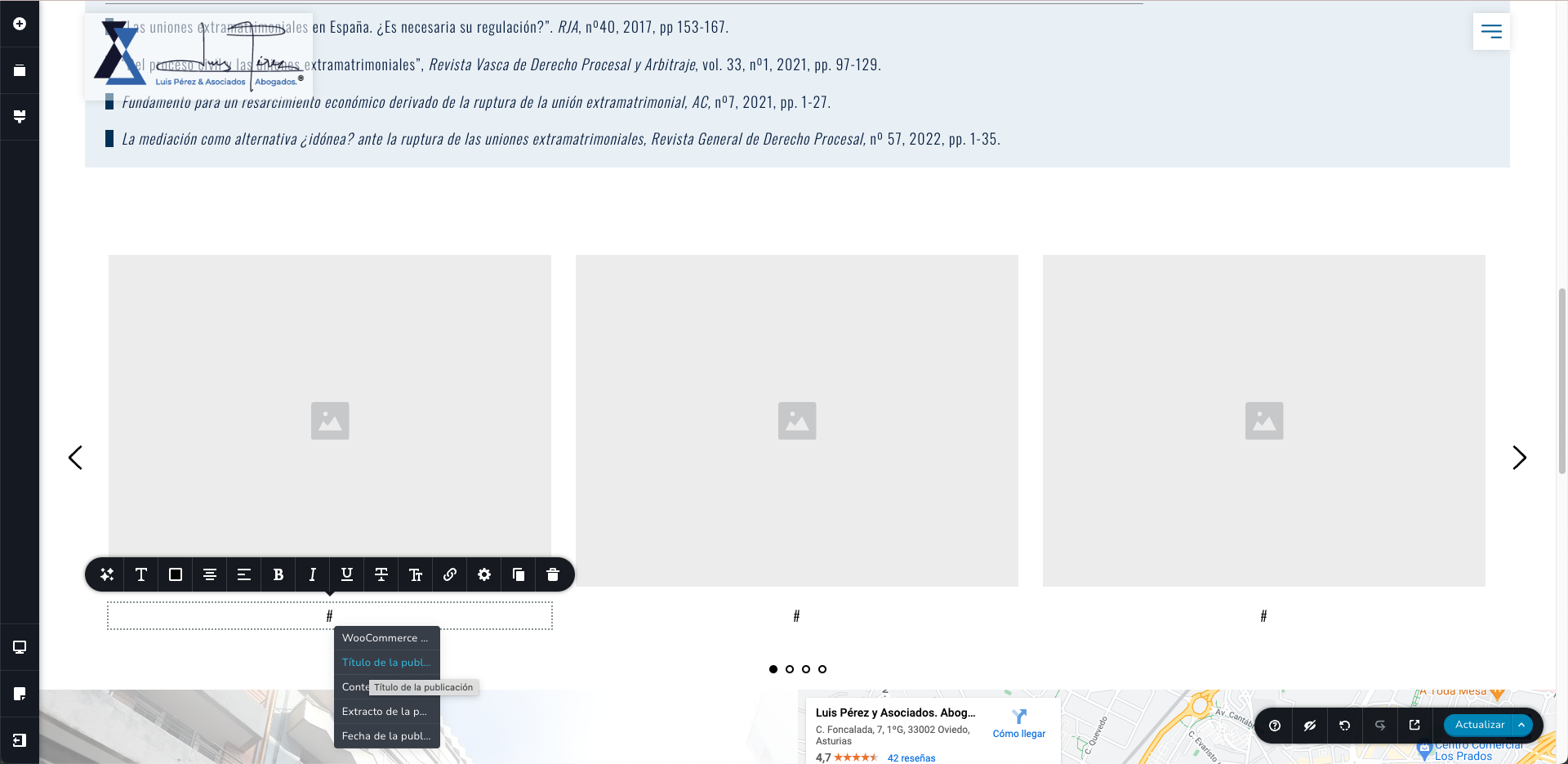
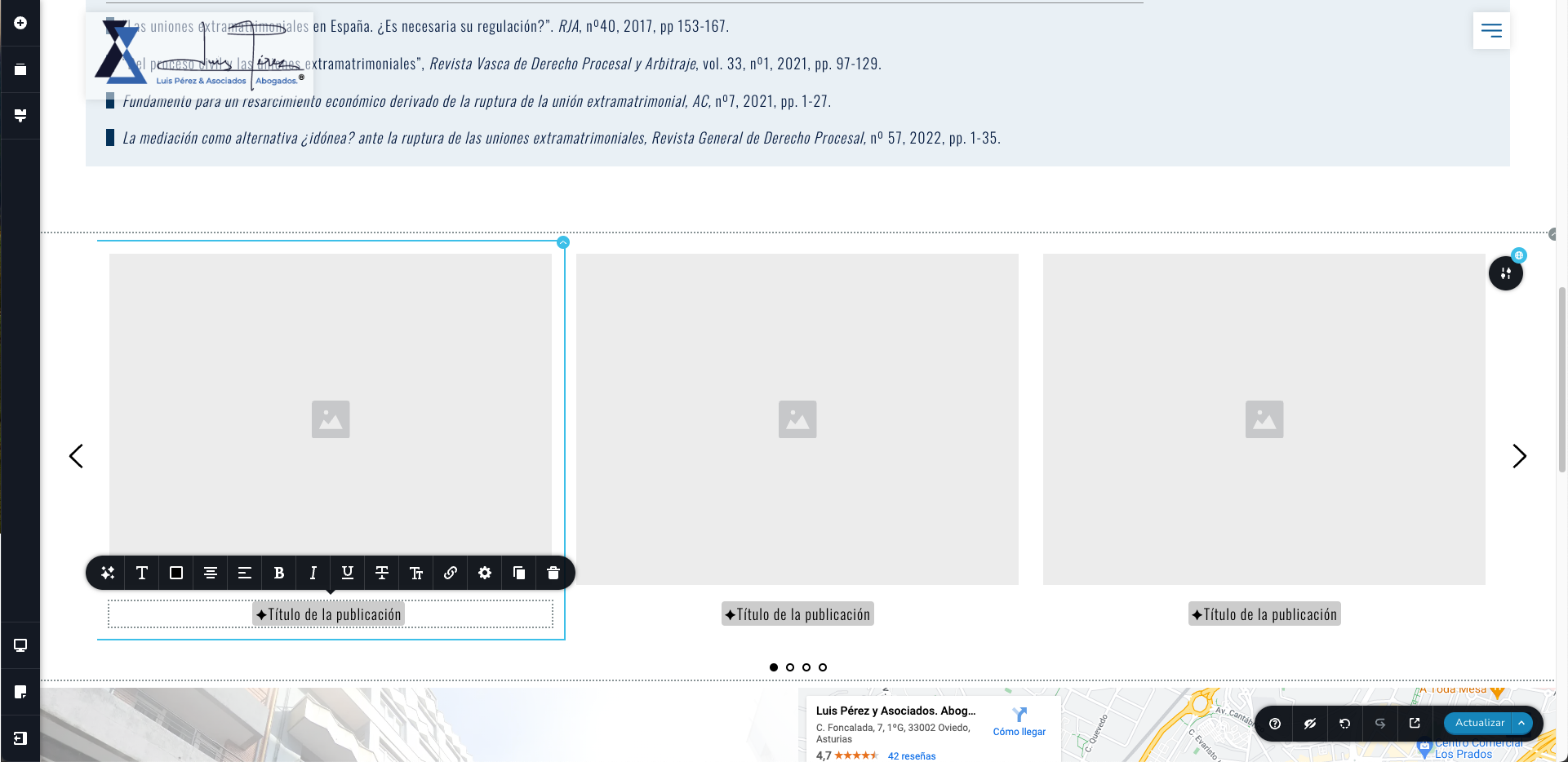
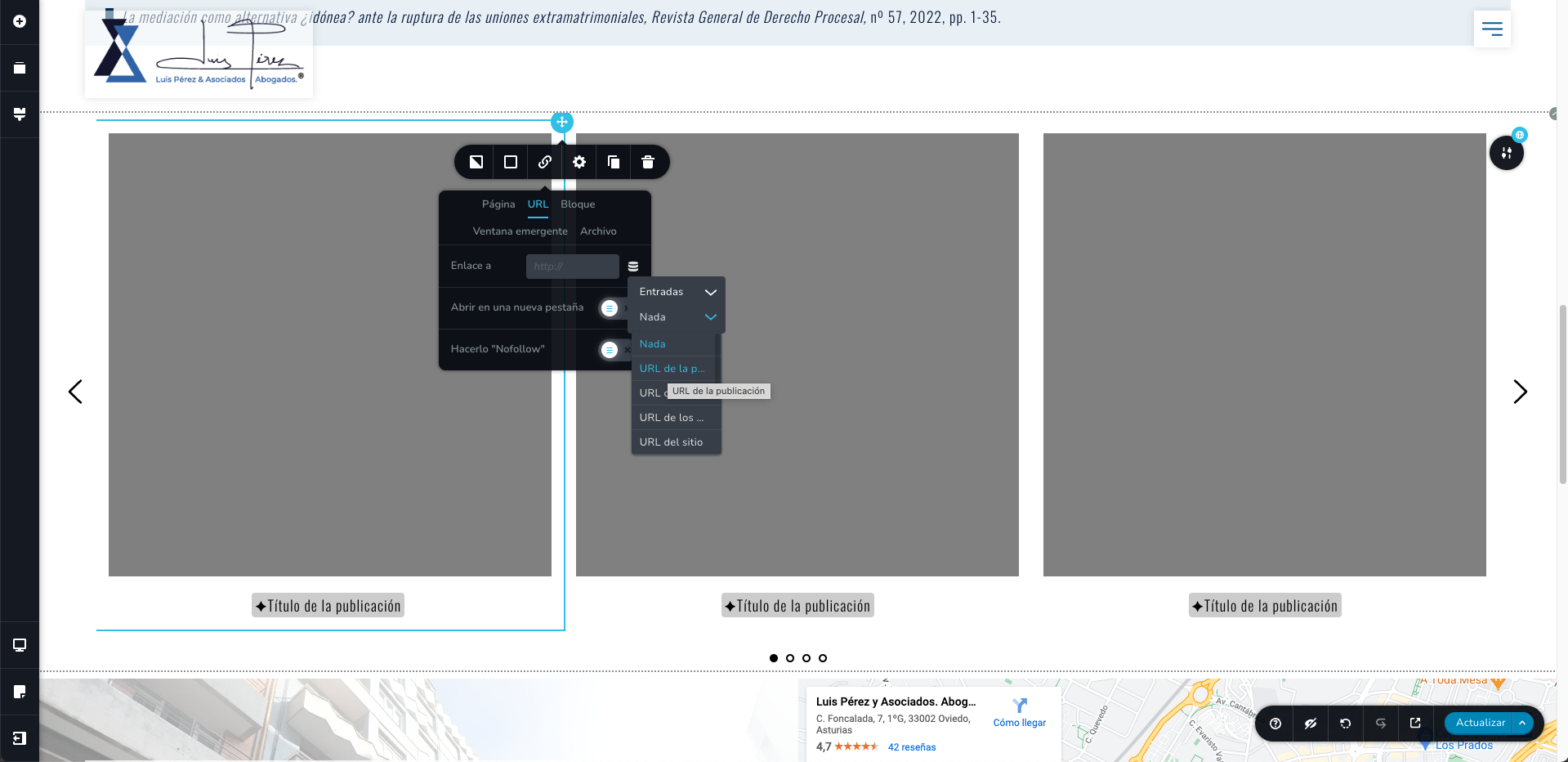
To achieve this, enable dynamic content in the carousel element and select the desired category to display. For displaying the post title or post excerpt of the products, use the text element. Use the "#" symbol to choose the dynamic field you wish to display, such as the post title. Kindly have a look at this screen recording for more detailed instructions https://jmp.sh/McibLAfS
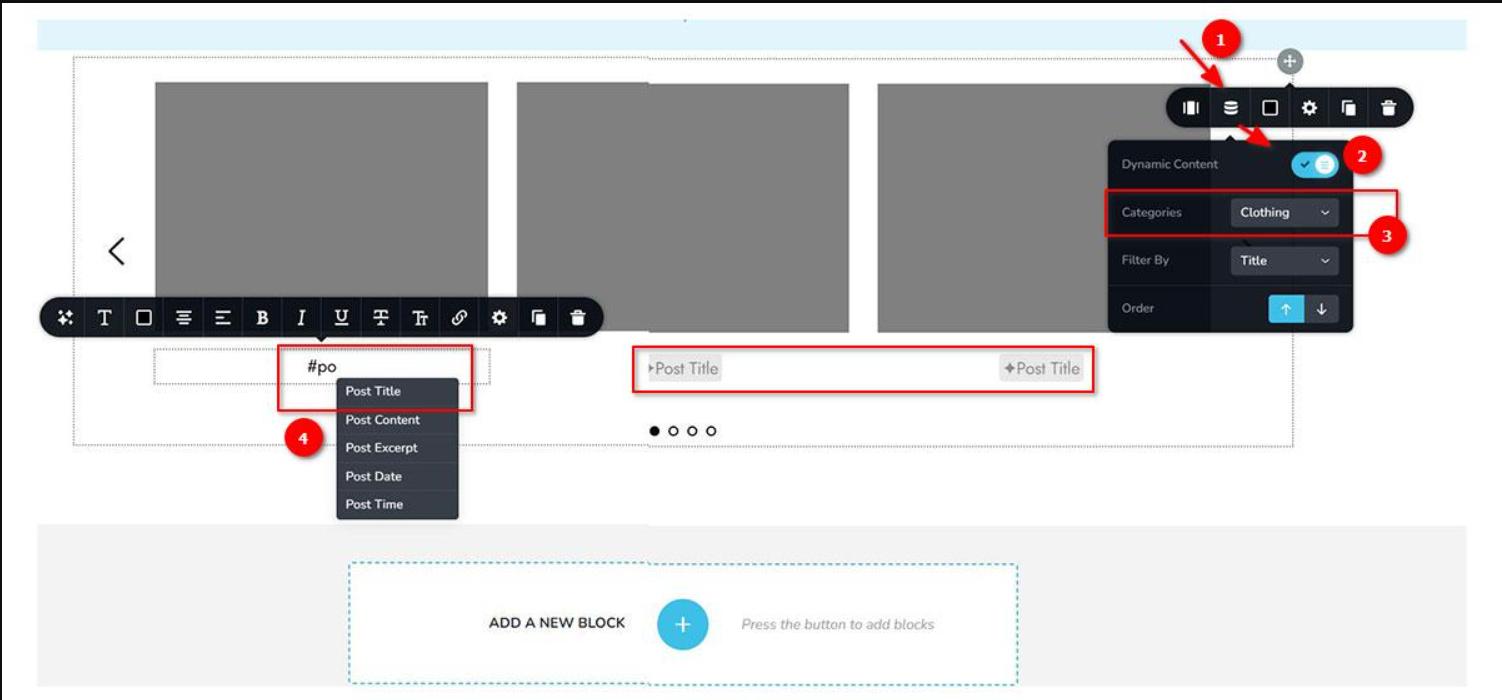
This approach should also work with custom post types, however, it lacks the ability to filter the content. Unfortunately, this is a limitation of the carousel element for now. You may want to explore solutions offered by third-party plugins to accomplish this.
Best regards,
Ariel H.0 -
Hi Ariel,
I am trying to display it as you indicated, but it’s not showing up. Can you please check it?
https://luisperez.infofuturo.eu/publicaciones-academicas/Thank you.
0 -
Hi,
Thank you for the update.
It seems that the issue is related to the cache. Could you kindly disable the LiteSpeed Cache Plugin temporarily to check if it resolves the issue? Once the plugin is disabled, view your page in incognito mode or try using a different browser to see if the issue is resolved.
Please give this a try and inform me of the outcome.
Best regards,
Ariel H.0 -
Hello,
We have tried deactivating the plugin you mentioned, but the error persists. Could you please check it again?
Thank you!
Best regards.
0 -
Hi,
Thank you for the update.
This is something we need to inspect from your WP Admin page. Please add us as an Admin user to your WordPress Dashboard and send the following details to: communitysupport@brizy.io
Community Post link: https://support.brizy.io/hc/en-us/community/posts/19763349544082
WordPress Admin URL:
Username:
Password:Please make a full backup of your site as a precaution.
Best regards,
Ariel H.0 -
Perfect, sent.
Thank you.
0 -
Hi,
Thank you for your cooperation.
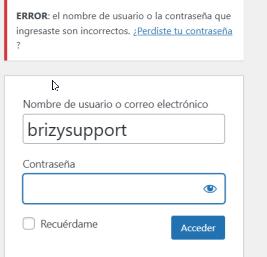
I attempted to log in with the provided credentials, but they don't work. Could you please review and resend the login details?
 0
0 -
Sorry, I sent you a new email. Try again. Now you should have no problem accessing it.
0 -
Hi,
Thank you for the update.
I managed to access your site; however, the page you referred to does not contain a carousel element. For us to better understand the problem, could you please provide us a short screencast of the issue you are facing? This will give us better understanding of the issue and possibly offer a solution.
Best regards,
Ariel H.0 -
 0
0 -
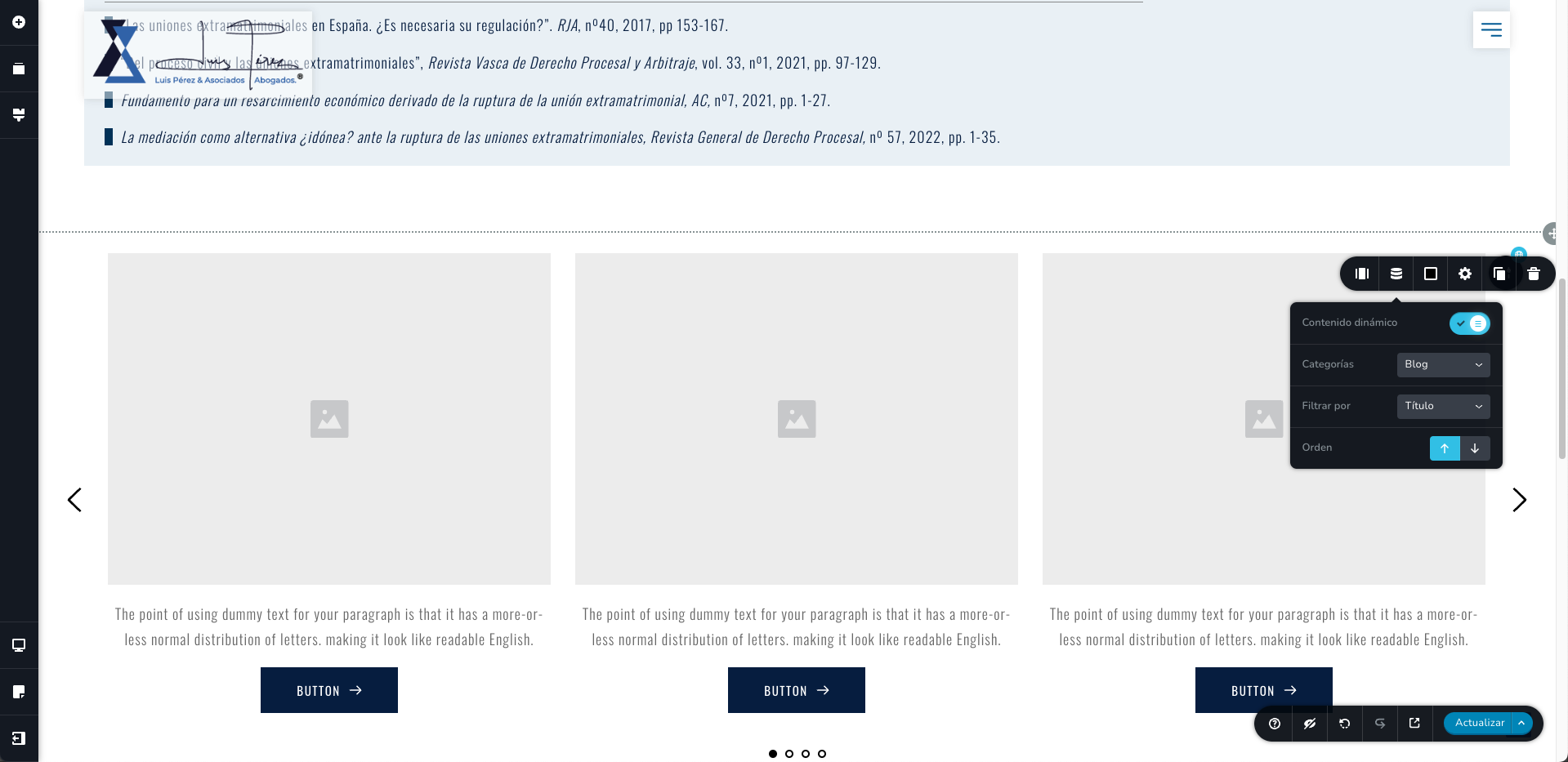
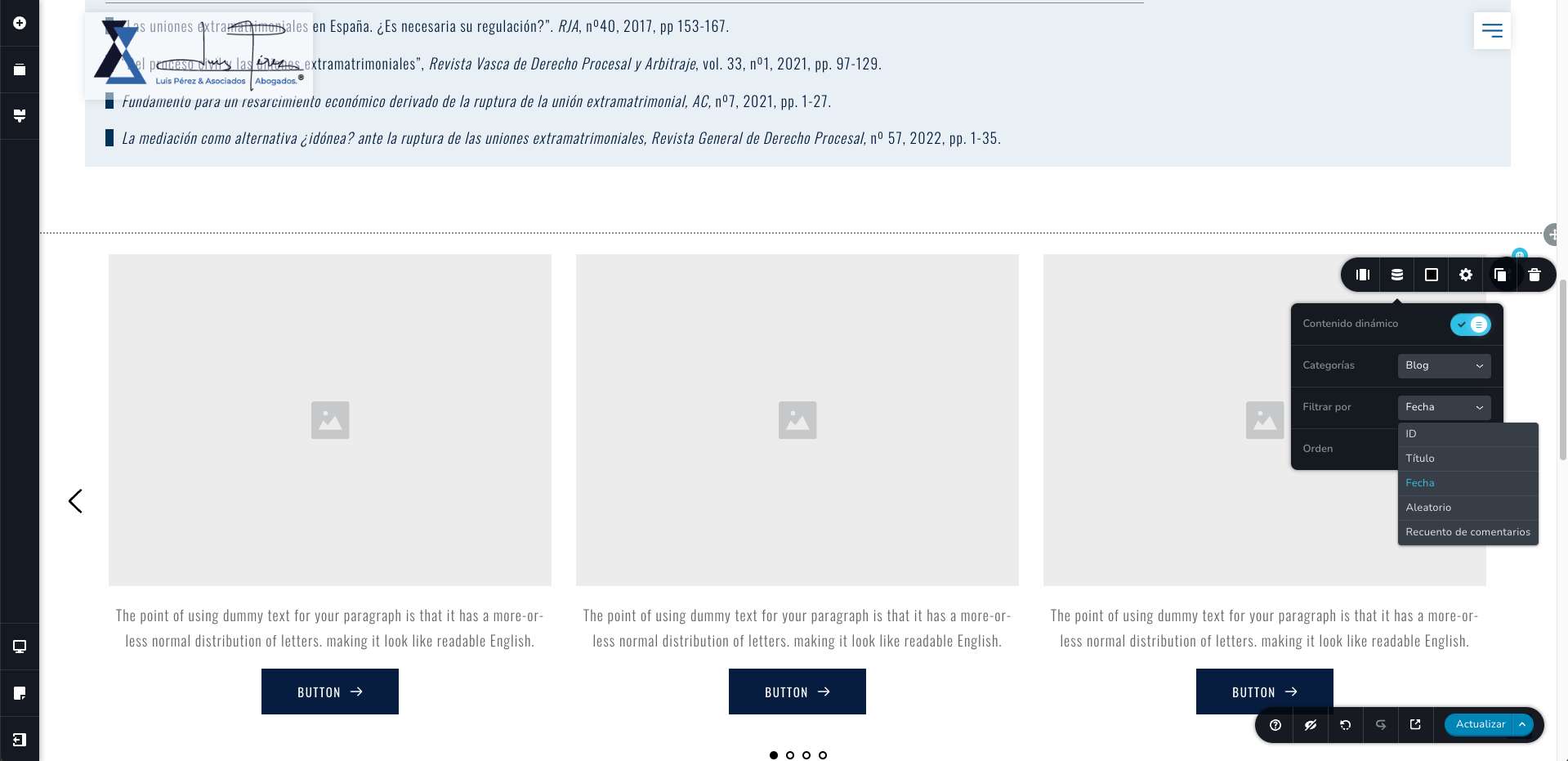
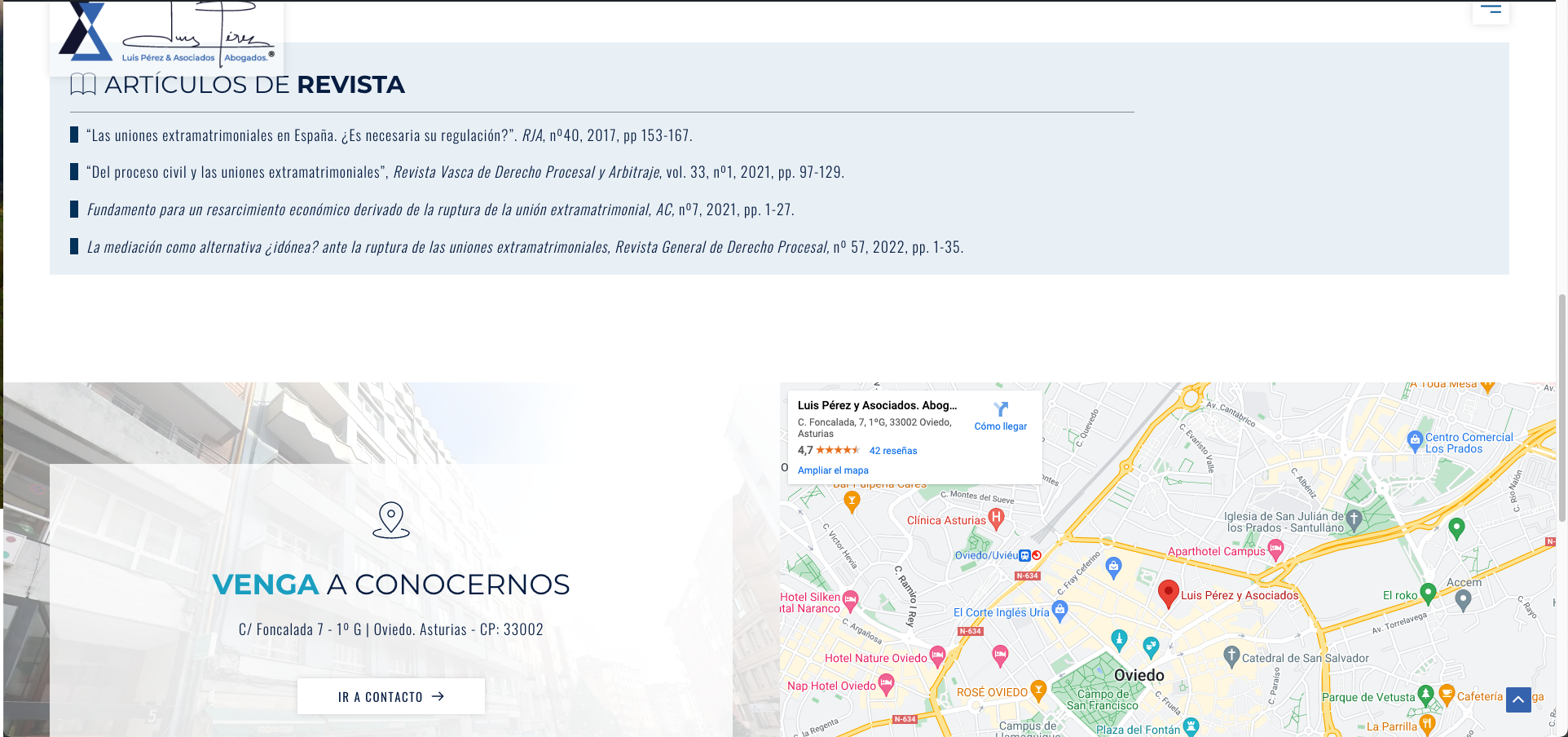
In the provided screenshots, you can see how I edited the carousel as you indicated, but unfortunately, the blog articles are not displayed in it (as can be seen in the last screenshot where the carousel does not appear). I have left the carousel set up on the page I shared with you. Could you please review it again?
Thank you very much.
0 -
Hi,
Thank you for your cooperation.
I have added another carousel element on top of the block, and it seems to be functioning correctly, as depicted in this screenshot.
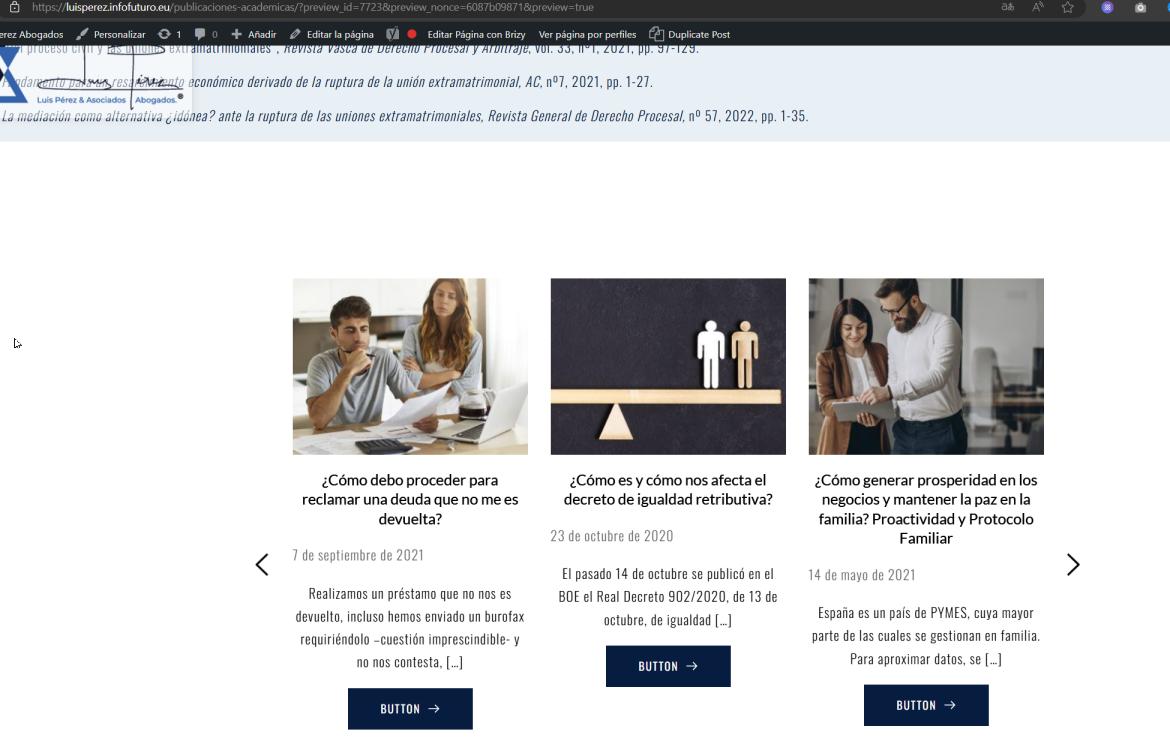
I observed that you have placed the carousel element within a global block. If this was intentional, kindly review the display conditions of this block to address the issue.
If you have any additional questions, please feel free to reach out.
Best regards,
Ariel H.0 -
Hi,
Thank you for the solution, but could you please explain how it was done so we can replicate it on other websites?
Thank you.
0 -
Hi,
Thank you for keeping in touch.
I've made a short screencast for you on this link: https://youtu.be/63utStKmxYE
If you have any further questions, feel free to reply.
Kind regards,
Ariel H.0 -
Hi Ariel,
Thank you very much, the video was very clear and resolved all our doubts. Congratulations on the great work and the excellent support you provide us.
Best regards!
0
Please sign in to leave a comment.
Comments
15 comments