Anchor positioning

Hi,
In the following page: https://www.tothetop.io/services-fundraising-services
The first button you'll encounter "prepare now!" is pointing to another block in the same page.
The problem is, when using the button, it moves the focus in the middle of the block not at the top of the block
I've checked in Safari, Firefox, and Google Chrome all for MacOS and the bug is the same
Can you fix it
thanks
Olivier
-

Hi Olivier
When clicking on the button "Prepare Now" the anchor link correctly scrolls to the block with the heading "Funding Preparation". However, the heading gets hidden behind the fixed header. If you set a static header, you will able to see the block heading "Funding Preparation"
To solve this issue, kindly link to the success image just before the block instead of linking to the "Funding Preparation" block. I have added the CSS ID "funding-preparation" to this image. Kindly visit the URL https://www.tothetop.io/services-fundraising-services#funding-preparation and check if the anchor link correctly links to the "Funding Preparation" block
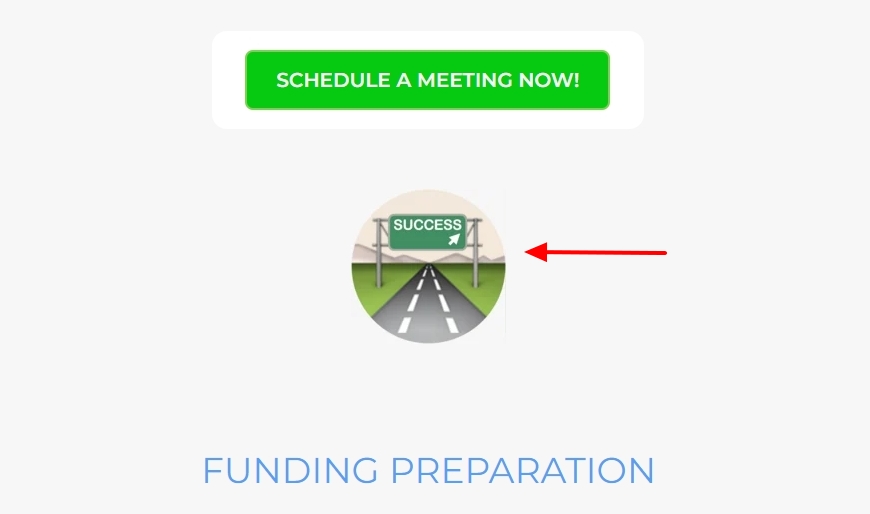
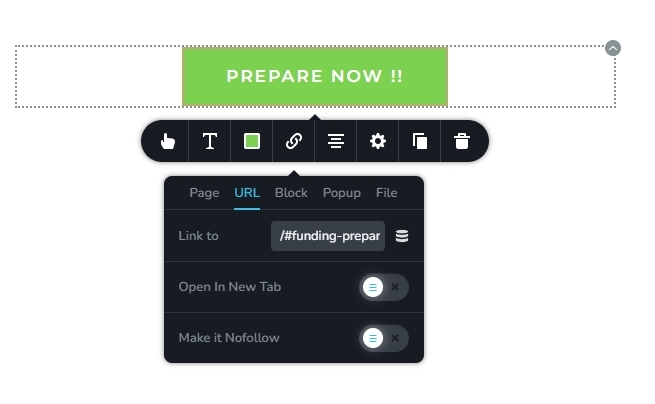
If the anchor link scrolls correctly to the block, kindly hyperlink the button "Prepare Now" to the URL /#funding-preparation using the URL tab (instead of linking to the block)
 0
0
Please sign in to leave a comment.
Comments
1 comment