Images getting cut off

I have a block of company logos on my page.
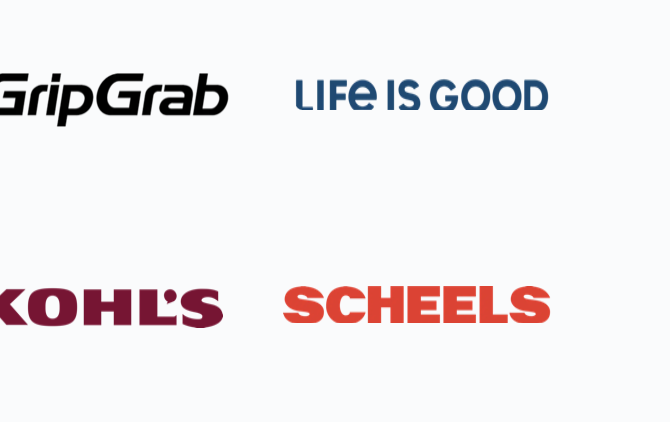
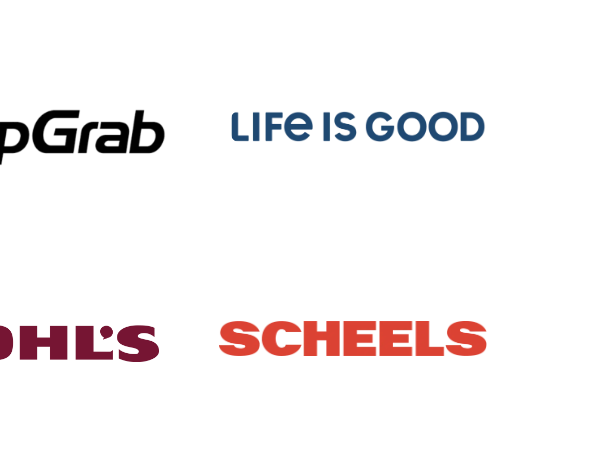
For some reason the bottom of the two logos on the right (Life is Good and Scheels) is getting cut off.
It looks fine when I'm in the editor. But when I load the actual page, it's cut off.
The first image below is how it appears on the site. The second is how it appears in the editor.
I can't figure out why it's cutting off or how to fix it.
The page is: https://makebusinessmatter.com
-

Hello Aaron,
I do not find a reason for the images getting cut off at the bottom in the frontend. Have a look at https://brizy.tech/logos/ The same images display well on this page. (I downloaded it from your website and used it)
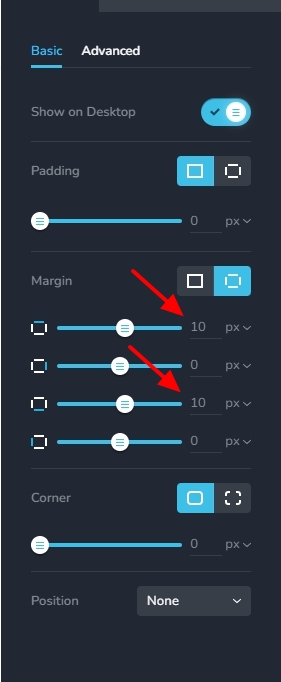
Kindly add top and bottom margins of 10 pixels each to images and check if that helps. If it does not, we will need access to your WordPress Dashboard to troubleshoot it.
 0
0 -
I currently had it set to 10. I tried going up to 30, but it's still getting cut off.
Where should I put the access information?0 -
Hi Aaron,
Please add a new user to your WordPress Dashboard and send the following details to our email: communitysupport@brizy.io
- Community Post link: https://support.brizy.io/hc/en-us/community/posts/19681825917458
- WordPress Admin URL:
- Username
- Password
Please let us know in this forum when you send us the email.
0 -
I sent it.
0 -
Hello Aaron,
When selecting the 'Original;' size for images in the Brizy Image element, the image optimizations available through the plugins apply to your images. When selecting the 'Custom' size option for images in the Brizy Image element, Brizy handles resizing of images.
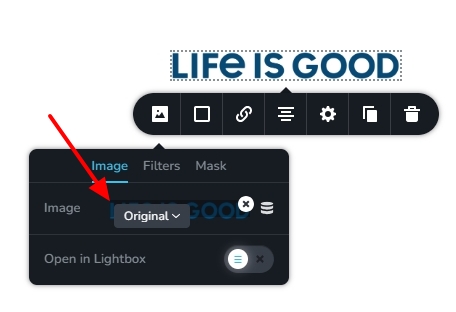
I have selected the 'Custom' size for the two logos and it displays with full height in the frontend without getting cut off.
0
Please sign in to leave a comment.
Comments
5 comments