Brizy Cloud - Update, server sync issue

Hello,
I am desperate about my problem that still hasn't been resolved. When working in the Brizy Cloud editor, I keep getting this message. It appears even after clicking the UPDATE button. I don't understand what the problem is, but when I have ongoing work and this keeps popping up, I always lose everything I've been working on and have to practically start over from the last save during the UPDATE.
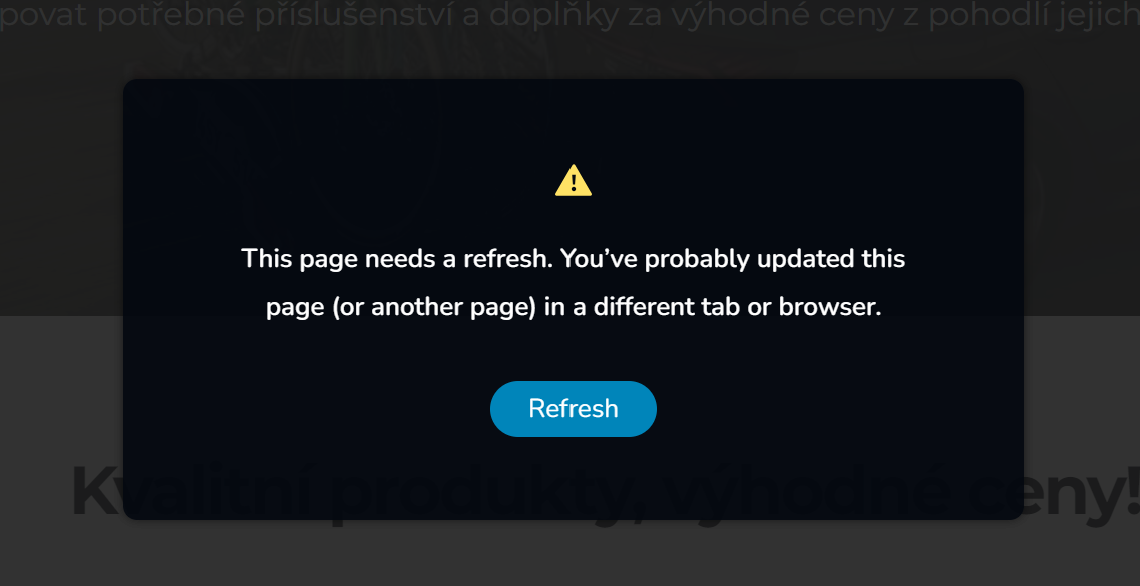
Best regards,
Tomas
-

Hi Tomas,
Thank you for contacting us.
Please try clearing your browser cache or using another browser to see if this helps fix the issue.
Please try this and let me know how it goes.
Best regards,
Ariel H.0 -
Hello,
I tried that but I still have the same problem...
Best regards,
Tomas
0 -
Hi Tomas,
Thank you for the update.
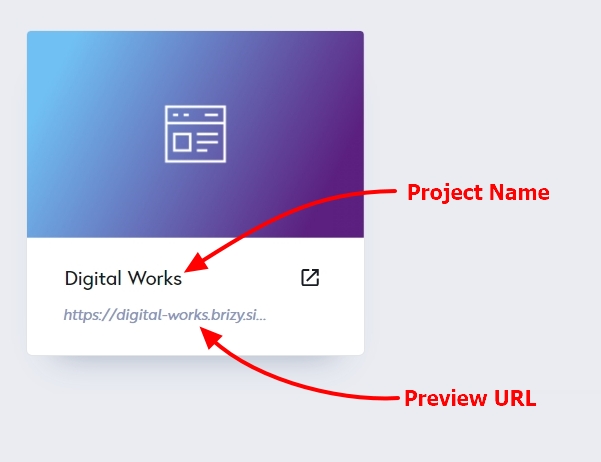
Could you kindly provide us with the Project Name and Preview URL of your project in the Brizy Cloud Dashboard?
 0
0 -
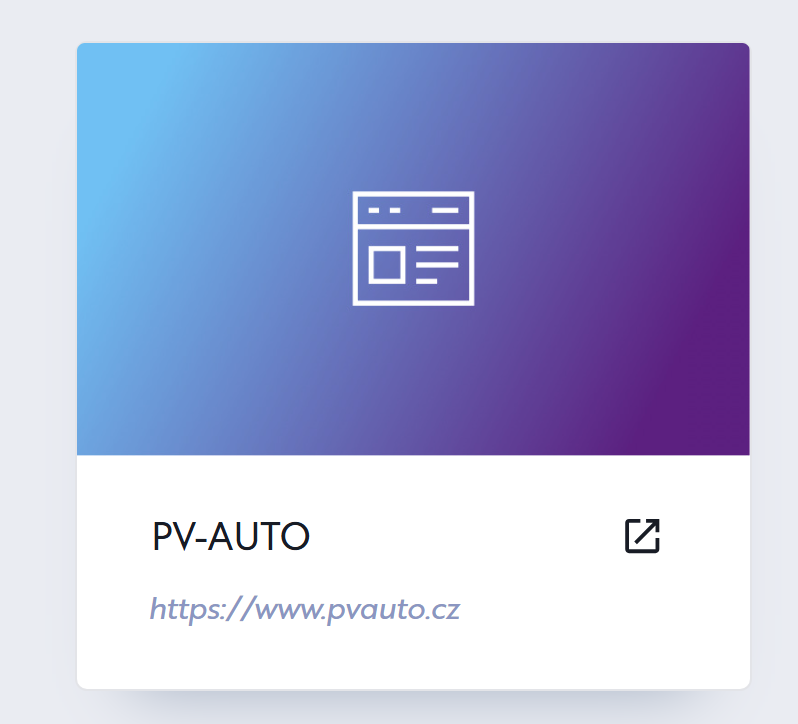
Hello, everything looks ok. Here is screenshot of my project.
 0
0 -
Hi Tomas,
Thanks for your update.
We tried to replicate the issue, but everything worked fine on our end. You can see it in this screencast: https://jumpshare.com/v/2t3kvmWLK08I6Tvsvls8
If clearing your browser cache or using incognito mode did not help, also ensure that you update your browsers to the latest versions.
Also, your security software might be interfering. Try temporarily disabling it or adjusting its settings to see if that helps. Some security programs with aggressive caching or monitoring can cause conflicts that might lead to synchronization issues between tabs or browsers.
Best regards,
Ariel H.0
Please sign in to leave a comment.
Comments
5 comments