Сss styles are not displayed on the prod

When I create landing page on wp, then go edit with brizy, I put some test modules like this 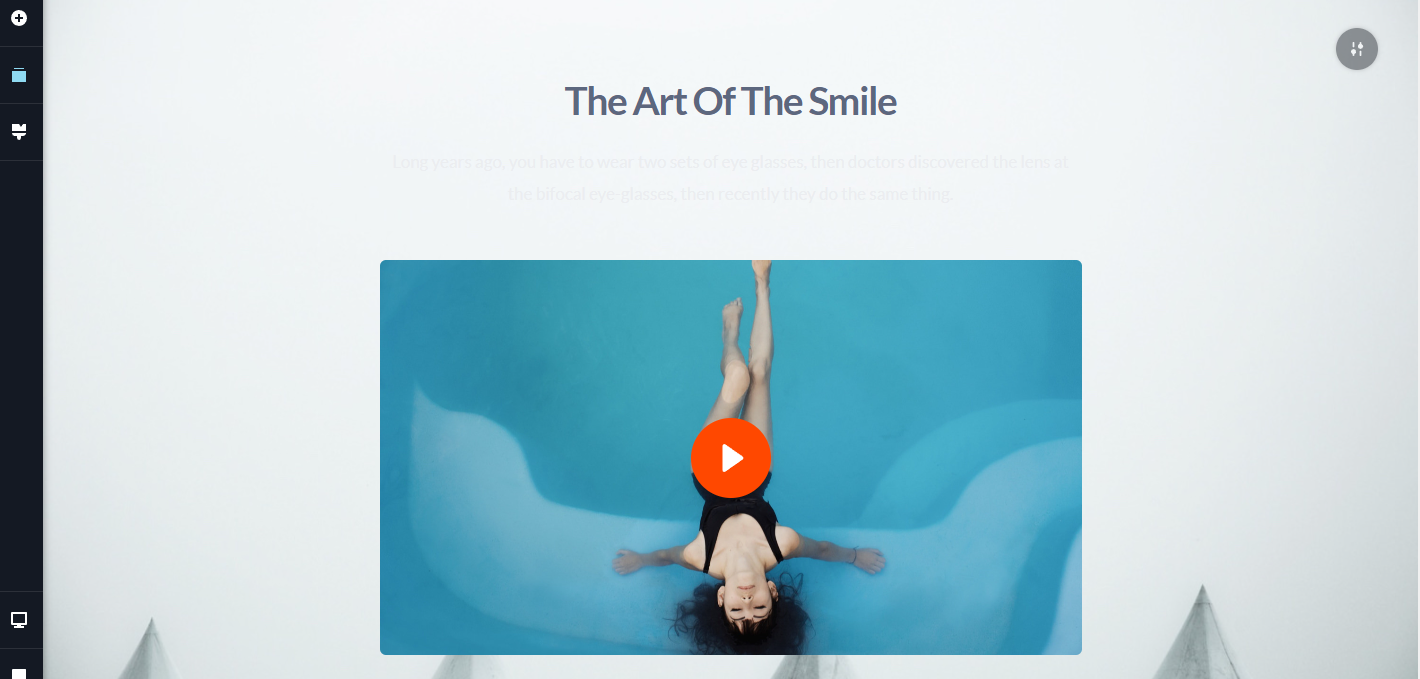 and this looks good, but when I go to prod I saw this
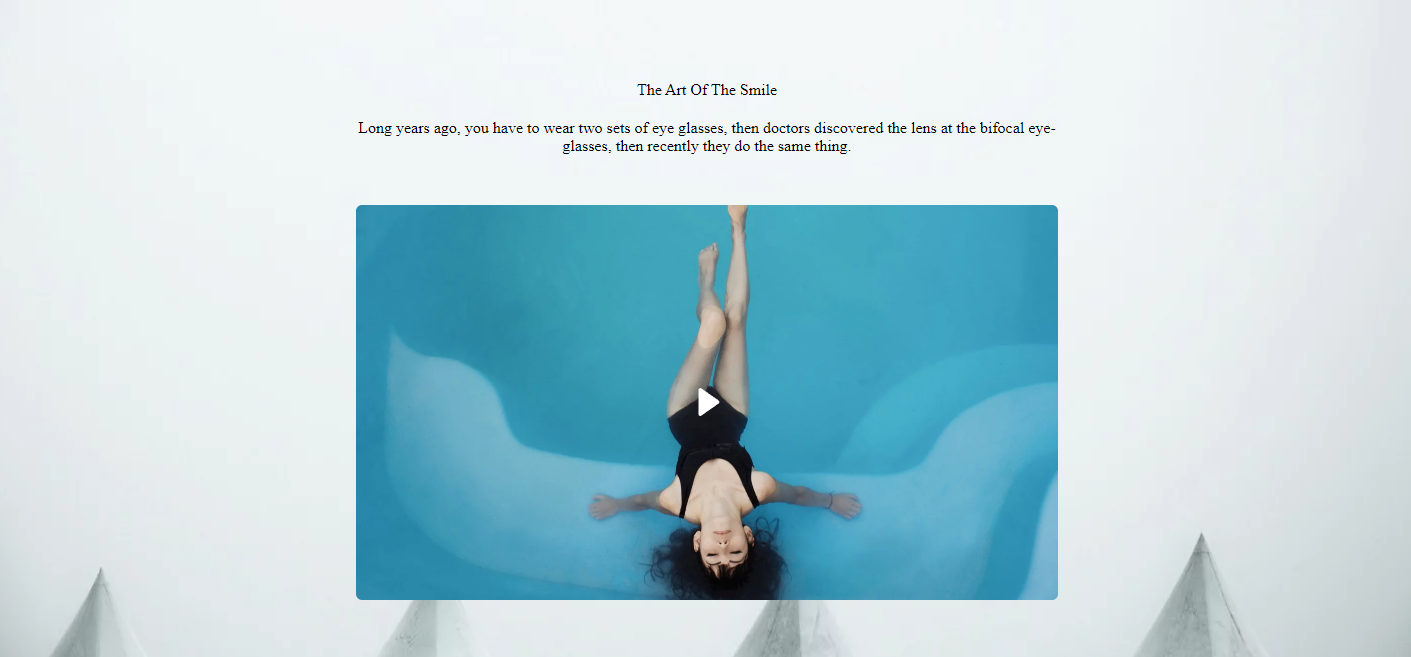 same module with the same info but without css styling, what should I do to fix this?
-

Hi
Kindly share the URL of the production website so that we can check why the text displays without CSS styling.
0 -
URL - https://test.iampm.pl/event/test-new/
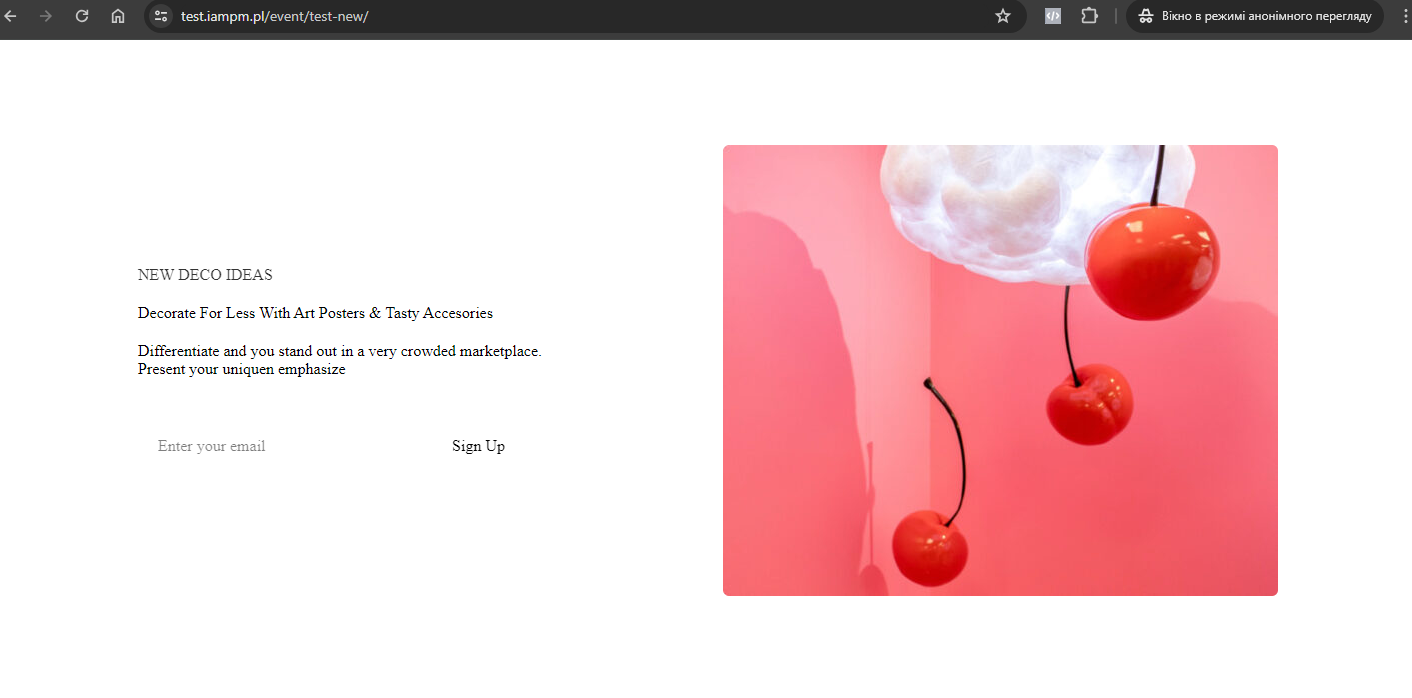
How it should be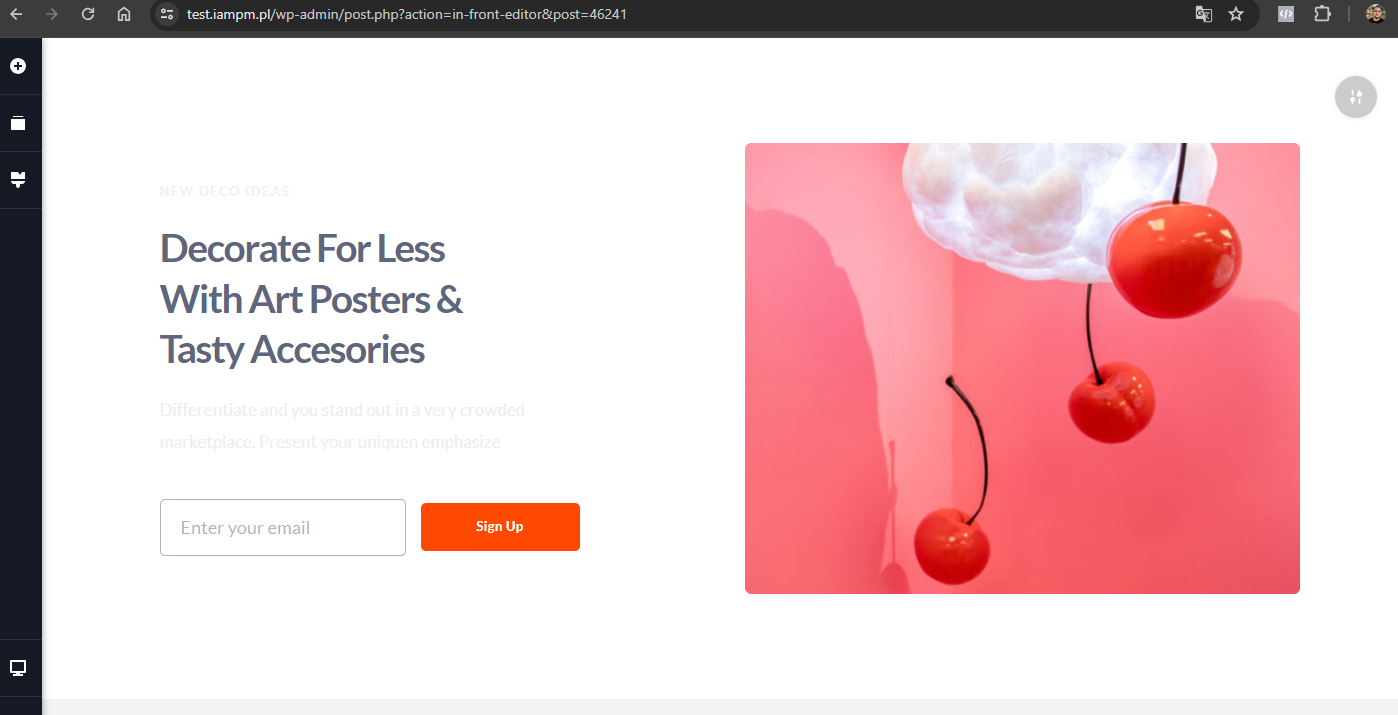 How it is on prod
 0
0 -
Hi,
Can you temporarily change your WordPress theme from IAMPM to Blocksy and check if the text styling would apply well in the frontend?
0 -
Hi, I changed theme to Blocksy and it worked properly, all stylies, BUT I need my theme back, and when I switch it back, it dosnt work again.
0 -

Hi,
Thank you for the update.
It seems that your current theme might not be compatible with Brizy, which is causing the issue. If you wish to continue using your original theme, I recommend reaching out to the developers of the theme so they can be aware of the issue and possibly offer a solution.
Alternatively, you can explore other themes at this link: https://www.brizy.io/theme-partners
Best regards,
Ariel H.0 -
We use our custom theme on another site, as well as Brizy, and everything works well there, here is example - https://iampm.live/praktychnyj-kurs-z-biznes-analizu-v-it-test/
0 -
Hi,
Thank you for the update.
Here are a few steps that you can do to further troubleshoot the issue.
1. Ensure that your home and site URLs are the same. If you have enabled SSL, make sure they are both set to use HTTPS instead of HTTP.
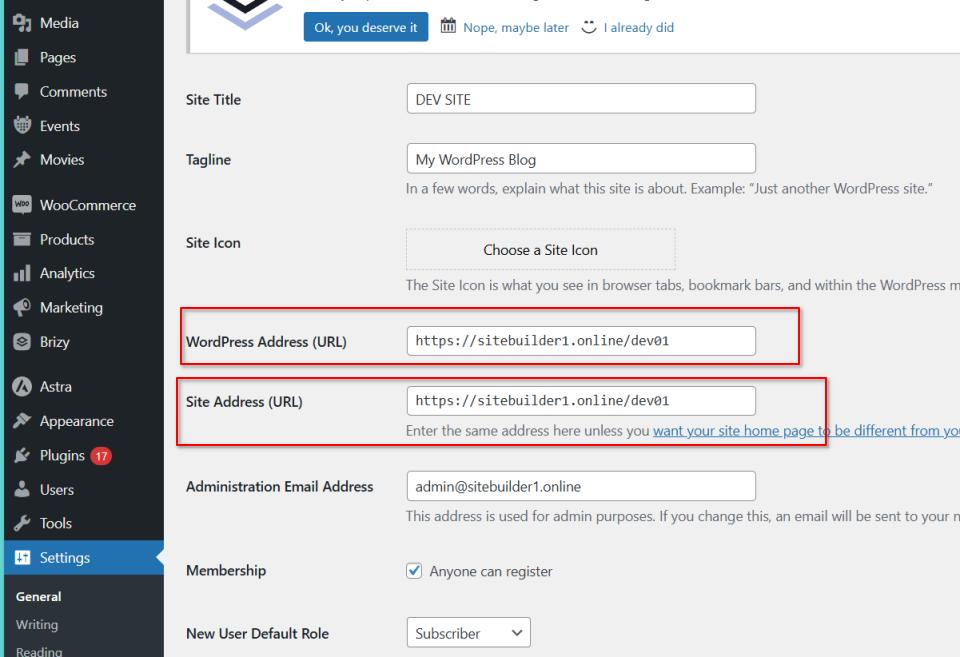
2. Flush your site's Permalinks as described on this article and see if this helps.
https://wpastra.com/docs/how-to-refresh-wordpress-permalinks/3. It's also possible that a third-party plugin is causing a conflict. Try disabling all other plugins besides Brizy and Brizy Pro, clear your cache, and see if this resolves the issue. If this fixes the issue, enable the rest of the plugins gradually as you test your site until the issue occurs. This process will help you determine which plugin is causing the issue.
4. Alternatively, try installing your theme, Brizy, and Brizy Pro on a new testing environment.
Please try this and let me know how it goes.
Best regards,
Ariel H.0 -
1. We are doing well here

2. We have two clone sites that use the same theme. One works fine, the other does not
3. Also we have identical third part plugins, and its working0 -
Hi,
Thank you for the update.
If everything is working well on your cloned site and other websites, the issue might not be with Brizy. It could be worth checking your server for any caching problems or CDN issues.
Best regards,
Ariel H.0
Please sign in to leave a comment.
Comments
9 comments