Display of bullet points

Hello, a question: How can I display bullet points as a square? I also want the second line to be indented, flush with the font. How can I do this with Brizy? With custom css?
Like in this example: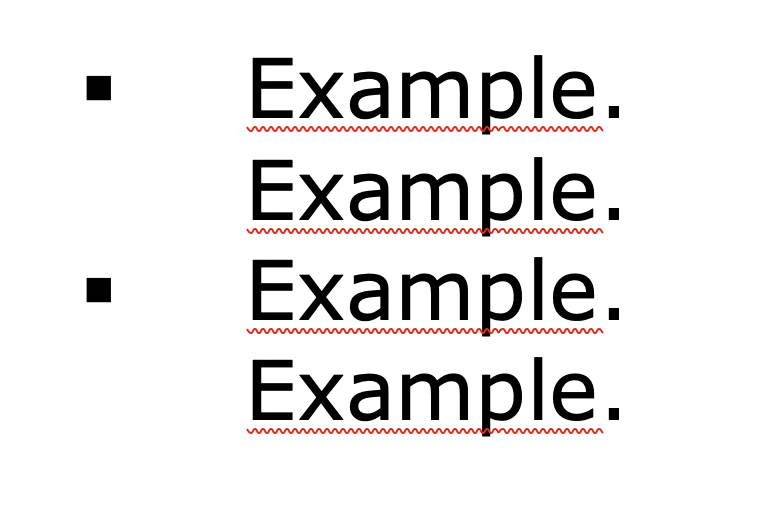
When I use the icon box as a solution, I have the problem that the icon is not flush with the font if it is multi-line. See picture. And the bullet in the middle does not look good.

How could I solve this issue?
Thanks a lot for your help.
Best regards,
Silke
-

Hi Silke,
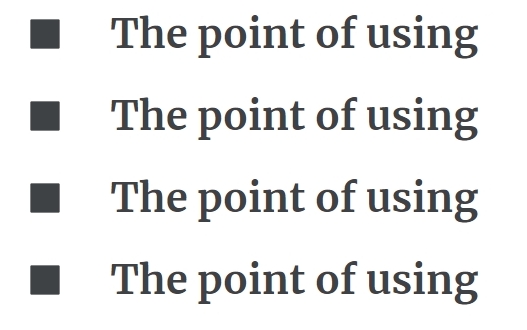
Add a Row element for each bulleted text. On the left column of the Row, add an icon element and select square icon and on the right column add the text. Kindly see an example at https://brizy.tech/bullets/ For more detailed procedure, kindly watch the screen recording at https://jmp.sh/ljPv3R5Q
 0
0 -
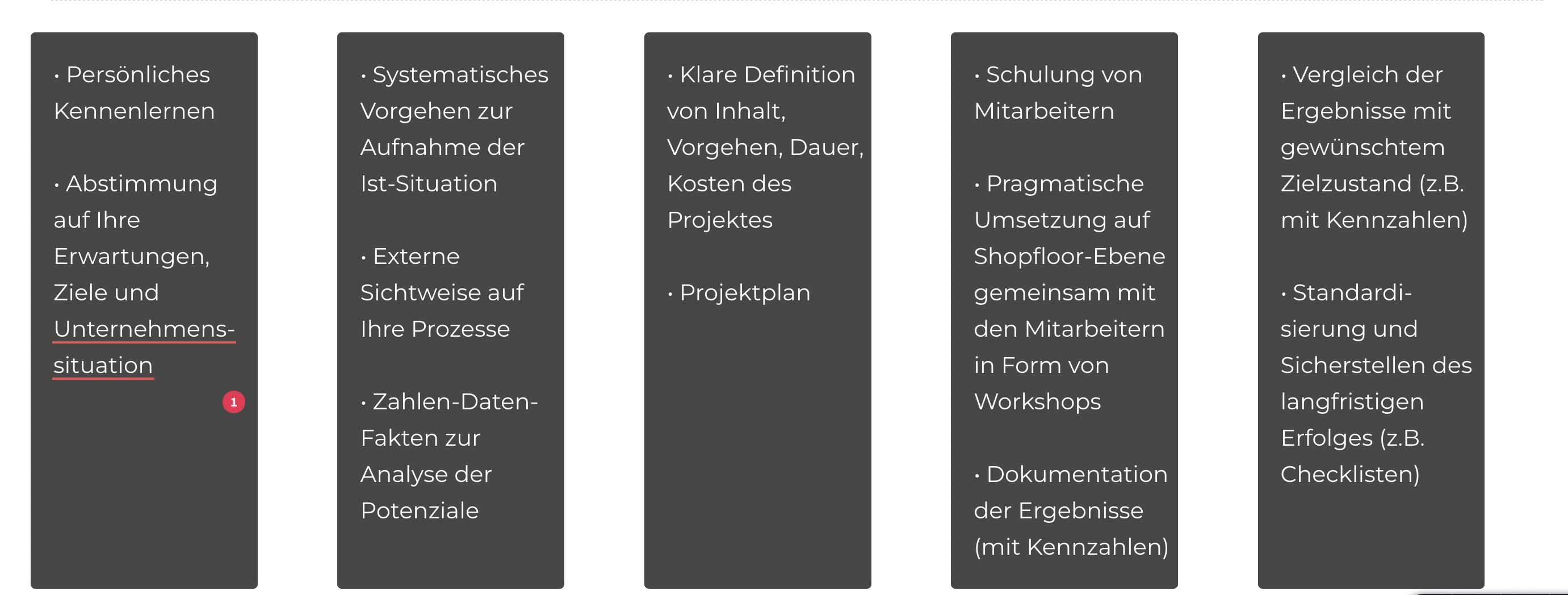
Thanks for the tip. I had already thought of that, but I have created a section with a 5-column row. The text is in each column and I cannot create another row within this column to insert the icon. See picture attached. Hope, it is clear what I mean?
 0
0 -

Hi Silke,
Thank you for the update. Please try the solution offered on this link - https://bit.ly/3VCVBGa
If you have any further questions, please let us know.
Best regards,
Ariel H.0 -
Hi Silke,
You can add a Row element within your columns and setup the bullet points like in this screenshot.
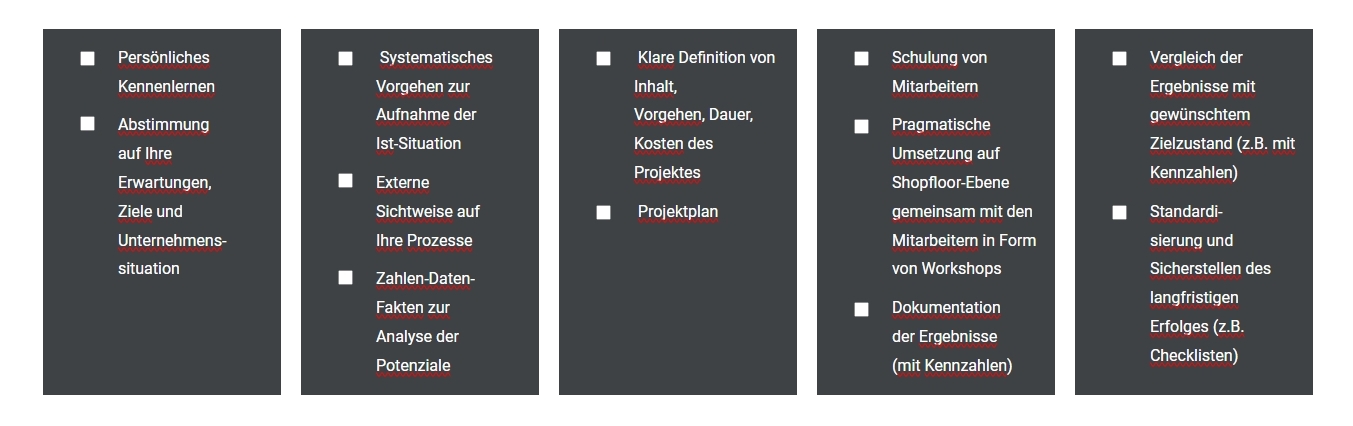
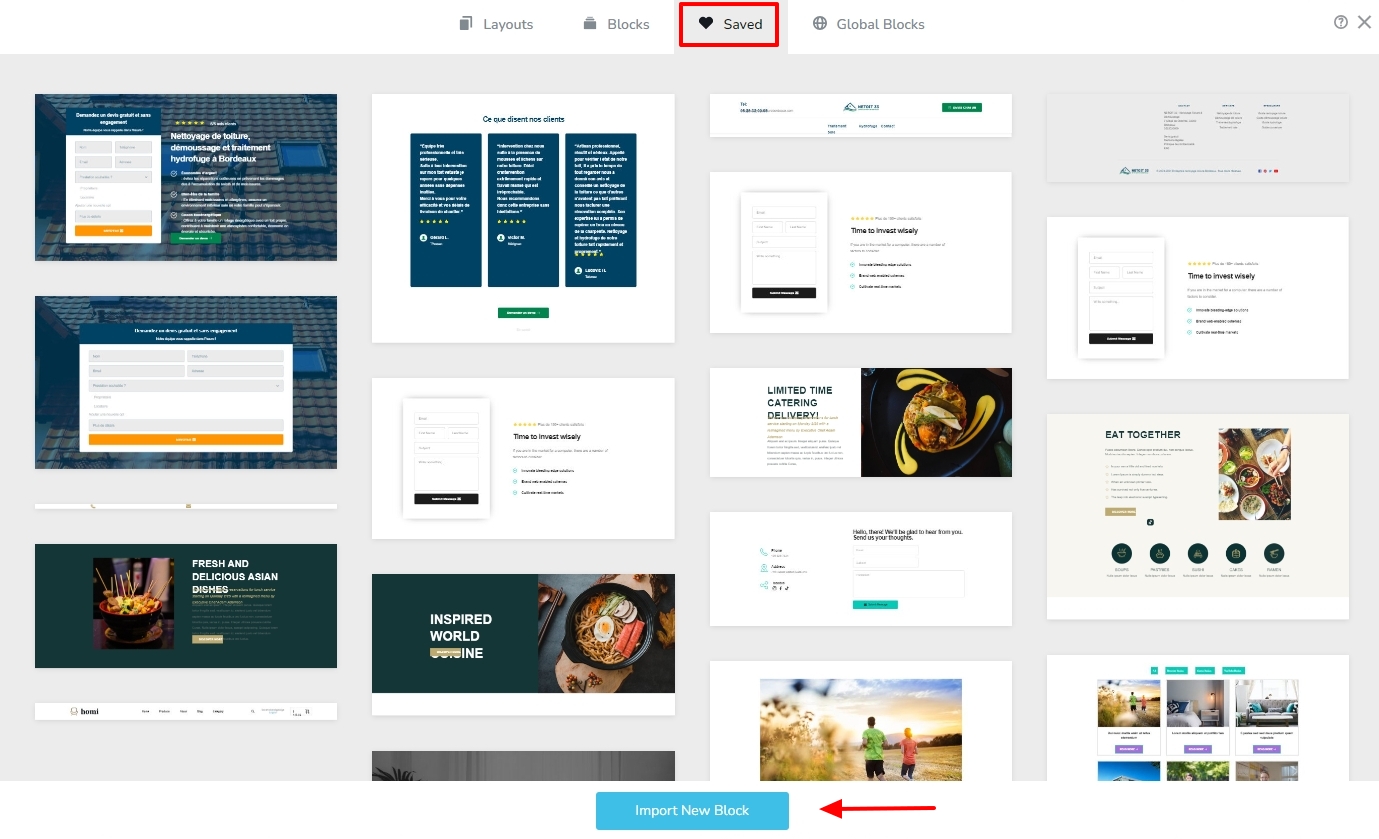
I have created this design for you. You can download it, import it to your 'Saved Blocks' library by clicking on the "Import New Block" button, customize it and use it. https://jmp.sh/daKezn0N
 0
0 -
Hi George,
thats so cool, thanks a lot for your design template !!
Best regards,
Silke0
Please sign in to leave a comment.
Comments
5 comments