Creating a Search in WP

I am building a videogame archive and need to be able to make this searchable. Can you please explain how I can add a search bar to my website and allow users to search for a game that will result in a window for that title or a page full of games similar.
Thanks
-

Hi Alex,
The WordPress has a built in search feature. Adding a Brizy Search Template allows you to design your search results page using Brizy.
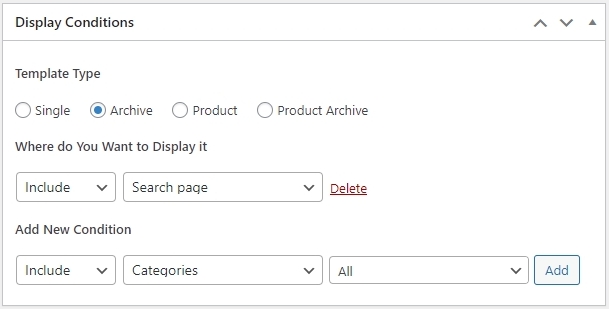
In your WordPress Dashboard under Brizy - Templates, add a new template and call it "Search". Kindly select Include - Search page in the Display Conditions and click on 'Add' button. Once you click on the Add button, you will see "Delete' option next to your Display Condition. Then publish your template and click on the "Edit with Brizy" button to design your search results page. Kindly have a look at this screen recording for more detailed instructions https://jmp.sh/eOKiIZxh
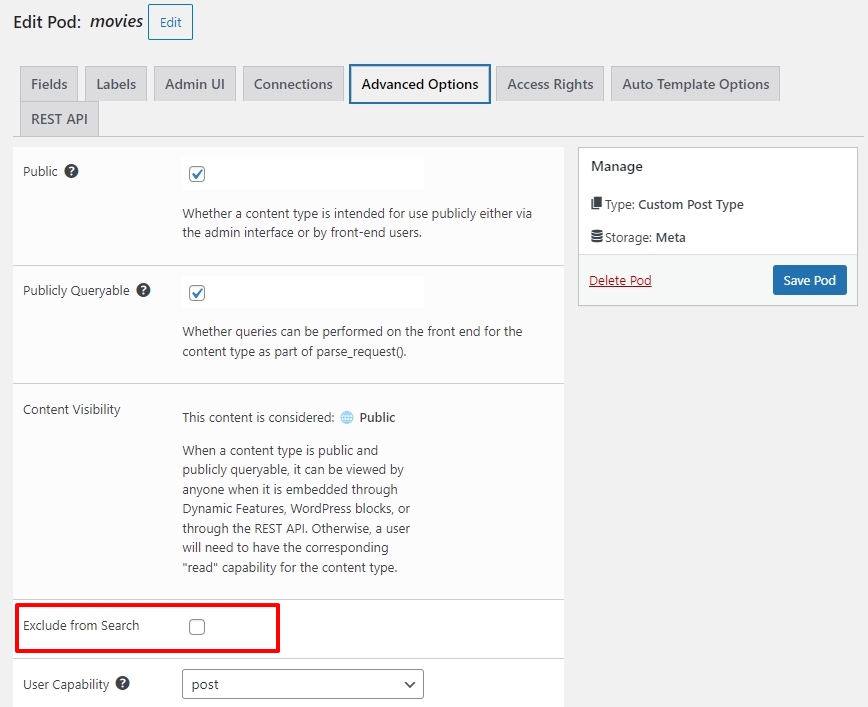
If you have developed your videogame archive as a custom post type and if you find an option to include the CPT in the WordPress search, kindly enable the option.
After following these steps, if search is still not working, kindly get back to us. We will take a look at your project to troubleshoot the issue for you.
0 -
Hi thanks so much for you quick. I was able to create a query for a post which worked. But I am sill confused.
When I enter a game in the search bar, it lands on a page that has some of my post comment, with a read more that takes me into my post. However its not the search Brizy template I made...it seems to be a page from a theme that is installed on wordpress which is twenty twenty-four. I don't want to use that theme and I am not sure how to disable it so it just shows my Brizy work.
Can you help with this?
0 -
Hi Alex,
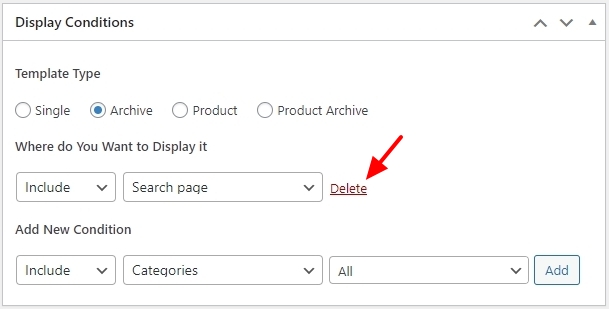
Please confirm if you see the "Delete" option next to your Display Condition in the Brizy Search Template? If you see 'Add' button instead of "Delete', kindly click on the 'Add' button to add the Display Condition.
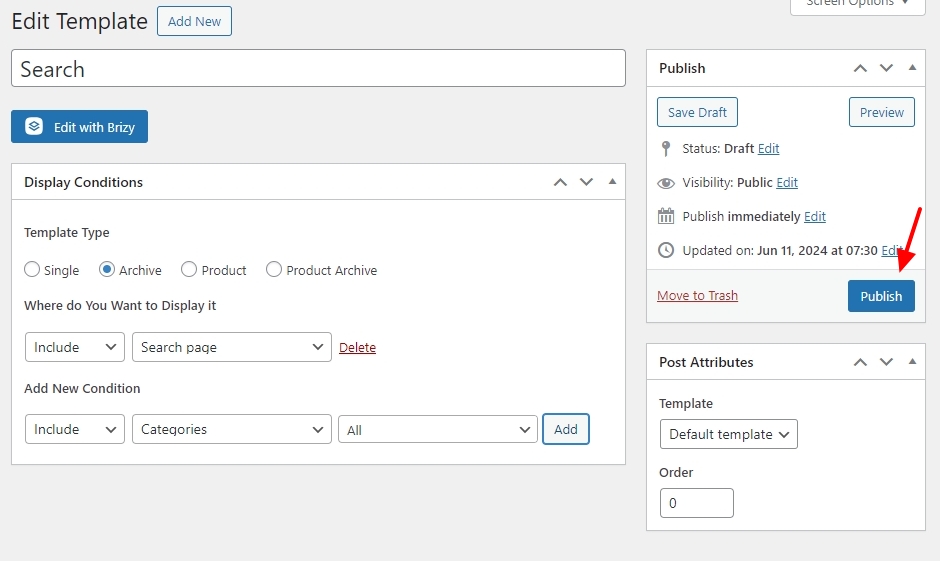
On the right pane of the Search template, kindly check if you see 'Publish" or "Update" If you see "Publish" kindly click on it to publish the template.
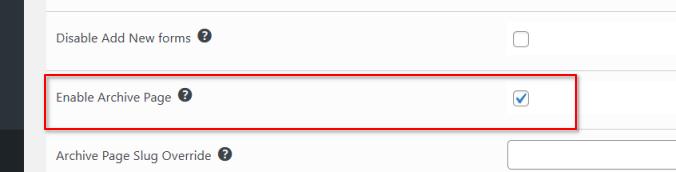
 If the custom post type is not found in the drop dropdown list, in Pods Advanced Options, please put a check on Enable Archive.
 0
0 -
Thank you George. I feel like I am making progress.
That worked to pull up my first post or atleast a version of it.
The post that I see from my query from the search bar matches what the archive block shows when I edit the search template...but that is not what I want.
This is my search template, showing a post from the 'Archive'
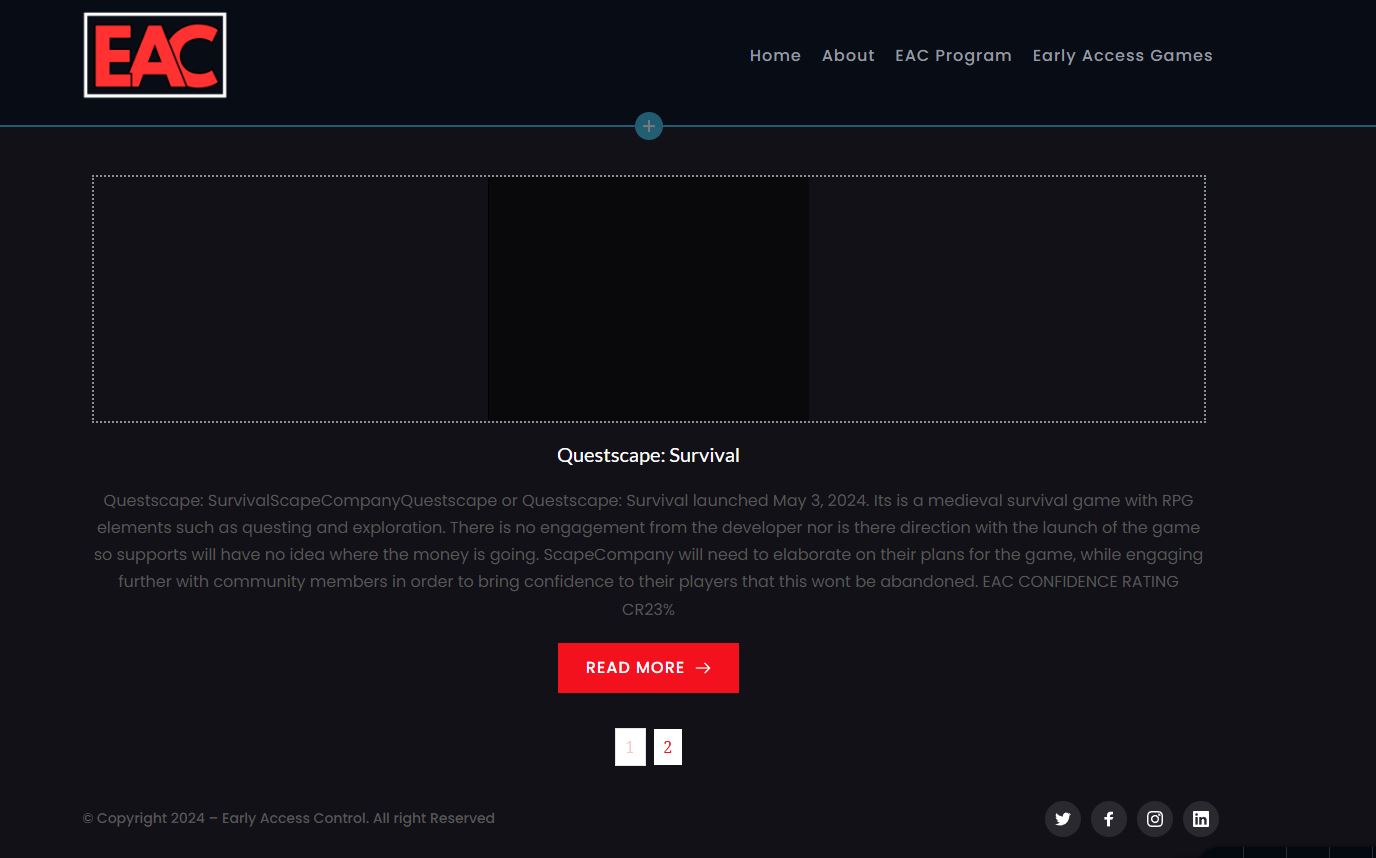
This is the query I get when I search for Questscape.

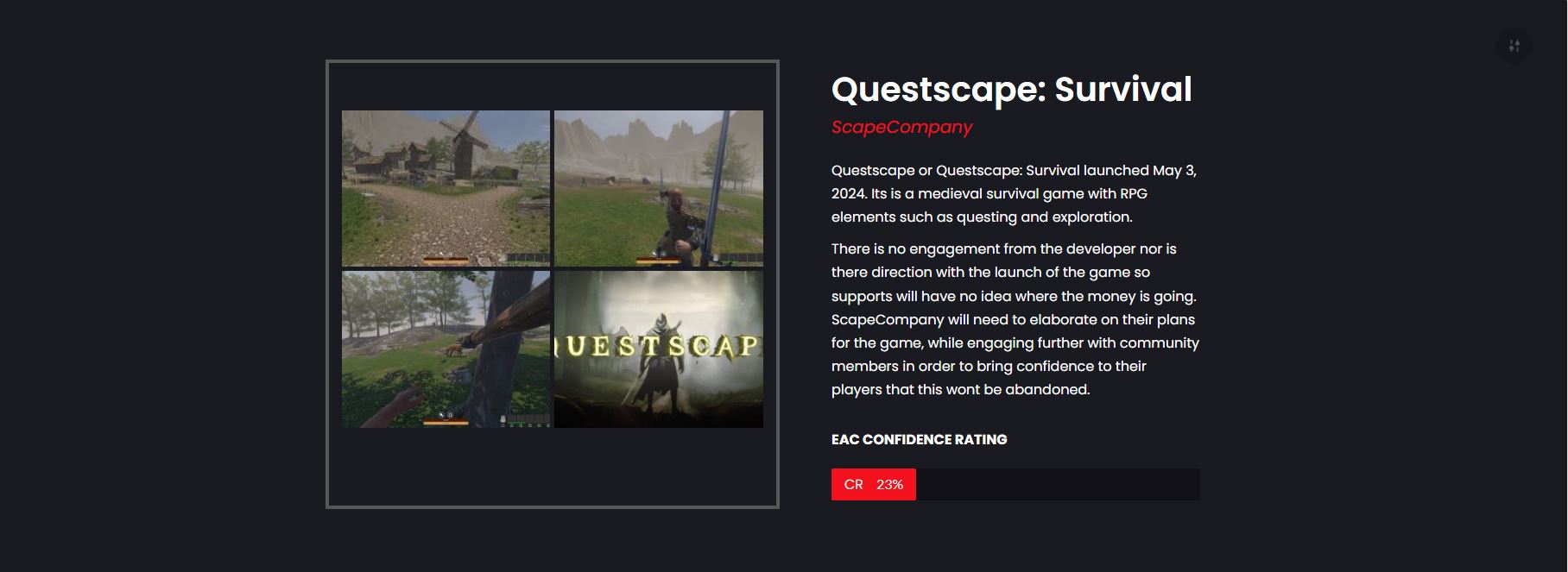
However the actual post I created in the WP post section and made with Brizy Blocks with a couple changes is this.
Are you able to guide me through this problem?
Thanks
0 -
Hi Alex,
The Search Archive template lists multiple videogames containing the search query. User has to click on "Read More' button to see the specific video game. For an example of how a product search is expected to work, kindly visit https://brizy.tech/?s=chair
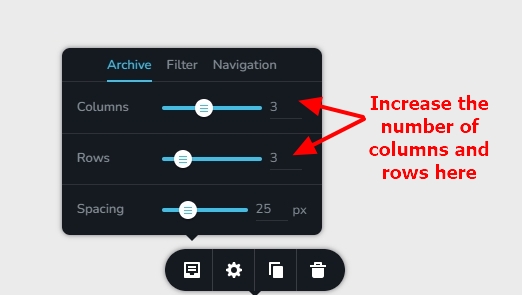
Looks like you have configured your search 'Archive' element to display a single column and a single row. Kindly increase the number of columns and rows so that you can see a listing (instead of a single video game)
 0
0 -
Thanks KC George.
However, this won't achieve what I need as adding another step between a website search bar when looking for a specific item won't be very user friendly enough. If it linked directly to the post without going through the archive, maybe.
0 -
Hi Alex,
You can customize the archive listing in Brizy to include more details if you like. Have a look at the revised product search at https://brizy.tech/?s=chair
I have included more details in the search archive like
- Price
- Review
- Category
Are you looking for a search archive which includes more details of the video game than just the featured image and the name?
0
Please sign in to leave a comment.
Comments
7 comments