Can't connect to brizy editor

Hi,
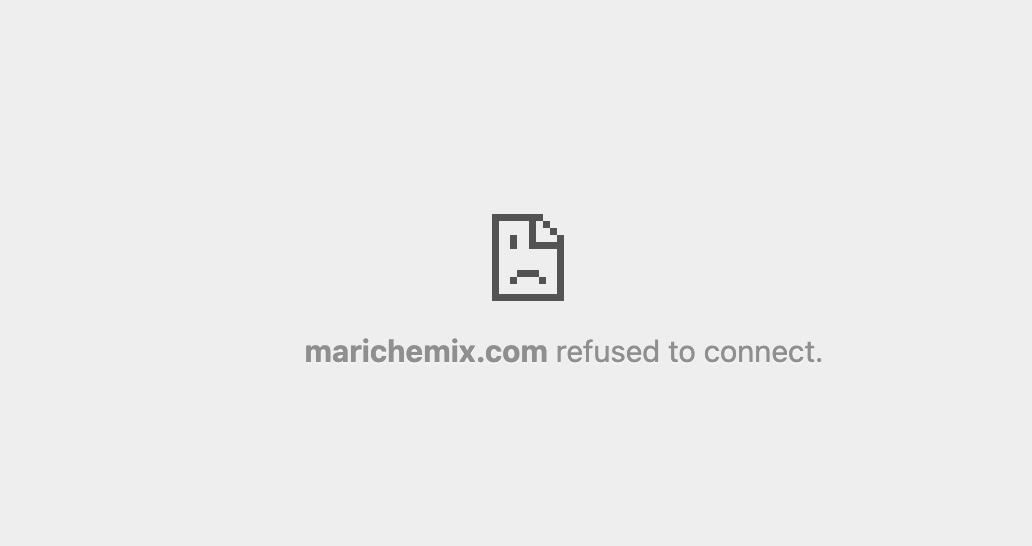
I was trying to use brizy to edit the page, but it won't connect, can you help me solve it?
-

Hi Kate,
Thank you for contacting us.
Please try updating your .htaccess file to default.
For more information, please refer to this link: https://developer.wordpress.org/advanced-administration/server/web-server/httpd/#basic-wpOtherwise, kindly contact your hosting provider, as they can assist you with this process.
After, resetting the .htaccess file to default, please flush the permalinks. For detailed instructions, please refer to this link: https://wpastra.com/docs/how-to-refresh-wordpress-permalinks
Please try this and let me know how it goes.
Best regards,
Ariel H.0 -
Hi Ariel,
I've contacted WordPress support as my website is hosting there. They don't utilize .htacess files.
Here is what I got replied:
Hi there, please note: an .htaccess file applies to websites hosted on an Apache web server. The WordPress.com hosting platform uses NGINX servers, so it does not utilize .htaccess files.
Some plugins and themes may suggest making changes to the NGINX configuration for them to function properly. However, this isn't feasible on WordPress.com. If a plugin or theme recommends such changes, please contact the developers to inquire about alternative solutions.
You can learn more about our hosting environment here: https://wordpress.com/support/php-environment/. Additionally, please contact the Brizy support team and share this information with them.0 -
Hi Kait,
Thank you for the update.
This is something we need to inspect from your WP Admin page. Please add us as an Admin user to your WordPress Dashboard and send the following details to: communitysupport@brizy.io
Community Post link: https://support.brizy.io/hc/en-us/community/posts/19438472662290
WordPress Admin URL:
Username:
Password:Please make a full backup of your site as a precaution.
Best regards,
Ariel H.0 -

Hi Kait,
I have looked at your WordPress Dashboard. Unfortunately, I could not reproduce the error "marichemix.com refused to connect". Instead the page opened at my end. Kindly see my test at https://jmp.sh/9xy9NShh Are there specific steps we must follow to reproduce the error?
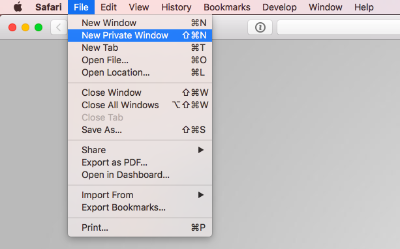
Can you try to sign in to your WordPress Dashboard from a new private (incognito) window of your browser and check if the issue persists?
 0
0 -
Hi George,
I did it in incognito mode and it worked, and I tried again with normal window, and it also works now!
I guess I was trying to edit a wrong page with brizy.
Thanks!
Kate
0
Please sign in to leave a comment.
Comments
5 comments