Brizy Wordpress Gallery: On first page load all gallery images are loaded in full resolution

Hi there,
I would like to make a simple gallery page with some of my photos like this one:
https://www.stefanfroehlich.photo
Usually, I would expect the gallery to load and display only the necessary thumbnails and then display the higher resolution images in the respective lightbox.
But out of the box, the gallery element is loading all the images in full resolution when loading the page.
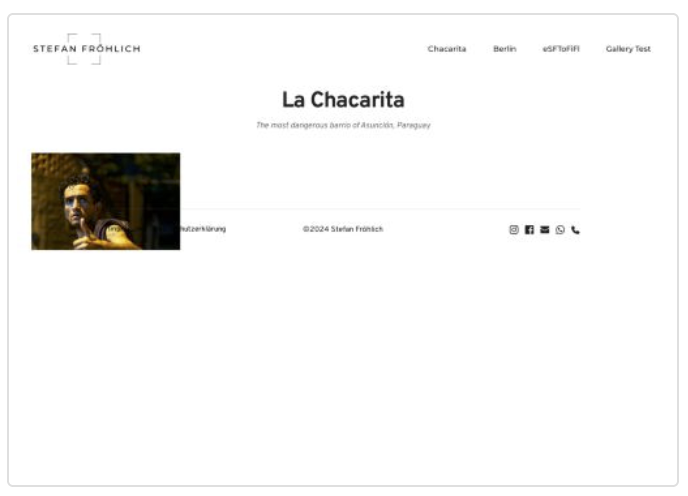
Thus the page is loading for about 10s all the images in the lower left corner of the page which is ugly and resulting in an endless page load time and unacceptable performance.
Is there a solution to this problem?
Many thanks for any help on this!
Best regards,
Stefan.
-
This is how the gallery looks while loading:
 0
0 -

Hi Stefan,
When selecting the 'Custom' size option for your images in the gallery element, you can ensure that a smaller image loads initially and the full image loads only when accessing the lightbox option. Kindly enable the 'Custom' size option for all your images in the gallery element.
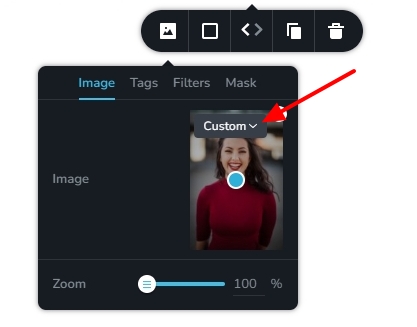
For instance, compare the gallery image and the lightbox image for the first image at https://brizy.tech/brizy-gallery/
0 -
Hi George,
thank you very much for your answer.
Seems really promising. Unfortunately, in the existing gallery, there is no such option.
In the appropriate image element, I see only the following options: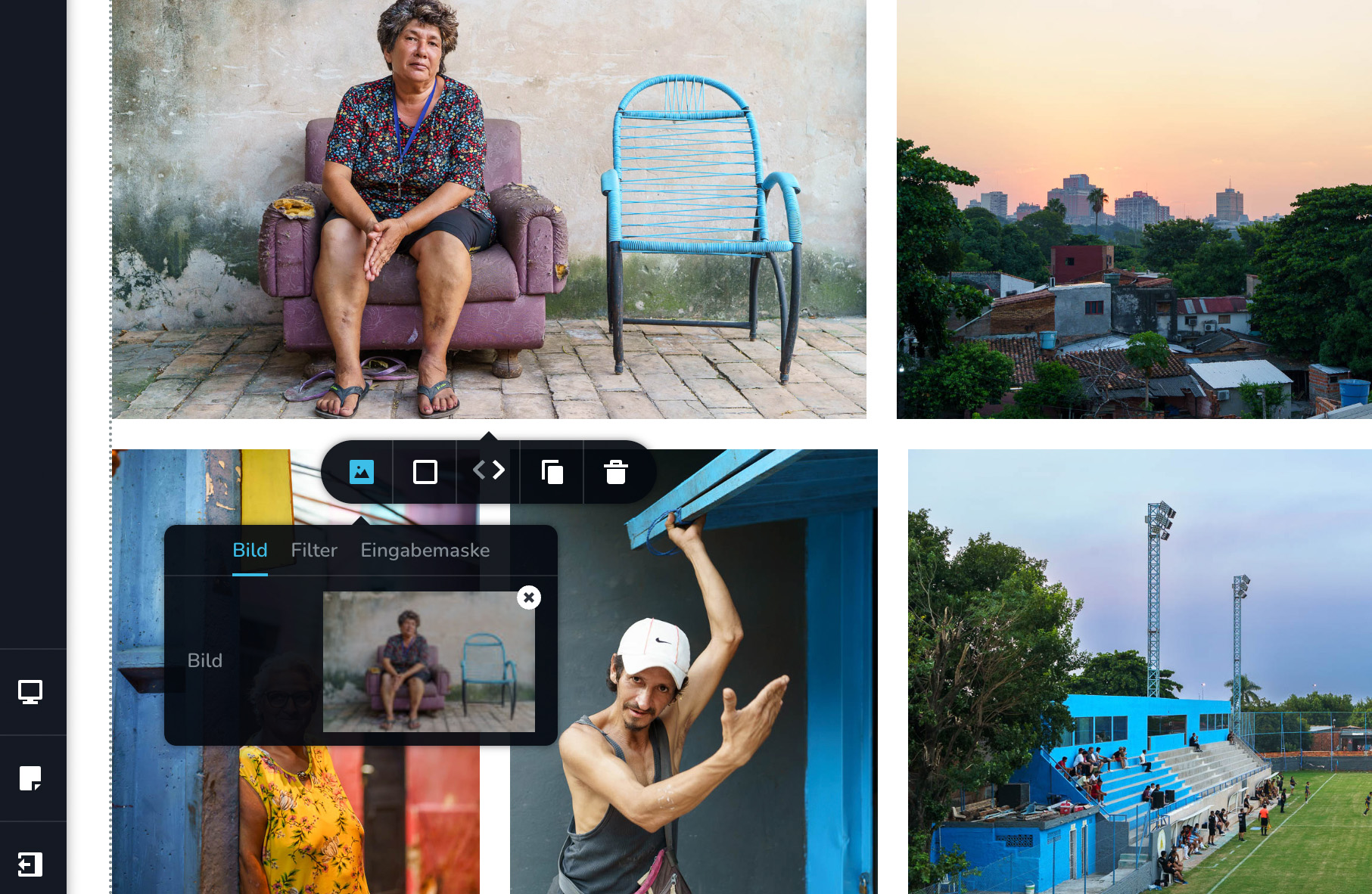
Even after deleting the image from the gallery and reinserting it, these are the only options.
How do I get the ones your screenshot shows?0 -
Hi Stefan,
The 'Custom' and 'Original' size options are usually part of all images in the gallery.
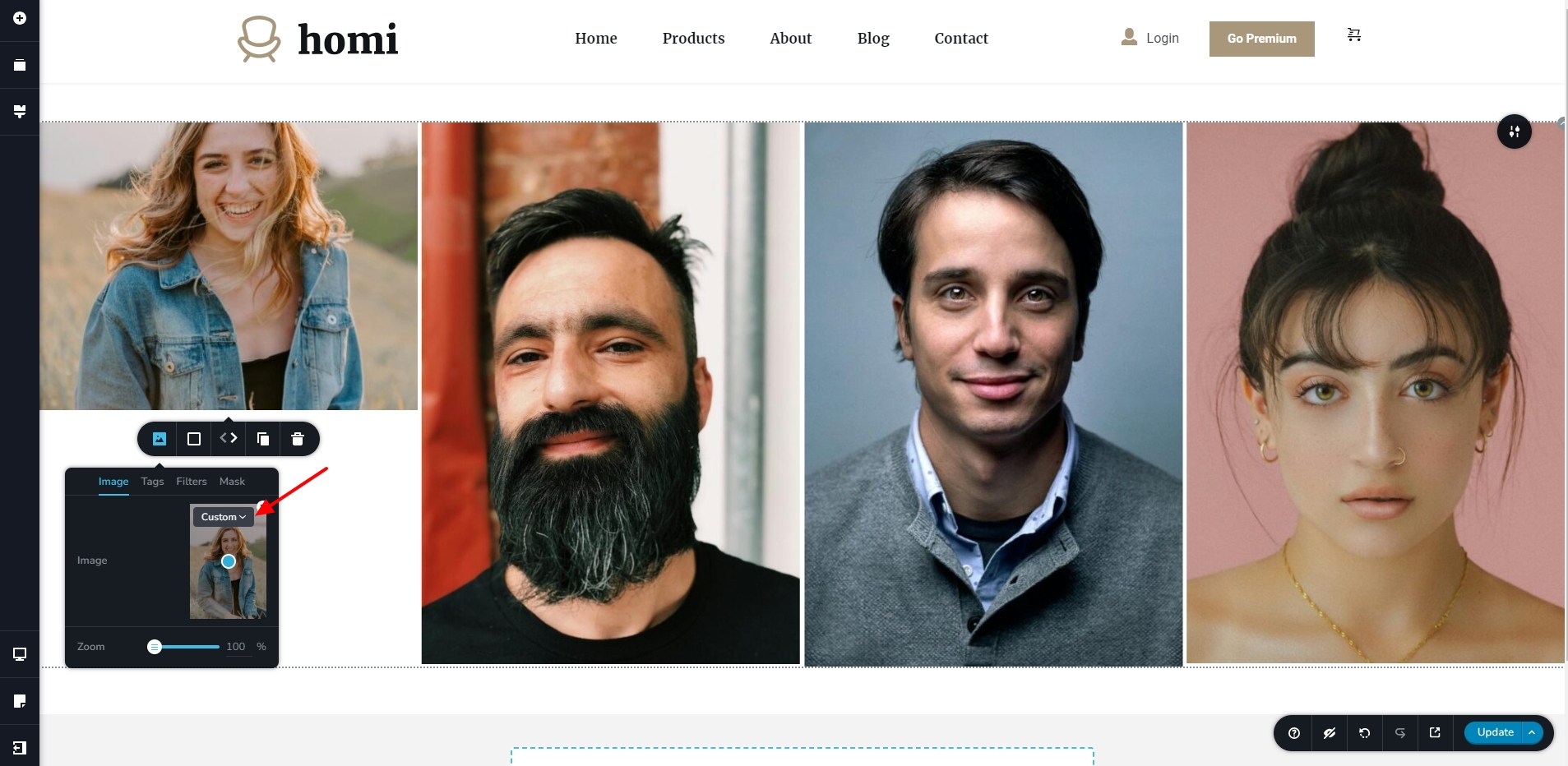
We will need access to your WordPress Dashboard to investigate why this option is missing in your project. If you want us to take a look at your project, kindly add a new user to your WordPress Dashboard and send the following details to our email: communitysupport@brizy.io
- Community Post link: https://support.brizy.io/hc/en-us/community/posts/19421374758290
- WordPress Admin URL:
- Username
- Password
Please let us know in this forum when you send us the email.
0 -
Hi George,
I created an admin account and sent you the credentials to the provided email address.
Thank you very much for your help!
0 -
Hi Stefan,
You are right; when selecting the 'Justified' layout for the gallery element, you lose the option to select 'custom' size for your images and the original images are displayed in the gallery. However if you select the 'Masonry' or 'Grid' options for the gallery, you do see the 'Custom' option for your images. At https://www.stefanfroehlich.photo/gallery-test/ I have set the gallery to 'Masonry' layout and now the option is available.
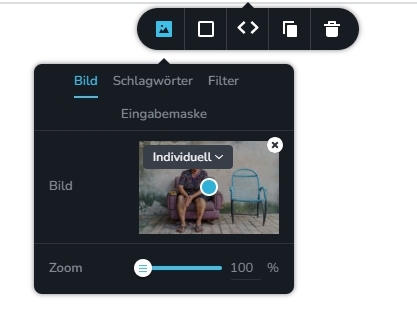
I will escalate this issue and we will consider the possibility of adding the 'Custom' size option for the 'Justified' layout as well.
0 -
Thank you very much George!
I hope that this option will be added to the justified layout soon, because it is definitely the more elegant option in my opinion.
Have a nice day!0 -
Unfortunately, in the masonry gallery, all the images are just being displayed in the same way as in the grid gallery.
Which means you can't mix photos in portrait and landscape mode.
Is there a solution to this behaviour?0 -
Hi Stefan,
You can have a gallery with landscape and portrait images like in this screenshot using the Masonry layout. https://brizy.tech/brizy-gallery/
 0
0 -
Hi George,
thanks again.
It seems the justified layout is a bit buggy. Switching back and forth between the different layouts indeed led to the fact that the images were only displayed as in grid mode.
After deleting the gallery and inserting a new one, it worked. And is even performing well in pagespeed insights.
Still, it would be great if the justified layout work sometime soon as it is in my opinion aesthetically the only option.
Masonry is so old school I hardly dare to use it.
Best regards,
Stefan.0


Please sign in to leave a comment.
Comments
10 comments