Everything hangs after "ADD A NEW BLOCK"

This is my first time working with Brizy in a couple of months. Everything seems to run smoothly until I click on "ADD A NEW BLOCK" and it starts loading all the thumbnails. Not only does Chrome lock up, my entire laptop comes to nearly a halt. If I wait long enough (a minute or so) everything will go back to normal.
Windows 11
Chrome Version 125.0.6422.142 (Official Build) (64-bit)
WordPress 6.5.4
Brizy Version 2.4.44
Brizy Pro Version 2.4.38
The domain I am working with is santayearround.com. The specific page is https://santayearround.com/services/personalized-video-message-from-santa
Thanks
-

Hi Ryan,
Thank you for reaching out to us.
Does it occur on all pages or one specific page only? From my observation, the issue appears to be related to pages with so many page revisions.
To address this issue, I recommend trying the steps outlined in this link to see if it resolves the issue:
https://www.elegantthemes.com/blog/wordpress/how-to-manage-wordpress-revisions-to-optimize-site-performanceIn the above article offers a manual method of limiting page revisions using PHPMyAdmin, or you can opt for WP Optimize, which is simpler to operate.
If the issue continues, this is something we need to inspect from your WP Admin page. Please add us as an Admin user to your WordPress Dashboard and send the following details to: communitysupport@brizy.io
Community Post link: https://support.brizy.io/hc/en-us/community/posts/19371299513618
WordPress Admin URL:
Username:
Password:Please make a full backup of your site as a precaution.
Best regards,
Ariel H.0 -
It happens on other pages. I installed WP-Optimize and did the cleanup with no affect. There were bout 250 revisions. I will follow-up with an email now.
Thanks
0 -

Hi Ryan,
I have added a page to your website and I could import two premade blocks and create a simple design starting from a blank block. Kindly see my test page at https://santayearround.com/brizy-support-testing/ I tested using Windows 11 and Chrome 125.0.6422.142 as well. Are there specific steps I must follow to see the issue you are facing?
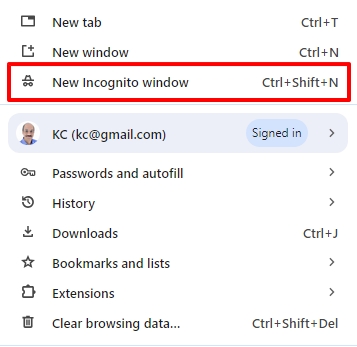
Kindly attempt to sign into your WordPress Dashboard from a New Incognito Window of your browser and check if your face the same issue.
 0
0 -
Hey, thanks for the response. I emailed your support team with those steps but now get this when I try to get into the backend. I'm assuming you guys are testing something out?
This page isn’t working
santayearround.com redirected you too many times.
ERR_TOO_MANY_REDIRECTS......This is happening on multiple browsers.Thanks, Ryan0 -
Hi Ryan,
Thank you for the update.
The issue appears to be coming from the Akismet plugin.
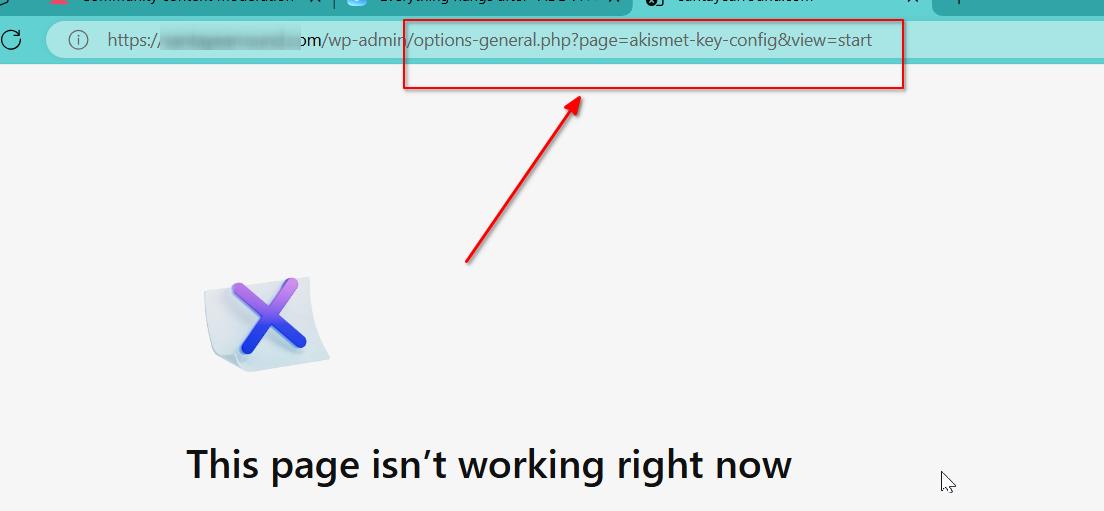
To address this issue, you will need to access the File Manager in the hosting control panel, navigate to the /wp-content/plugins directory, and either rename Akismet or delete the plugin to disable it.
References:
https://www.thewebmaster.com/siteground-file-manager/
https://www.domain.com/help/article/wordpress-troubleshooting-how-to-disable-plugins-using-file-managerAfter completing this step, your access to WP Admin will be restored.
Please try this and let me know how it goes.
Best regards,
Ariel H.0 -
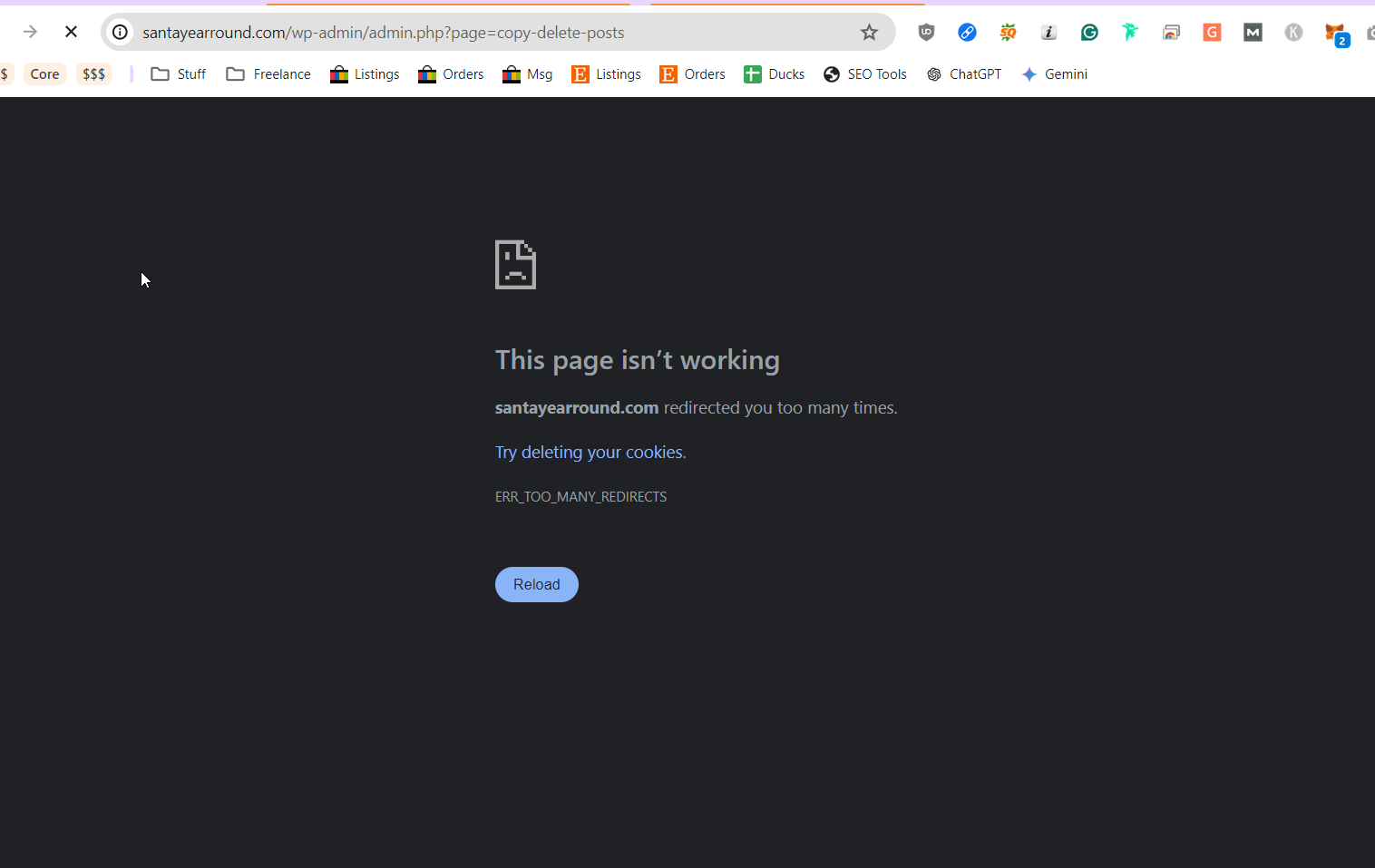
Hmmm. I deleted it via SSH and now am getting this. Can you confirm with your support team that got my email that they didn't change anything? I know I can go through these one by one but it's very odd this happened out of the blue when it was working fine last night. thanks
 0
0 -
Hi Ryan,
Please try it in incognito mode.
 0
0 -
Hey I did that and it's still an issue. I'm fine troubleshooting the issue. What I need answered now is did you guys login and do anything to cause this? If so, that's fine. I understand things gets fubar'd. If changes were made I want to understand what they are so I can roll them back. thanks
0 -
Hi Ryan,
Apart from adding an additional page and adding blocks to it, nothing else was done from our side. The issue could be something to do with the hosting server. Have you reported the issue to the hosting company?
0 -
Ok thanks. No, I haven't because they would of course ask, "did anything change?" haha. I have backups I can go to I just don't have time at the moment. I'll mess with it tomorrow. Thanks for your help. :)
0 -
Ok, so I tested in Firefox and it works fine so it's something specific to Chrome or at least my Chrome configuration. If you'd like me to help troubleshoot this because I'm likely not the only one who is going to have the issue, let me know. For now, I'll use Firefox. Thanks
0 -
Hi Ryan,
If adding a new block to a page using Chrome's New Incognito Window is possible, the problem might be with the browser's cached files and images.
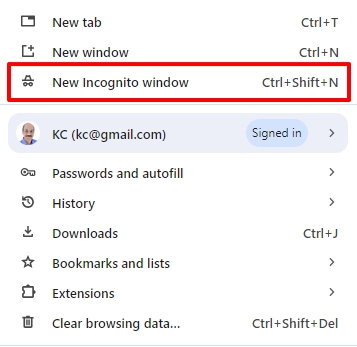
Try clearing the browser's cache by following the instructions at https://uark.libanswers.com/faq/132649, and see if the problem persists.
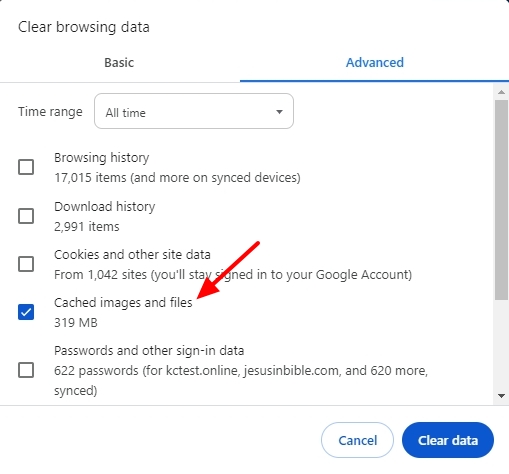 0
0 -
Thanks. I did some further testing.
I cleared the cache and the problem persists. I tried in incognito mode and the problem persists. I tried using a new Chrome profile and the problem persists.
However, there is no issue when using Firefox, Chrome Beta, Brave, or Chrome Canary. So, there is something specific to my Chrome (core) that is causing the issue not specific to my profile or cache.
I'm fine with my workaround but happy to help further troubleshoot if you want to get to the root of it.
0 -
Hi Ryan,
Thank you for the update.
Additionally, consider clearing the local storage data manually for your website within the Developer Tools in Chrome. This targeted approach may help resolve the issue, even if you have created a new Chrome profile.
You can refer to this link for guidance on deleting locally stored data in Chrome: https://superuser.com/questions/1305644/how-can-i-delete-locally-stored-data-in-chrome
Please try this and let me know how it goes.
Best regards,
Ariel H.0 -
Same problem. Note: My option was "Clear Site Data." I'm not sure if that's the same thing in DT.
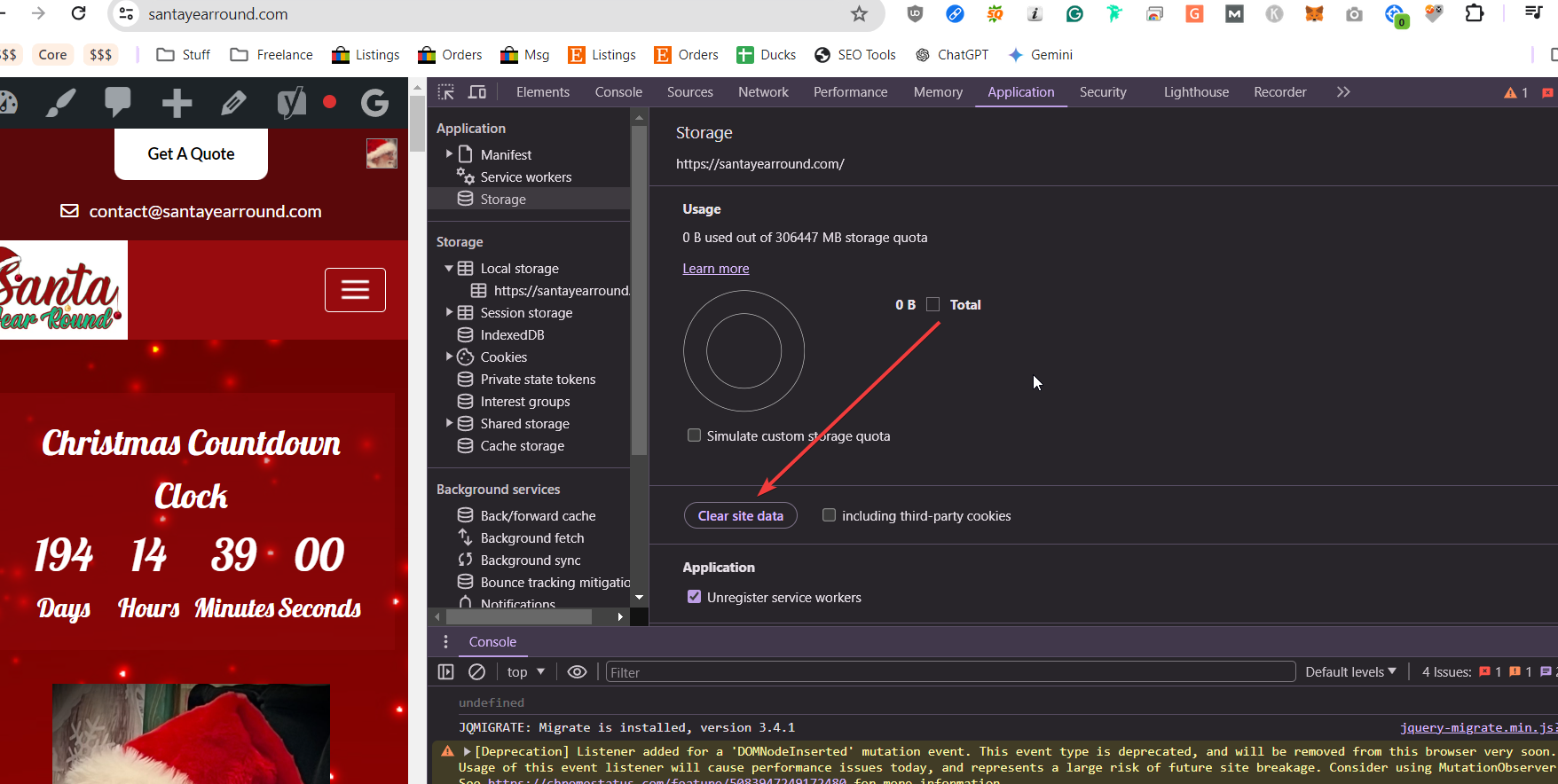 0
0 -
Hi Ryan,
Thank you for the update.
Please also try making changes to your website from another computer and see if this makes any difference.
0 -
Now that's interesting. On another Win 11 laptop w/ the same Chrome version and the same Google account it works. So, you think maybe re-installing Chrome on my primary laptop would be a good next step?
0 -
Hi Ryan,
Before reinstalling it, please try resetting Chrome to factory default and see if that helps:
https://support.google.com/chrome/answer/3296214?hl=en0 -
Ok I can't do this one now but I will try next week and let you know. Thanks.
0 -
I actually had some time and did this. I reset it which de-activated all my extensions and it worked. I enabled them back one by one and it all still seems to work. So, it seems Chrome just got fubar'd and needed a good reset. I appreciate your time. :)
0 -
Hi Ryan,
I'm glad that this is now sorted out.
Feel free to reach out if you have any other concerns.
Best regards,
Ariel H.0
Please sign in to leave a comment.
Comments
21 comments