Never ending loading

Hi Brizy team,
I'm having this issue when I try to edit with Brizy...
I didn't install any new plugins, and I disabled them to test, but the issue continues...
Can you please help me to resolve this?
the site is: www.wrccdesign.com

-

Hi Wagner,
The looping pre-loader that you see when attempting to edit a Brizy page indicates that that a piece of software in your hosting environment is interfering with Brizy editing. To fix the problem, please sign in to your hosting provider account and check if you have enabled any of these in your account.
- Security system
- Malware protection
- Firewall
- DDOS
Deactivate each of the above options one by one and check if you are able to edit Brizy pages. Once you identify the interfering software, please relax the security restrictions to allow Brizy editing, in consultation with your hosting company. For instance, if you are hosting with Hostgator, kindly check if you have signed up for SiteLock Security If you have, kindly disable SiteLock temporarily and check if that helps.
Similarly also check if you have installed a security plugin in your WordPress Dashboard; disable it temporarily to check if that helps to resolve the issue. Please contact us again if you need assistance in identifying the interfering software. We will require access to your WordPress Dashboard to troubleshoot this for you.
0 -
Hi George, thanks for your reply...
I just checked, and there is nothing related to these points that you have mentioned,
I will provide de access so you can check, please:
Thank you0 -

Hi Wagner,
Thank you for your cooperation.
Could you also please provide us temporary access to cPanel so we can further investigate the issue.
I am looking forward to your response.
Best regards,
Ariel H.0 -
Hi, do you need access to my HostGator?
0 -
Hi Wagner,
We only require access to cPanel at this link: http://www.wrccdesign.com/cpanel. You may need to reach out to HostGator support to find the credentials.
If you feel comfortable sharing your HostGator account panel, you may do so.
Please send the credentials to communitysupport@brizy.io and include Reference Number 19356326896018 in the subject line.
Best regards,
Ariel H.0 -
Thanks I sent the credentials, please let me know if that’s correct, thanks
0 -
Hi Wagner,
Thank you for your cooperations.
Upon checking, the issue is coming from a misconfiguration in the wp-config.php file.
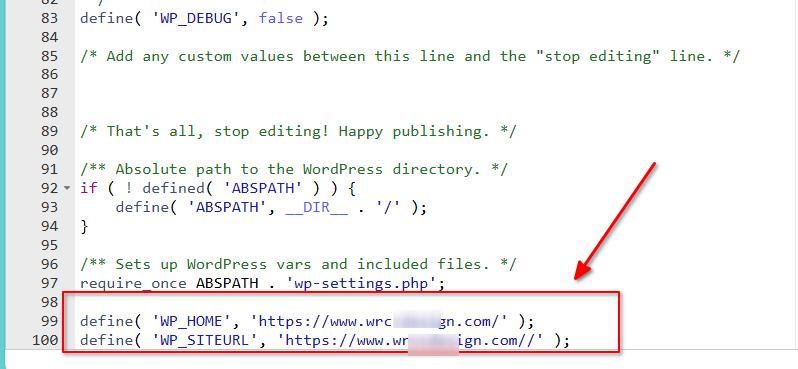
We have removed the directives and adjusted the Home and Site URL in Settings -> General.
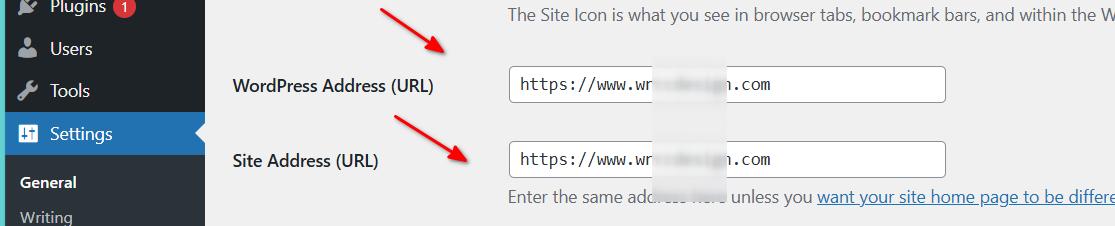
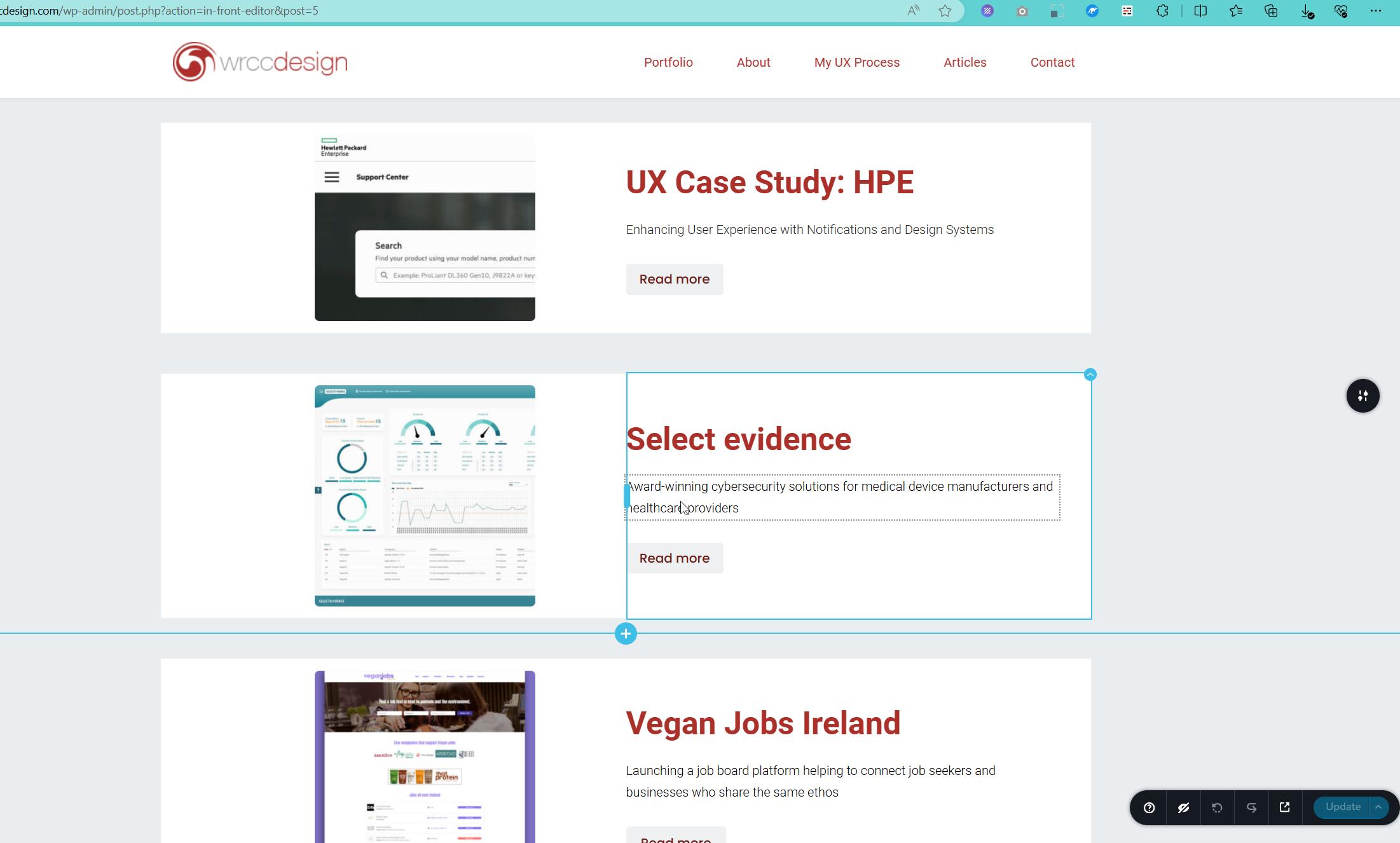
Following these modifications, the editor is now functioning correctly.
If you have any further questions, please let us know.
Best regards,
Ariel H.0 -
That's perfect! Thank you for your support on this!
0
Please sign in to leave a comment.
Comments
8 comments