custom css

I am trying to add custom css into the the custom css section of a button on the brizy page builder, but the css does not alter the presence of the button.
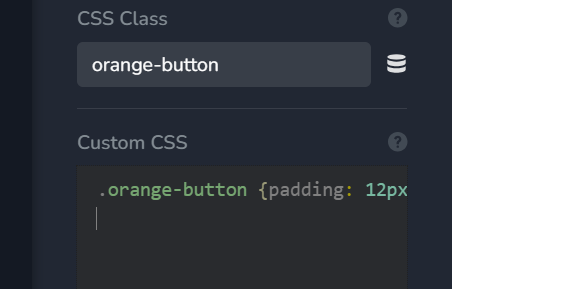
I have tried giving the button a class and used a . and without.
I have tried simply adding css but no element
I have tried adding .button, I have tried adding .p for the text in the button. The placeholder could be a lot more useful in helping users, but for now, when trying to use the custom css for the button feature where I want the text to have a specific padding - what does one need to do.
I can use css every day of the week, what is not clear on your tool that makes this need me to write a message here?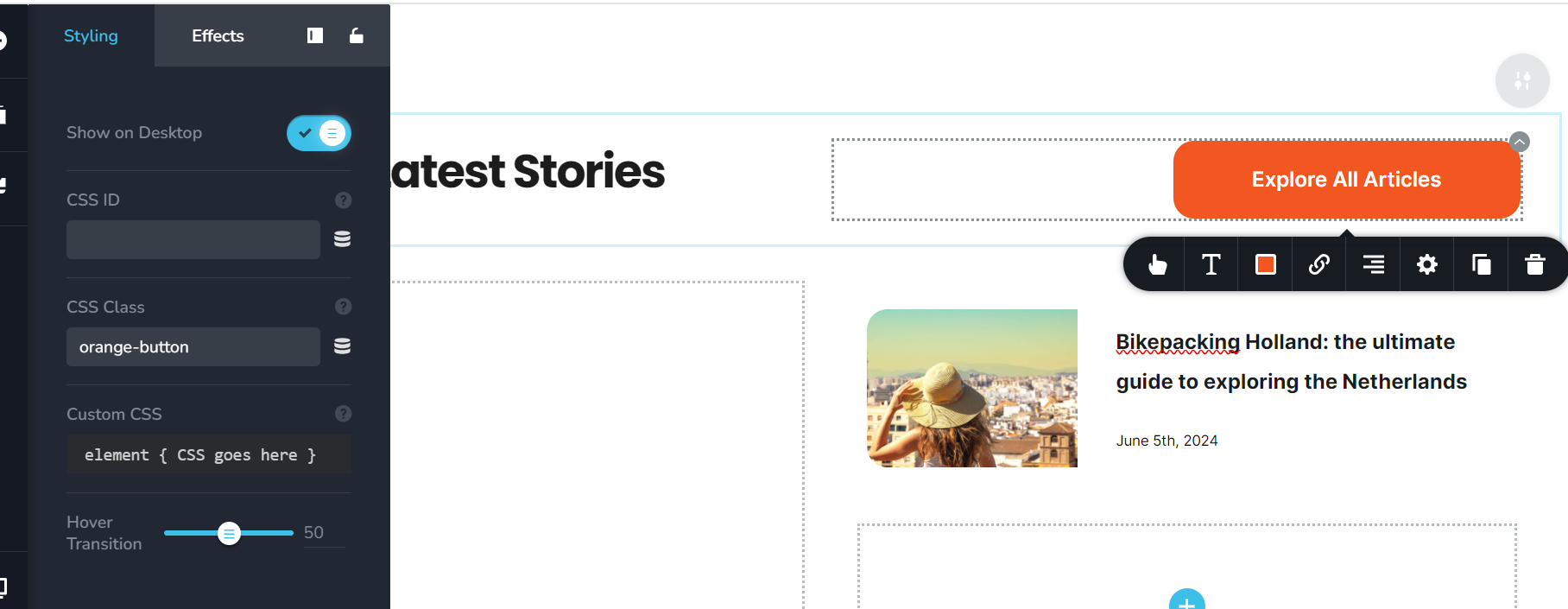
-

Hi David,
Thank you for reaching out to us.
It's not necessary to add a class name for the button as shown on this example.
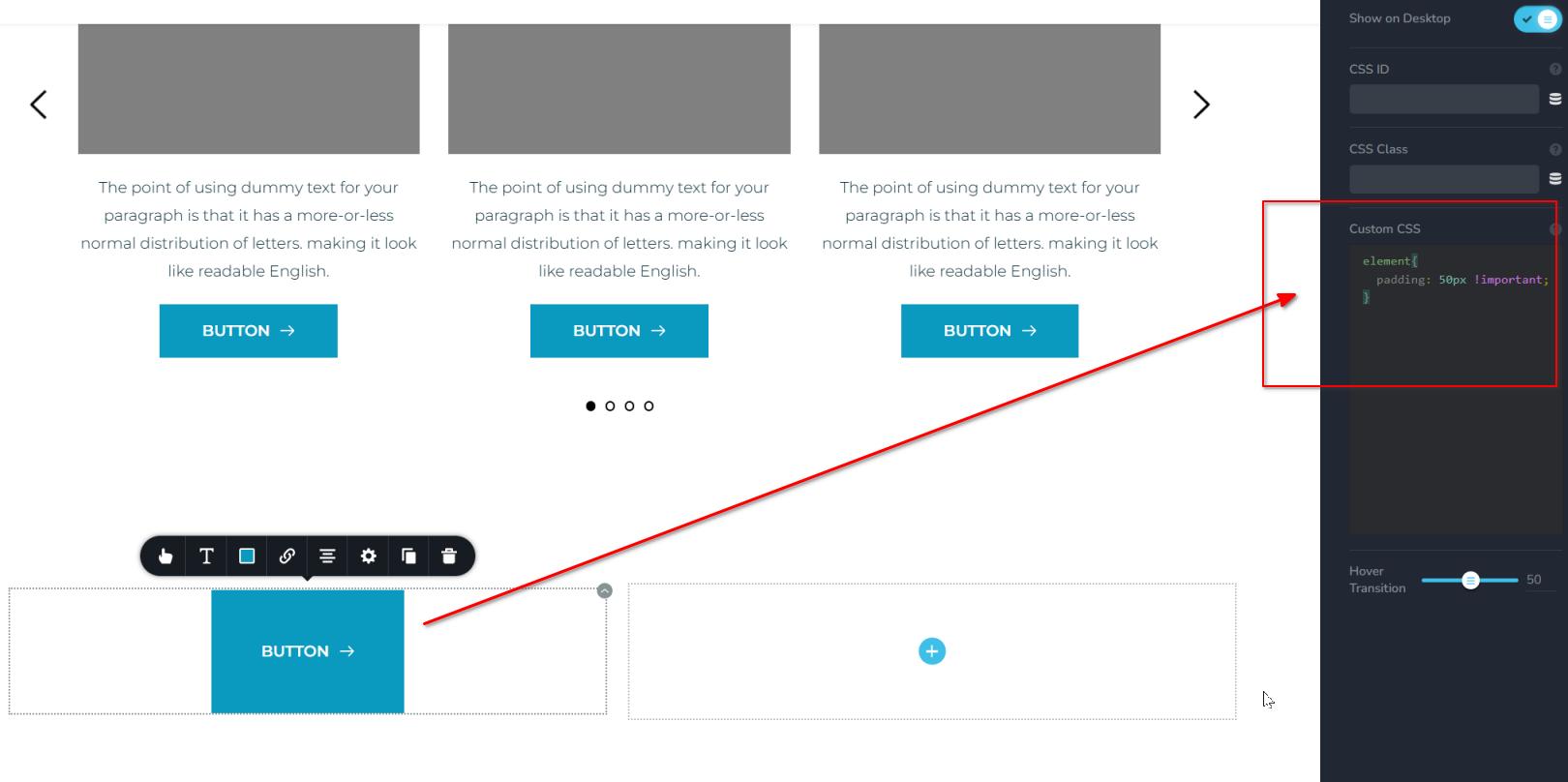
The CSS:
element{
  padding: 50px !important;
}
Please try this and let me know how it goes.Best regards,
Ariel H.0 -
Perfect, that worked so effectively. Thank you
0 -

I tried the same thing, but there are no changes on preview mode. I'm using the free version of Brizy. Can i write custom CSS code on brizy free version?
0 -
Hi Mihir,
Thank you for contacting us.
In the free version of Brizy, the Custom CSS option inside the editor isn’t available, however, you can still add your CSS via Dashboard → Appearance → Customize → Additional CSS.
If you don’t see the changes right away, please try clearing your browser and site cache and then refresh the page.
If you have any other questions, please feel free to let us know.
Kind regards,
Ariel H.0 -
Here is the CSS:
.brz-btn {
    padding: 50px !important;
}
0
Please sign in to leave a comment.
Comments
5 comments