I can't edit any of my pages

I have been working on my site on the product side. The rest of the site was working just fine, and now, not only is the site not loading, or loading slow, I can't get into many of my pages to edit. AND there is some kind of weird header that seems to be appearing since I added a Product Template, but the header is showing up on ALL my pages not just products.
Here is an image of my Home page just spinning after I click on Edit with Brizy and I can't even View the page:

Here are pictures of this header that I did not add to these pages (it shows on ALL pages) when I click on "View" from the Pages tab:

There are several other things that I'm running into problems with, but I'd like to remedy these first. Website is wellingtonmembers.com
-

Hi Nicole,
When visiting your website at https://wellingtonmembers.com/, I see the error "504 Gateway Time-out".
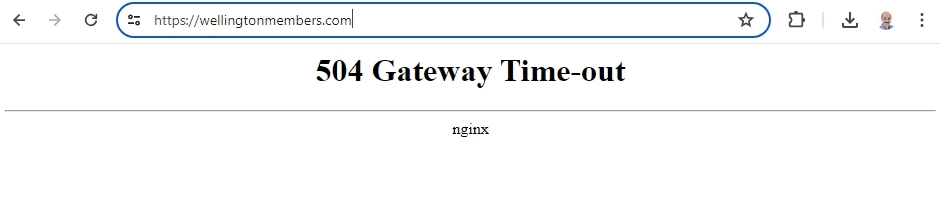
Can you please work with your hosting provider (wordpress.com) to fix this issue so that we can check the other issue you have reported above?
The looping pre-loader that you see when attempting to edit a Brizy page indicates that that a piece of software in your hosting environment is interfering with Brizy editing. To fix the problem, please sign in to your hosting provider account and check if you have enabled any of these in your hosting account.
- Security system
- Malware protection
- Firewall
- DDOS
Deactivate each of the above options one by one and check if you are able to edit Brizy pages. Once you identify the interfering software, please relax the security restrictions to allow Brizy editing, in consultation with your hosting company. Similarly also check if you have installed a security plugin in your WordPress Dashboard; disable it temporarily to check if that helps to resolve the issue.
Please contact us again if you need assistance in identifying the interfering software. We will require access to your WordPress Dashboard to troubleshoot this for you.
0 -
I have checked everything, removed, readded plugins. Seems like site is up now, can "View" page in dashboard, but still won't allow me to edit anything. Brizy editing still spins.
0 -
Hi Nicole,
We need access to your WordPress Dashboard to troubleshoot this issue for you. Please add a new user to your WordPress Dashboard and send the following details to our email: communitysupport@brizy.io
- Community Post link: https://support.brizy.io/hc/en-us/community/posts/19273566602898
- WordPress Admin URL:
- Username
- Password
Please let us know in this forum when you send us the email.
0 -
I have sent the email with requested information.
It currently seems that I can now get in to edit, HOWEVER, there is a header that keeps popping up on our live site, and in the View, but not available to remove in the edit screen.
See below:
Live and View modes:


Edit View:

 0
0 -
Hi Nicole,
We were able to change the password after receiving your reset link. We can't, however, log in using the username and password for some reason.
Would you kindly create a password for us, verify that it works, and then send it to us?
0 -
An invite link was sent to the support email. I believe that link has to be clicked to gain access.
0 -
Hi Nicole,
Unfortunately, I could not reproduce the problems you have reported above. Kindly see my test at https://jmp.sh/gS1WdKfj Are there specific steps I must follow to reproduce the issue?
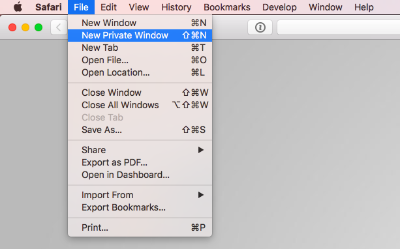
Kindly try accessing your WordPress Dashboard from a private window of your browser and check if the problem resolves.
 0
0 -
KC,
I do not know why the Home page isn't showing those headers, but several others are.
Deals Page:
View:

Edit:

Investment Page:
View:

Edit:

Member Benefits:
View:

Edit:

Property Referrals:
View:
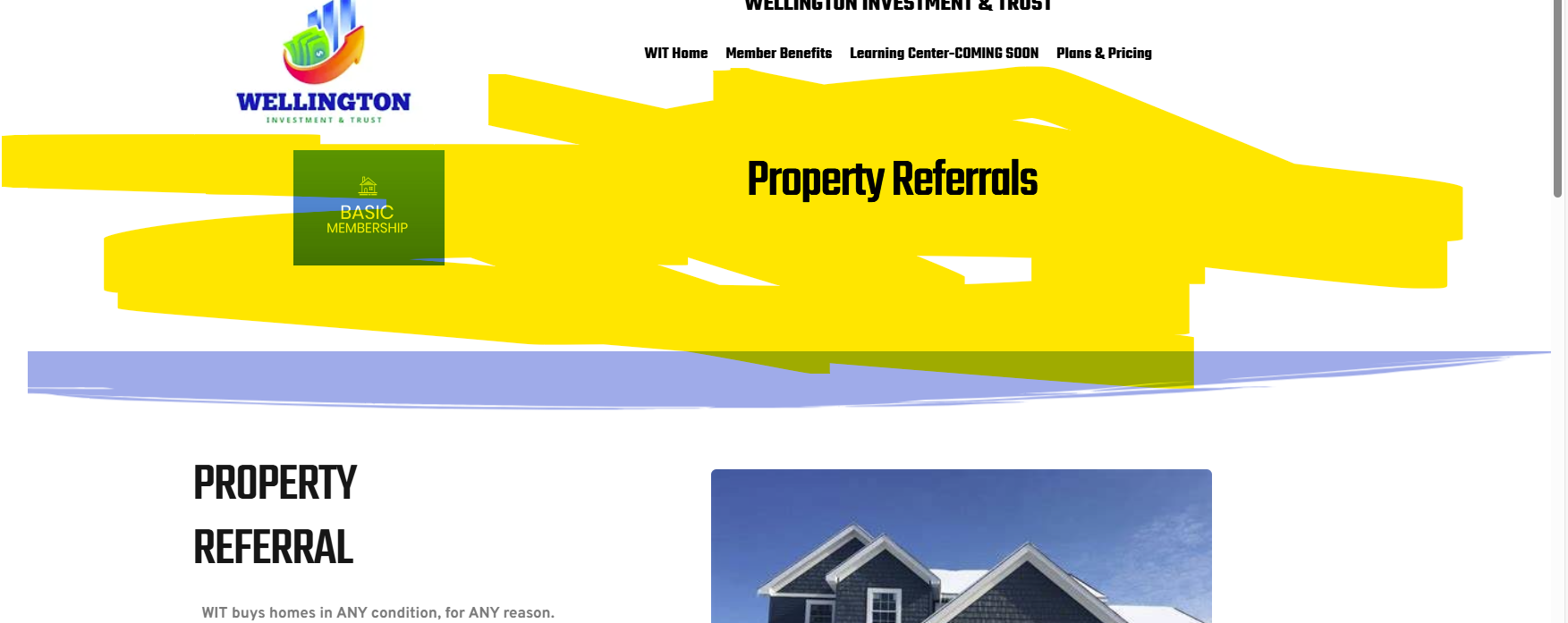
Edit:
 0
0 -
Hi Nicole,
I have updated these pages in the Brizy Editor and the additional header disappeared from these pages. Kindly check
0 -
Are you able to tell me how you were able to update it so if it happens again I can fix it?
Also, this seems to be an issue with the products, or I just don't know what I'm doing. Everytime I set up a new product, and use the editing items for customization for that particular product, it changes all the other products.
Example:
Basic Membership had a different image and different text, but when I added the Gold Membership, the image changed on the Basic as did the text.
Also, the cart on the Gold doesn't show the right subtotal per the parameters set in the pricing on the Gold product. I am on a time crunch, and it seems that the Brizy integration with Woocommerce is causing a lot of issues that I can't seem to figure out.
0 -
And....when I added a new project, I'm starting to see the layouts of the products on pages they don't belong.
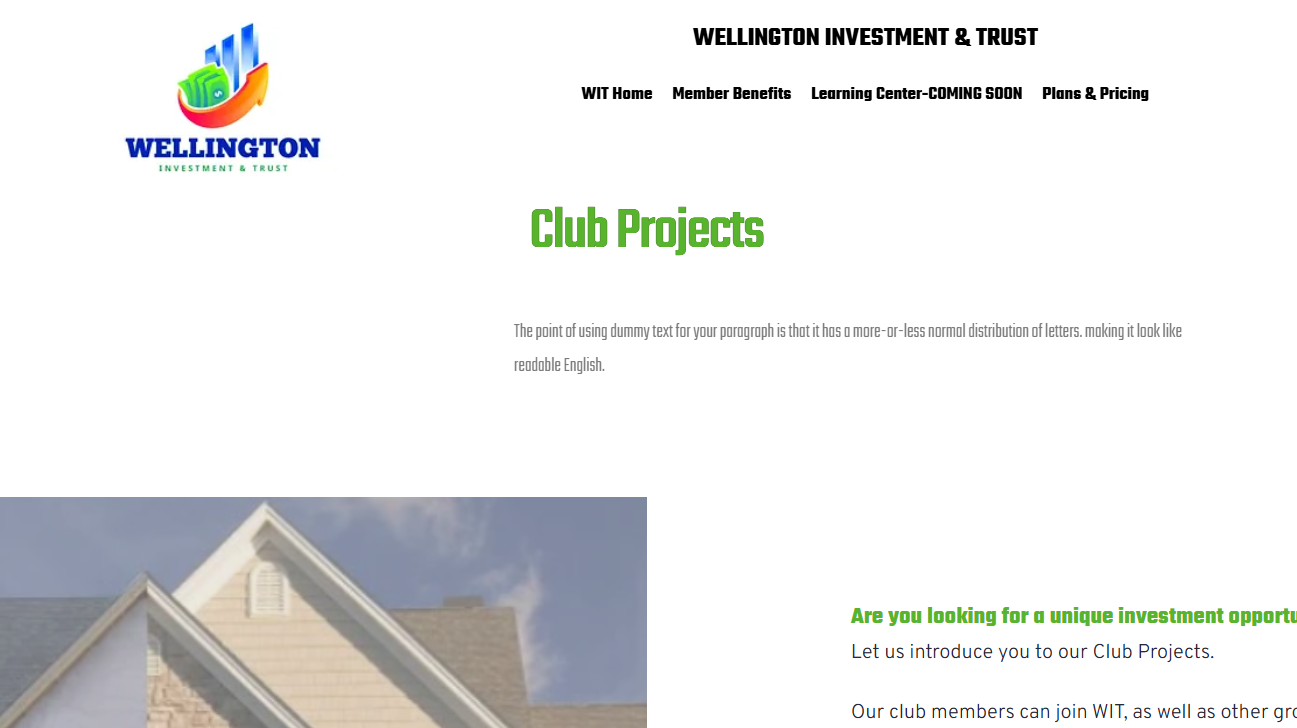
See Club Projects:
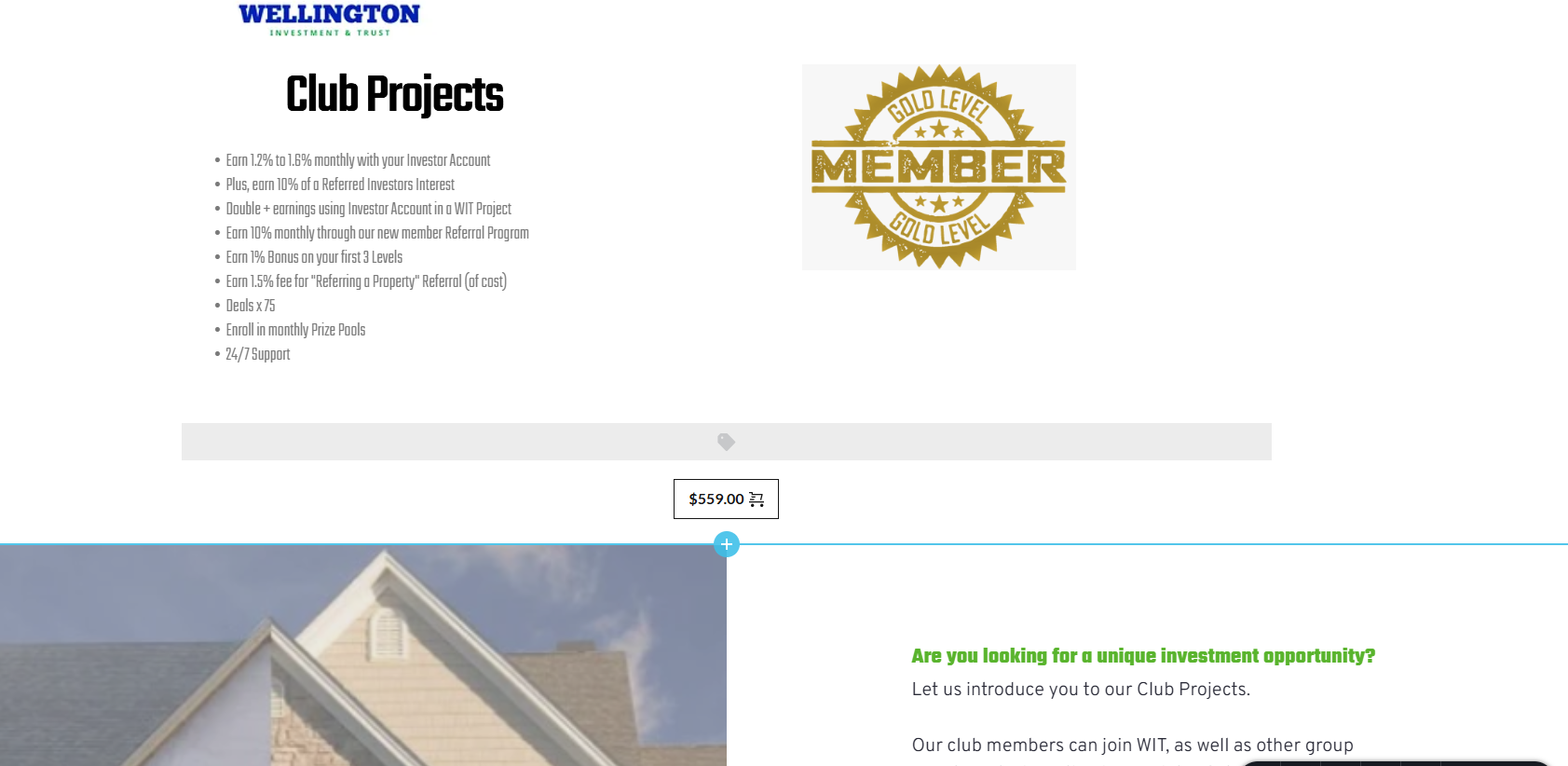
None of that cart stuff should even be there. Here is another one on the Investment page. Shows up on the Home page too...I'm sure there are more.
 0
0 -
Hi Nicole,
To get rid of the additional headers, I opened each page in the Brizy Editor and clicked on the 'Update' button at the bottom right corner.
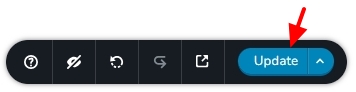
You can design WooCommerce product pages using Brizy, however, currently your product pages are being developed using your theme Twenty Twenty One (and not using Brizy)You have mentioned that "Every time I set up a new product, and use the editing items for customization for that particular product, it changes all the other products". The image and the text for the Basic and Gold Memberships look different and not identical. How do we see the issue you are facing? Do you think you can make a screen recording to demonstrate the issue?
You have mentioned that "And....when I added a new project, I'm starting to see the layouts of the products on pages they don't belong" I could not see any project in your WordPress Dashboard. How are you adding projects? What are the URLs of your projects?
I've observed that your global header includes the WooCommerce Cart shortcode. The cart shortcode shouldn't ideally be in the global header. As a result, all of your pages will have the cart functionality.
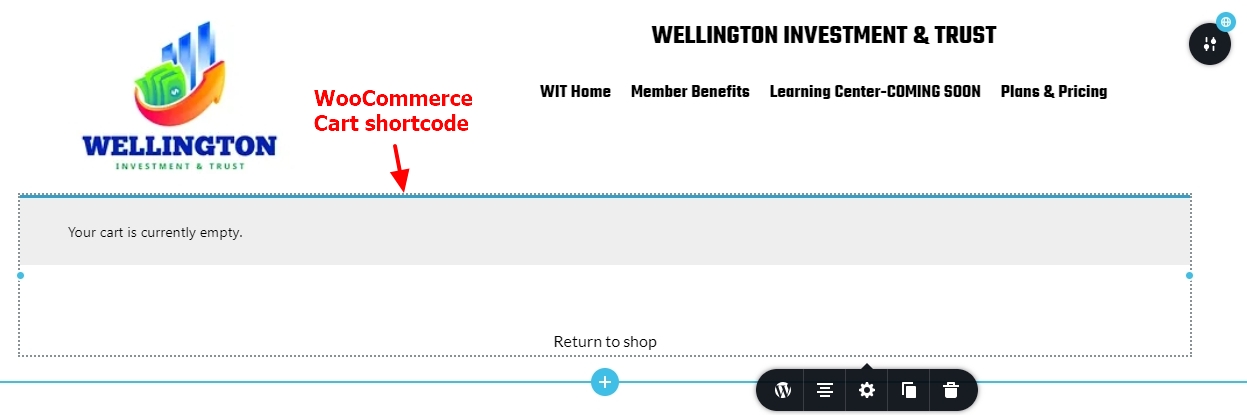
If you are pressed for time, it may be good to schedule a Zoom call. You could discuss multiple issues during the call and resolution could be faster.
0 -
How do I schedule a zoom? I've been trying to figure out how I can talk with someone instead of going back and forth on this page that takes a day for each response to come back
0 -
Hi Nicole,
Please suggest a time that works for the Zoom call. Kindly provide the time zone or your city as well. I am available for a call during the weekend as well.
You can also text me using Facebook Messenger at https://www.facebook.com/karamchand.george to arrange the call.
0 -
If you are able to do Saturday, June 8 at 3pm MT, that would be amazing!
0 -
Hi Nicole,
The Mountain Time Zone of North America is 11:30 hours behind India time. 3PM MT Saturday would be 2:30 AM, Sunday for me.
Due to time difference, anytime between 6:00 AM and 11:00 AM or 6:00 PM and 11:00 PM MT would work for me.
0 -
Can we do 6pm MT then on Saturday? OR I can do 9am MT on Sunday.
0 -
Hi Nicole,
6:00 PM MT would be 5:30 AM for me. I want to give it a try.
If I can get up sufficiently early, I will send you a Zoom link half an hour before the meeting in this Forum.
0 -
Hi Nicole,
I invite you to a scheduled Zoom meeting. Feel free to text me through Messenger at https://www.facebook.com/karamchand.george
Topic: Troubleshooting wellingtonmembers.com
Time: Jun 8, 2024 06:00 PM, Mountain Time Zonehttps://us04web.zoom.us/j/9748355474?pwd=c1kxbk5CYkFlOFZvRHRoSGl5VENuZz09&omn=73605513740
Meeting ID: 974 835 5474
Passcode: i1sB7F0
Please sign in to leave a comment.
Comments
19 comments